



How to Spot Fake GPU in South Africa (2025 Guide)
• Identify primary keyword • Add long-tail keywords • Map user intent. How to spot fake GPU in South Africa? 🔍 2025 guide for serial/BIOS checks, VRAM tests, stress tools, and seller red flags to avoid scams. ⚠️

You found it. The perfect deal online for a graphics card that’s way below the usual price. It feels like a win, right? But before you hand over your hard-earned cash, hold on. In South Africa, the market for PC parts can be a bit of a wild west, and a deal that seems too good to be true often is. Learning how to spot a fake GPU in South Africa isn't just a handy skill... it's essential for protecting your rig and your wallet. 🔧
Why You Need to Spot a Fake GPU

Palit GeForce RTX 5080 GamingPro 16GB GDDR7 / 30Gbps Memory Speed / PCI Express® Gen 5 / NE75080019T2-GB2031A
R24199.00In Stock

Palit GeForce RTX 5070 Infinity 3 12GB Graphics Card / 12GB GDDR7 / 6144 Cuda Cores / 192-bit Memory Interface / Boost Clock : 2512 MHz / NVIDIA Blackwell & DLSS 4 / NE75070019K9-GB2050S
R10799.00In Stock

MSI GeForce RTX 5070 12G Inspire 3X OC Graphics Card / 12GB GDDR7 / 6144 Cuda Cores / 192-bit Memory Interface / Boost Clock : 2542 MHz / NVIDIA Blackwell & DLSS 4 / 28Gbps Memory Speed / PCI Express® Gen 5 / 912-V532-017
R14499.00In Stock

MSI GeForce RTX 5070 12G Gaming Trio OC Graphics Card / 12GB GDDR7 / 6144 Cuda Cores / 192-bit Memory Interface / Boost Clock : 2610 MHz / NVIDIA Blackwell & DLSS 4 / TRI FROZR 4 Thermal Design / Metal with Airflow Vents / 912-V532-019
R15199.00In Stock

MSI Geforce RTX 5070 Ventus 2X 12G OC Graphics Card / 12GB GDDR7 / 6144 Cuda Cores / 192-bit Memory Interface / Boost Clock : 2542 MHz / NVIDIA Blackwell & DLSS 4 / 28Gbps Memory Speed / PCI Express® Gen 5 / 912-V532-009
R13999.00In Stock

XFX SWIFT AMD Radeon RX 9060 XT OC Triple Fan 16GB GDDR6 GPU - White / AMD RDNA 4 Architecture / 3rd Gen Radeon Raytracing Accelerators/ AMD Fidelity FX Super Resolution 4.0 Upscaling Technology / RX-96TS316W7
R8499.00In Stock
A counterfeit graphics card isn't just a low-quality knock-off; it's often an old, weak GPU that has been modified to trick your computer into thinking it's a much more powerful model. Scammers take an ancient card, flash its firmware (the card's basic software), and stick it in a convincing-looking shell.
The result? You pay for an RTX 3060 but get the performance of a card from 2012. This means terrible frame rates in games, system crashes, and zero driver support. Getting stuck with a fake graphics card is a surefire way to waste money and ruin your gaming experience.
The Physical Inspection: Your First Line of Defence
Before you even think about plugging a card in, give it a thorough once-over. Scammers often cut corners on the physical product, and these clues can be a dead giveaway.
Check the Box and Packaging
Genuine manufacturers spend a fortune on high-quality packaging. Look for crisp, high-resolution printing, correct logos, and a factory seal. A common sign of a fake GPU is a box with blurry text, off-brand colour schemes, or typos. Compare it to images from a trusted source, like the packaging you'd see on our genuine NVIDIA GeForce cards.
Examine the GPU Itself
Take a close look at the card's plastic shroud, the fans, and any branding. Counterfeit cards often feel lightweight and cheap. The plastic might be flimsy, and the logos could be stickers instead of being printed or moulded. Also, check the display outputs. Does a supposedly modern card have an old-school VGA port? That's a massive red flag. 🚩
Look for Signs of Tampering
Sometimes, scammers will repurpose old hardware, like outdated professional workstation cards, and try to pass them off as gaming models. Look for signs of wear, dust in hard-to-reach places, or mismatched screws that suggest the cooler has been removed and replaced.
TIP FOR YOU
Quick Check with GPU-Z ⚡
Before you buy, ask the seller for a screenshot of the card running GPU-Z. This free utility provides a detailed summary of the graphics card's specifications. If the seller refuses or sends a blurry, cropped image, walk away. It’s the easiest way to begin verifying a card’s identity.

XFX SWIFT AMD Radeon RX 9060 XT OC 16GB Graphics Card - Black / 16GB GDDR6 / 2048 Stream Processors / 128-bit Memory Interface / Boost Clock : 3320 MHz / RX-96TS316B7
R8499.00In Stock
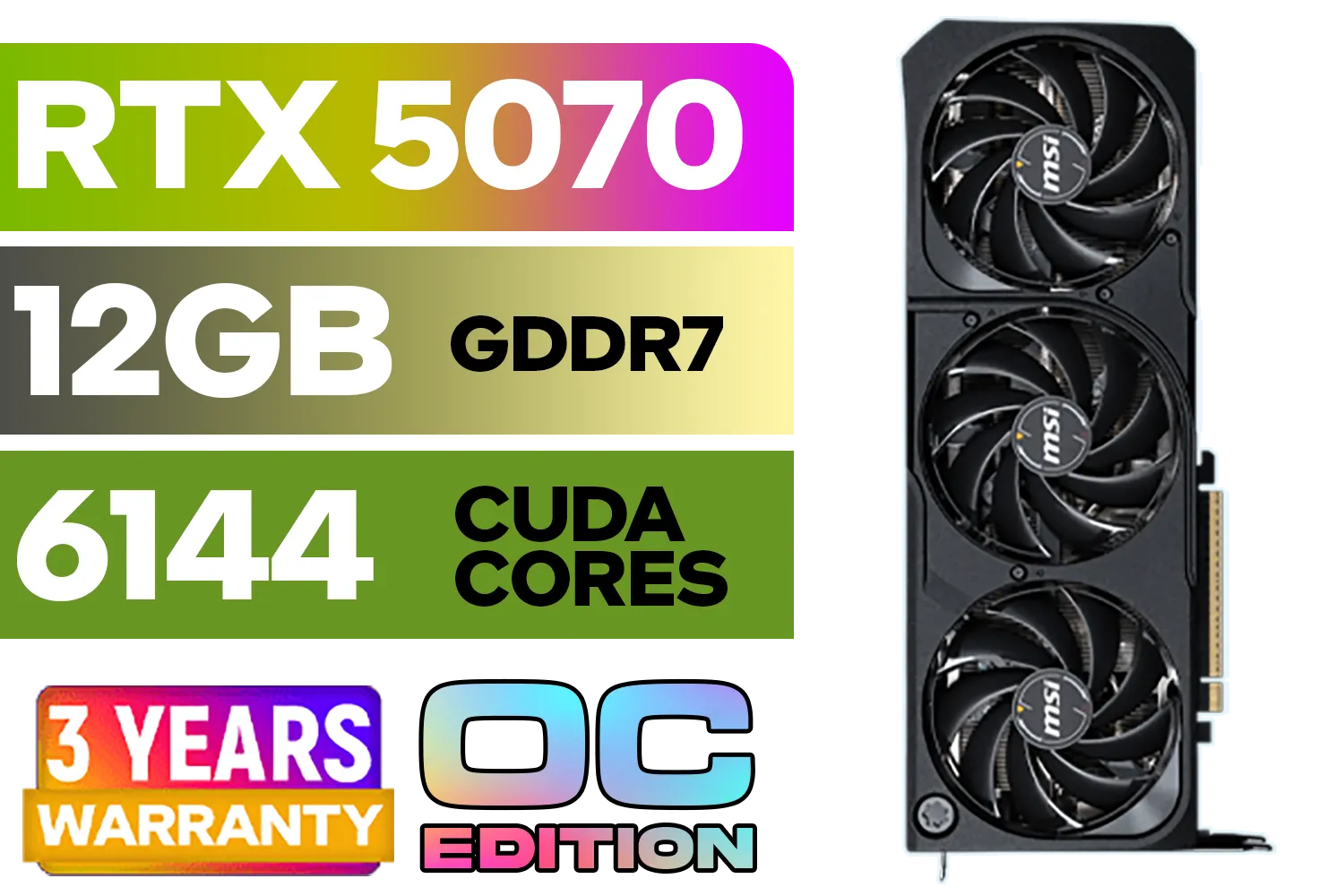
MSI GeForce RTX 5070 12GB SHADOW 3X OC / PCI Express Gen 5 / 6144 Cuda Cores / 12GB GDDR7 / DirectX 12 Ultimate / 912-V532-008
R13999.00In Stock
MSI Geforce RTX 5070 Ventus 2X 12G OC Graphics Card / 12GB GDDR7 / 6144 Cuda Cores / 192-bit Memory Interface / Boost Clock : 2542 MHz / NVIDIA Blackwell & DLSS 4 / 28Gbps Memory Speed / PCI Express® Gen 5 / 912-V532-009
R13999.00In Stock
XFX SWIFT AMD Radeon RX 9060 XT OC Triple Fan 16GB GDDR6 GPU - White / AMD RDNA 4 Architecture / 3rd Gen Radeon Raytracing Accelerators/ AMD Fidelity FX Super Resolution 4.0 Upscaling Technology / RX-96TS316W7
R8499.00In Stock
Palit GeForce RTX 5070 Infinity 3 12GB Graphics Card / 12GB GDDR7 / 6144 Cuda Cores / 192-bit Memory Interface / Boost Clock : 2512 MHz / NVIDIA Blackwell & DLSS 4 / NE75070019K9-GB2050S
R10799.00In Stock

XFX Swift AMD Radeon RX 9070 OC Graphics Card - White / 3584 Stream Processors / 256-bit Memory Interface / Boost Clock :2700 MHz / AMD RDNA™ 4 Architecture / RX-97SWFB3W9
R13499.00In Stock
Software Verification: The Ultimate Truth Test
If the physical inspection passes, the next step is to test it with software. This is where you can definitively identify a fake GPU, as software doesn't lie.
GPU-Z is Your Best Friend
Install the card and run GPU-Z. This tool reads the card's BIOS and hardware sensors directly. Pay close attention to these fields:
- GPU Name: Does it match what you bought?
- Shaders / CUDA Cores: This is a key performance metric.
- Memory Type & Size: Is it GDDR6 as advertised, or something older like DDR3?
- Release Date: Does the date make sense for the model?
Now, open a new tab and compare these specs directly against the official manufacturer's website or a trusted product page for authentic AMD Radeon GPUs. If the numbers don't match, you've spotted a fake.
Run a Benchmark
A fake GPU might trick the system about its name, but it can't fake performance. Run a free benchmark like Unigine Heaven or the 3DMark demo. A fraudulent RTX 2060 will deliver scores that are a fraction of what a real one produces. If the performance is shockingly low, you have your answer.
The Seller and The Sale: Avoiding GPU Scams in SA
Knowing how to spot a fake graphics card also means knowing how to spot a shady seller. Scammers are active on local marketplaces, preying on those looking for a good deal.
If The Price Is Too Good To Be True...
It is. No one is selling a brand-new R15,000 GPU for R4,000. Scammers use ridiculously low prices to lure in eager buyers. Always check the current market price on reputable sites first.
Vague Listings and Stock Photos
A legitimate seller will post clear, original photos of the actual card for sale, including the box and serial number. Be wary of listings that only use generic stock images pulled from the internet. This is a common tactic used to hide the true condition and identity of the product. This applies to all brands, from the most popular to newer ranges like Intel's Arc graphics cards.
Hype for New Releases
Scammers love to take advantage of the hype around new product launches. They'll create fake listings for highly anticipated cards that aren't even out yet to collect deposits from unsuspecting buyers. When the next generation arrives, be extra cautious of deals for something like the anticipated RTX 5060 that seem to defy logic.
Ready to Build with Confidence? Dodging scams is stressful. The simplest way to guarantee you're getting a 100% genuine, high-performance GPU is to buy from an authorised South African retailer. Explore our massive range of graphics cards and get the power you paid for, backed by a full local warranty.
Related Products
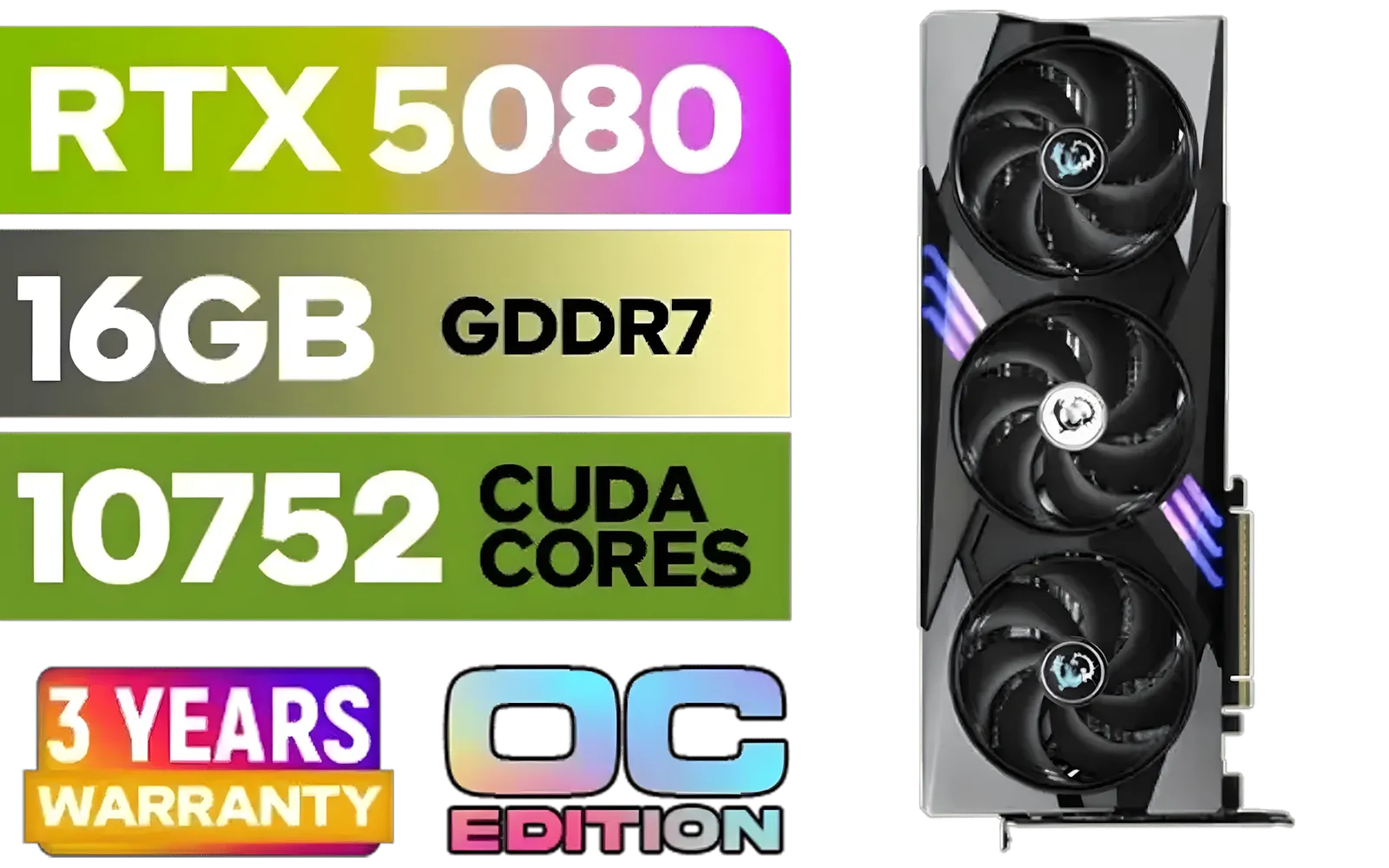
MSI GeForce RTX 5080 16G Gaming Trio OC Graphics Card - Precision Airflow Control - Nickel-Plated Copper Base - Metal Backplate - 16GB GDDR7 - 30Gbps Memory Speed - PCI Express® Gen 5 / 912-V531-026
R29499.00In Stock

MSI GeForce RTX 5070 Ti 16G Ventus 3X OC / 16GB GDDR7 / 28Gbps Memory Speed / PCI Express® Gen 5 / 912-V531-092
R19999.00In Stock

XFX SWIFT AMD Radeon RX 9070 XT Triple Fan 16GB GDDR6 GPU - White / AMD RDNA 4 Architecture / 3rd Gen Radeon Raytracing Accelerators/ AMD Fidelity FX Super Resolution 4.0 Upscaling Technology / RX-97TSWF3W9
R14799.00In Stock
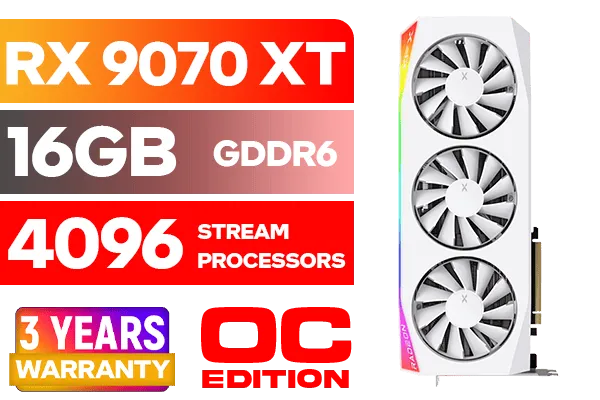
XFX Mercury AMD Radeon RX 9070 XT OC Magnetic Air Edition Graphics Card - White / 4096 Stream Processors / 256-bit Memory Interface / Boost Clock : 3100 MHz / AMD RDNA™ 4 Architecture / RX-97TMARGW9
R16299.00In Stock

PNY GeForce RTX 5070 EPIC-X 12GB OC Graphics Card / 12GB GDDR7 / 6144 Cuda Cores / 192-bit Memory Interface / Base Clock: 2160 MHz / 28 Gbps Memory Speed / DisplayPort 2.1b (x3), HDMI® 2.1b / VCG507012TFXXPB1-O
R13299.00In Stock

Palit GeForce RTX 5070 Ti GameRock 16G / 16GB GDDR7 / 28Gbps Memory Speed / PCI Express® Gen 5 / NE7507T019T2-GB2030G
R17999.00In Stock
Match box and shroud, run GPU-Z, verify GPU name, bus, and VRAM; do a gpu serial number check on the brand site. Any mismatch or spoofed specs means fake.
High memory temps, noisy fans, corrosion, replaced pads, or edited BIOS. Compare clocks vs stock and run a stress test gpu before buying to spot mining wear.
Bring a test PC, run 3DMark or Unigine, check VRAM errors, power draw, and hot spots with HWInfo. A quick stress test gpu before buying exposes faults.
Yes. Fake vram detection via GPU-Z and VRAM tests shows true memory size and bus width. If seller claims 8GB but tools show 3-4GB, walk away.
Use the brand's RMA page for a gpu warranty check South Africa; enter serial, region, and invoice. Avoid cards with voided warranty or missing proof.
Yes. Compare BIOS version to TechPowerUp's database; if hashes differ or board ID mismatches, it may be a mining gpu vs gaming gpu mod.
Ask for serial photos, original invoice, GPU-Z screenshot, cooler-off pics, and a short load video. These steps help avoid gpu scams on marketplace.








