



Spot Fake GPU and Ex-Mining GPUs in South Africa (2025)
Spot fake GPU before you buy in South Africa. This 2025 guide shows how to verify serials, BIOS, VRAM, power draw, and warranty to avoid ex-mining cards. 🔎⚠️

Scored a crazy deal on a high-end graphics card online? Hold up, boet. Before you hand over your hard-earned cash, let's talk. The South African second-hand market is flooded with duds: counterfeit cards and knackered ex-mining GPUs just waiting to die. This guide will arm you with the knowledge to spot a fake GPU from a mile away and avoid the heartbreak of a dead-on-arrival card. Let's keep your gaming rig safe. 🛡️
The Risks of Buying Used GPUs in SA

Palit GeForce RTX 5080 GamingPro 16GB GDDR7 / 30Gbps Memory Speed / PCI Express® Gen 5 / NE75080019T2-GB2031A
R24199.00In Stock
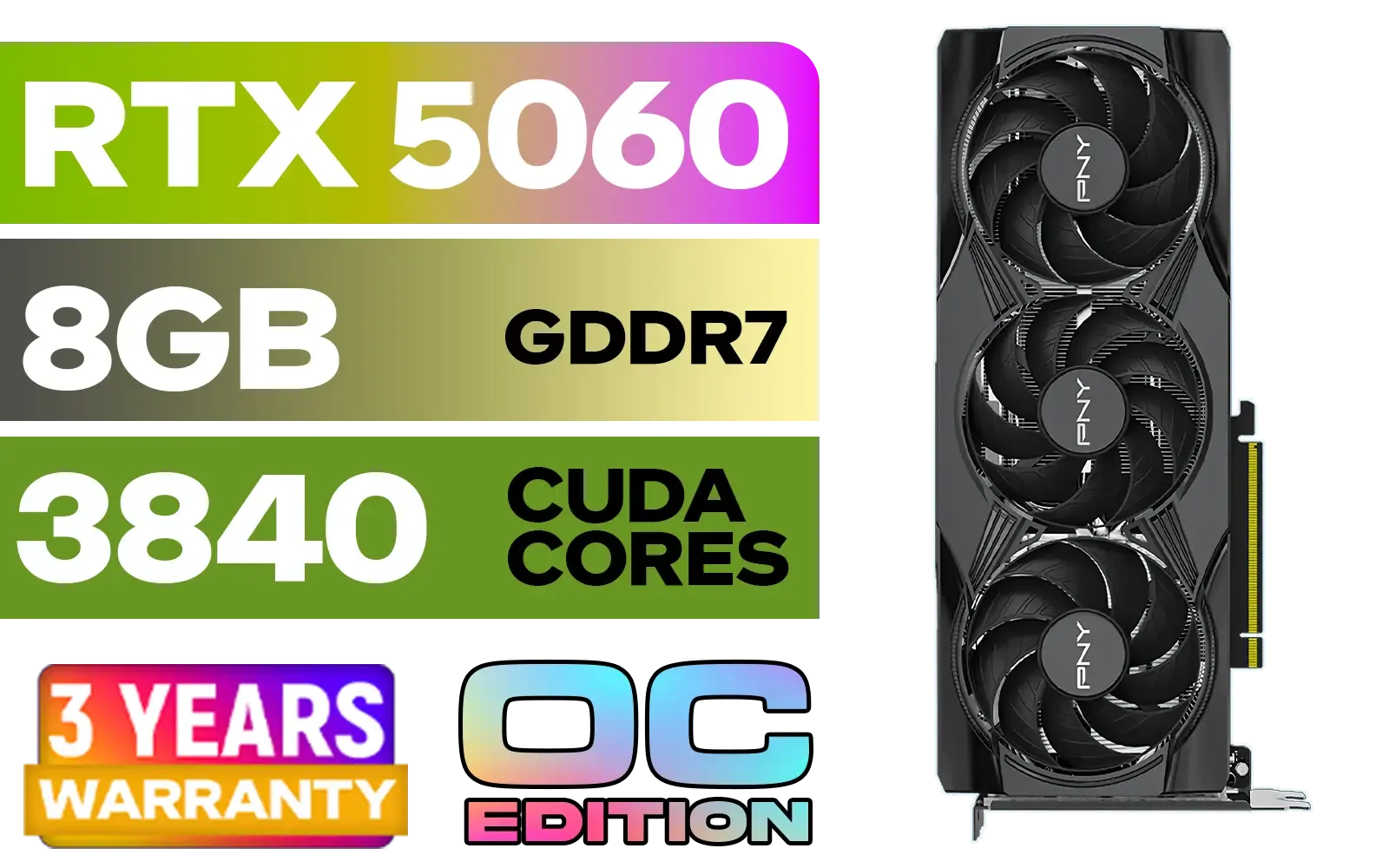
PNY GeForce RTX 5060 EPIC-X 8GB OC Graphics Card / 8GB GDDR7 / 3840 Cuda Cores / 128-bit Memory Interface / Boost Clock: 2580 MHz / 28 Gbps Memory Speed / DisplayPort 2.1b (x3), HDMI® 2.1b / PCI-Express 5.0 x8 / 9VCG50608TFXXPB1-O
R7499.00In Stock

ASRock Intel ARC B580 Steel Legend OC Graphics Card / 12Gb 192-bit GDDR6 / DirectX 12 Ultimate / 2560 Cores / 2800MHz Engine Clock / 90-GA5CZZ-00UANF
R6999.00In Stock

MSI GeForce RTX 5070 Ti 16G Ventus 3X OC / 16GB GDDR7 / 28Gbps Memory Speed / PCI Express® Gen 5 / 912-V531-092
R19999.00In Stock

Leadtek NVIDIA RTX 5000 ADA 32GB GDDR6 Workstation Graphics Card / 12800 Nvidia CUDA Cores / 576GB/s Memory Bandwidth / Ada Lovelace GPU architecture / 126V5000100
R96999.00In Stock
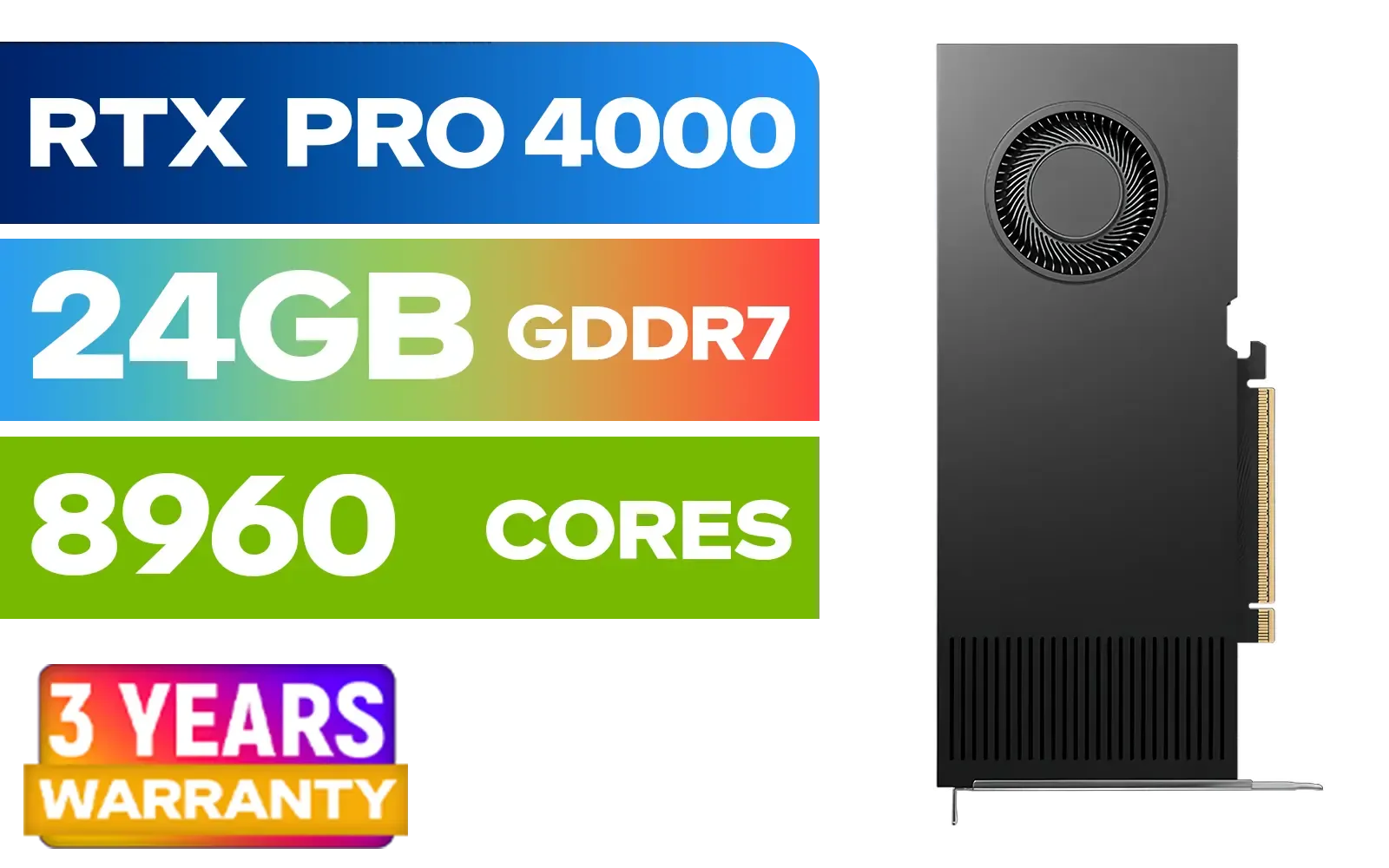
PNY RTX PRO 4000 Blackwell 24GB Graphics Card / 8960 CUDA CORES / 24GB GDDR7 with ECC / 192-bit Memory / VCNRTXPRO4000-PB
R31999.00In Stock
The crypto boom left a graveyard of graphics cards that were run 24/7 for months, sometimes years. When the market crashed, these cards hit marketplaces like Gumtree and Facebook. An ex-mining GPU might look fine, but its lifespan has been drastically shortened. Fake GPUs are even worse; they're often old, slow cards with a modified BIOS to trick your system into thinking they're something much more powerful. You think you're buying an RTX 3070, but you get GT 730 performance.
Your Checklist to Spot a Fake GPU
Counterfeiters are getting clever, but they often slip up. Here’s how you, as a savvy buyer in South Africa, can catch them out before you get caught. 🕵️♂️
The Physical Inspection
Look closely at the card. Does the cooler shroud look cheap or flimsy? Is the branding... off? Fake cards often use generic coolers slapped onto an old PCB. Check the video outputs. If an "RTX 4070" only has a VGA port, run! Also, compare the card in the seller's photos to official product images on the manufacturer's website. If something about the colour, logo placement, or size seems wrong, trust your gut.
Software is Your Secret Weapon
This is the most reliable check. Ask the seller for a screenshot of GPU-Z, or better yet, run it yourself if you can inspect the card in person. This free utility reads the card's BIOS and tells you exactly what it is.
- Check the GPU Name: Does it match the box and the ad?
- Verify the Specs: Compare the memory type (GDDR6 vs DDR3), shader count, and clock speeds to the official specs for that model. A fake will have drastically lower specs.
- Look for the "Fake" Tag: GPU-Z can often detect known fakes and will literally display "[FAKE]" next to the card name. It's a lifesaver.
TIP FOR YOU
Pro Tip: The GPU-Z Check ⚡
Always download GPU-Z from its official source, TechPowerUp. When you run it, pay close attention to the "Release Date" and "GPU" fields. A card advertised as an RTX 3060 but showing a GPU chip from 2012 is a dead giveaway that you're looking at a scam.

MSI Geforce RTX 5060 Ventus 2X 8G OC Graphics Card / 8GB GDDR7 / 3840 Cuda Cores / 128-bit Memory Interface / Boost Clock : 2527 MHz / PCI Express® Gen 5 / 912-V537-017
R7699.00In Stock
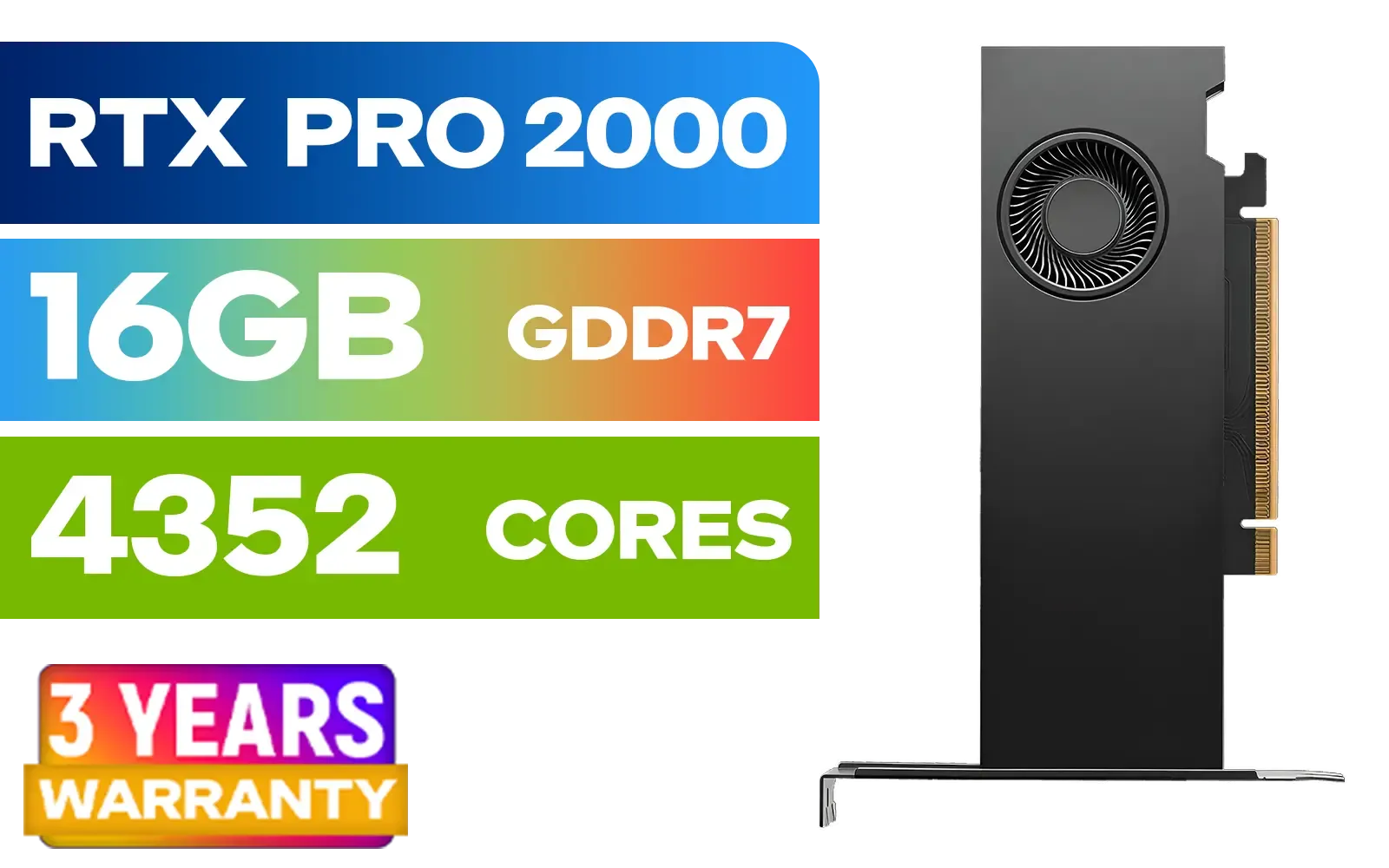
PNY RTX PRO 2000 Blackwell 16GB Graphics Card / 4352 CUDA CORES / 16GB GDDR7 with ECC / 128-bit Memory / NVIDIA Blackwell Architecture / VCNRTXPRO2000-PB
R15399.00In Stock

Leadtek NVIDIA RTX A1000 8GB GDDR6 Workstation Graphics Card / 2304 Nvidia CUDA Cores / 192GB/s Memory Bandwidth / Nvidia Ampere Architecture / 126W8000100
R10999.00In Stock

XFX SWIFT AMD Radeon RX 9070 XT Triple Fan 16GB GDDR6 GPU - White / AMD RDNA 4 Architecture / 3rd Gen Radeon Raytracing Accelerators/ AMD Fidelity FX Super Resolution 4.0 Upscaling Technology / RX-97TSWF3W9
R14799.00In Stock

MSI GeForce RTX 5060 8G Gaming Trio OC Graphics Card / 8GB GDDR7 / 3840 Cuda Cores / 128-bit Memory Interface / Boost Clock : 2625 MHz / PCI Express® Gen 5 / 912-V537-021
R8499.00In Stock
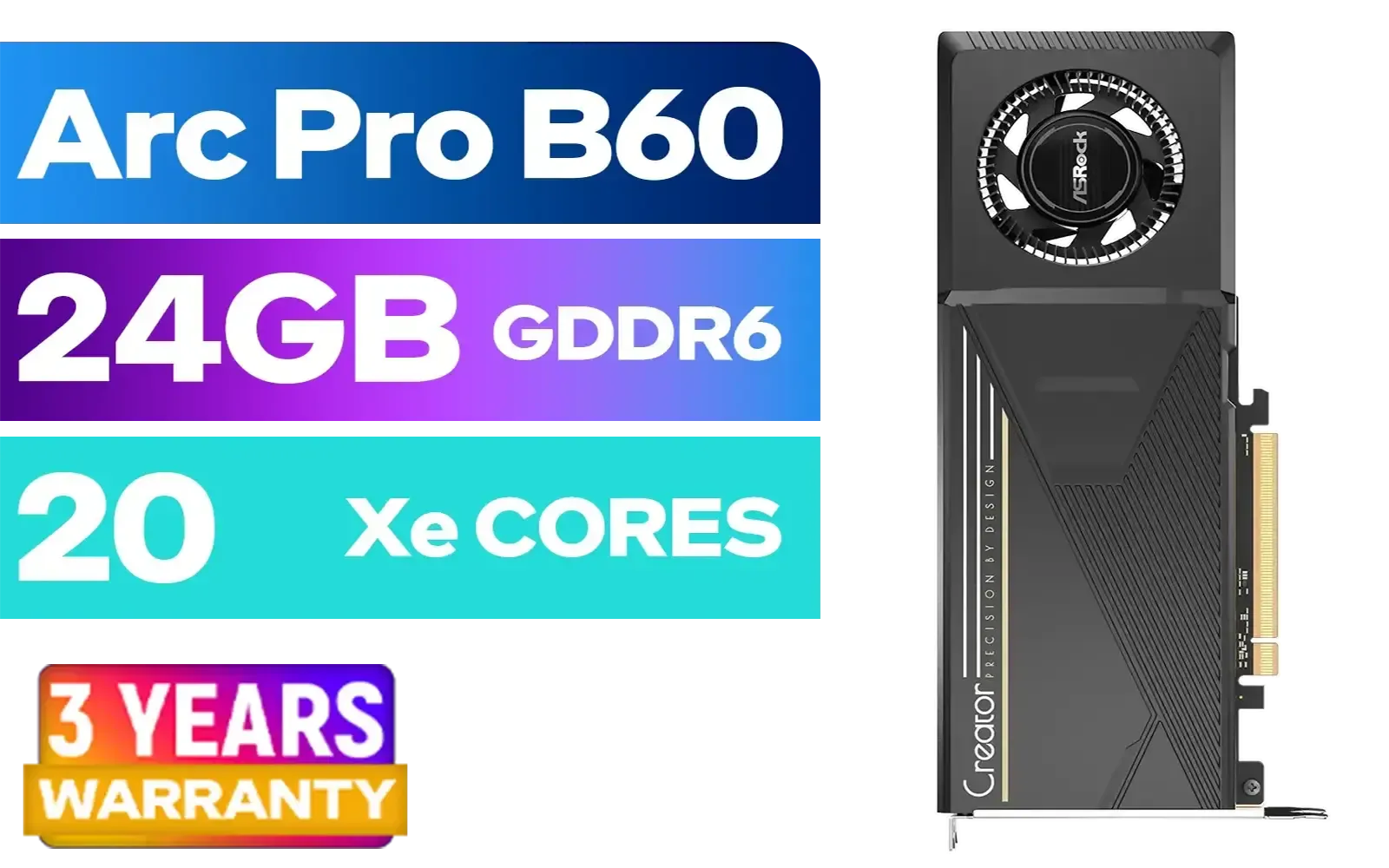
ASRock Intel Pro B60 Creator 24GB Graphics Card / 24GB 192-bit GDDR6 / GPU Clock: 2400 MHz / Microsoft® DirectX® 12 Ultimate / 160 Intel® XMX Engines / Intel® Xe2-HPG Architecture / 90-GA60ZZ-00UBNF
R12499.00In Stock
How to Identify Ex-Mining GPUs
An ex-mining GPU isn't a fake, but it's a high-risk purchase. These cards have been pushed to their thermal limits for extended periods, leading to degraded memory and a dying core. While a professional running demanding simulations on certified workstation graphics cards expects reliability, mining cards have the opposite history—maximum stress with minimal care.
Visual Clues of a Hard Life
Look for a yellowish tint or discolouration on the circuit board (PCB), especially around the GPU core and memory chips. This is a sign of prolonged exposure to high heat. Are the fans exceptionally loud or rattling? They might be on their last legs. While some sellers clean their cards, check for fine, stubborn dust in the heatsink fins—a sign it's been running hard in a mining farm.
The All-Important Stress Test
If you can test the card, do it. Run a demanding benchmark like FurMark or 3DMark Time Spy for at least 15-20 minutes. Watch the temperatures and look for any visual glitches, known as artifacts (weird coloured blocks or lines on the screen). A healthy card should handle this without crashing or artifacting. Whether you're considering a budget-friendly option from the NVIDIA GeForce GTX series or a powerful card from the AMD Radeon lineup, a proper stress test is non-negotiable for a second-hand purchase.
The Smart Choice: Why New is Nearly Always Better
Look, we get it. Everyone loves a bargain. But when you factor in the risks, the lack of warranty, and the potential for a complete dud, is that second-hand 'deal' really worth it? Buying a new GPU from a trusted retailer like Evetech gives you peace of mind. You get a full manufacturer's warranty, guaranteed performance, and the latest technology. Even the newer players in the market, like the surprisingly capable Intel Arc graphics cards, offer incredible value when bought new. This problem of fakes will persist, even as we look forward to future releases like the much-anticipated RTX 5060.
Ready for a Guaranteed Upgrade? Don't gamble with your gaming rig on the second-hand market. The peace of mind that comes with a brand-new, warrantied GPU is priceless. Explore our massive range of brand-new graphics cards and build your PC with confidence.
Related Products
Palit GeForce RTX 5080 GamingPro 16GB GDDR7 / 30Gbps Memory Speed / PCI Express® Gen 5 / NE75080019T2-GB2031A
R24199.00In Stock
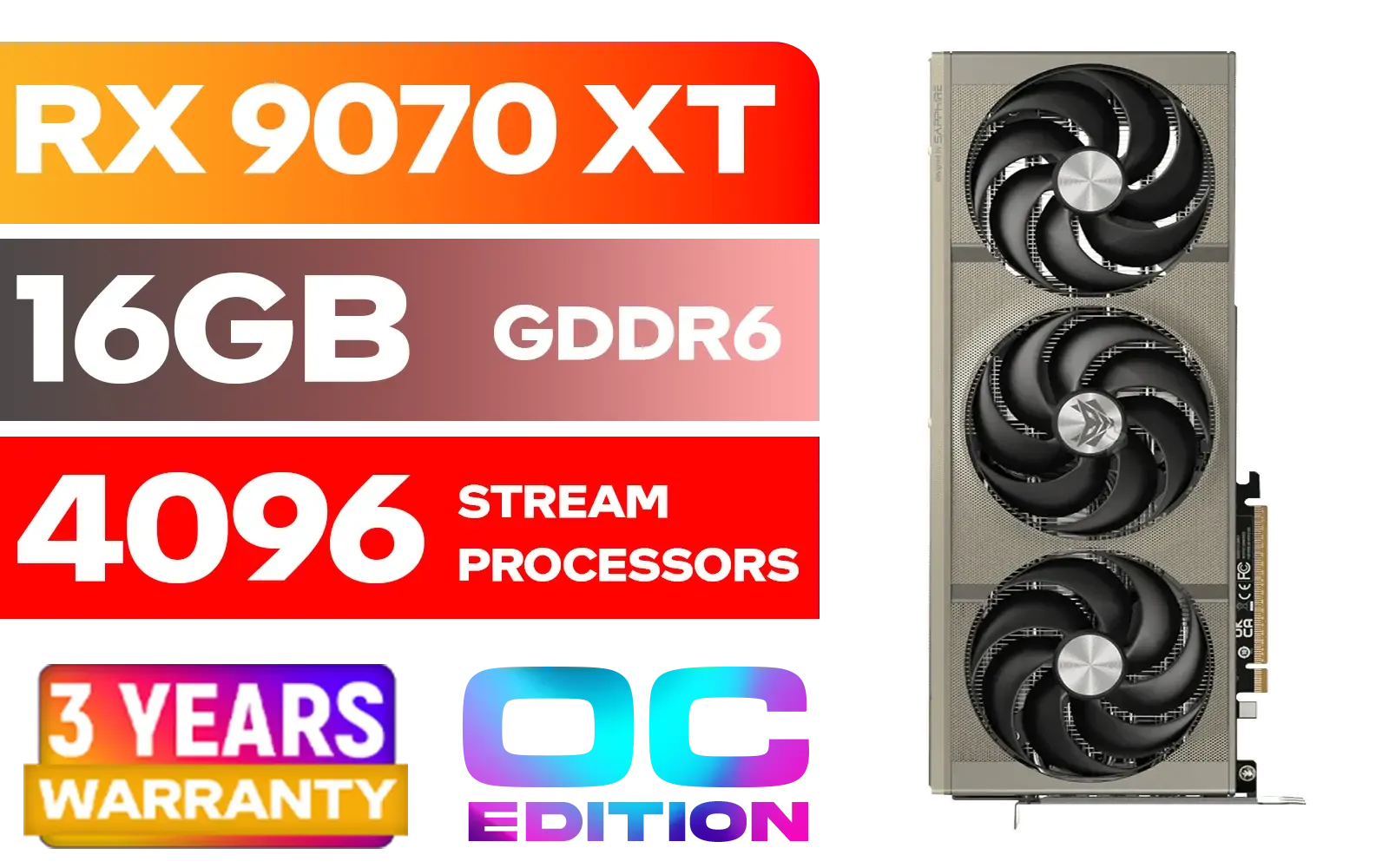
SAPPHIRE NITRO+ RX 9070 XT Gaming OC 16GB Graphics Card / 16GB GDDR6 Memory / 4096 Stream Processors / 256-bit Memory Interface / Boost Clock : 3060 MHz / AMD RDNA™ 4 Architecture / 64 Ray Accelerators / 11348-01-20G
R14999.00In Stock
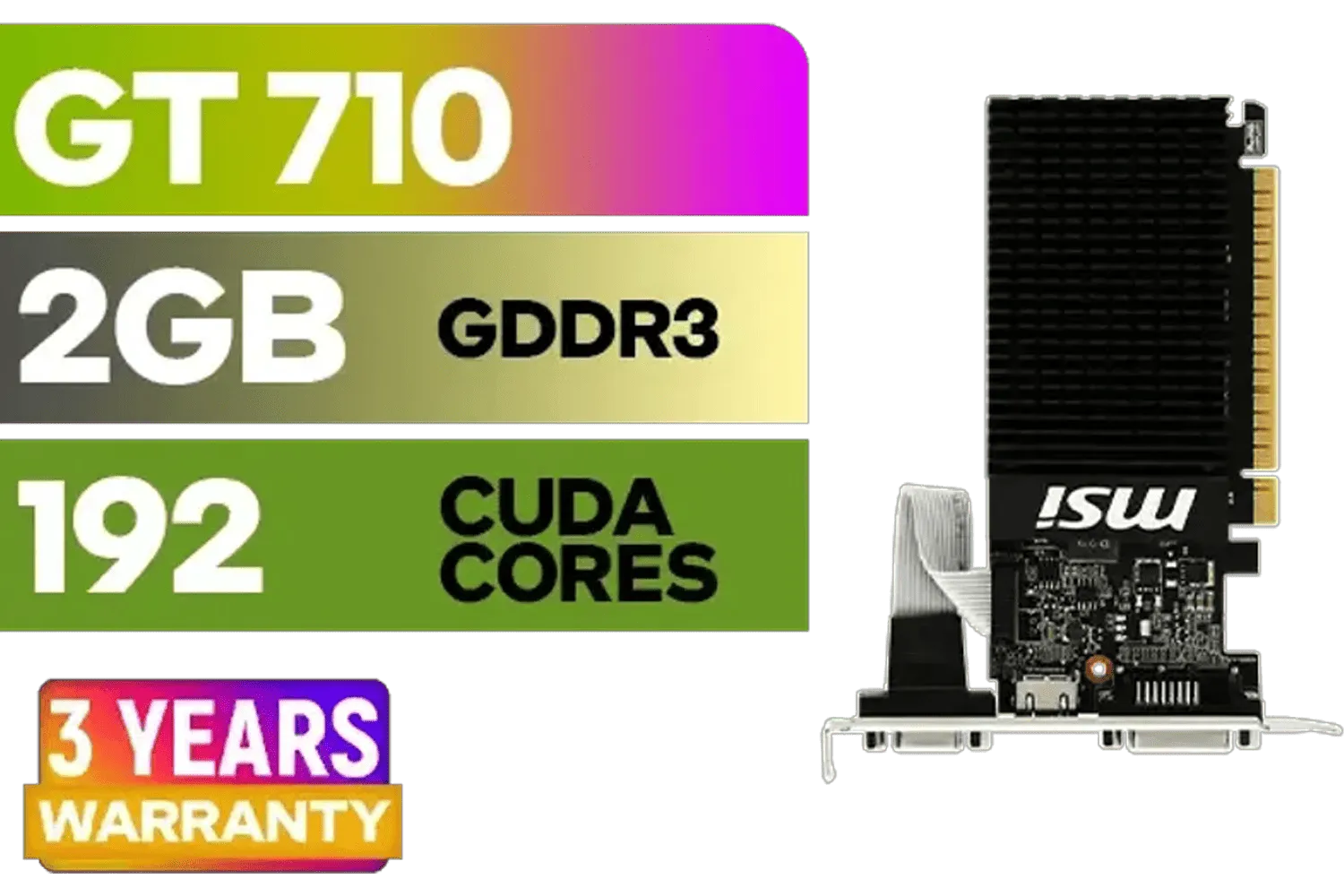
MSI GeForce GT 710 2GD3H LP 2GB DDR3 Graphics Card / 192 CUDA CORES / 64-bit Memory / 1x HDMI / 1x Dual-link DVI-D / 1x D-Sub / 912-V809-4217
R1099.00In Stock

XFX SWIFT AMD Radeon RX 9060 XT OC Triple Fan 16GB GDDR6 GPU - White / AMD RDNA 4 Architecture / 3rd Gen Radeon Raytracing Accelerators/ AMD Fidelity FX Super Resolution 4.0 Upscaling Technology / RX-96TS316W7
R8499.00In Stock

MSI Geforce RTX 5070 Ventus 2X 12G OC Graphics Card / 12GB GDDR7 / 6144 Cuda Cores / 192-bit Memory Interface / Boost Clock : 2542 MHz / NVIDIA Blackwell & DLSS 4 / 28Gbps Memory Speed / PCI Express® Gen 5 / 912-V532-009
R13999.00In Stock

MSI GeForce RTX 5070 12G VENTUS 3X OC Graphics Card / 12GB GDDR7 / 6144 Cuda Cores / 192-bit Memory Bus / Boost Clock : 2542 MHz / PCI Express® Gen 5 / 912-V532-007
R14999.00In Stock
Check GPU-Z device ID and VRAM, run a VRAM test (OCCT/MemTest), and compare power draw to the model spec. Any mismatch likely means a fake.
Worn screws, dust caking, replaced pads, noisy fans, and edited BIOS are red flags. Stress test for throttling and memory errors—classic ex-mining GPU signs.
Match serials on PCB, shroud, and box; confirm on the brand site; request proof of purchase and warranty from local distributors or the retailer.
No. BIOS spoof can fake names. Cross-check device ID, core count, memory bus width, and benchmarks versus the official spec sheet to verify.
Run OCCT VRAM, 3DMark Stress, and a short FurMark while logging watts in HWiNFO. Artifacts or unstable power draw expose faulty or fake cards.
Stock photos, no serial pics, cash-only meetups, too-low price, and refusal to run tests or share warranty are common Gumtree GPU scams.
Yes, if priced right, with fresh pads, normal temps, clean VRM, and a verifiable warranty. Otherwise, skip it.








