SSD Sequential Read Write Speeds: The Ultimate Performance Guide
Confused by SSD sequential read write speeds? 🚀 Discover what these numbers mean for gaming and workflow performance. We break down the specs to help you choose the fastest drive for your PC build. ⚡
|
Loading tags...

Staring at a loading screen while your mates are already dropping into the action? That painful delay... that's often the difference between a good SSD and a great one. Understanding SSD sequential read write speeds isn't just for tech gurus; it's your ticket to faster boot times, quicker game loads, and a smoother PC experience. Let's demystify these numbers and find the drive that’ll keep you in the fight, not on the sidelines. 🚀

Kingston IronKey Vault Privacy 80 1.92TB External SSD | FIPS 197 | XTS-AES 256GB Encrypted | Touch Screen PIN | Secure Data Protection | IKVP80ES/1920G
R6999.00In Stock
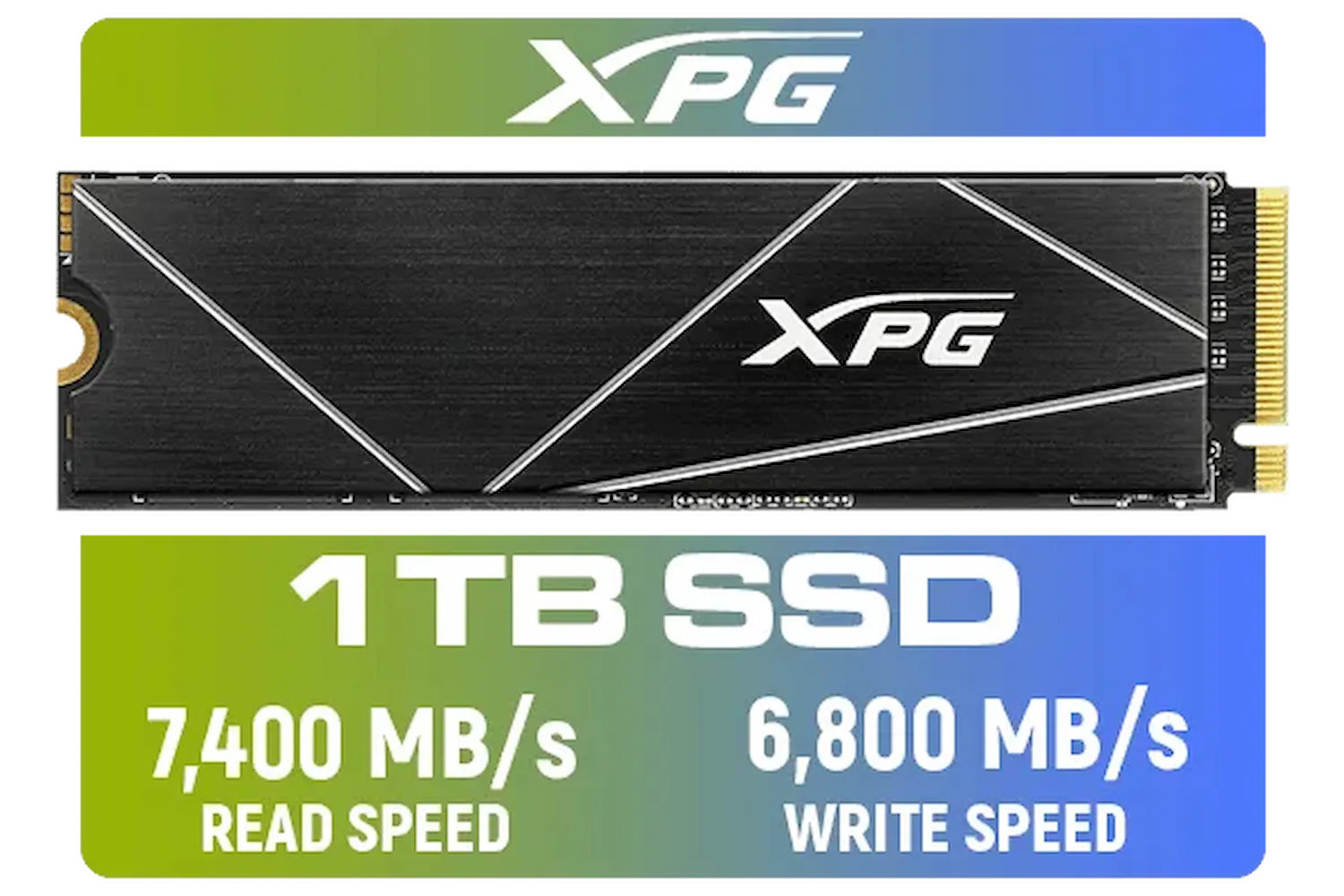
ADATA XPG 1TB GAMMIX S70 Blade - Works with Playstation 5, PCIe Gen4 M.2 2280 Internal Gaming SSD Up to 7,400 MB/s / AGAMMIXS70B-1T-CS
R2599.00In Stock
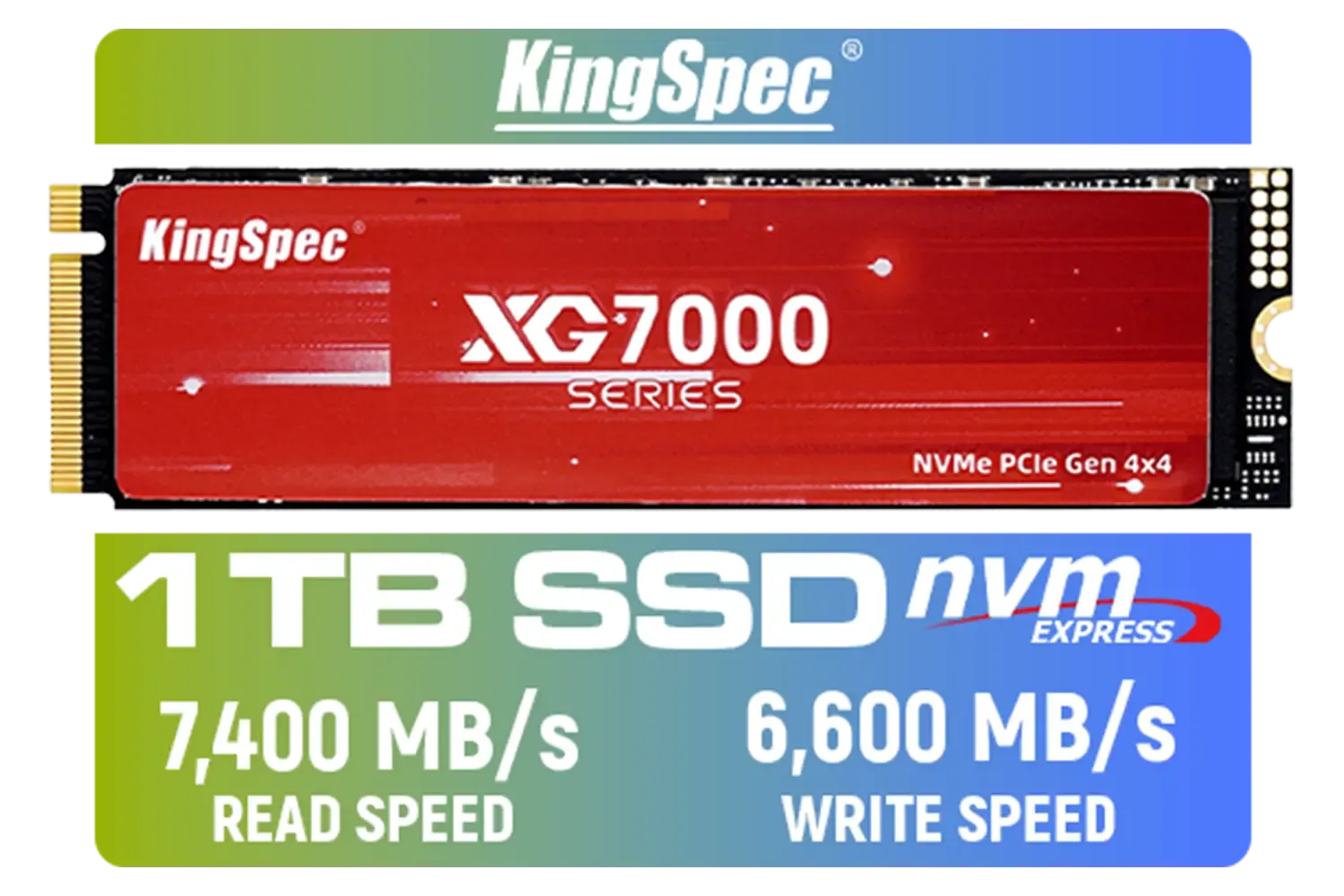
KingSpec XG7000 1TB NVMe Internal Solid State Drive SSD / TLC NAND flash memory / PCIe Gen 4.0, M.2 2280, Up to 7400MB/s/6600MB/s Read/Write Speeds / XG7000-2280-1TB
R1999.00In Stock

Kingston KC3000 PCIe 4.0 NVMe M.2 2TB SSD - High-Performance Storage for Desktop and Laptop PCs -SKC3000D/2048G
R3999.00In Stock

XPG 4TB GAMMIX S70 Blade PCIe Gen4 M.2 2280 Internal Gaming SSD Up to 7,400 MB/s - Works with Playstation 5 / AGAMMIXS70B-4T-CS
R6999.00In Stock
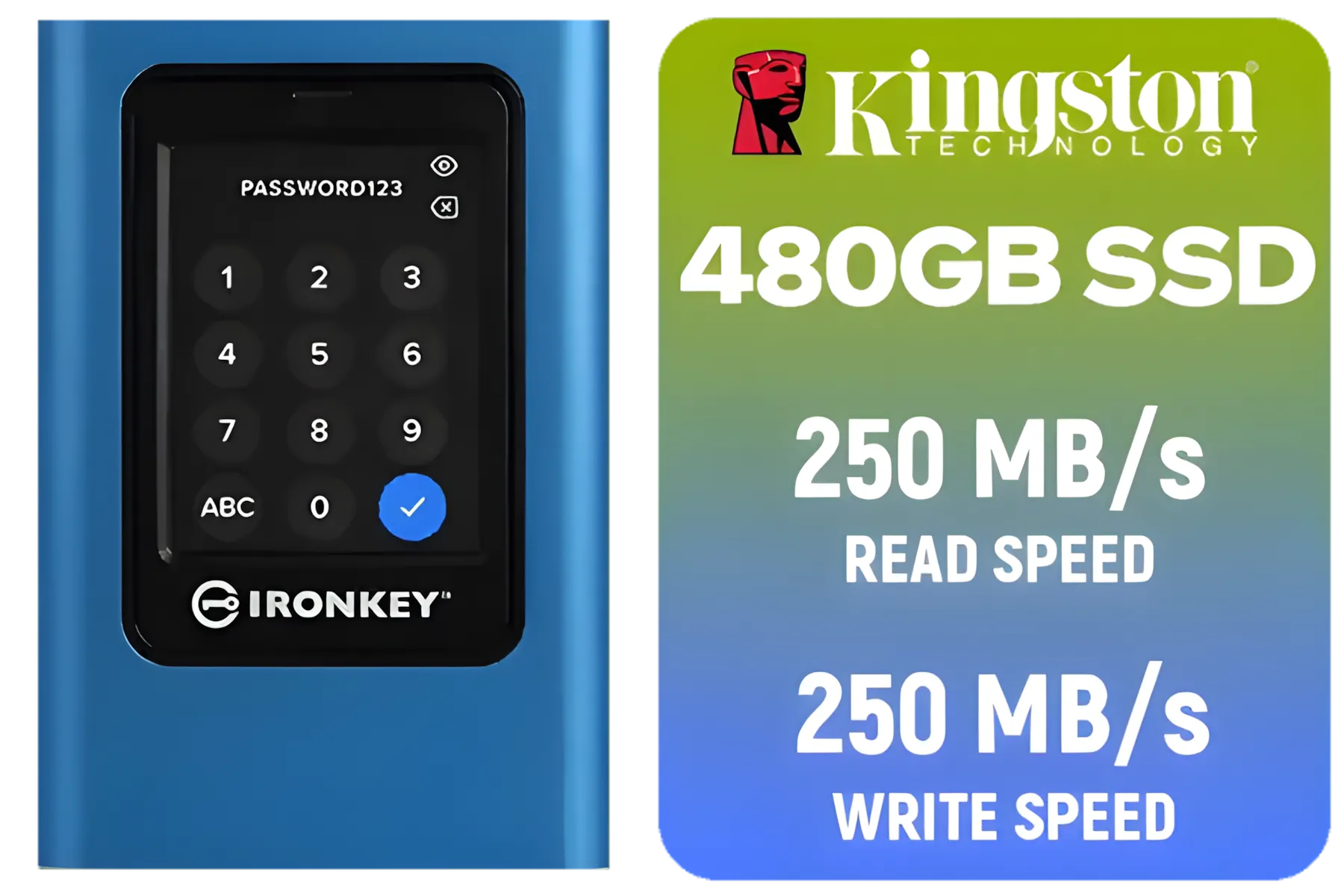
Kingston IronKey Vault Privacy 80 480GB External SSD | FIPS 197 | XTS-AES 256GB Encrypted | Touch Screen PIN | Secure Data Protection | IKVP80ES/480G
R4199.00In Stock
What Are SSD Sequential Read Write Speeds?
Think of your SSD as a digital library. "Sequential read speed" is how fast it can read a book (a large file like a game level or 4K video) from start to finish, page by page. "Sequential write speed" is how fast it can write that book down in one continuous go, like when you're installing a game or saving a big video project.
Measured in megabytes per second (MB/s), higher numbers mean faster performance for these specific, large-file tasks. It's the headline spec you see on the box, and for good reason.
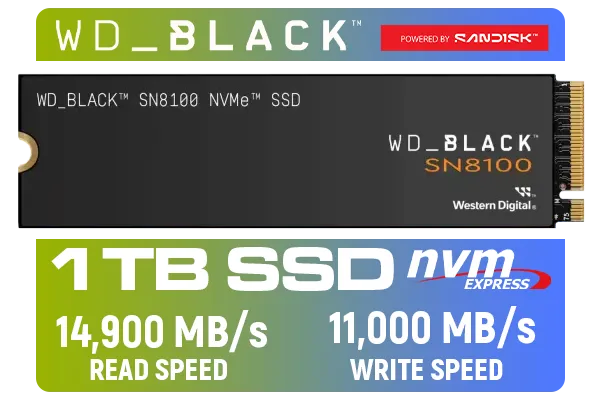
Western Digital SN8100 NVMe Internal Solid State Drive - 1TB / Sequential Read, Write Performance - 14900MB/s, 11000MB/s / PCIe Gen 5 / WDS100T1X0M
R3999.00In Stock
XPG 4TB GAMMIX S70 Blade PCIe Gen4 M.2 2280 Internal Gaming SSD Up to 7,400 MB/s - Works with Playstation 5 / AGAMMIXS70B-4T-CS
R6999.00In Stock
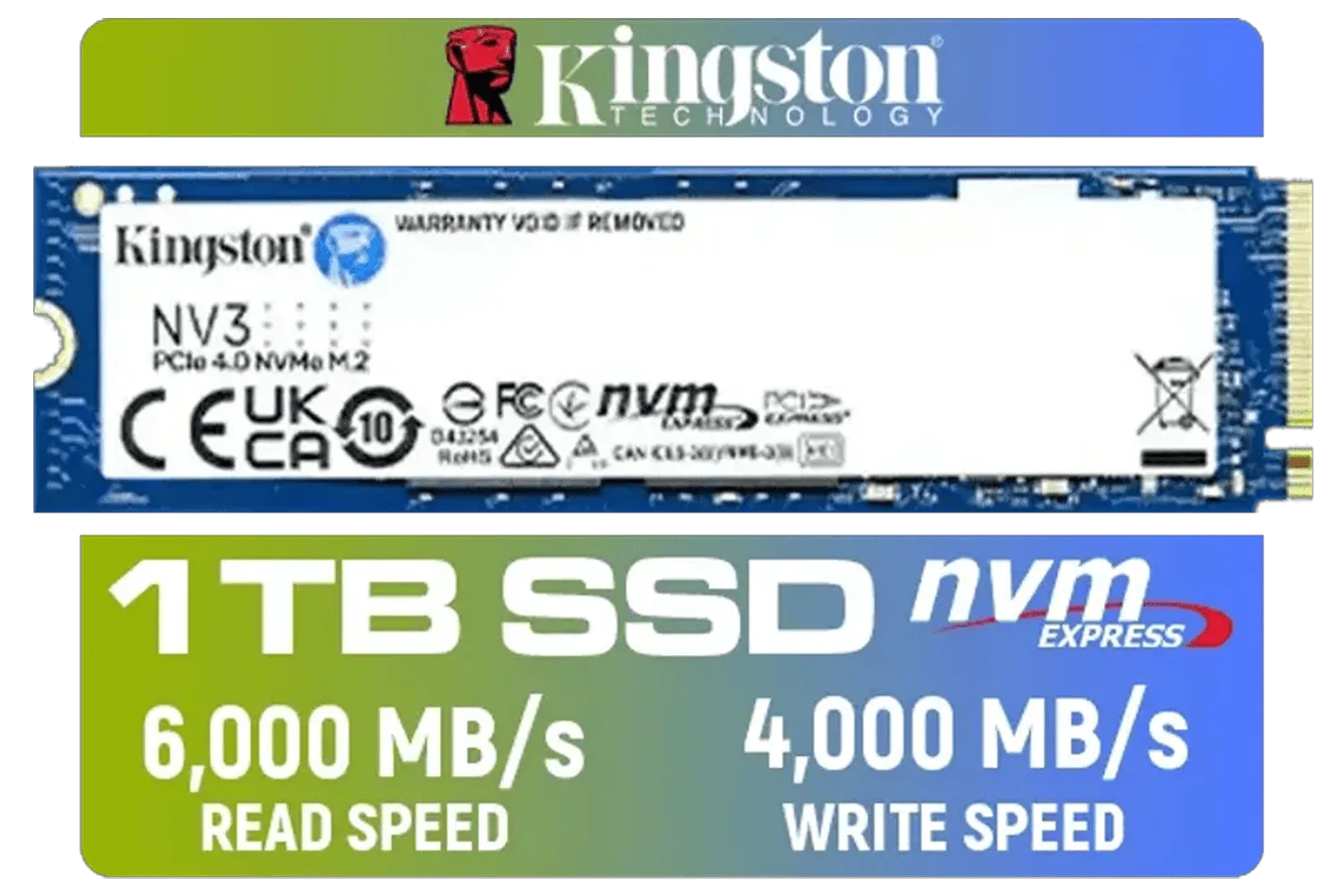
Kingston 1000G NV3 NVMe SSD / Up to 6,000MB/s Read / Up to 4,000MB/s Write / PCIe 4.0 x4 NVMe / M.2 2280 Form Factor / SNV3S/1000G
R1999.00In Stock
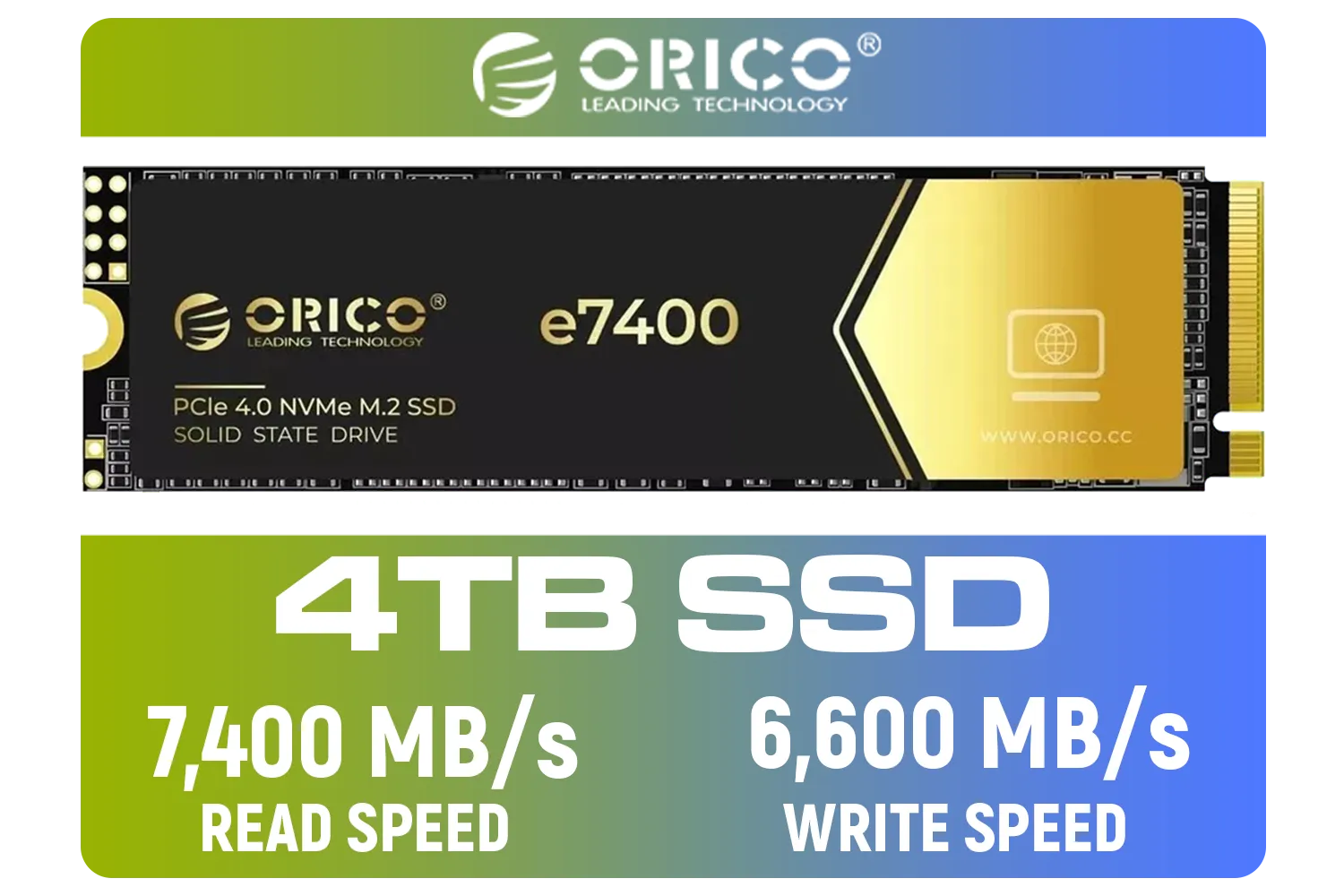
ORICO e7400 M.2 NVMe SSD - 4TB / PS5 Compatible / PCIe Gen4.0 x4 / Up to 7,400MB/s Read and 6,600MB/s Write Speeds / ORICO-e7400-4TB-GD-BP
R5949.00In Stock

Kingston Fury Renegade 1TB PCIe Gen 5.0 NVMe M.2 Internal SSD / Maximum Read Speed 14,200 MB/s / Maximum Write Speed 11,000 MB/s / Advanced thermal design / SFYR2S/1T0
R4199.00In Stock

ADATA SD810 2000G USB-C 2TB External Solid State Drive - Black / IP68 Water Resistance / Up to 2000 MB/s Read/Write Speeds / USB 3.2 Gen 2 for iPhone 15/Pro/Max, Android / SD810-2000G-CBK
R3199.00In Stock
Why Sequential Performance Matters for Gamers and Creators
For South African gamers, high sequential read speeds are critical. When you're loading into a massive open-world map in Cyberpunk 2077 or jumping into a new match in Warzone, the game is reading huge chunks of data. A drive with blistering SSD sequential read write speeds cuts those loading times down dramatically. You spend less time waiting and more time playing.
Content creators feel it, too. Editing high-resolution video, rendering complex 3D models, or transferring massive project files all rely heavily on fast sequential performance. A drive like the KLEVV CRAS C925G 1TB Gen4 NVMe SSD can slash render times, making your workflow significantly more efficient. ✨
TIP FOR YOU
Don't Bottleneck Your Speed! 🔧
Before you buy a super-fast Gen4 or Gen5 SSD, double-check your motherboard's manual or product page. Your M.2 slot must support the same PCIe generation to unlock the drive's maximum sequential read write speeds. Plugging a Gen4 drive into a Gen3 slot will limit its performance to Gen3 levels. It'll work, but you'll be leaving a lot of speed on the table!
Decoding the Numbers: Gen3 vs. Gen4 vs. Gen5
The "Gen" refers to the generation of the PCIe interface your SSD uses. Each new generation roughly doubles the potential speed.
- PCIe Gen3: The old standard, topping out around 3,500 MB/s. Still great for general use and budget builds.
- PCIe Gen4: The current sweet spot, hitting speeds of 7,000 MB/s or more. Ideal for modern gaming rigs and workstations.
- PCIe Gen5: The new frontier, pushing past 12,000 MB/s. It's bleeding-edge tech for those who demand absolute maximum performance.
As technology evolves, you can count on trusted brands like Klevv South Africa to deliver reliable performance across these generations, ensuring you get the speed you pay for.

ADATA SU650 2TB 3D-NAND SATA 2.5 inch Internal SSD / 520MBs/450MBs - Read/Write Speed / ASU650SS-2TT-R
R1999.00In Stock
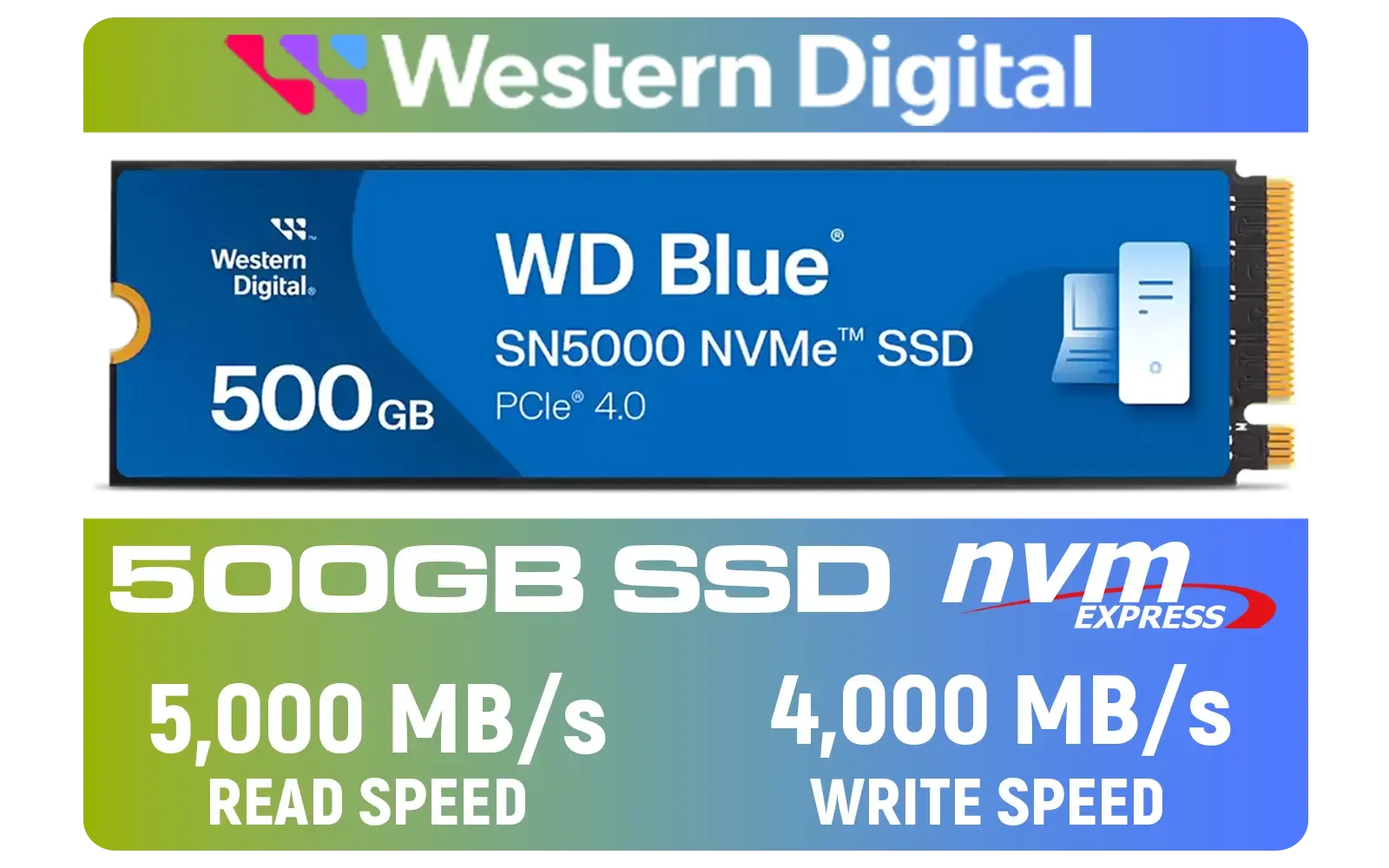
Western Digital 500GB WD Blue SN5000 NVMe Internal Solid State Drive SSD / PCIe Gen 4.0, M.2 2280 / Up to 5,000MB/s Read Speed / Up to 4,000MB/s Write Speed / WDS500G4B0E
R1299.00In Stock
ADATA XPG 1TB GAMMIX S70 Blade - Works with Playstation 5, PCIe Gen4 M.2 2280 Internal Gaming SSD Up to 7,400 MB/s / AGAMMIXS70B-1T-CS
R2599.00In Stock

Kingston Fury Renegade 4TB NVMe SSD / M.2 2280 Form Factor / PCIe Gen5.0 / Up to 14,800MB/s Read / Up to 14,000MB/s Write / SFYR2S/4T0
R9999.00In Stock
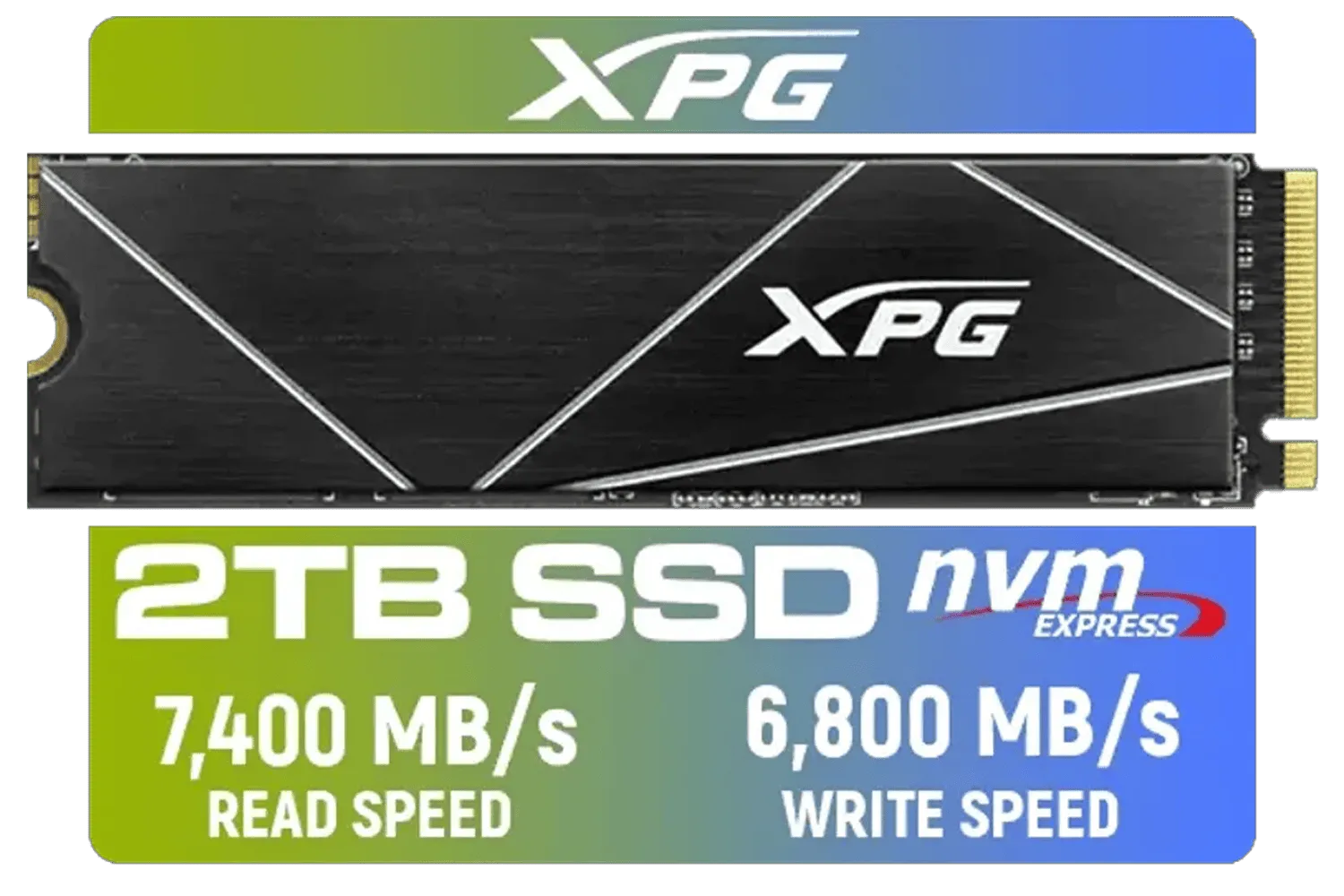
XPG 2TB GAMMIX S70 Blade - Works with Playstation 5, PCIe Gen4 M.2 2280 Internal Gaming SSD Up to 7,400 MB/s (AGAMMIXS70B-2T-CS)
R3699.00In Stock

Corsair MP600 PRO NH 8TB PCIe Gen4 x4 NVMe M.2 SSD – High-Density TLC NAND – M.2 2280 – DirectStorage Compatible - Up to 7,000MB/sec - No Heatsink - Black / CSSD-F8000GBMP600PNH
R22999.00In Stock
Is Bigger Always Better? Sequential vs. Random Speeds
So, should you just buy the drive with the highest sequential numbers? Not necessarily. While sequential speeds are vital for large files, your PC's overall snappiness—like booting up Windows or launching a browser—depends more on random read/write speeds.
Random speeds measure how quickly the drive can access small, scattered bits of data. Think of it as flicking to random pages in a book instead of reading it cover to cover. For a balanced, high-performance system, you need a drive that does both well. When you browse our full range of SSDs, you'll see a variety of options tailored for different needs and budgets.
Ultimately, understanding SSD sequential read write speeds empowers you to make a smarter choice, ensuring your next upgrade delivers the real-world performance boost you're looking for. ⚡
Ready to Eliminate Loading Screens? Understanding SSD speeds is the first step. The next is finding the perfect drive for your rig and budget. Whether you're a competitive gamer or a content creator, the right SSD makes all the difference. Explore our massive range of SSDs and find the perfect drive to conquer your world.
Related Products

KLEVV CRAS C930 2TB M.2 NVMe PCIe Gen4x4 Internal Gaming SSD with Heatsink, Compatible with PS5, up to 7400MB/s with DRAM Cash / K02TBM2SP0-C93
R3999.00In Stock

Orico X7000 4TB NVMe Internal Solid State Drive SSD / Versatile storage for multiple platforms / PCIe Gen 4.0, M.2 2280 / Up to 7100MB/s Read Speed / Up to 6500MB/s Write Speed / ORICO-X7000-4TB-RD-BP
R6199.00In Stock

Corsair MP700 PRO with Air Cooler 2TB M.2 PCIe Gen5 x4 NVMe 2.0 SSD – M.2 2280 – Up to 12,400MB/sec Sequential Read – High-Density TLC NAND – Black / CSSD-F2000GBMP700PROS
R6699.00In Stock
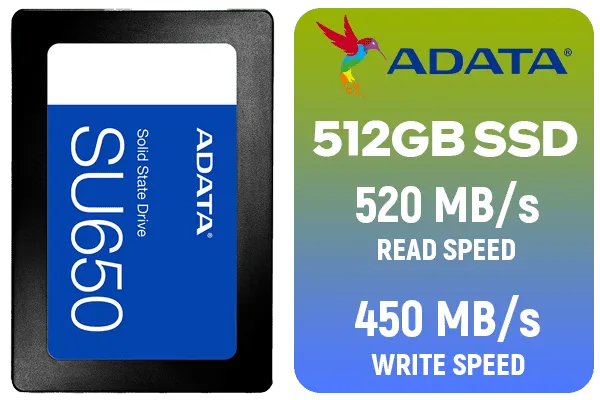
ADATA SU650 512GB 3D-NAND SATA 2.5 inch Internal SSD / ASU650SS-512GT-R
R799.00In Stock
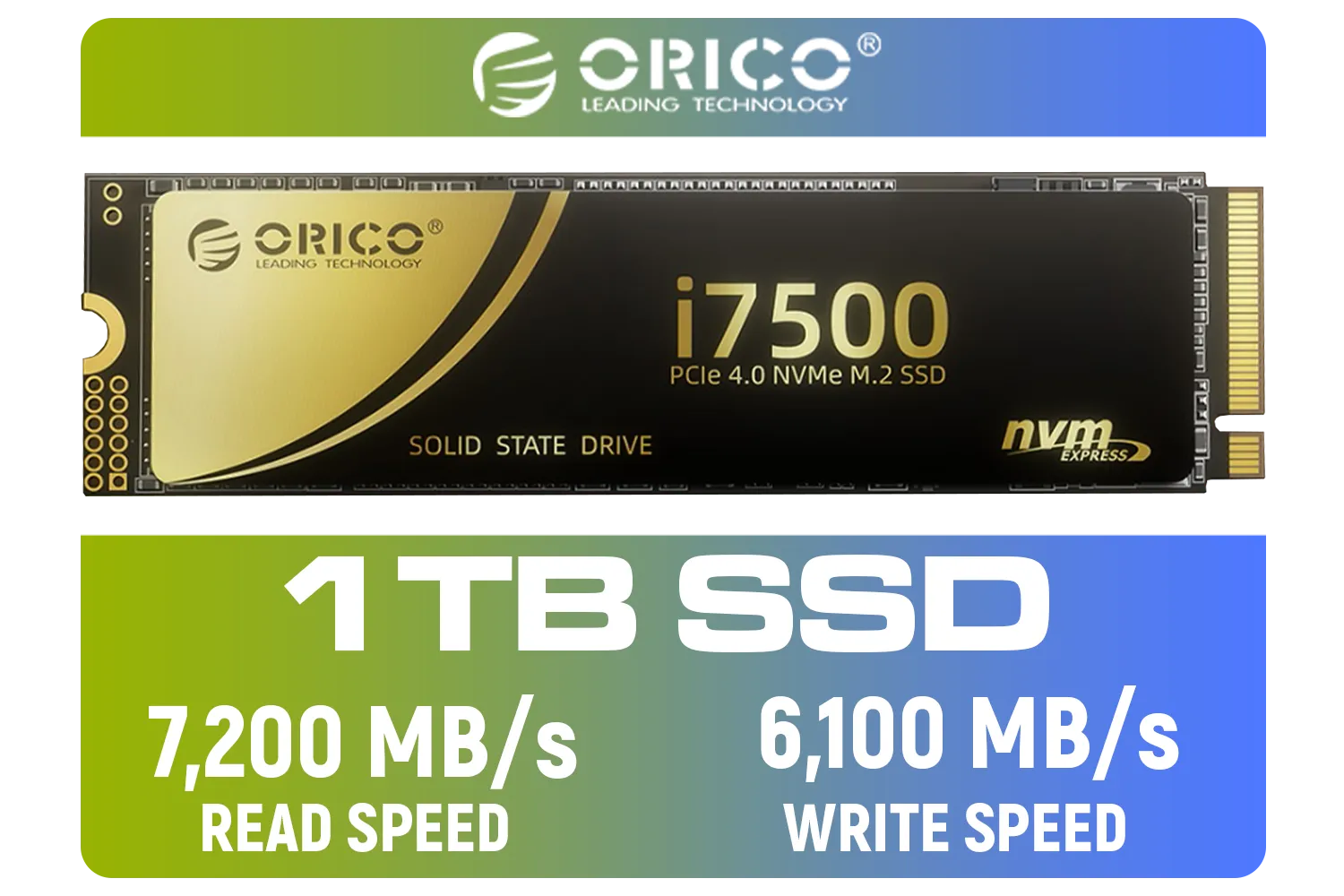
ORICO i7500 M.2 NVMe SSD - 1TB / 3D NAND Flash / PCIe Gen4.0 x4 / Up to 7,200MB/s Read and 6,100MB/s Write Speeds / ORICO-i7500-1TB-GD-BP
R2349.00In Stock
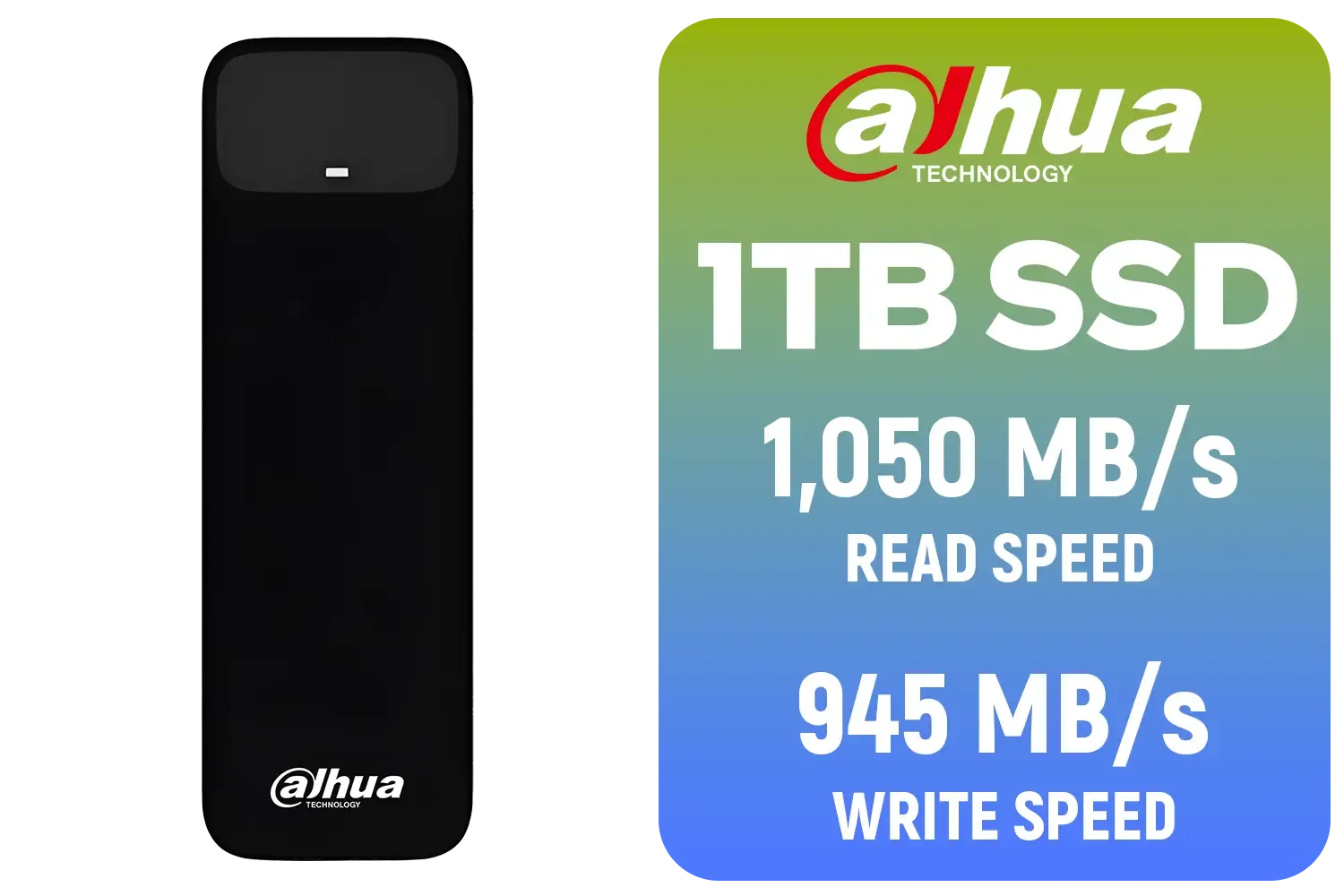
Dahua L7 M.2 1TB NVMe SSD / Read: Up to 1,050 MB/s Write: Up to 945 MB/s / Shock-resistant and drop-resistant design / Aluminum body with heat dissipation / Dual Type-C/Type-A cable included / DHI-PSSD-L7-1TB
R1499.00In Stock
It measures how fast an SSD accesses large files, like movies or game ISOs, stored contiguously. Higher speeds mean faster file transfers and loading of large assets.
While sequential speed helps load large levels, random read speed is often more vital for loading many small texture files and general OS responsiveness.
For Gen4 NVMe drives, speeds over 5000 MB/s are considered excellent. For standard SATA SSDs, the interface limits performance to around 500 MB/s.
Generally, no. High sequential read write speeds significantly reduce load times but rarely increase actual in-game FPS, which relies more on your GPU and CPU.
You can use standard benchmarking software like CrystalDiskMark or AS SSD Benchmark to accurately test both sequential and random performance metrics.
Writing data requires more complex operations (erasing and programming cells) than reading, often resulting in lower sequential write speeds compared to reads.