SteamOS Guide: Mastering the Ultimate Handheld Gaming Platform
Dive into our comprehensive SteamOS guide to master your handheld device. 🎮 Discover how this Linux-based OS uses Proton to run Windows games smoothly while maximizing battery life. 🔋 Essential reading for every Steam Deck owner!
|
Loading tags...

Tired of being tethered to your desk? Handheld PC gaming is exploding in South Africa, and at its heart is a powerful, flexible operating system: SteamOS. But are you just scratching the surface? This guide is for you. We're diving deep to help you master the ultimate handheld gaming platform, turning your portable rig into a finely-tuned beast that can handle anything from the latest AAA titles to classic retro gems. Let's get tweaking. 🚀
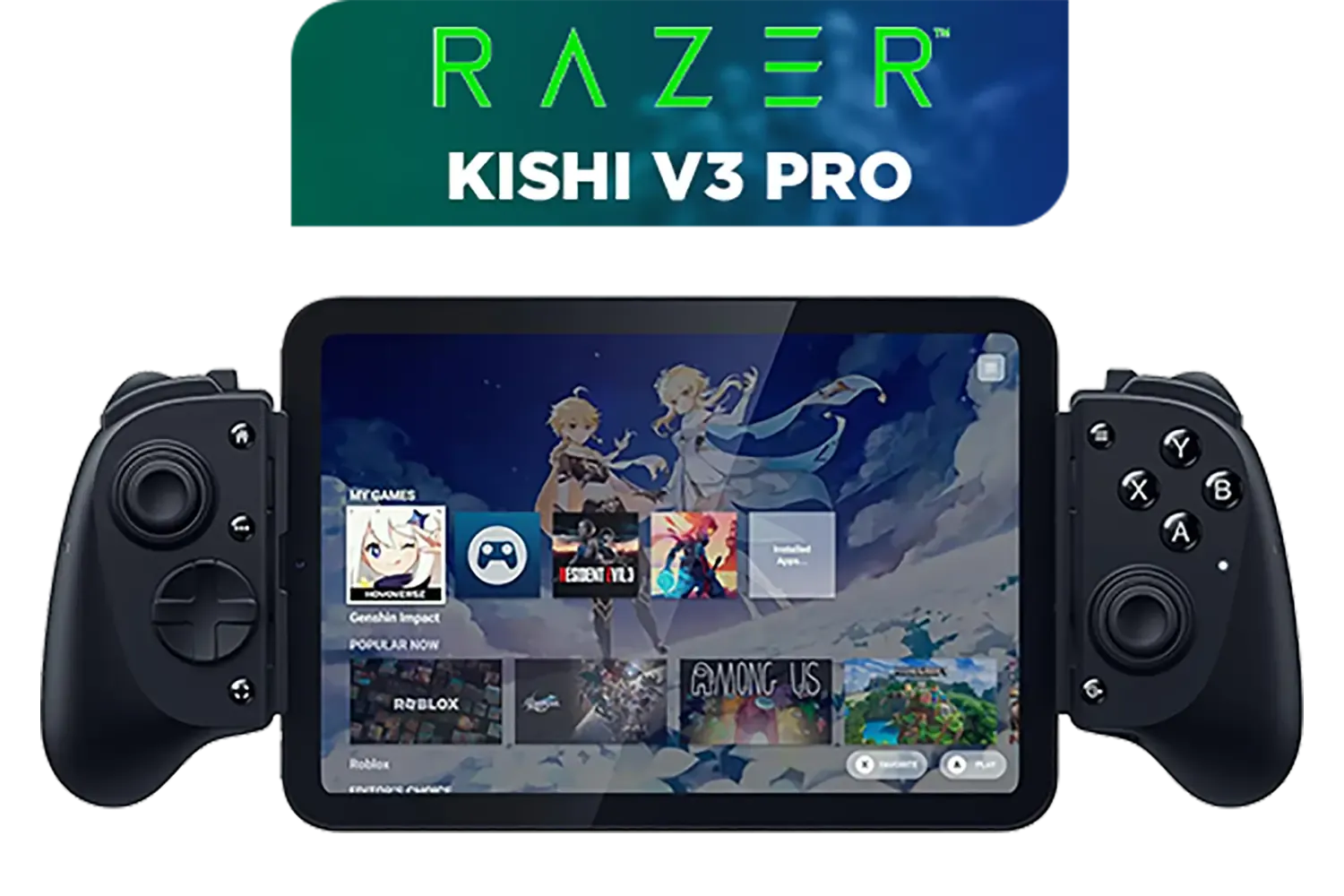
Razer Kishi V3 Pro Gaming Controller / Supports Android, iPhone & iPad Mini / Full-Sized Console-Style Controller / Fits Phones and Tablets up to 8” / Razer Sensa HD Immersive Haptics / RZ06-05460100-R3M1
R4199.00In Stock
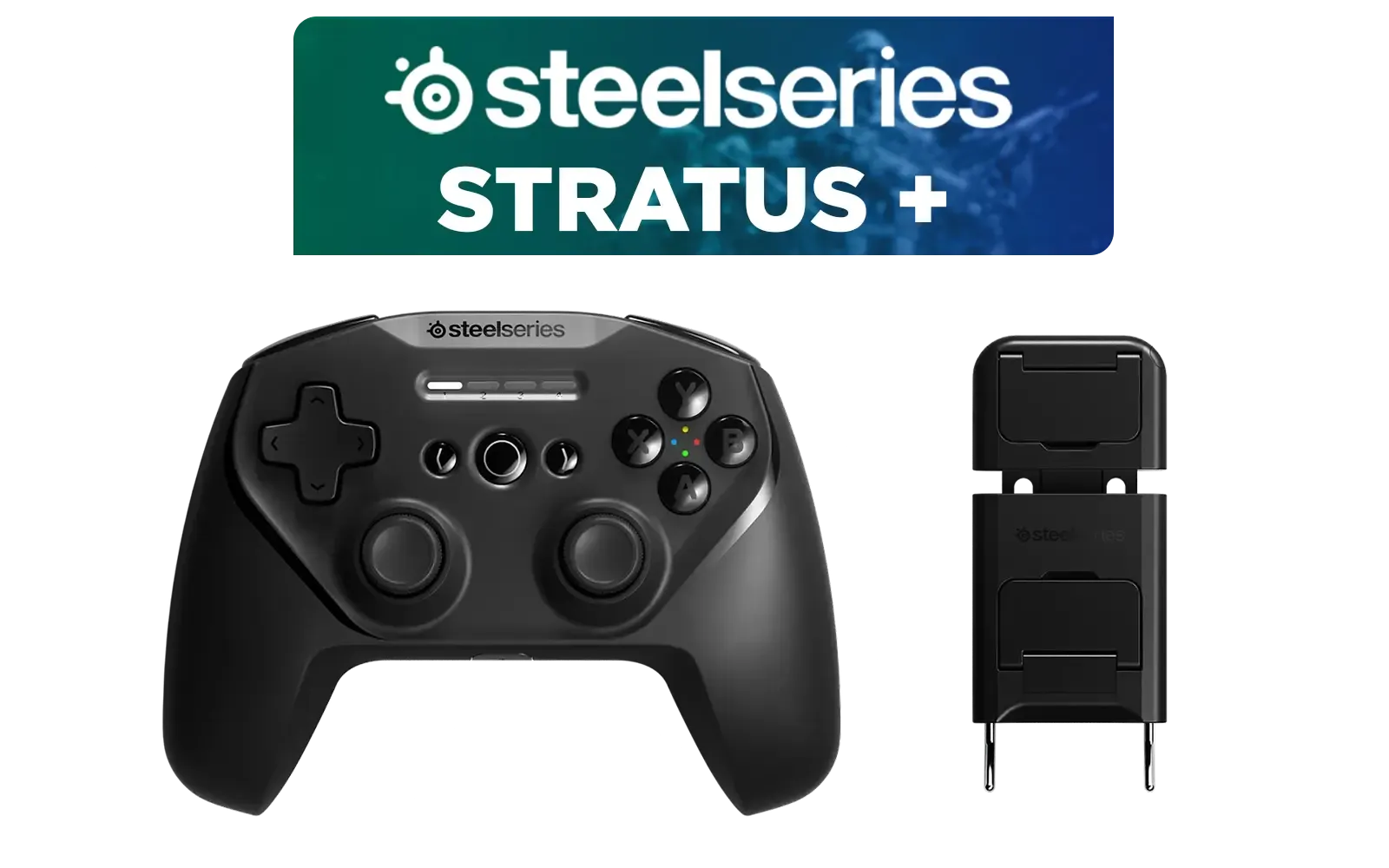
SteelSeries Stratus + Wireless Anroid Controller / Android & Chromebook Wireless Gaming Controller / Bluetooth LE + USB-C PC Support / Adjustable Slim Phone Mount Included / 90-Hour Battery Life with Fast Charge (15 min = 12 hrs) / ALPS Thumbsticks with L3/R3 / Hall Effect Magnetic Triggers for Lifetime Precision / 69076
R999.00In Stock

Microsoft Xbox Wireless Controller - Carbon Black / Hybrid D-Pad / 3.5mm Stereo Headset Jack / Textured Triggers And Bumpers / Compatible for Xbox Series X|S, Xbox One, Android And iOS / QAT-00009
R1599.00In Stock

Logitech F710 Wireless Gaming Gamepad / 2.4GHz Wireless / Broad Game Support / Familiar Button Layout / 940-000142
R849.00In Stock
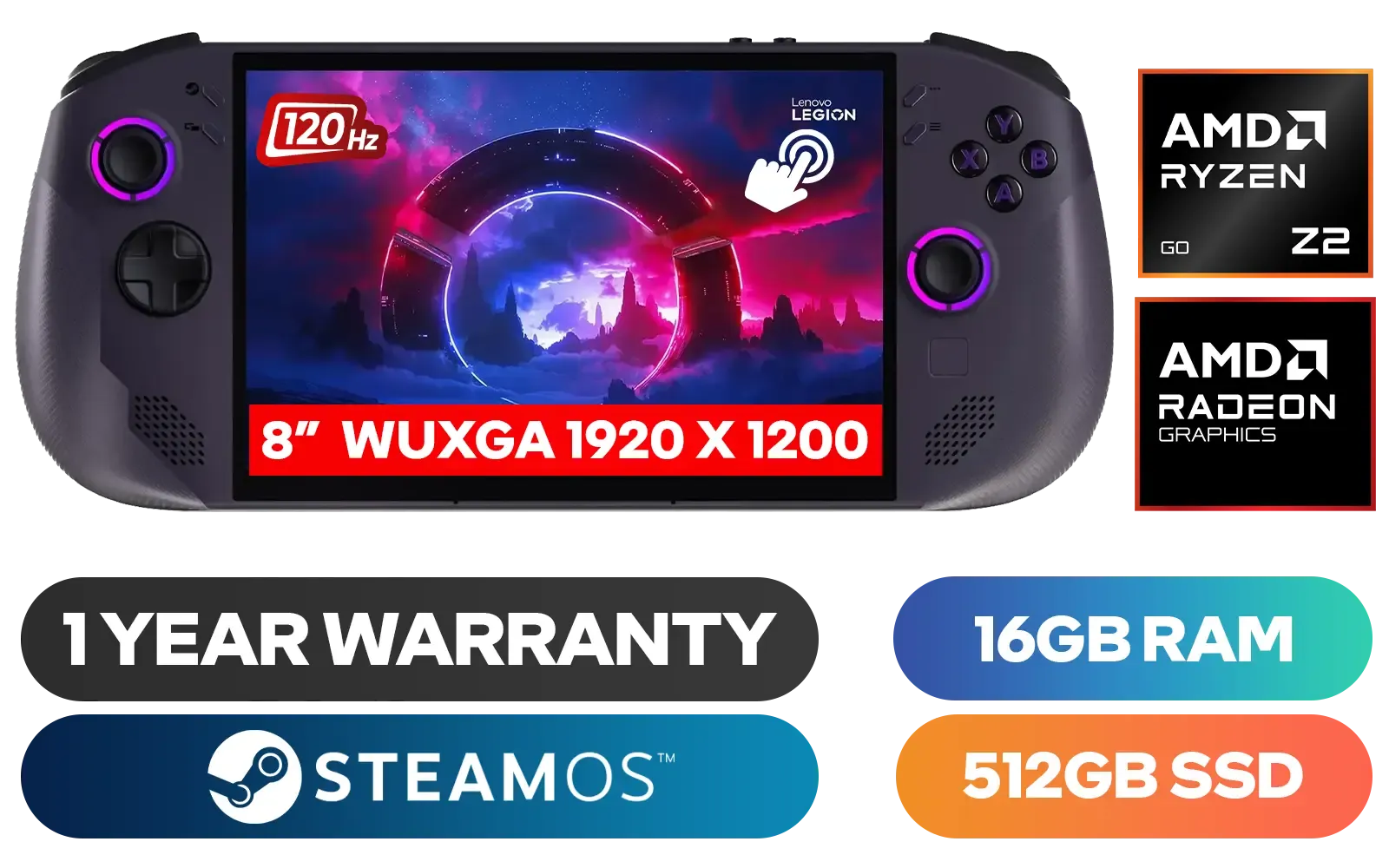
Lenovo Legion Go S 8ARP1 Handheld Touchscreen Gaming Console - Black / AMD Ryzen™ Z2 Go / 16GB LPDDR5X RAM / 512B NVMe SSD / 8.8" WUXGA (1920 x 1200), Touch Screen, 100% sRGB(Typical), 500nits(Typical), IPS-Level Display/ Integrated AMD Radeon™ Graphics / 2x USB Type-C support (DisplayPort™ 1.4 / Power Delivery 3.0) / 1 x Card Reader / 1 x Headphone and Microphone combo jack / AMD Wi-Fi® 6E RZ616 Wireless / Bluetooth 5.3 / SteamOS / 2 Stereo Speakers / 4-Cell, Li-ion, 55.5Whr Battery / 1 Year Warranty / 83L3004VSA
R13499.00In Stock
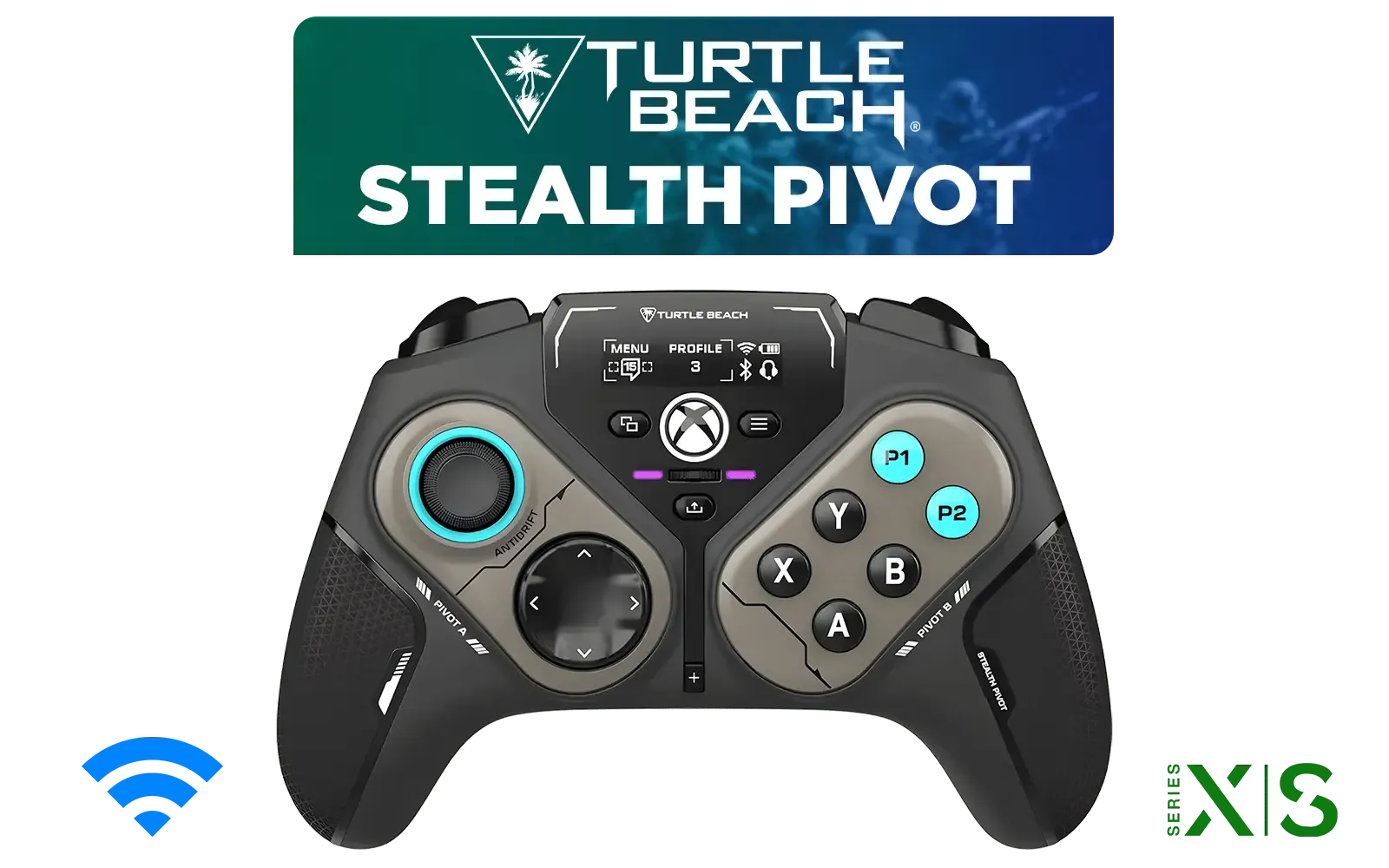
Turtle Beach Stealth Pivot Wireless Smart Game Controller for Windows PC, Wired for Xbox Series X|S & Xbox One – Rotating Modules, Display Dashboard, Hall-Effect Sticks, Remappable Buttons, Bluetooth / TBS-0120-05
R3199.00In Stock
What is SteamOS, Anyway?
Before we dive into mastering SteamOS, let's quickly cover what it is. Think of SteamOS as Valve's custom-built operating system, based on Linux, designed from the ground up for a seamless gaming experience. It's the magic that powers the Steam Deck.
Unlike the Windows you'll find on powerful handhelds like the ASUS ROG Ally, SteamOS offers a console-like interface called "Gaming Mode." This makes launching your Steam library incredibly simple. But the real power... that's hidden just one click away in Desktop Mode, which turns your device into a fully-fledged Linux PC. This dual-mode approach is central to any good SteamOS guide.
Mastering the Two Faces of SteamOS
Understanding the difference between Gaming Mode and Desktop Mode is the first step to unlocking your device's potential.
Gaming Mode: Your Console Hub
This is your default view. It's a clean, controller-friendly interface for browsing your library, chatting with friends, and jumping straight into a game. For 90% of your time, this is where you'll be. It’s designed to be simple and stay out of your way.

Turtle Beach Atom Mobile Game Controller with Bluetooth for Cloud Gaming on Android Mobile Devices with Compact Shape, Console Style Controls, Low Latency Bluetooth - Red / TBS-0766-05
R2499.00In Stock
Turtle Beach Stealth Pivot Wireless Smart Game Controller for Windows PC, Wired for Xbox Series X|S & Xbox One – Rotating Modules, Display Dashboard, Hall-Effect Sticks, Remappable Buttons, Bluetooth / TBS-0120-05
R3199.00In Stock
Razer Kishi V3 Pro Gaming Controller / Supports Android, iPhone & iPad Mini / Full-Sized Console-Style Controller / Fits Phones and Tablets up to 8” / Razer Sensa HD Immersive Haptics / RZ06-05460100-R3M1
R4199.00In Stock
Microsoft Xbox Wireless Controller - Carbon Black / Hybrid D-Pad / 3.5mm Stereo Headset Jack / Textured Triggers And Bumpers / Compatible for Xbox Series X|S, Xbox One, Android And iOS / QAT-00009
R1599.00In Stock
SteelSeries Stratus + Wireless Anroid Controller / Android & Chromebook Wireless Gaming Controller / Bluetooth LE + USB-C PC Support / Adjustable Slim Phone Mount Included / 90-Hour Battery Life with Fast Charge (15 min = 12 hrs) / ALPS Thumbsticks with L3/R3 / Hall Effect Magnetic Triggers for Lifetime Precision / 69076
R999.00In Stock
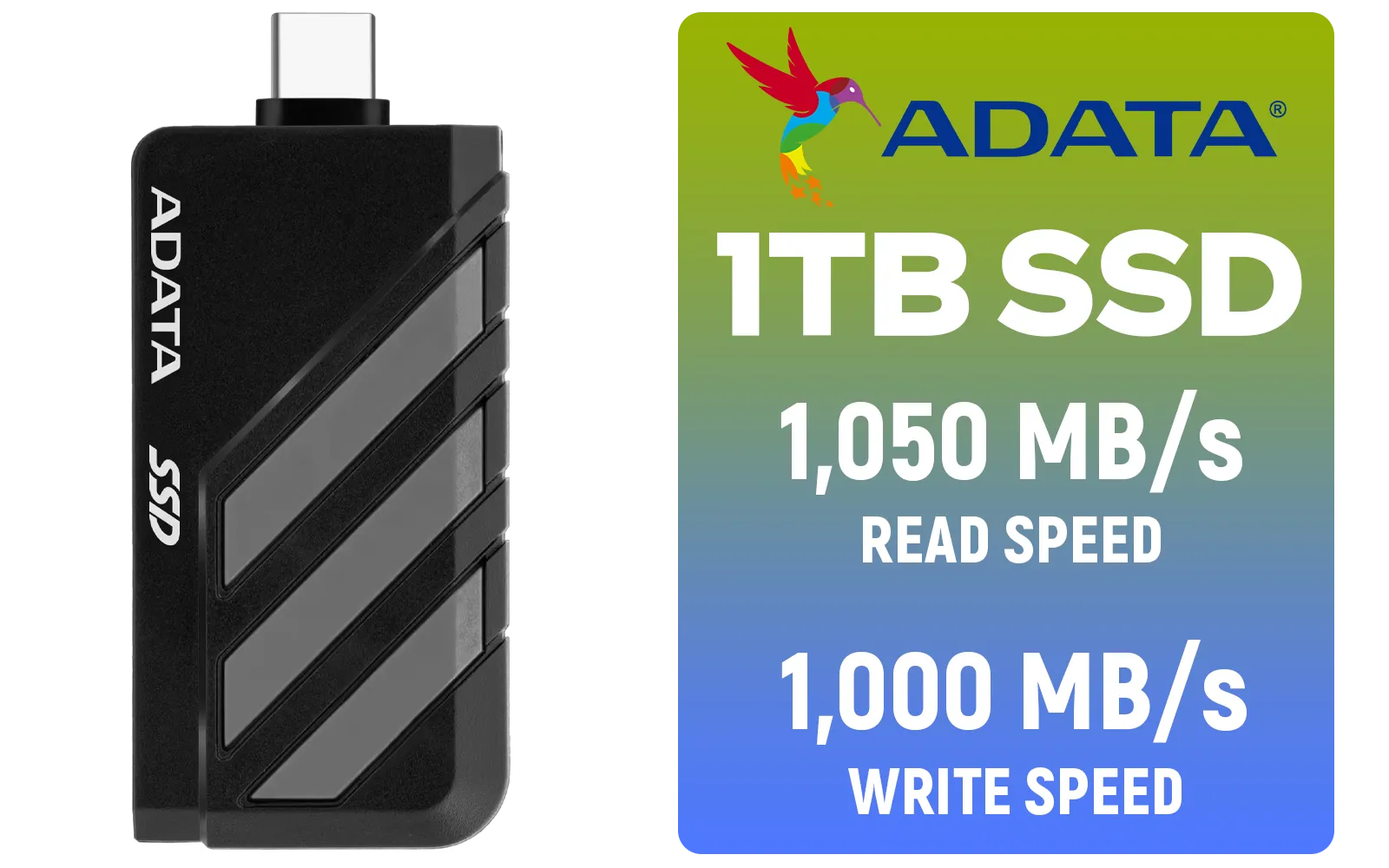
Adata SC735 1TB High-Performance External SSD with USB-C / 1,050MB/s Read & 1,000MB/s Write Speeds / Cable-Free Mobile Phone Compatibility / Gaming Handheld Compatible / Supports Latest Game Consoles / Multi-OS Support / SC735-1000G-CCBK/GY
R2199.00In Stock
Desktop Mode: The Power User's Playground ✨
This is where you go from player to pro. By holding the power button and selecting "Switch to Desktop," you access a familiar desktop environment. Here you can:
- Browse the web with Firefox.
- Install non-Steam applications and game launchers (like Heroic or Lutris).
- Manage files and emulators.
- Tweak system settings that aren't available in Gaming Mode.
TIP FOR YOU
Pro Tip: Supercharge Game Compatibility ⚡
Some Windows games can be a bit fussy on SteamOS. If a title won't run, head to Desktop Mode and install 'ProtonUp-Qt' from the Discover Software Centre. This tool lets you easily install community-built compatibility layers like Proton-GE, which often fixes games that the official version can't handle. It's a must-have for mastering the platform.
Pushing Performance: A Quick Guide to Tweaks
The real beauty of a SteamOS handheld is the control it gives you. Press the Quick Access Menu button (the one with three dots) while in-game to open a performance overlay. Here are the key settings to master:
- Frame Rate Limit: Lock your game to 30, 40, or 60 FPS. A 40Hz/40FPS lock is often the sweet spot for smooth gameplay and better battery life.
- Thermal Power (TDP) Limit: This controls how much power the processor can draw. Lowering it can dramatically increase battery life in less demanding games.
- Half Rate Shading (VRS): This can boost performance by rendering parts of the scene you're not focused on at a lower resolution. Give it a try if you need a few extra frames!
While these settings are native to the Steam Deck, the principles of managing power and performance apply to all handhelds, including the impressive Lenovo Legion Go and the upcoming MSI Claw, even when they run Windows.
Turtle Beach Atom Mobile Game Controller with Bluetooth for Cloud Gaming on Android Mobile Devices with Compact Shape, Console Style Controls, Low Latency Bluetooth - Red / TBS-0766-05
R2499.00In Stock
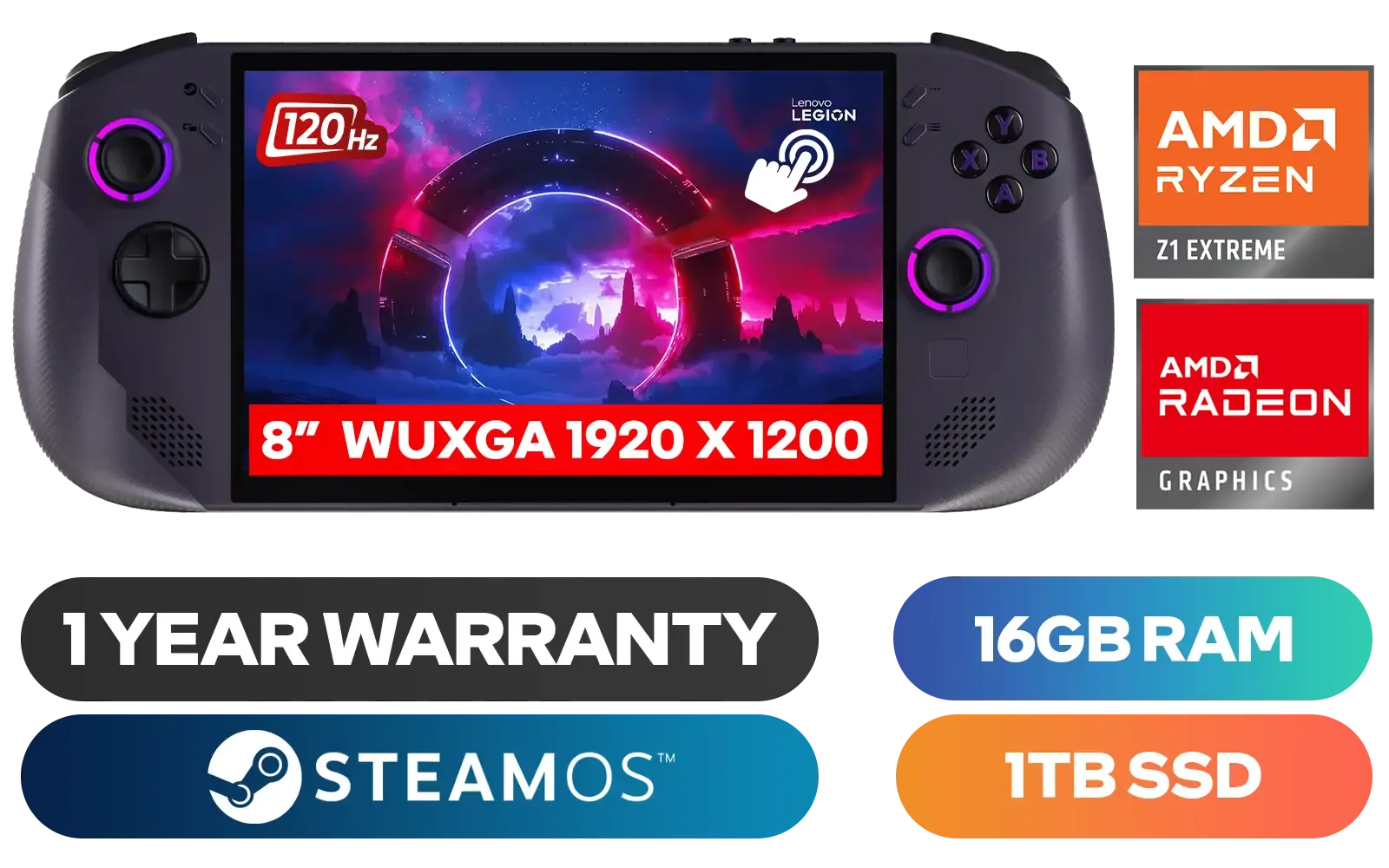
Lenovo Legion Go S 8APU1 Handheld Touchscreen Gaming Console - Black / AMD Ryzen™ Z1 Extreme / 16GB LPDDR5X RAM / 1TB NVMe SSD / 8.8" WUXGA (1920 x 1200), Touch Screen, 100% sRGB(Typical), 500nits(Typical), IPS-Level Display/ Integrated AMD Radeon™ Graphics / 2x USB Type-C support (DisplayPort™ 1.4 / Power Delivery 3.0) / 1 x Card Reader / 1 x Headphone and Microphone combo jack / AMD Wi-Fi® 6E RZ616 Wireless / Bluetooth 5.3 / SteamOS / 2 Stereo Speakers / 4-Cell, Li-ion, 55.5Whr Battery / 1 Year Warranty / 83N6002ESA
R17499.00In Stock
Adata SC735 1TB High-Performance External SSD with USB-C / 1,050MB/s Read & 1,000MB/s Write Speeds / Cable-Free Mobile Phone Compatibility / Gaming Handheld Compatible / Supports Latest Game Consoles / Multi-OS Support / SC735-1000G-CCBK/GY
R2199.00In Stock
Razer Kishi V3 Pro Gaming Controller / Supports Android, iPhone & iPad Mini / Full-Sized Console-Style Controller / Fits Phones and Tablets up to 8” / Razer Sensa HD Immersive Haptics / RZ06-05460100-R3M1
R4199.00In Stock
Logitech F710 Wireless Gaming Gamepad / 2.4GHz Wireless / Broad Game Support / Familiar Button Layout / 940-000142
R849.00In Stock
Turtle Beach Stealth Pivot Wireless Smart Game Controller for Windows PC, Wired for Xbox Series X|S & Xbox One – Rotating Modules, Display Dashboard, Hall-Effect Sticks, Remappable Buttons, Bluetooth / TBS-0120-05
R3199.00In Stock
Beyond Steam: Emulation and Non-Steam Games
Your handheld isn't just for Steam. With Desktop Mode, you can add almost any game or app. The easiest way is to open Steam in Desktop Mode, click "Add a Game" in the bottom-left, and select "Add a Non-Steam Game."
For retro gaming fans, tools like EmuDeck are incredible. It's an all-in-one script that you run in Desktop Mode to automatically install and configure a massive range of emulators for everything from the PS2 to the Switch. It fully integrates with Steam, making your entire retro library launchable directly from Gaming Mode. This truly transforms your device into the ultimate handheld gaming console. 🕹️
Mastering SteamOS is a journey of discovery. By moving beyond the basics, you transform a great portable device into an unbelievably versatile gaming PC that fits in your hands. Happy gaming!
Ready to Unleash Your Portable Powerhouse? Whether you're a SteamOS purist or a Windows warrior, the world of handheld PC gaming has never been more exciting. Explore our massive range of handheld gaming consoles and find the perfect machine to dominate on the go.
Related Products
Turtle Beach Stealth Pivot Wireless Smart Game Controller for Windows PC, Wired for Xbox Series X|S & Xbox One – Rotating Modules, Display Dashboard, Hall-Effect Sticks, Remappable Buttons, Bluetooth / TBS-0120-05
R3199.00In Stock
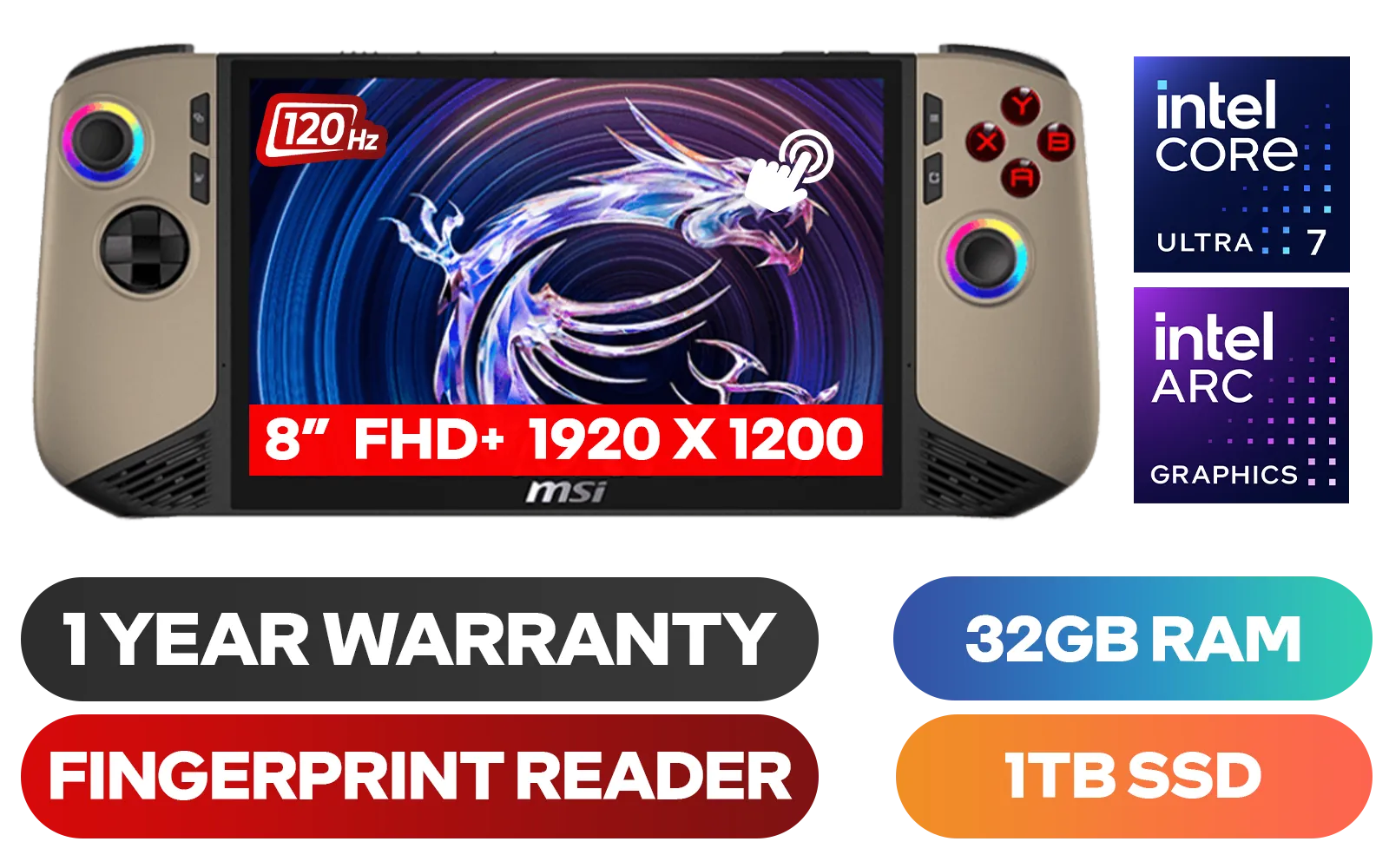
MSI Claw 8 AI+ A2VM Handheld Touchscreen Gaming Console / Intel Core Ultra 7 258V / 32GB LPDDR5X RAM / 1TB NVMe SSD / 8" FHD+ (1920 x 1200), 120 Hz, Touchscreen Display / Intel® Arc 140V Graphics / 2 x USB Type-C (Supports Thunderbolt 4 / DisplayPort / Power Delivery 3.0) / 1 x Micro SD Card Reader / 1 x Headphone and Microphone combo jack / 1x Fingerprint Reader / Intel® Killer Wi-Fi 7 BE1750 Wireless LAN / Bluetooth 5.4 / Windows 11 Home (64bit) / 2 × 2W Speakers, Hi-Res Audio ready / 6-Cell, 80Whr Battery / 1 Year Warranty / CLAW-8-AI-A2VM-067ZA
R18999.00In Stock
Adata SC735 1TB High-Performance External SSD with USB-C / 1,050MB/s Read & 1,000MB/s Write Speeds / Cable-Free Mobile Phone Compatibility / Gaming Handheld Compatible / Supports Latest Game Consoles / Multi-OS Support / SC735-1000G-CCBK/GY
R2199.00In Stock
Logitech F710 Wireless Gaming Gamepad / 2.4GHz Wireless / Broad Game Support / Familiar Button Layout / 940-000142
R849.00In Stock
Turtle Beach Atom Mobile Game Controller with Bluetooth for Cloud Gaming on Android Mobile Devices with Compact Shape, Console Style Controls, Low Latency Bluetooth - Red / TBS-0766-05
R2499.00In Stock
Razer Kishi V3 Pro Gaming Controller / Supports Android, iPhone & iPad Mini / Full-Sized Console-Style Controller / Fits Phones and Tablets up to 8” / Razer Sensa HD Immersive Haptics / RZ06-05460100-R3M1
R4199.00In Stock
SteamOS is a Linux-based operating system developed by Valve, built on Arch Linux, and optimized specifically to provide a console-like experience on handheld PCs.
Yes. SteamOS uses a compatibility layer called Proton, allowing you to run thousands of Windows-exclusive titles smoothly without needing to install Windows.
Press the Steam button, navigate to the Power menu, and select 'Switch to Desktop'. This unlocks a full Linux desktop environment for browsing and file management.
generally yes. SteamOS offers a UI designed for controllers, better sleep/resume functionality, and system-level power management tools optimized for battery life.
Absolutely. You can add non-Steam games as shortcuts or use tools like Heroic Games Launcher to access libraries from the Epic Games Store or GOG.
Yes, SteamOS is open-source. While the specific Steam Deck image is proprietary, Valve supports the community, and versions like HoloISO exist for other hardware.