



SteelSeries Stratus+ Android Gaming Guide: Portable Console Setup
Transform your experience with **SteelSeries Stratus+ Android gaming** capabilities! 🎮 Learn how to mount your phone and play AAA titles anywhere. This guide covers setup, comfort, and performance for the ultimate handheld rig. 🚀
|
Loading tags...

Your powerful Android phone is a gaming beast in disguise. It has the screen, the processor... everything but decent controls. Tapping on glass is fine for puzzles, but for dropping into Verdansk or exploring Teyvat? It’s a recipe for frustration. This is where a proper controller transforms your phone from a communication device into a true portable console. This SteelSeries Stratus+ Android gaming guide will show you how to build the ultimate on-the-go setup. 🚀
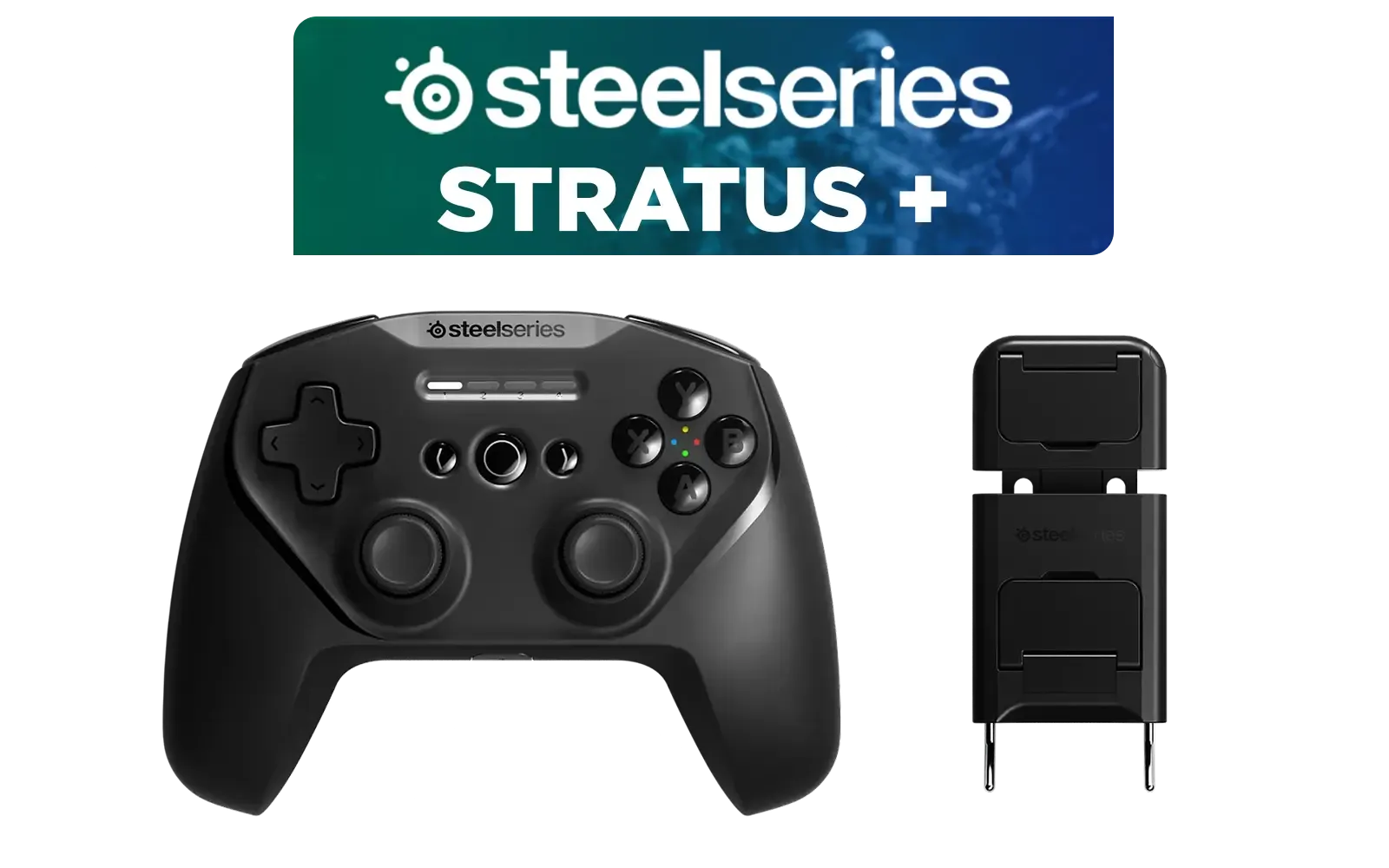
SteelSeries Stratus + Wireless Anroid Controller / Android & Chromebook Wireless Gaming Controller / Bluetooth LE + USB-C PC Support / Adjustable Slim Phone Mount Included / 90-Hour Battery Life with Fast Charge (15 min = 12 hrs) / ALPS Thumbsticks with L3/R3 / Hall Effect Magnetic Triggers for Lifetime Precision / 69076
R999.00In Stock

Logitech F710 Wireless Gaming Gamepad / 2.4GHz Wireless / Broad Game Support / Familiar Button Layout / 940-000142
R849.00In Stock

MARVO GT-88 WIRELESS GAMING GAMEPAD / Compatible With PC / Analog Mini Sticks With Xbox Positioning / Double Triggers And Analog Mumpers / Rapid Fire With Turbo Mode / Dual Motors For Vibration Feedback / Soft, Sweat-resistant Coating / GT-88
R499.00In Stock

Xbox Rechargeable Battery + USB-C Cable - SXW-00002
R649.00In Stock
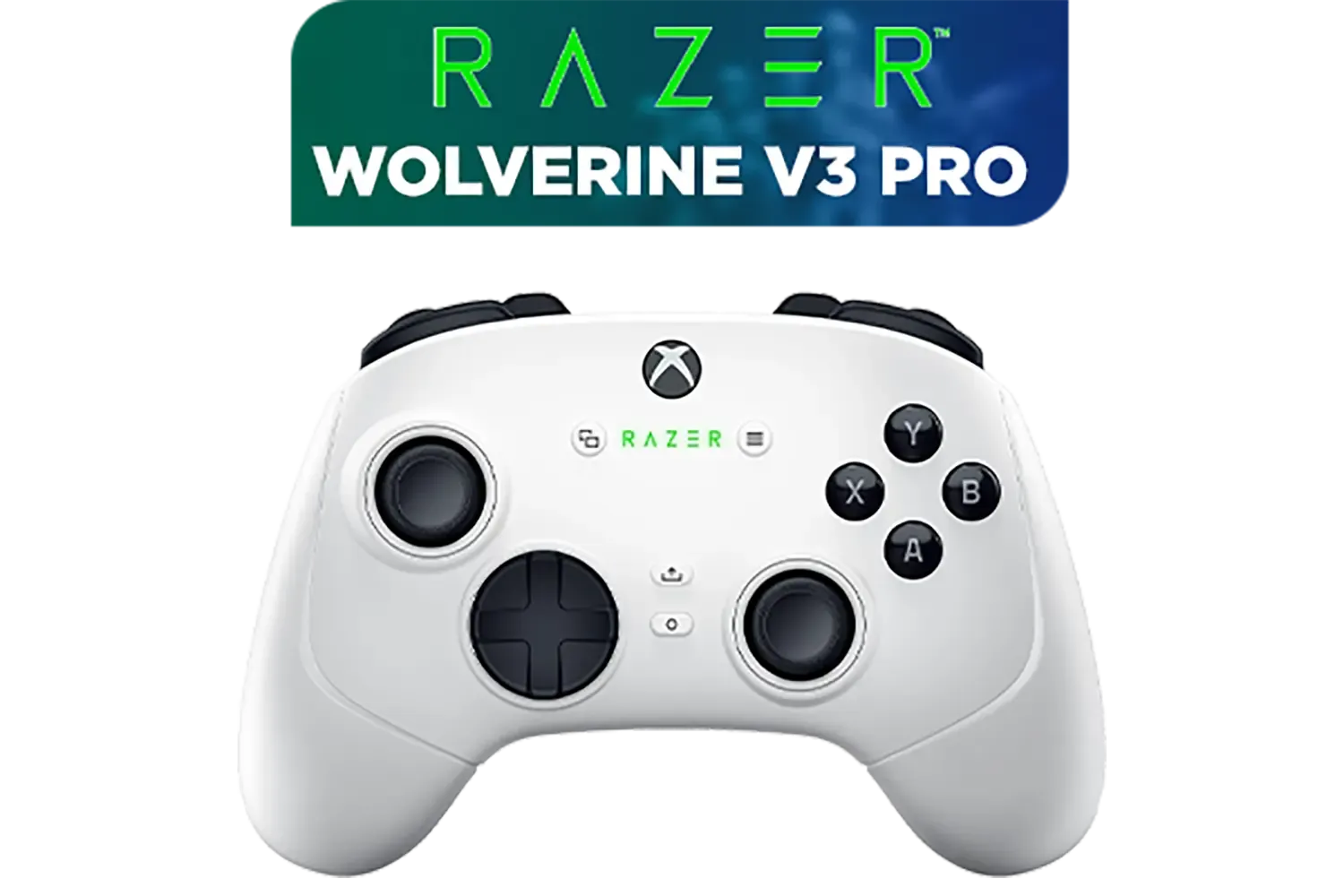
Razer Wolverine V3 Pro Wireless Gaming Controller: Licensed for Xbox Series X|S, Xbox One, Windows PC / 6 Remappable Buttons / Fast Triggers / Customizable Thumbsticks / Wired Tournament Mode - White / RZ06-05200200-R3M1
R4999.00In Stock

PowerA Advantage Wired Xbox Controller - Celestial Green / 3-Way Trigger Locks / Officially Licensed for Xbox Series X|S / XBGP0190-01
R699.00In Stock
Why a Controller is Your Best Android Upgrade
Let's be honest, touch controls are a compromise. They block the screen, lack tactile feedback, and can be painfully inaccurate in fast-paced games. For any serious gamer, the first and most impactful upgrade isn't a new phone... it's a dedicated controller. It provides the precision, comfort, and muscle memory you’re used to from console or PC gaming.
The good news is that the market is filled with incredible options. From simple clip-on grips to advanced, multi-platform powerhouses, there's a huge selection of gaming controllers designed to elevate your play. The SteelSeries Stratus+ sits in a sweet spot, offering premium features specifically optimised for a seamless Android gaming experience.
The Heart of Your Portable Console: SteelSeries Stratus+
So, what makes the Stratus+ special? It’s more than just a Bluetooth controller; it’s a thoughtfully designed piece of kit for mobile-first players.
- Marathon Battery Life: A massive 90-hour battery means you’ll forget what the charging cable looks like. And when you finally do need a top-up, just 15 minutes of charging gives you 12 hours of playtime.
- Drift-Free Sticks: It uses Hall Effect magnetic sensors in its analogue sticks. Unlike traditional sticks that wear down and develop "stick drift," these are ultra-durable and maintain pinpoint accuracy for years.
- Universal Phone Mount: The included slim-profile phone mount securely grips even the largest phones, creating a balanced, comfortable, all-in-one unit that feels just like a handheld console.
- Multi-Platform Support: While it shines on Android, it’s also ready for Windows, Chromebook, and NVIDIA GeForce NOW, making it a versatile addition to your tech arsenal. ✨

Xbox Wireless Controller – Velocity Green for Xbox Series X|S, Xbox One, and Windows Devices / QAU-00091
R1599.00In Stock
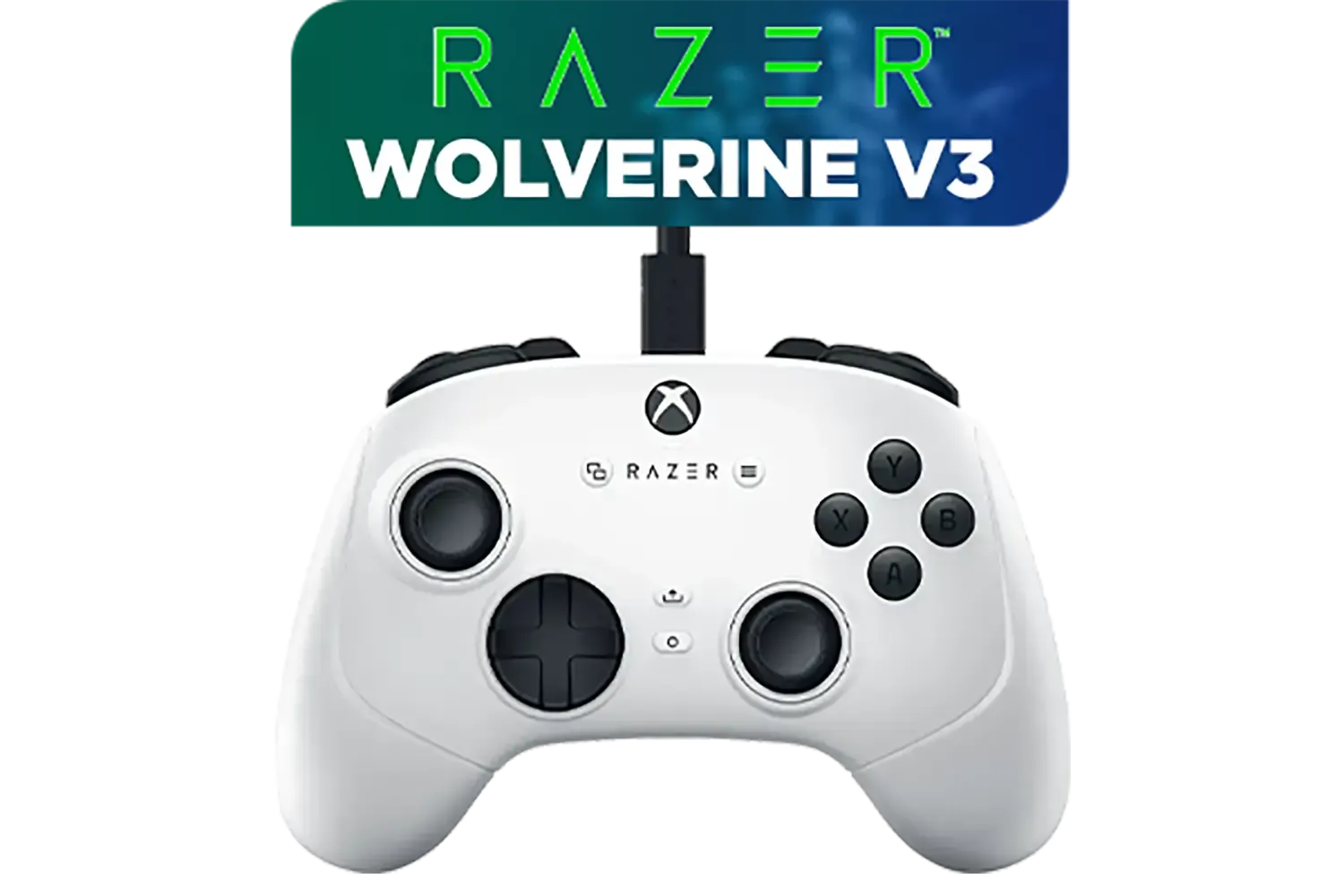
Razer Wolverine V3 Tournament Edition XBOX/PC, 6 Remappable Buttons to Outplay Them All, 1000Hz Polling Rate for Competitive Play on PC, Wired Esports Controller - White / RZ06-05210200-R3M1
R2699.00In Stock
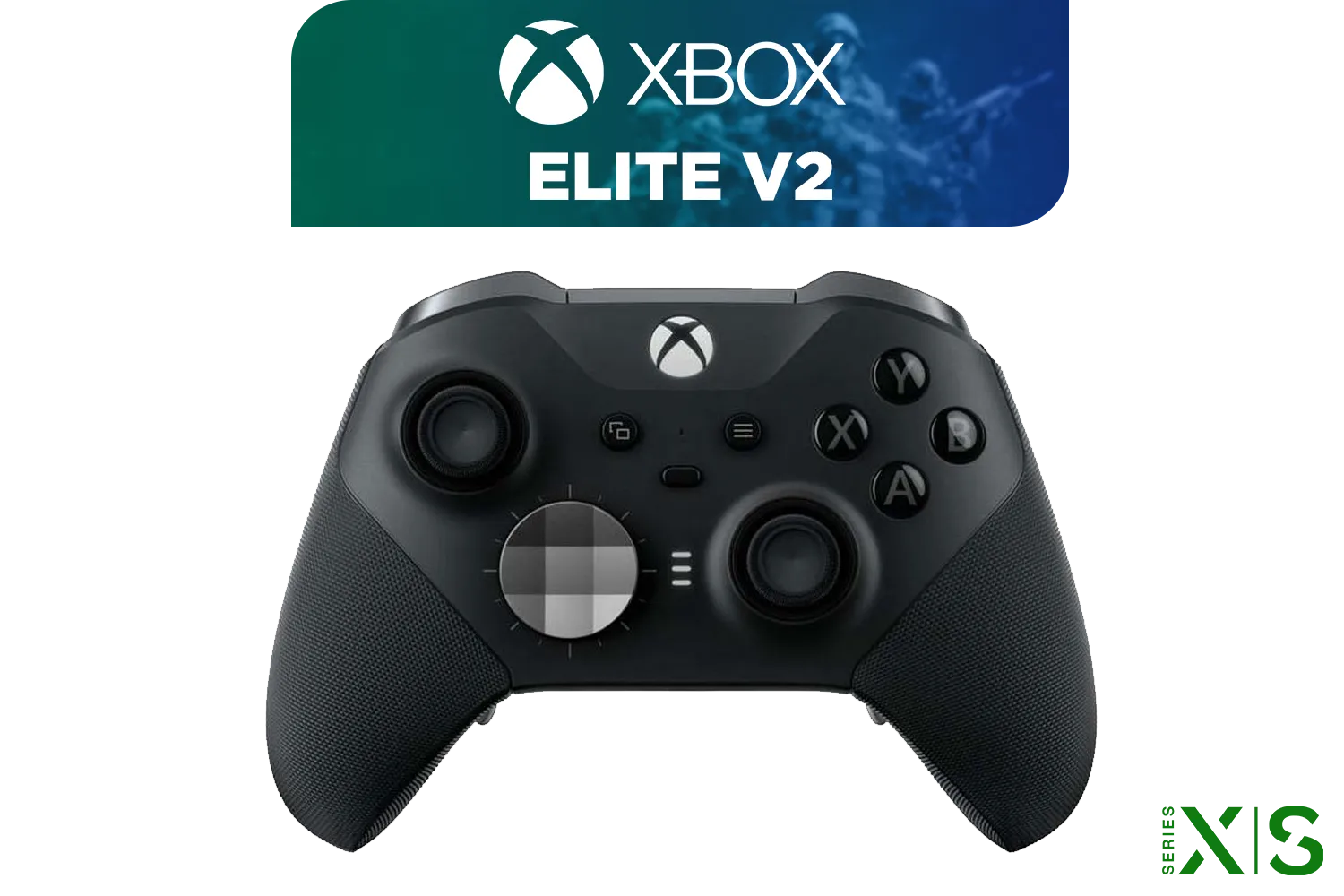
Microsoft Xbox Elite Wireless Controller V2 / Wrap-Around Rubberized Grip / 3.5mm Stereo Headset Jack / Shorter Hair Trigger Locks / Compatible for Xbox Series X|S, Xbox One, Android And iOS / FST-00004
R4999.00In Stock
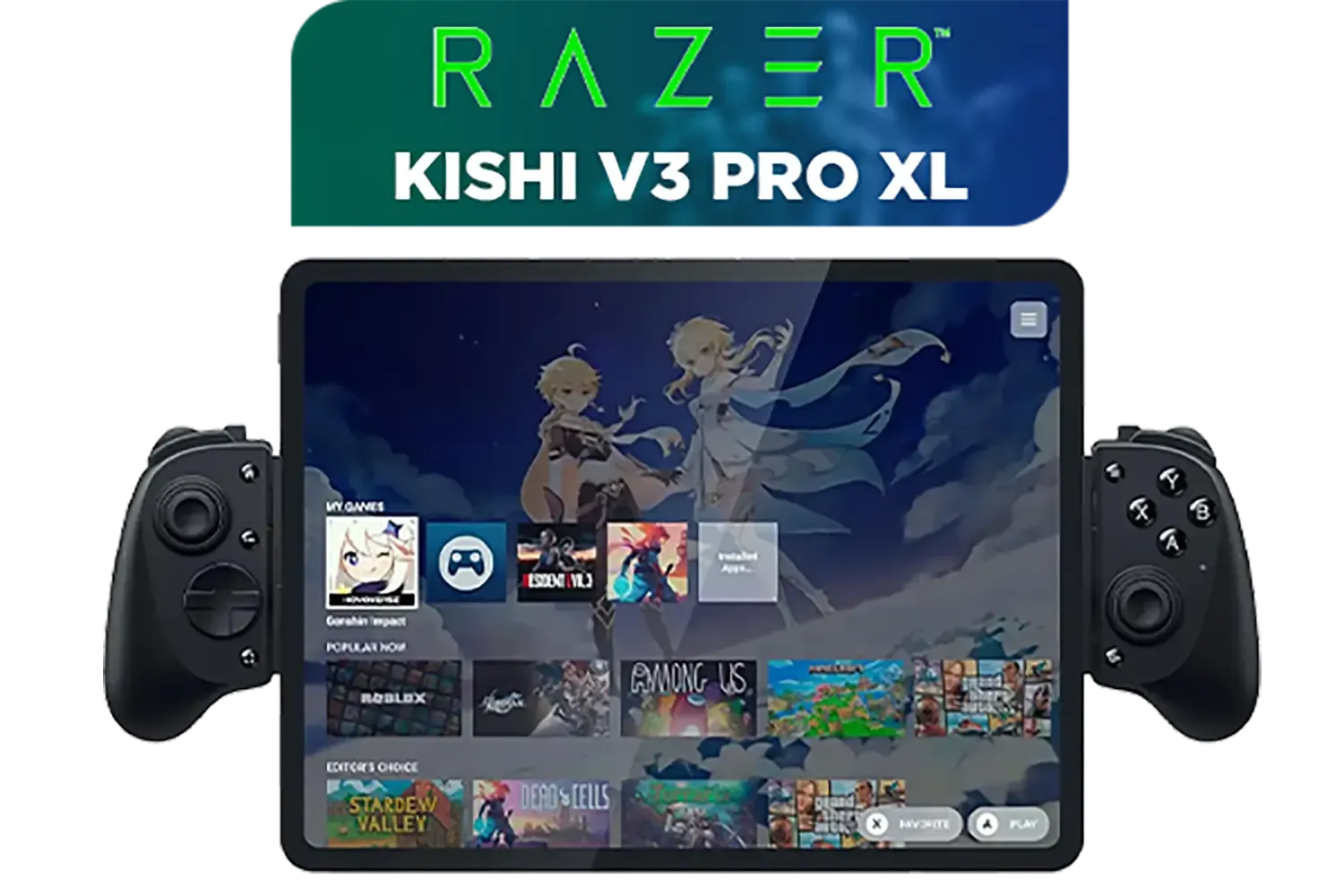
Razer Kishi V3 Pro XL iPad & Android Tablet Gaming Controller / Full-Sized Console-Style Controller / Fits Phones and Tablets up to 10” / Razer Sensa HD Immersive Haptics / RZ06-05470100-R3M1
R5199.00In Stock
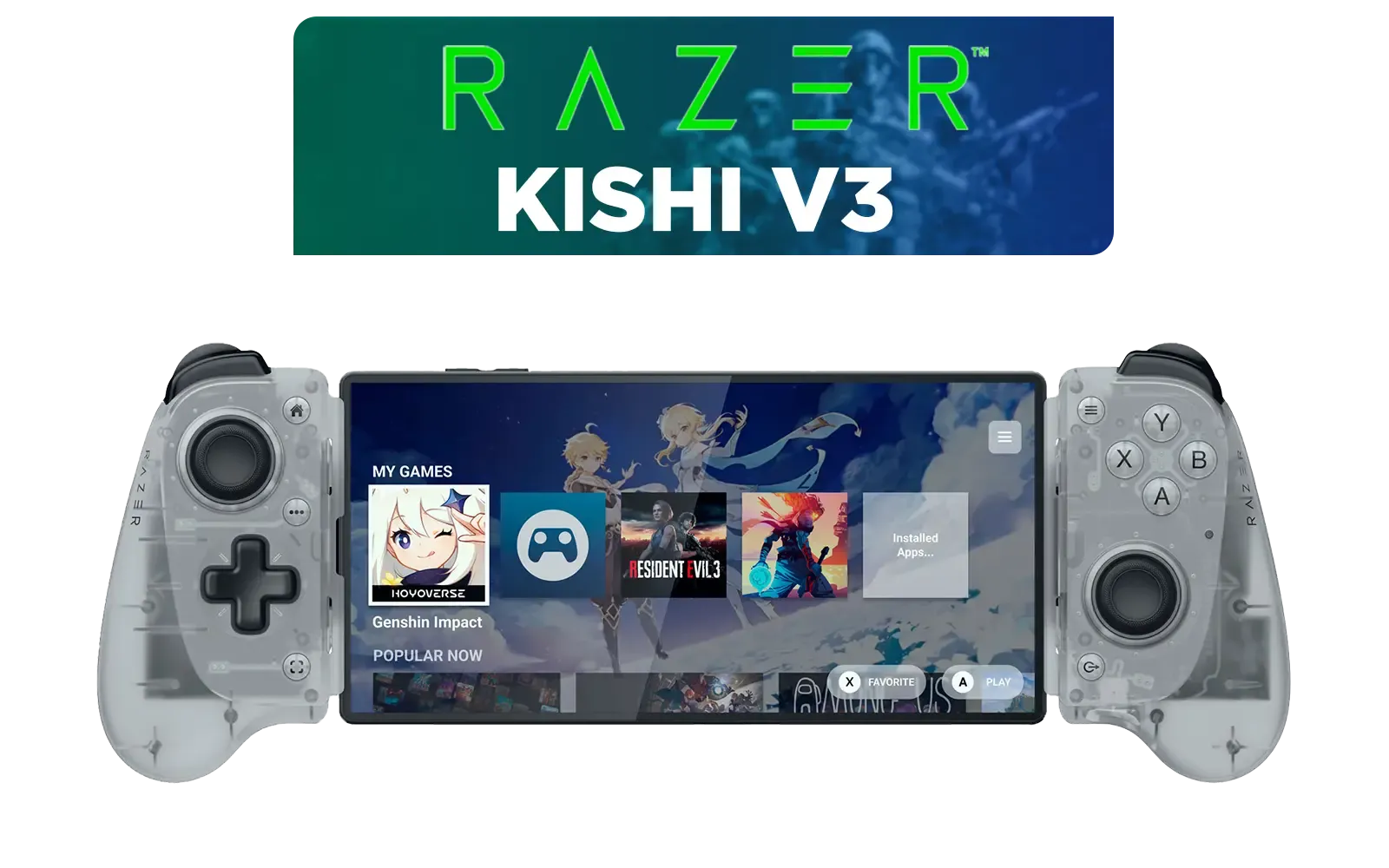
Razer Kishi V3 Mobile Gaming Controller - Phantom White / Full-sized Controller Form Factor / Full-sized TMR Thumbsticks / Unparalleled Case Compatibility / RZ06-03550200-R3M1
R2699.00In Stock
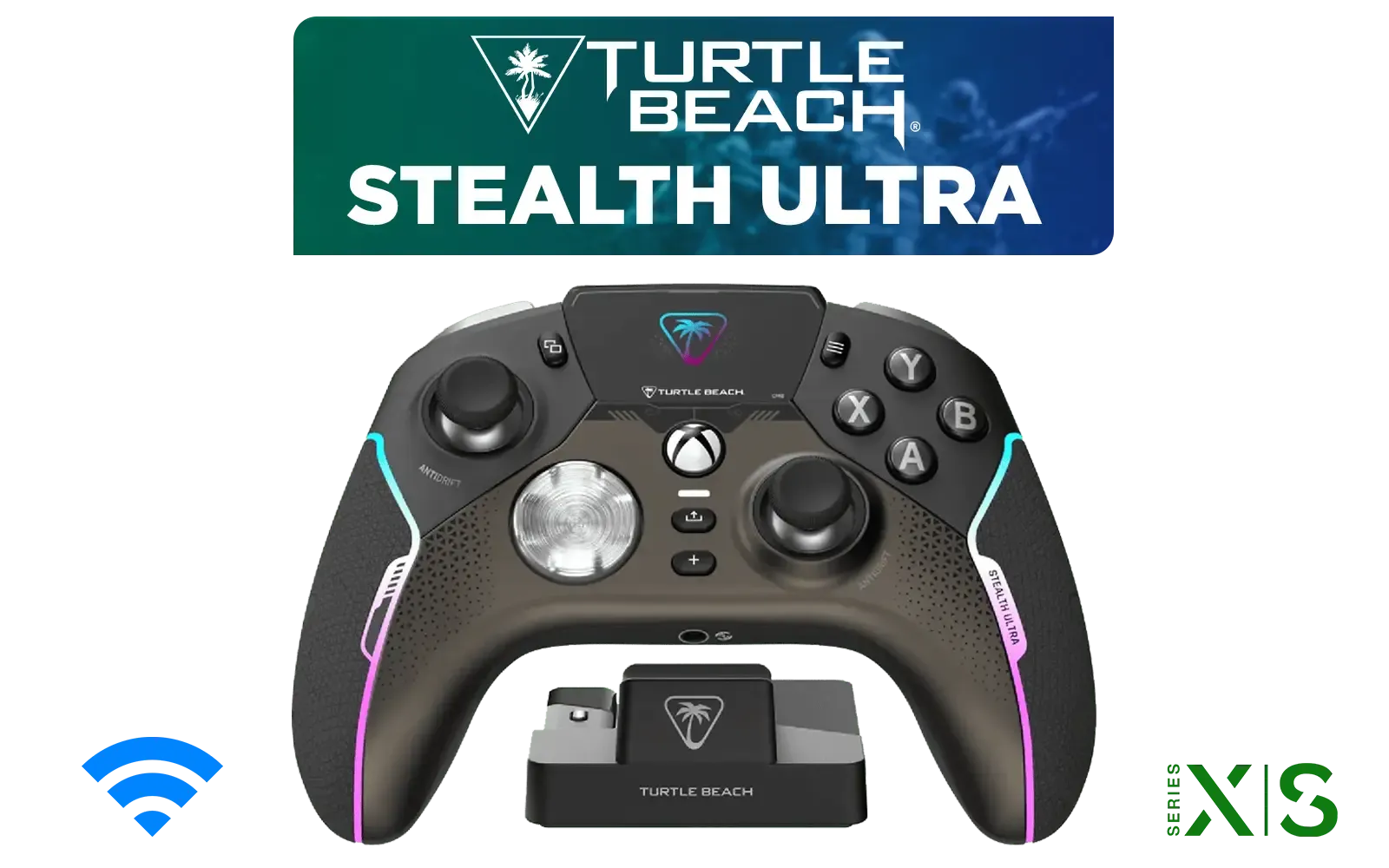
Turtle Beach Stealth Ultra Wireless controller / 30-Hour Battery Life / AntiDrift™ Thumbsticks / Tactile Microswitch Buttons / Four Mappable Quick-Action Buttons / TBS-0710-05
R4499.00In Stock
Your Step-by-Step Stratus+ Android Gaming Setup
Getting your portable console up and running is incredibly simple. You can go from unboxing to gaming in under two minutes.
- Power Up: Give the controller a quick charge via its USB-C port.
- Pairing Mode: Hold the wireless pairing button on top until the LED flashes.
- Connect on Android: Open your phone’s Bluetooth settings, find the "SteelSeries Stratus+" and tap to connect.
- Clip & Play: Attach the phone mount, slide your phone in, and launch a controller-supported game like Call of Duty: Mobile or Asphalt 9. The game should automatically detect the controller.
TIP FOR YOU
Optimise Your Phone for Gaming 🔧
Before you start playing, swipe down to access your Quick Settings and activate "Game Mode" if your phone has one. This feature often blocks notifications, frees up RAM, and prioritises network traffic for your game, ensuring a smoother, more immersive SteelSeries Stratus+ Android gaming session.
What Games Play Best?
The beauty of Android gaming with the Stratus+ is the sheer variety. Most modern, high-profile games support controllers out of the box. Think massive open-world RPGs like Genshin Impact, competitive shooters like Apex Legends Mobile, or top-tier cloud streaming via Xbox Game Pass. You get the full console experience, anywhere.
For players who demand the lowest latency for competitive titles, exploring other ecosystems can be beneficial. Many pro mobile gamers gravitate towards specialised Razer controllers known for their hyper-responsive inputs and customisation options. However, for an all-round brilliant experience, the Stratus+ is tough to beat.
Logitech F710 Wireless Gaming Gamepad / 2.4GHz Wireless / Broad Game Support / Familiar Button Layout / 940-000142
R849.00In Stock

PowerA Advantage Wired Xbox Controller - Sonic Style / 3-Way Trigger Locks / Officially Licensed for Xbox Series X|S / XBGP0229-01
R699.00In Stock

Steelseries Nimbus+ Gamepad / Apple Gaming Controller / 50 hour Battery Life / Dedicated Navigation Buttons / Built-in Rechargeable Battery / Designed specifically for Apple Gaming / 69089
R999.00In Stock
Razer Wolverine V3 Pro Wireless Gaming Controller: Licensed for Xbox Series X|S, Xbox One, Windows PC / 6 Remappable Buttons / Fast Triggers / Customizable Thumbsticks / Wired Tournament Mode - White / RZ06-05200200-R3M1
R4999.00In Stock
Xbox Wireless Controller – Velocity Green for Xbox Series X|S, Xbox One, and Windows Devices / QAU-00091
R1599.00In Stock
Turtle Beach Stealth Ultra Wireless controller / 30-Hour Battery Life / AntiDrift™ Thumbsticks / Tactile Microswitch Buttons / Four Mappable Quick-Action Buttons / TBS-0710-05
R4499.00In Stock
More Than Just Mobile: The Stratus+ on PC
Your Stratus+ Android gaming setup is just the beginning. The controller's versatility extends to your desktop or laptop. Simply plug it in via a USB-C cable, and Windows will recognise it instantly. This makes it a fantastic, budget-friendly second controller for couch co-op PC games.
While it's a solid performer on PC, dedicated PC gamers might want even more features. For those seeking the absolute peak of performance, a tournament-grade option like the Razer Wolverine V3 Tournament Edition offers mecha-tactile buttons and remappable triggers for a competitive edge. But as a hybrid solution, the Stratus+ offers incredible value.
Ready to Ditch Touch Controls? The SteelSeries Stratus+ is an incredible tool for mobile freedom, but it's just the beginning. From pro-grade competitive pads to versatile multi-platform options, the right controller unlocks your true gaming potential. Explore our massive range of gaming controllers and find the perfect weapon for your arsenal.
Related Products
Razer Wolverine V3 Pro Wireless Gaming Controller: Licensed for Xbox Series X|S, Xbox One, Windows PC / 6 Remappable Buttons / Fast Triggers / Customizable Thumbsticks / Wired Tournament Mode - White / RZ06-05200200-R3M1
R4999.00In Stock
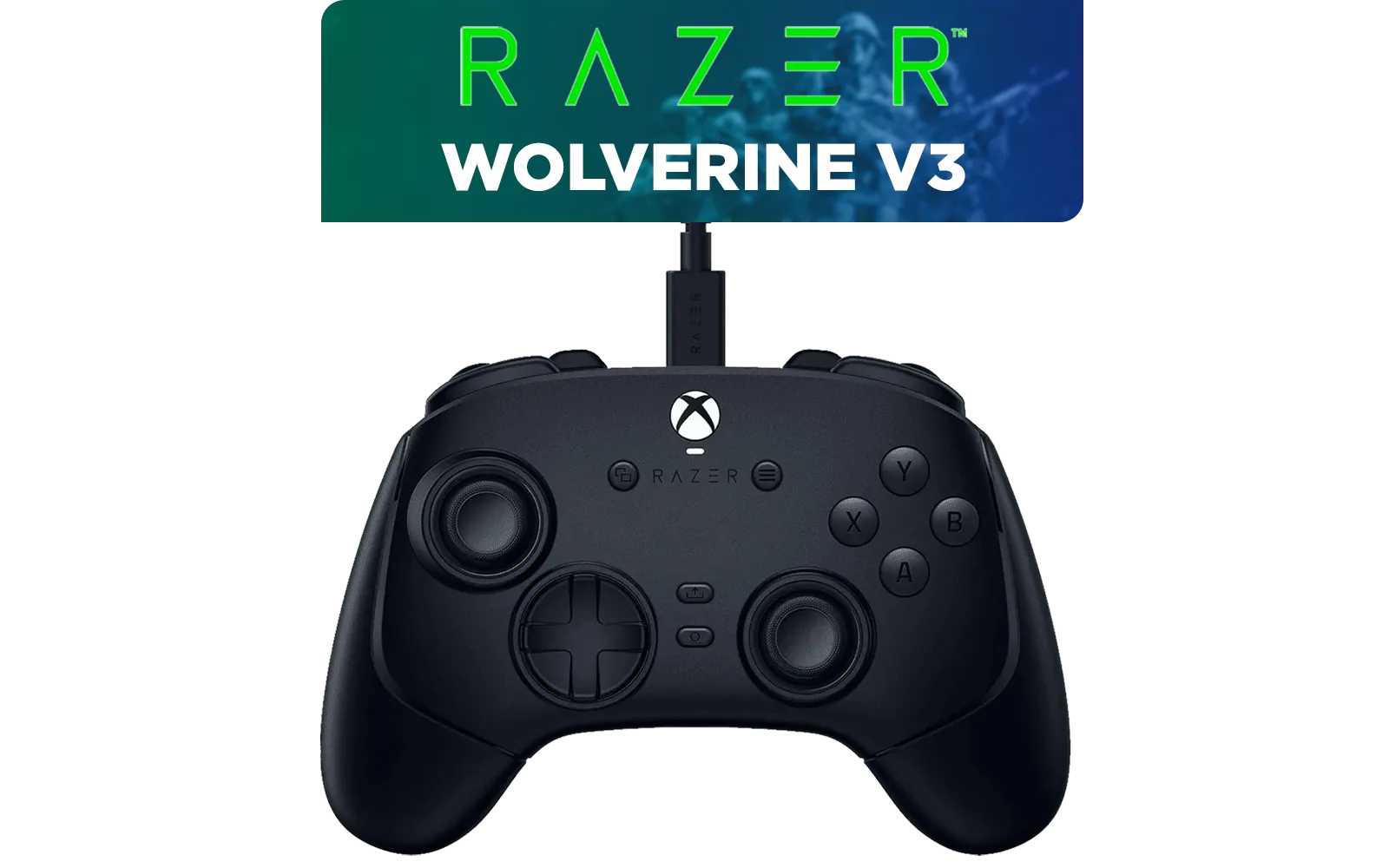
Razer Wolverine V3 Tournament Edition XBOX/PC, 6 Remappable Buttons to Outplay Them All, 1000Hz Polling Rate for Competitive Play on PC, Wired Esports Controller - Black / RZ06-05210100-R3M1
R2599.00In Stock

Microsoft Xbox Wireless Controller - Carbon Black / Hybrid D-Pad / 3.5mm Stereo Headset Jack / Textured Triggers And Bumpers / Compatible for Xbox Series X|S, Xbox One, Android And iOS / QAT-00009
R1599.00In Stock

Xbox Special Edition Series Controller - Pulse Cipher / Red transparent top case / Rubberised red grips / Metallic red triggers and D-pad / Bluetooth® technology / QAU-00165
R1899.00In Stock

Turtle Beach Atom Mobile Game Controller with Bluetooth for Cloud Gaming on Android Mobile Devices with Compact Shape, Console Style Controls, Low Latency Bluetooth - Red / TBS-0766-05
R2499.00In Stock
Xbox Rechargeable Battery + USB-C Cable - SXW-00002
R649.00In Stock
Yes, the SteelSeries Stratus+ works with Android 4+ devices via Bluetooth LE. The included phone mount fits most standard phone widths securely.
The SmartGrip mount slides into the back of the controller. Extend the clip to insert your device for a balanced SteelSeries Stratus+ Android gaming setup.
Absolutely. The controller is fully compatible with controller-supported Android games like Fortnite, Minecraft, and Call of Duty Mobile.
Yes, it connects via USB-C to PC for a wired connection, making it a versatile choice beyond just mobile gaming.
It offers an impressive 90 hours of gameplay on a single charge, ensuring your portable console sessions aren't cut short.
It is optimized for cloud gaming services like NVIDIA GeForce Now, turning your phone into a high-end PC gaming stream deck.











