



Stream on Twitch with RTX 3050 6GB: Performance Guide
Wondering if you can stream on Twitch with an RTX 3050 6GB? The short answer is yes! 🎮 Discover how the NVENC encoder handles 1080p broadcasting while gaming. We break down the best OBS settings and performance expectations for this budget GPU. 🚀
|
Loading tags...
So, you’ve got the skills, the personality, and a burning desire to go live. You want to stream on Twitch, but the thought of forking out a fortune for a high-end rig makes your wallet weep. What if you could get started with a solid, budget-friendly GPU? Enter the NVIDIA GeForce RTX 3050 6GB. It’s a popular choice for 1080p gaming, but can it handle the dual load of gaming and streaming? Let's find out.

RYZEN 5 7500X3D RTX 5060 DDR5 Gaming PC
R22049.00In Stock

Ryzen 5 9600X 5.4GHz RTX 5060 8GB DDR5 Budget Gaming PC
R22574.00In Stock

RYZEN 5 8400F 4.7GHz GT 710 2GB DDR5 Workstation PC
R11234.00In Stock

AMD RYZEN 9 9900X 5.6GHz RTX 4000 Blackwell 24GB DDR5 Workstation PC
R57119.00In Stock

AMD RYZEN 5 3600 RTX 3050 Budget Gaming PC
R11234.00In Stock
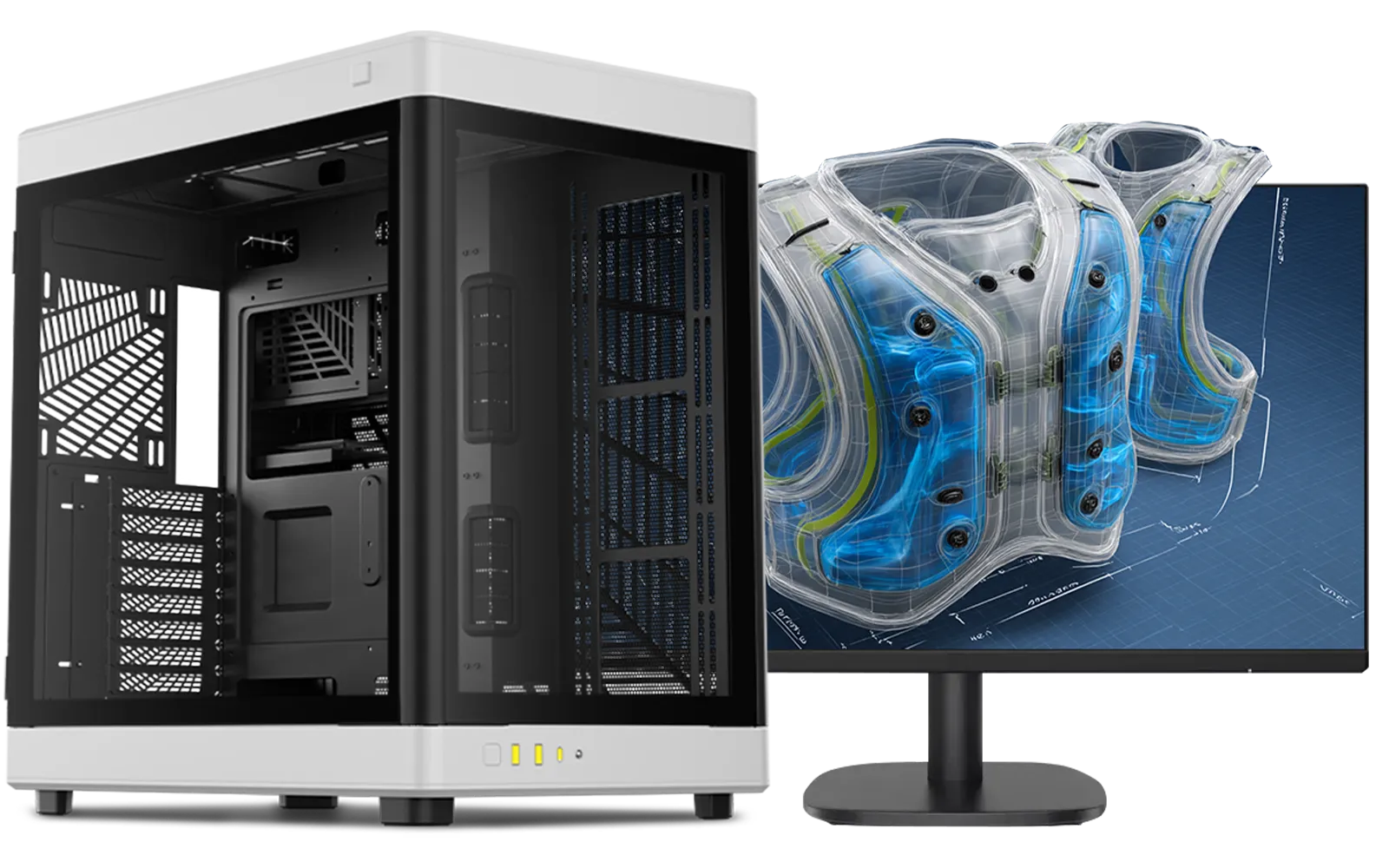
Intel Core Ultra 9 285K 5.7GHz RTX 5000 Ada 32GB DDR5 Workstation PC
R134399.00In Stock
The RTX 3050 6GB Streaming Sweet Spot
Before we dive into settings, let's talk about why the RTX 3050 6GB is even a contender for streaming. The secret weapon here isn't raw power... it's the dedicated NVIDIA Encoder, or NVENC. This is a special part of the GPU that handles the video encoding (the process of preparing your gameplay for broadcast) all on its own. This means your CPU is free to focus on running the game, preventing those dreaded in-game stutters. ⚡
While it won't compete with a top-tier RTX 4080, its performance is surprisingly capable for anyone starting out. It's the engine behind many of the best budget gaming PCs in South Africa for a reason: it delivers excellent value for its price point.
Performance Guide: What to Expect When You Stream
Let's be realistic. You won't be streaming Cyberpunk 2077 at 4K Ultra settings with this card. But for the games most South Africans are playing and streaming, the RTX 3050 6GB streaming performance is more than adequate.
For titles like Valorant, CS2, Fortnite, or Apex Legends, you can comfortably aim for a smooth 720p at 60fps stream while maintaining over 60fps in-game, often on medium-to-high settings. This is the perfect starting point for any new streamer.
The key is balance. You might need to tweak a few in-game settings—perhaps dropping shadows from "Ultra" to "High"—but the visual difference is minor, while the performance gain for your stream is huge. This level of performance is typical for systems found in our PCs under R20,000 category, offering a fantastic gateway into content creation.
How to Optimise OBS for Your RTX 3050 6GB Stream
Getting a smooth stream on Twitch with an RTX 3050 6GB is all about the right settings in your broadcasting software, like OBS Studio. A powerful card is useless if it's not configured correctly. 🔧
RYZEN 9 9900X 5.6GHz RTX PRO 6000 96GB DDR5 Next Gen Workstation PC
R211574.00In Stock

RYZEN 7 9700X 5.5GHz RX 9070 XT 16GB DDR5 Gaming PC
R38114.00In Stock
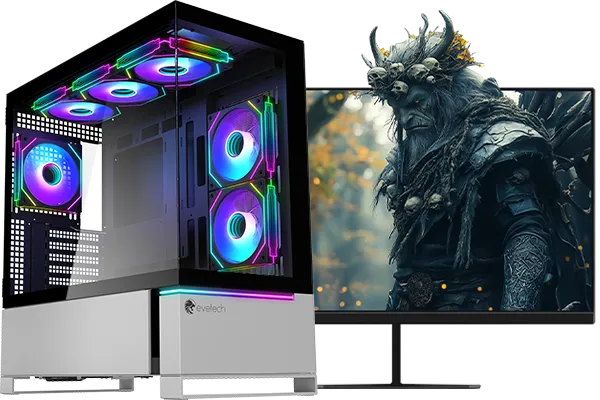
RYZEN 7 7800X3D 5.0GHz RTX 5080 32GB DDR5 Gaming PC
R49769.00In Stock

RYZEN 7 9800X3D 5.2GHz RTX 5080 16GB DDR5 Gaming PC
R52814.00In Stock
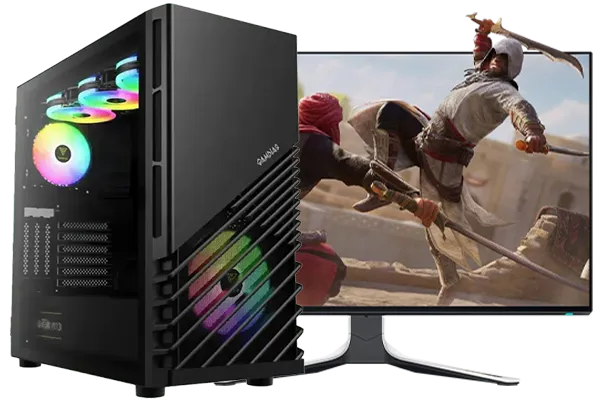
Intel Core Ultra 7 265K 5.3GHz RTX 5060 8GB DDR5 Gaming PC
R30764.00In Stock
![[Pre Built] AMD Ryzen 7 9800X3D RTX 5080 Gaming PC](https://img.evetech.co.za/repository/ProductImages/ryzen-7-9800-x-3-d-rtx-5080-gaming-pc-48-gb-main-1600px-v1.webp)
[Pre Built] AMD Ryzen 7 9800X3D RTX 5080 Gaming PC
R79799.00In Stock
Encoder Settings are Key
This is the most critical step.
- Go to
Settings > Output. - Set
Output ModetoAdvanced. - Under the
Streamingtab, set theEncodertoNVIDIA NVENC H.264. Do not use x264, as this will overload your CPU. - For the
Rate Control, useCBR(Constant Bitrate).
Bitrate and Resolution
Your bitrate depends heavily on your internet upload speed. For most South African fibre lines, a bitrate between 4500 and 6000 Kbps is a great target for a crisp 720p 60fps or 1080p 30fps stream. Go to Settings > Video and set your Output (Scaled) Resolution to 1280x720 and Common FPS Values to 60 to start.
TIP FOR YOU
Quick Start Tip 🚀
Not sure where to begin? In OBS, go to Tools > Auto-Configuration Wizard. It will test your hardware and internet connection to recommend a solid baseline for your stream settings. You can then fine-tune from there for the best RTX 3050 6GB streaming performance.
If you'd rather skip the setup hassle, our wide range of pre-built PC deals come ready to game and stream right out of the box.
Is the RTX 3050 6GB Your Perfect Streaming GPU?
So, what's the final verdict? If you're an aspiring streamer in South Africa looking for an affordable entry point, the answer is a resounding yes. The ability to stream on Twitch with an RTX 3050 6GB is not just possible; it's a fantastic experience for the price. It lets you build a community and share your passion without needing a second mortgage. ✨
![[Pre Built] AMD RYZEN 7 9700X RTX 5070 Gaming PC](https://img.evetech.co.za/repository/ProductImages/ryzen-7-9700-x-rtx-5070-gaming-pc-pbs-main-1600px-v1.webp)
[Pre Built] AMD RYZEN 7 9700X RTX 5070 Gaming PC
R36749.00In Stock

Intel 14th Gen Core i3 14100F 4.7GHz ARC A380 6GB Gaming PC
R11549.00In Stock
AMD RYZEN 7 9800X3D RTX Pro 4500 DDR5 Workstation PC
R79589.00In Stock
![[Pre Built] Intel Core Ultra 7 265K RTX 5070 Gaming PC](https://img.evetech.co.za/repository/ProductImages/intel-core-ultra-7-265-kf-rtx-5070-gaming-pc-pbs-main-1600px-v1.webp)
[Pre Built] Intel Core Ultra 7 265K RTX 5070 Gaming PC
R38849.00In Stock
AMD RYZEN 5 8400F 4.7GHz RTX 5060 8GB DDR5 Budget Gaming PC
R18794.00In Stock

Intel Core Ultra 5 225F 4.9GHz GT 710 2GB DDR5 PC
R12074.00In Stock
Of course, if your streaming ambitions grow and you want to push to 1440p resolutions or stream demanding AAA titles at max settings, you'll eventually want to upgrade. For that next level of power, exploring some PCs above R20,000 would be your next logical step.
Ultimately, the RTX 3050 6GB hits a perfect balance of price and performance, making it a champion for new creators. You can browse all our best gaming PC deals to see how it stacks up against other options.
Ready to Go Live? The RTX 3050 6GB is a fantastic entry point into the world of streaming. Whether you're building a budget beast or looking for a balanced pre-built rig, we've got the hardware to get your Twitch channel started. Explore our massive range of gaming PCs and find the perfect machine to conquer your world.
Related Products
RYZEN 7 7800X3D 5.0GHz RTX 5060 Ti 16GB DDR5 Gaming PC
R27299.00In Stock

Intel 14th Gen Core i3 14100F 4.7GHz GT 710 2GB PC
R8924.00In Stock
RYZEN 7 7800X3D 5.0GHz RTX 5080 32GB DDR5 Gaming PC
R49769.00In Stock

Intel Core Ultra 7 265K 5.5GHz RX 9070 XT 16GB DDR5 Gaming PC
R40949.00In Stock
RYZEN 7 9700X 5.5GHz RX 9070 XT 16GB DDR5 Gaming PC
R38114.00In Stock
Intel Core Ultra 9 285K 5.7GHz RTX 5000 Ada 32GB DDR5 Workstation PC
R134399.00In Stock
Yes, by utilizing the NVENC encoder, the RTX 3050 6GB can handle 1080p 60fps streaming for esports titles, though heavy AAA games may require 720p output.
Absolutely. The RTX 3050 6GB features NVIDIA's dedicated NVENC hardware encoder, which offloads video encoding duties from your CPU to ensure smoother gameplay.
It is an excellent budget choice. It offers access to NVIDIA Broadcast features and reliable encoding quality without breaking the bank for new Twitch streamers.
Use the NVIDIA NVENC H.264 encoder, set Bitrate to 4500-6000 Kbps for 1080p, and select the 'Performance' preset to maximize in-game framerates.
While the 8GB version offers more VRAM for game textures, both utilize similar NVENC architecture, meaning the actual stream encoding quality is virtually identical.
Yes, but for fast-paced shooters like Warzone, it is recommended to stream at 720p 60fps and use competitive graphics settings to maintain high FPS.







