



What Is Monitor Ghosting? How Response Times Affect Gaming
Wondering what is monitor ghosting and why it ruins your aim? 🎮 We explain the causes, how response times like 1ms GTG eliminate trails, and how to fix it for smoother gameplay. Learn to optimize your display for victory today! 🚀
|
Loading tags...

Ever lined up the perfect headshot in Apex Legends, only for a blurry trail to throw off your aim? Or seen a frustrating smear when drifting a corner in your favourite racing sim? That visual artefact isn't just in your head... it's monitor ghosting, and it's a common headache for gamers. It’s the phantom menace of fast-paced gameplay, but understanding how response times affect gaming is the first step to defeating it for good. 🚀

ViewSonic TD1655 15.6" Full HD (1920 x 1080) Portable Touchscreen Monitor / Ultra-portable Design / Advanced in-cell Capacitive Touchscreen / 2-Way Power With USB Type-C / Frameless Design / Portrait and Landscape Modes / dual integrated speakers / TD1655
R5199.00In Stock
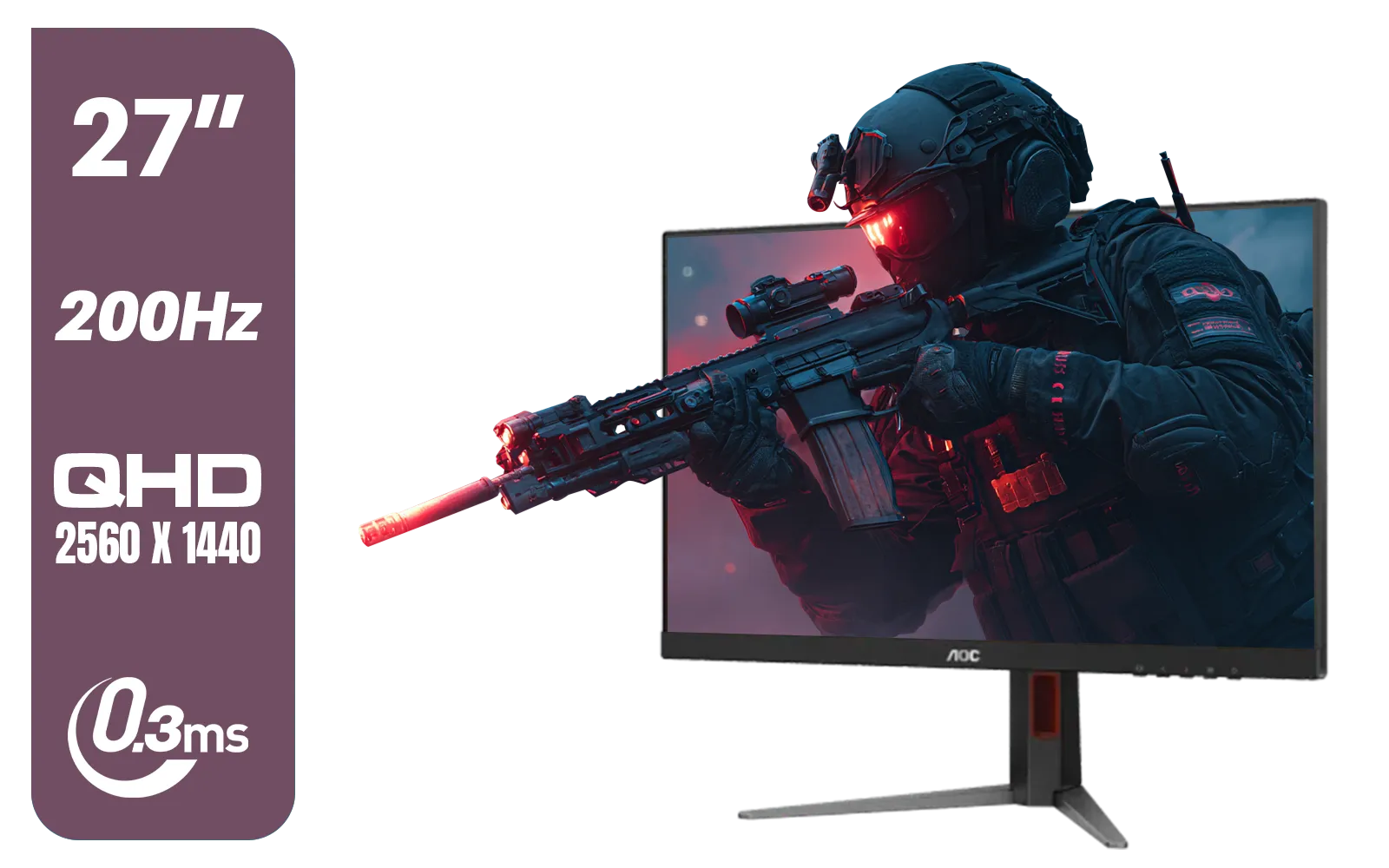
AOC Q27G4/D 27" Gaming Monitor / QHD (2560 × 1440) / 200Hz Refresh Rate / 0.3ms Response Time / IPS-Level Display / Certified HDR400 / Support Adaptive Sync / Q27G4/D
R3899.00In Stock

ViewSonic 27” Full HD Monitor / Fast 1ms Response Time / 100Hz Refresh rate / IPS Panel / VA270-H
R2349.00In Stock
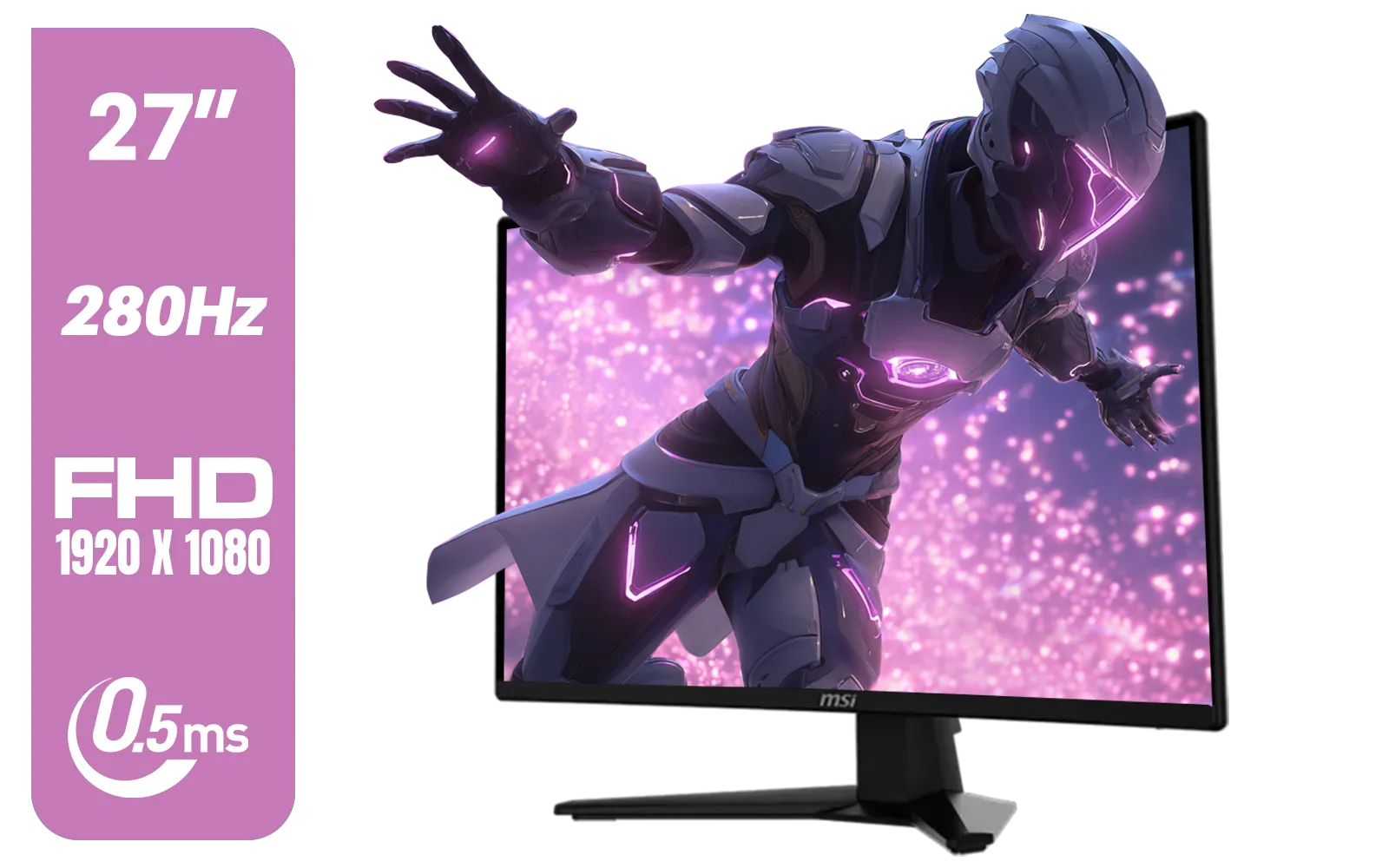
MSI MAG 274CXF Monitor / 27" FHD (1920x1080) Rapid VA Display / 280Hz Refresh Rate / Curved 1500R / 0.5ms Response Time / AMD FreeSync™ Premium / 9S6-3CE31T-028
R4999.00In Stock
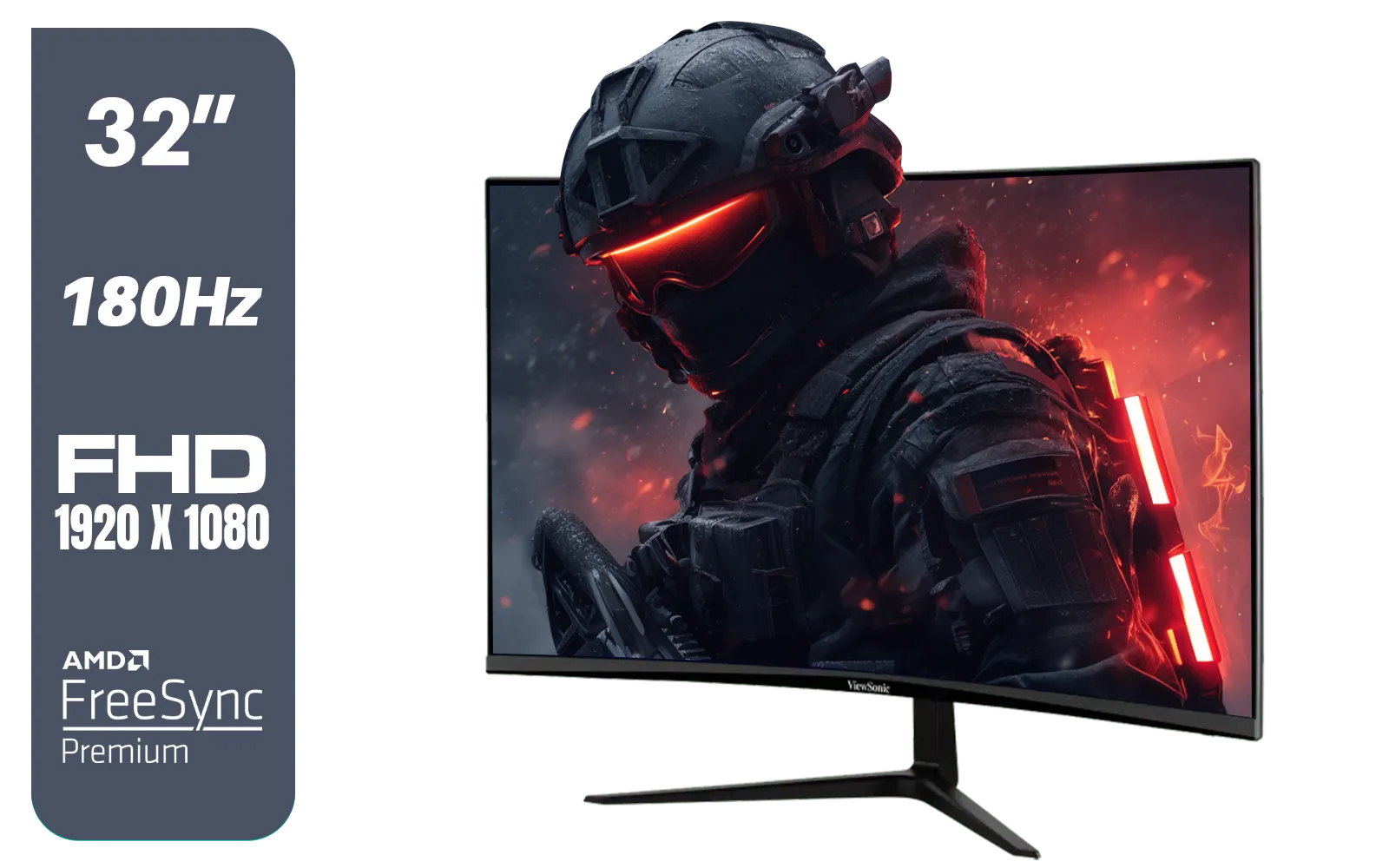
ViewSonic VX3218-PC-MHD 32" Full HD (1920 x 1080) 180Hz Curved Gaming Monitor / 180Hz Refresh Rate / 1ms MPRT Response Time / AMD Adaptive Sync Prevents Screen Tearing / 1500R Curve Ultimate Immersion / VX3218PCMHD
R3499.00In Stock
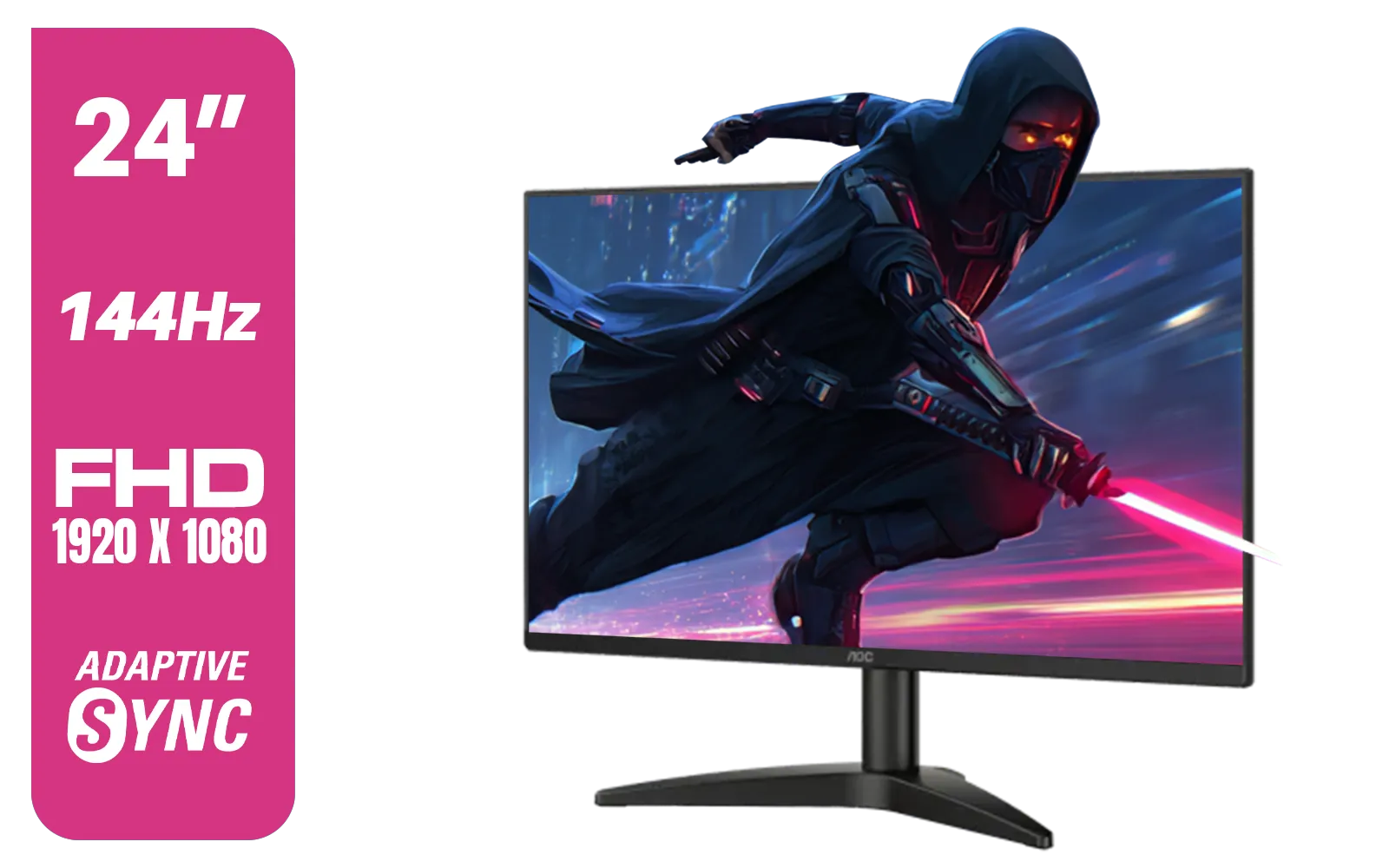
AOC 24B36X 24" Gaming Monitor / FHD (1920 x 1080) / 144Hz Refresh Rate / 0.5ms Response Time / IPS-Level Display / Support HDR10 / Support Adaptive Sync / 24B36X
R1999.00In Stock
So, What Is Monitor Ghosting, Exactly?
At its core, monitor ghosting is a visual trail or blur left behind by moving objects on your screen. Think of it like a faint echo of a previous frame still lingering as the new one appears. This happens when the pixels on your monitor can't change colour fast enough to keep up with the action. The result? A smeared, blurry image that can ruin immersion and impact your competitive performance.
This issue is most noticeable in high-contrast, fast-moving scenes. A dark character model moving against a bright sky is a classic example. While it can affect any display, from basic office screens to high-end panels, knowing what to look for across the wide world of PC monitors is crucial for any serious user.
The Culprit: Understanding Monitor Response Times
The technical cause behind ghosting is the monitor's "response time." This is the time, measured in milliseconds (ms), that it takes for a single pixel to shift from one colour to another (often measured as Grey-to-Grey, or GTG). The lower the number, the faster the pixel transitions, and the sharper the moving image will be.
For gaming, a response time of 5ms or less is generally recommended, with competitive players aiming for 1ms. When a monitor has a slow response time (e.g., 10ms or higher), it can't complete the colour change before the next frame is sent by your graphics card. This incomplete transition is exactly what causes the ghosting effect. That's why nearly all modern gaming monitors aggressively advertise their ultra-low response times. ✨
How to Spot and Reduce Ghosting on Your Current Monitor
Before you rush out to buy a new screen, you might be able to improve your current setup. Here are a few things to try to reduce monitor ghosting.

VIEWSONIC VX3218C-2K 32" QHD Curved Gaming Monitor / 180Hz Refresh Rate / 1ms MPRT Response Time / 1500R Curvature / AMD FreeSync™ Premium / QHD 1440p Resolution / VX3218C-2K
R4999.00In Stock
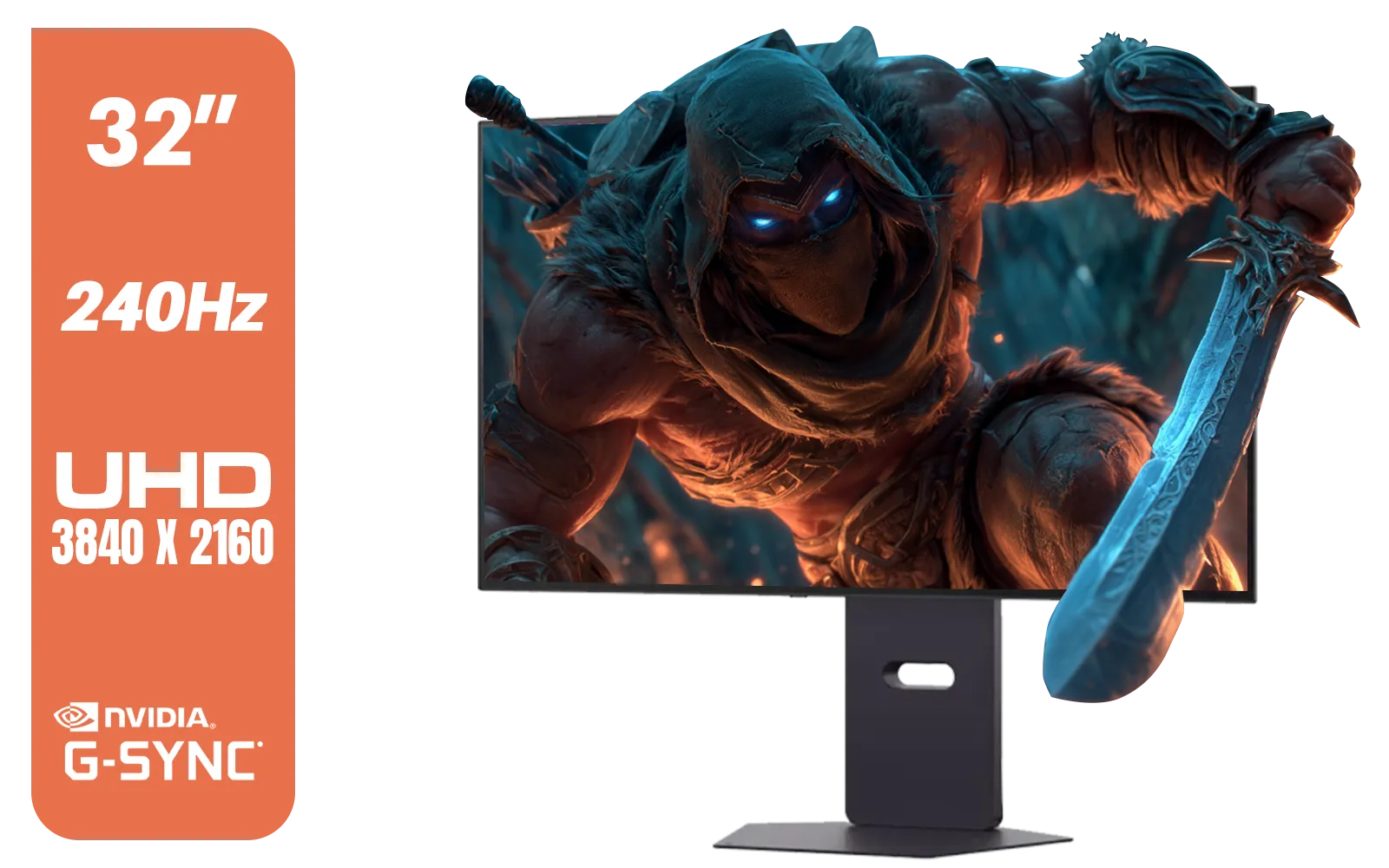
LG 32" UltraGear™ Dual-Mode OLED gaming monitor / 4K UHD / 0.03ms (GtG) / HDR Display True Black 400 / 32GS95UV-B.AFB
R27499.00In Stock
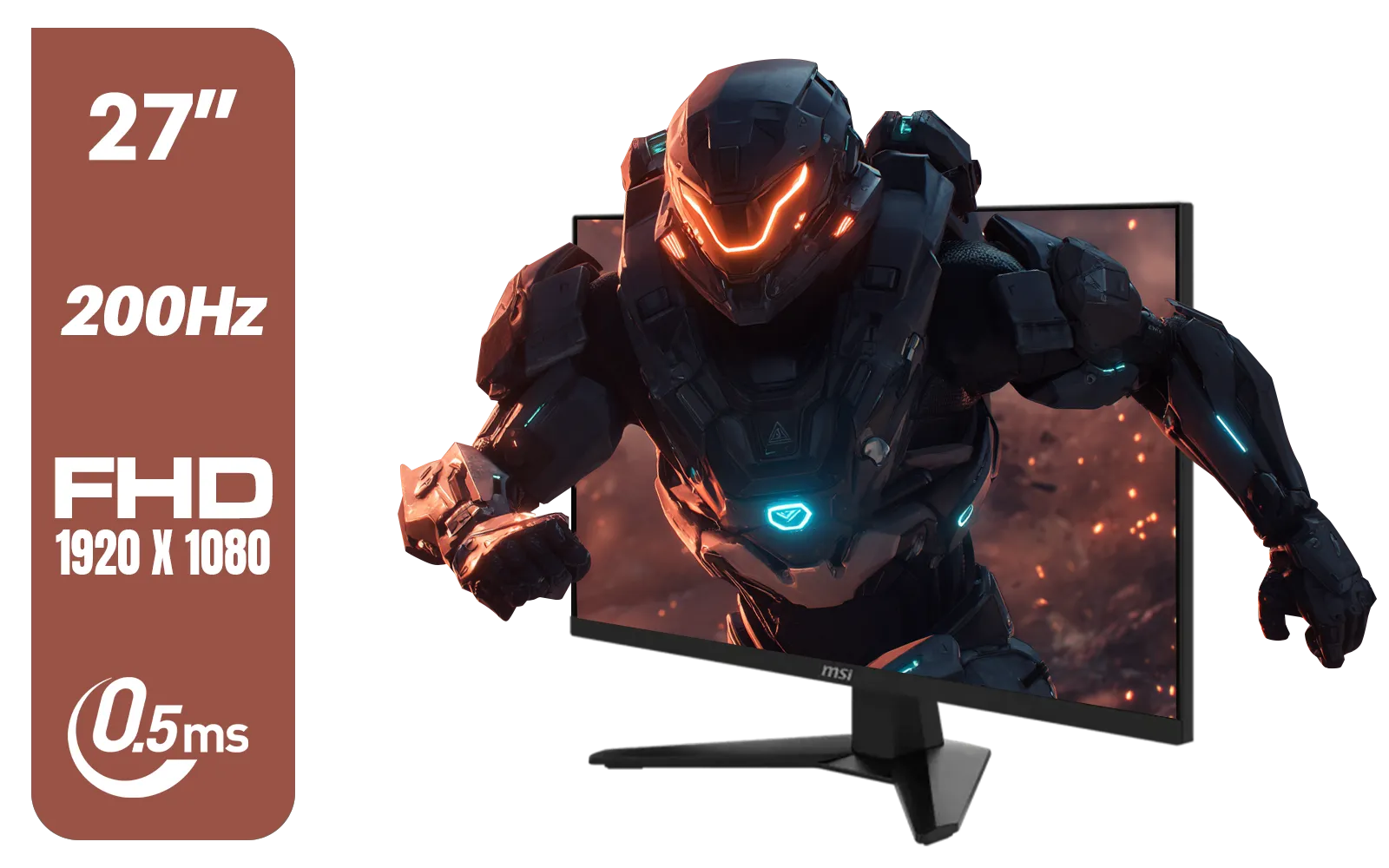
MSI MAG 274F 27" FHD (1920 x 1080) Monitor / 200Hz Refresh Rate / Rapid IPS Panel / 0.5ms Response Time / AI Vision Enhances Brightness, Colors / 9S6-3CE41H-062
R3699.00In Stock

Samsung M70D 32″ Smart Monitor / UHD (3840 x 2160) Resolution / 60Hz refresh rate / 4ms response time / LS32DM702UAXXA
R7799.00In Stock
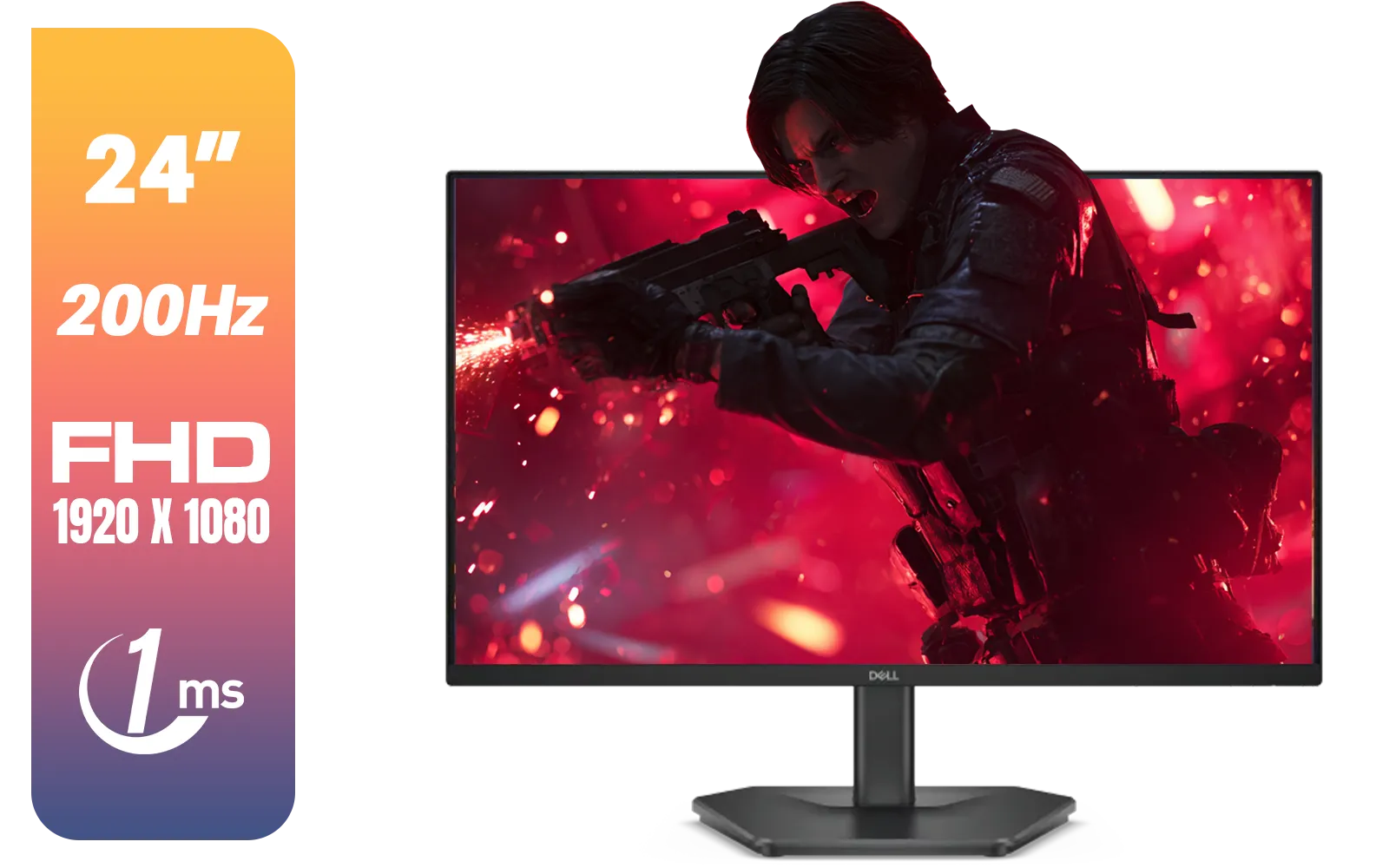
Dell SE2425HG 24" FHD IPS Gaming Monitor / FHD (1920 x 1080) Resolution / 200Hz Refresh Rate / 1ms Response Time / IPS level Display / 178° Horizontal and Vertical Viewing Angles / SE2425HG
R2599.00In Stock
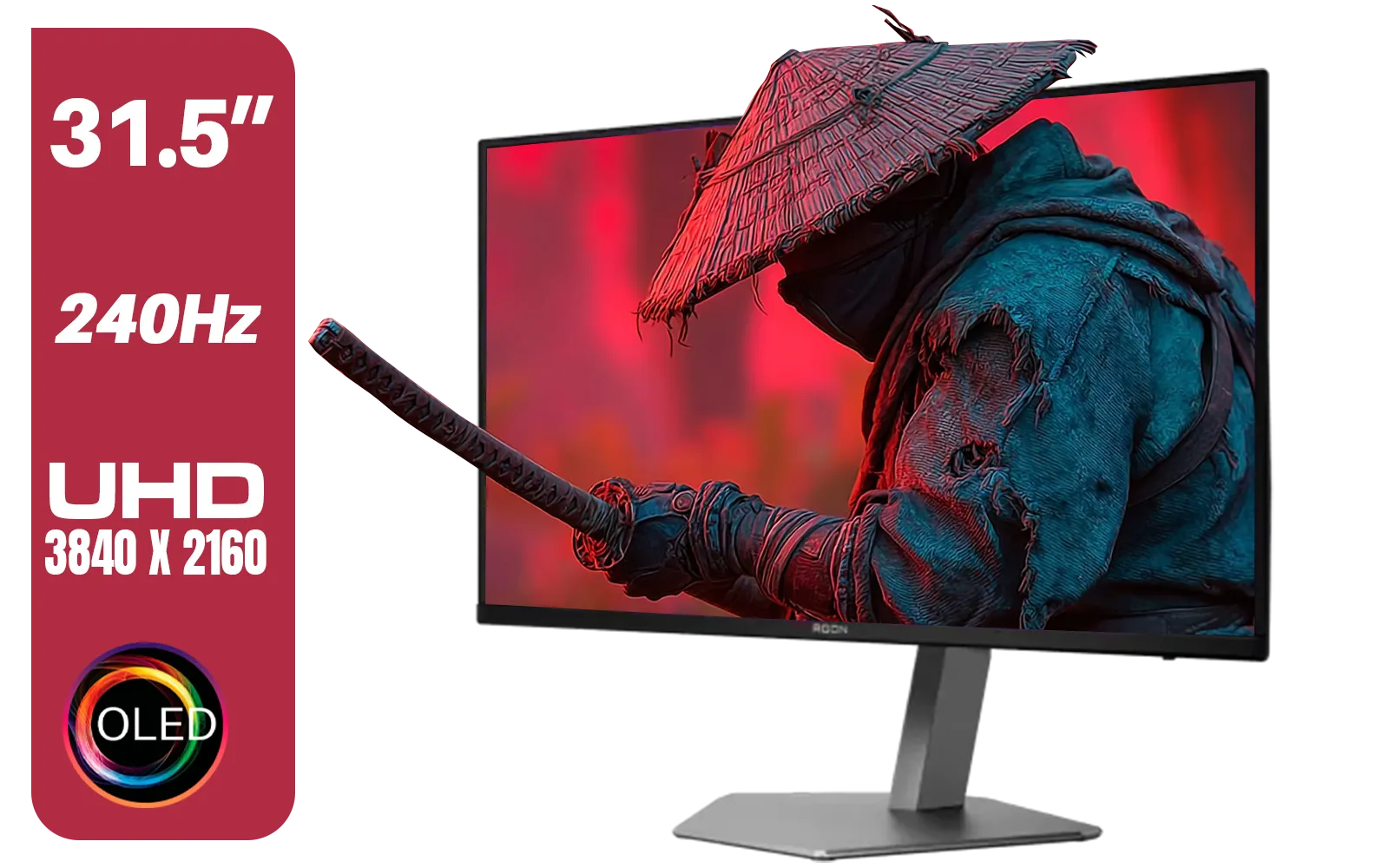
AOC Agon AG326UZD 31.5" Curved Gaming Monitor / UHD (3840x2160) OLED Display / 240Hz Refresh Rate / 0.03ms Response Time (GtG) / DisplayHDR True Black 400 / DisplayPort 2.1 / AG326UZD
R22999.00In Stock
Check Your Monitor's Overdrive Settings
Most gaming monitors have a setting in their on-screen display (OSD) called "Overdrive," "Trace Free," or simply "Response Time." This feature pushes more voltage to the pixels to make them change colour faster.
- Try It: Navigate your monitor's menu and find this setting. It usually has levels like Low, Medium, and High (or Normal, Fast, Fastest).
- The Catch: Setting it too high can cause "inverse ghosting" or "coronas," where a bright or oddly-coloured trail appears instead. Find the sweet spot that provides the sharpest image without introducing new problems.
Run a Ghosting Test
You can easily check for monitor ghosting using online tools. The most famous is the UFO Test by Blur Busters. This simple browser-based test shows a moving UFO against different backgrounds, making it immediately obvious if your monitor is struggling to keep up.
TIP FOR YOU
Cable Check 🔧
't underestimate your cables! An old or low-quality HDMI or DisplayPort cable can sometimes cause signal integrity issues that lead to visual artefacts. If you're troubleshooting, using a certified, high-quality cable is a smart step. It's one of the simplest [monitor accessories](https: www.evetech.co.za PC-Components buy-monitor-accessories-368.aspx) that can make a real difference.
When an Upgrade Is the Only Real Fix
Sometimes, you've tweaked every setting, and the ghosting persists. This usually means the limitation is the panel technology itself. Older monitors, or those not designed for gaming, simply can't achieve the pixel response speeds needed for a clean, crisp image.
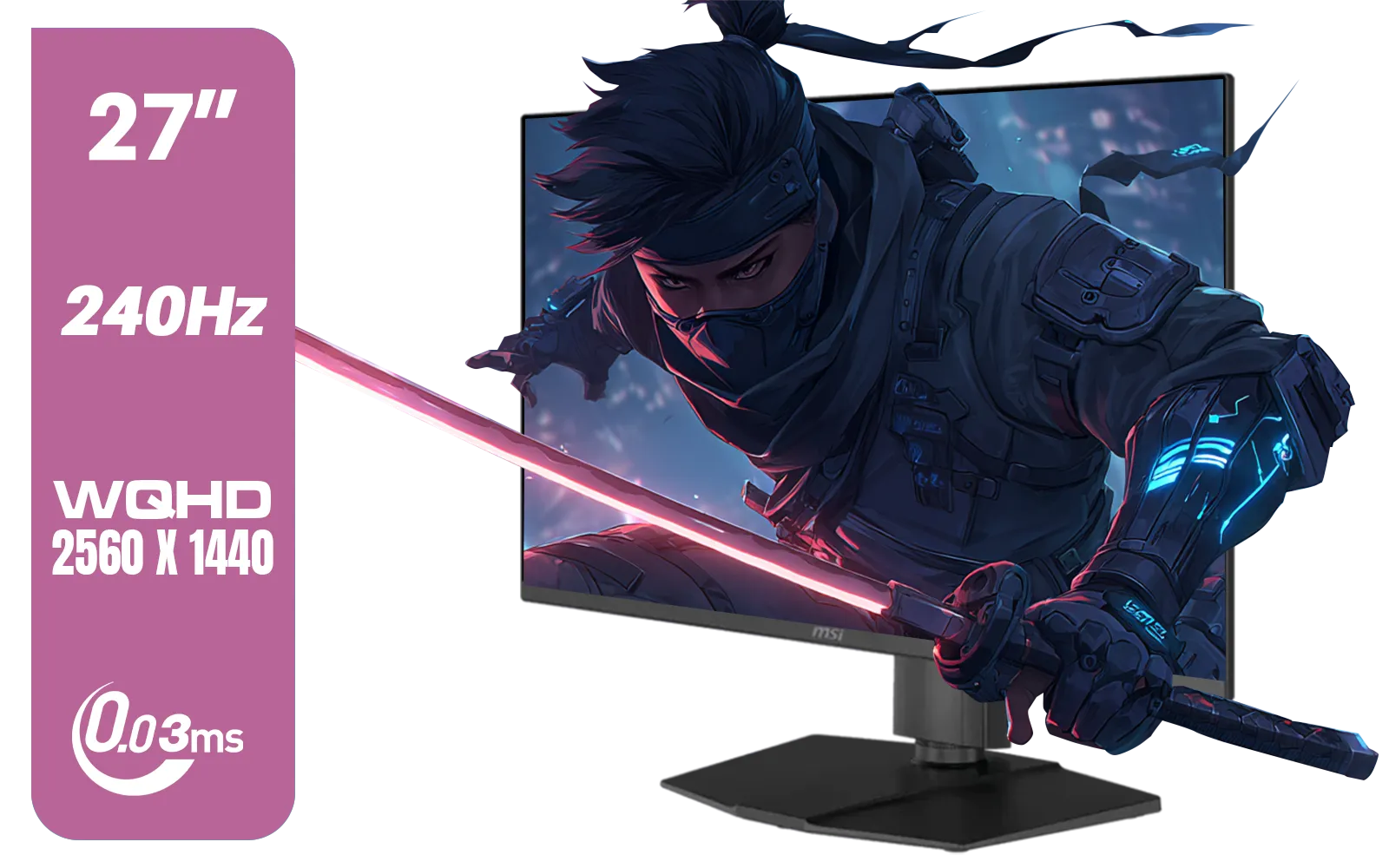
MSI MAG 273QP 27" 2560 x 1440 (WQHD) QD-OLED Monitor / 0.03ms GtG Response Time / 240Hz Refresh Rate / VESA DisplayHDR True Black 400 / 9S6-3CE69H-012
R14999.00In Stock

DELL 27 MONITOR SE2725HM VGA HDMI 210-BQZW / (1920 x 1080) Display resolution / IPS level Display / 5ms Response Time / 178° Verticaland Horizontal Viewing Angle / SE2725HM
R2299.00In Stock

MSI G321Q 31.5" WQHD IPS 2K Flat Monitor, 170Hz Refresh Rate, 1ms MPRT Response Time, 1.07B Display Colors, 16:9 Aspect Ratio, 1200:1 Contrast Ratio, G-Sync / AMD Freesync, HDR, Black / 9S6-3DB91A-041
R6999.00In Stock
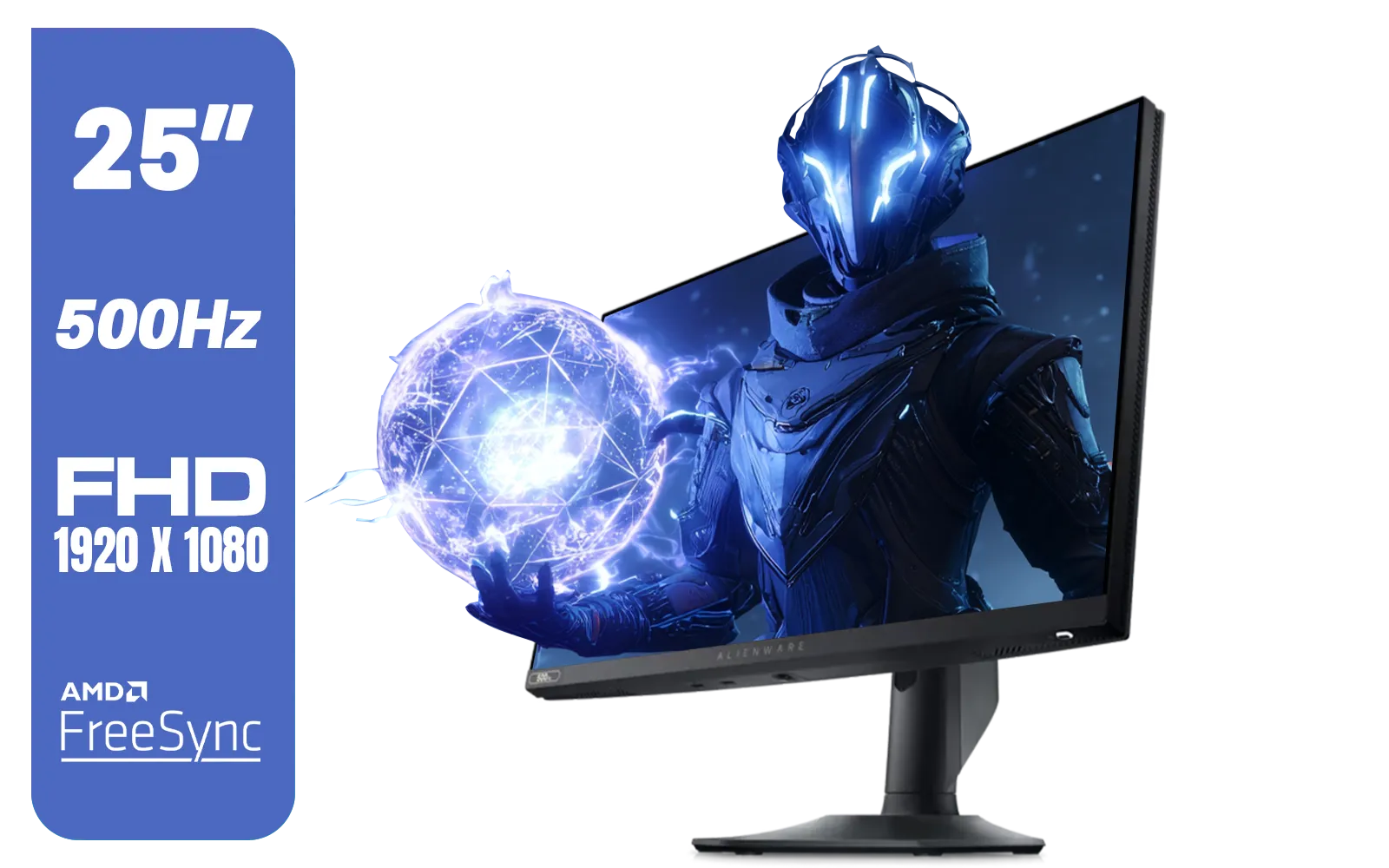
Alienware AW2524HF Gaming Monitor/ 25-inch / IPS Panel / Full HD (1920 x 1080)/ 500Hz refresh rate / 1 ms Response Time / VESA Adaptive-Sync, AMD FreeSync Premium / AW2524HF
R12999.00In Stock
Samsung M70D 32″ Smart Monitor / UHD (3840 x 2160) Resolution / 60Hz refresh rate / 4ms response time / LS32DM702UAXXA
R7799.00In Stock
AOC Agon AG326UZD 31.5" Curved Gaming Monitor / UHD (3840x2160) OLED Display / 240Hz Refresh Rate / 0.03ms Response Time (GtG) / DisplayHDR True Black 400 / DisplayPort 2.1 / AG326UZD
R22999.00In Stock
Whether you're looking for the immersion of the latest curved monitors or the incredible detail of new 5K & 4K monitors, a low response time should be a top priority. The ghosting problem isn't limited to large desktop displays either; even the best portable monitors for gaming on the go need fast pixels to deliver a great experience. If ghosting is holding you back, a modern gaming panel is the ultimate solution.
Ready to Banish Ghosting for Good? A blurry screen can be the difference between victory and defeat. Stop letting slow response times dictate your performance. Explore our massive range of gaming monitors and find the perfect, ghost-free display to conquer your world.
Related Products
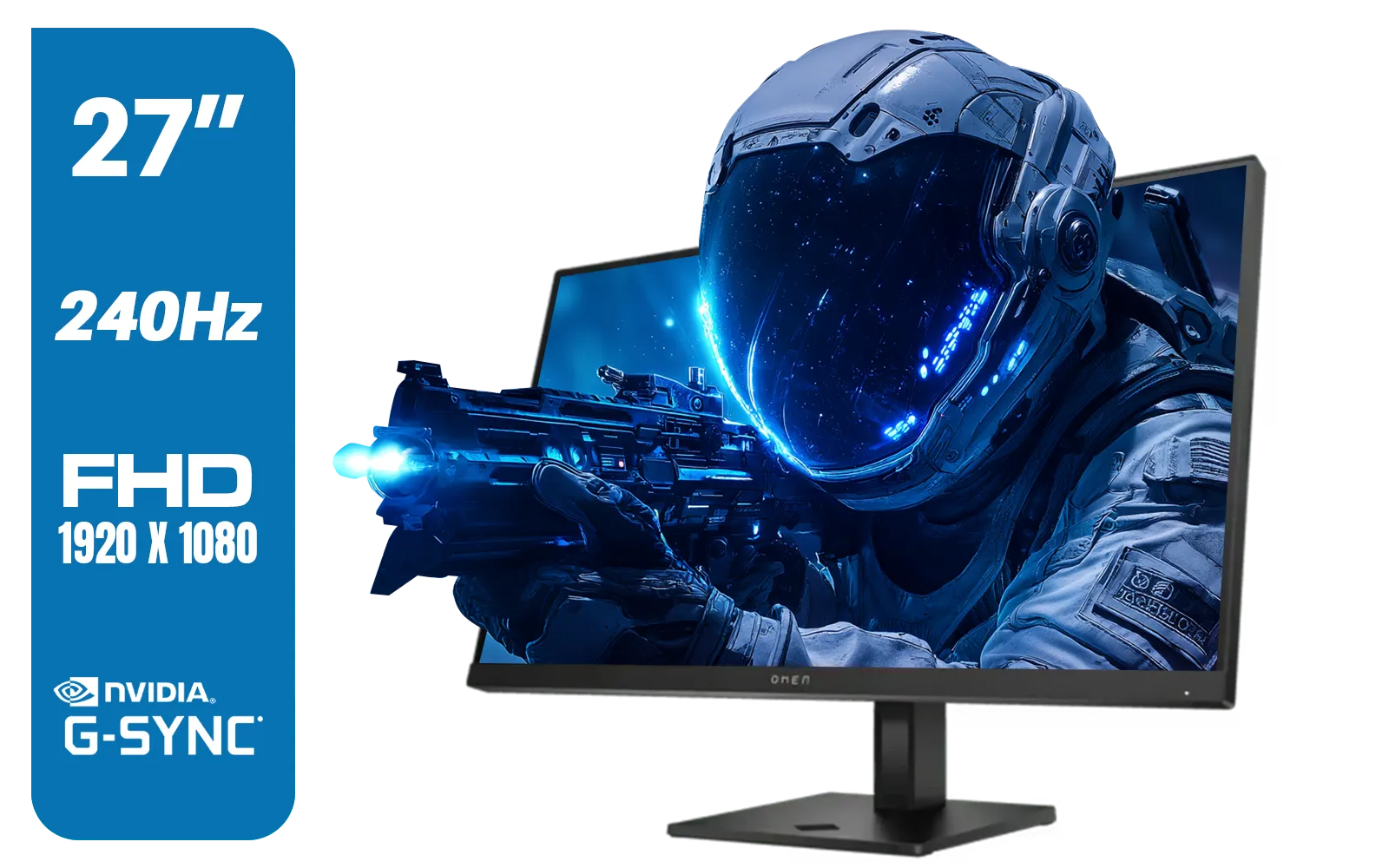
HP OMEN 27s FHD 240Hz Gaming Monitor - Black / VESA DisplayHDR 400 / NVIDIA® G-SYNC® Compatible / Integrated Dual 3W speakers / Customize aRGB lighting through OMEN Light Studio / 780G5AS
R8999.00In Stock
Dell SE2425HG 24" FHD IPS Gaming Monitor / FHD (1920 x 1080) Resolution / 200Hz Refresh Rate / 1ms Response Time / IPS level Display / 178° Horizontal and Vertical Viewing Angles / SE2425HG
R2599.00In Stock

Philips 49B2U5900CH 49" Dual QHD Curved Business Monitor / Dual QHD (5120 x 1440) / 4ms Response Time / Flicker-Free / LowBlue Mode / 49B2U5900CH/89
R23499.00In Stock
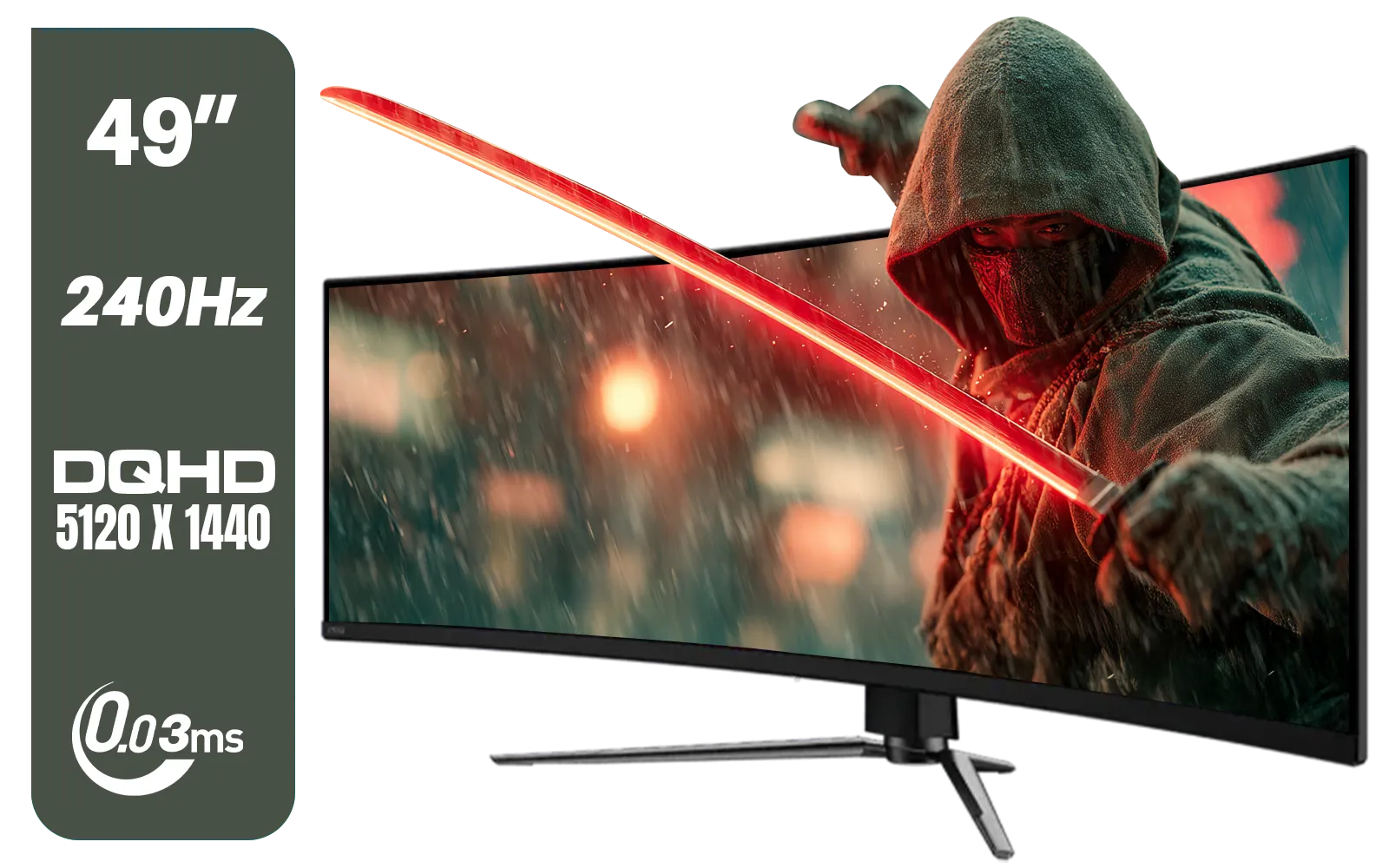
MSI MAG 491CQPX 49" DQHD (5120 x 1440) Curved Gaming Monitor / 0.03ms Response Time / 240Hz Refresh Rate / HDMI 2.1 Support / 9S6-3FA84T-040
R34999.00In Stock
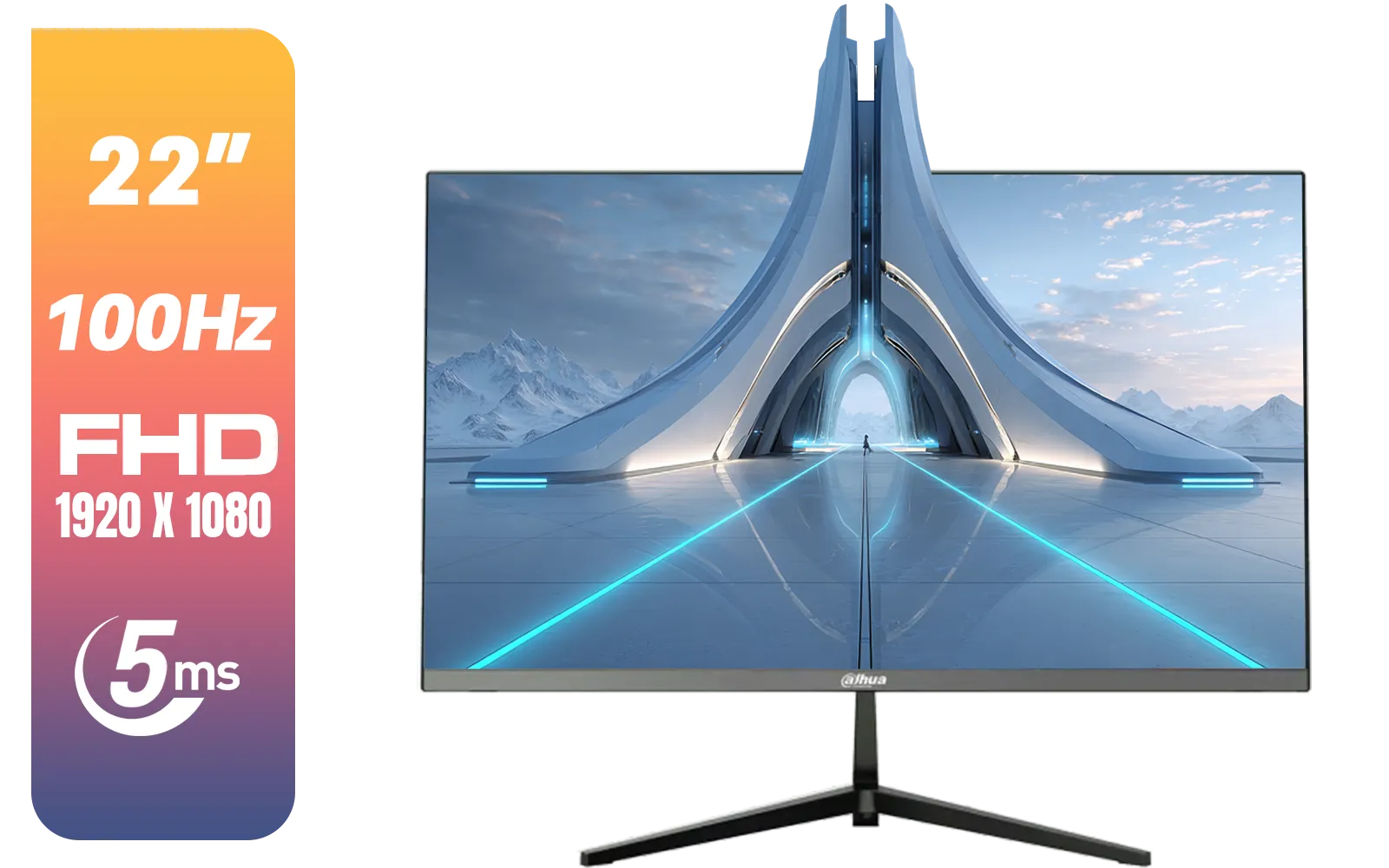
Dahua LM22-A200X 22" 100Hz LED Monitor / Ultra Narrow Bezel Design / 5ms Response Time / FHD 1920x1080 / 100Hz Refresh Rate / Anti Blue Light / DHI-LM22-A200X
R1399.00In Stock
AOC Q27G4/D 27" Gaming Monitor / QHD (2560 × 1440) / 200Hz Refresh Rate / 0.3ms Response Time / IPS-Level Display / Certified HDR400 / Support Adaptive Sync / Q27G4/D
R3899.00In Stock
Ghosting occurs when pixels change color too slowly, leaving trails behind fast-moving objects. It is directly linked to slow pixel response times.
Try enabling the 'Overdrive' or 'Response Time' setting in your monitor's OSD menu. Alternatively, check for driver updates or replace faulty cables.
Generally, yes. A 1ms GTG (Gray-to-Gray) response time ensures pixels transition fast enough to prevent visible trailing, ideal for fast-paced gaming.
Ghosting is a trailing blur, while inverse ghosting (overshoot) creates bright halos around objects, usually caused by setting Overdrive too high.
Yes. It blurs moving targets, making it difficult to aim precisely in FPS titles or react quickly in racing games, putting you at a disadvantage.
Not entirely. While high refresh rates (144Hz+) smooth out motion, ghosting will still persist if the pixel response time is too slow to keep up.











