



Wireless Gaming Headset South Africa: What to Look For
• Wireless gaming headset South Africa: spot must-have specs • Compare latency, battery life and mic clarity • Fit, comfort and budget checks 🎧🇿🇦 Quick local guide to choose the best wireless headset.
Tangled in cables during a crucial clutch moment? We’ve all been there. For South African gamers, cutting the cord isn’t just about a cleaner desk setup; it’s about pure, unrestricted freedom. Choosing the right wireless gaming headset in South Africa can feel daunting with all the options out there, but getting it right means unlocking immersive audio without being tethered to your machine. Let’s dive into what truly matters. 🎧

Logitech H390 Wired Headset - Black / Noise-Cancelling Microphone / USB / In-Line Controls, PC/Mac/Laptop / 981-000406
R549.00In Stock

Corsair Void v2 Wireless Gaming Headset with Bluetooth for PC, PS5, PS4, Switch, Mobile – Dolby Atmos, 70 Hr Battery, Dual Wireless, Lightweight, Fast Charging – Carbon / CA-9011379-WW
R1999.00In Stock
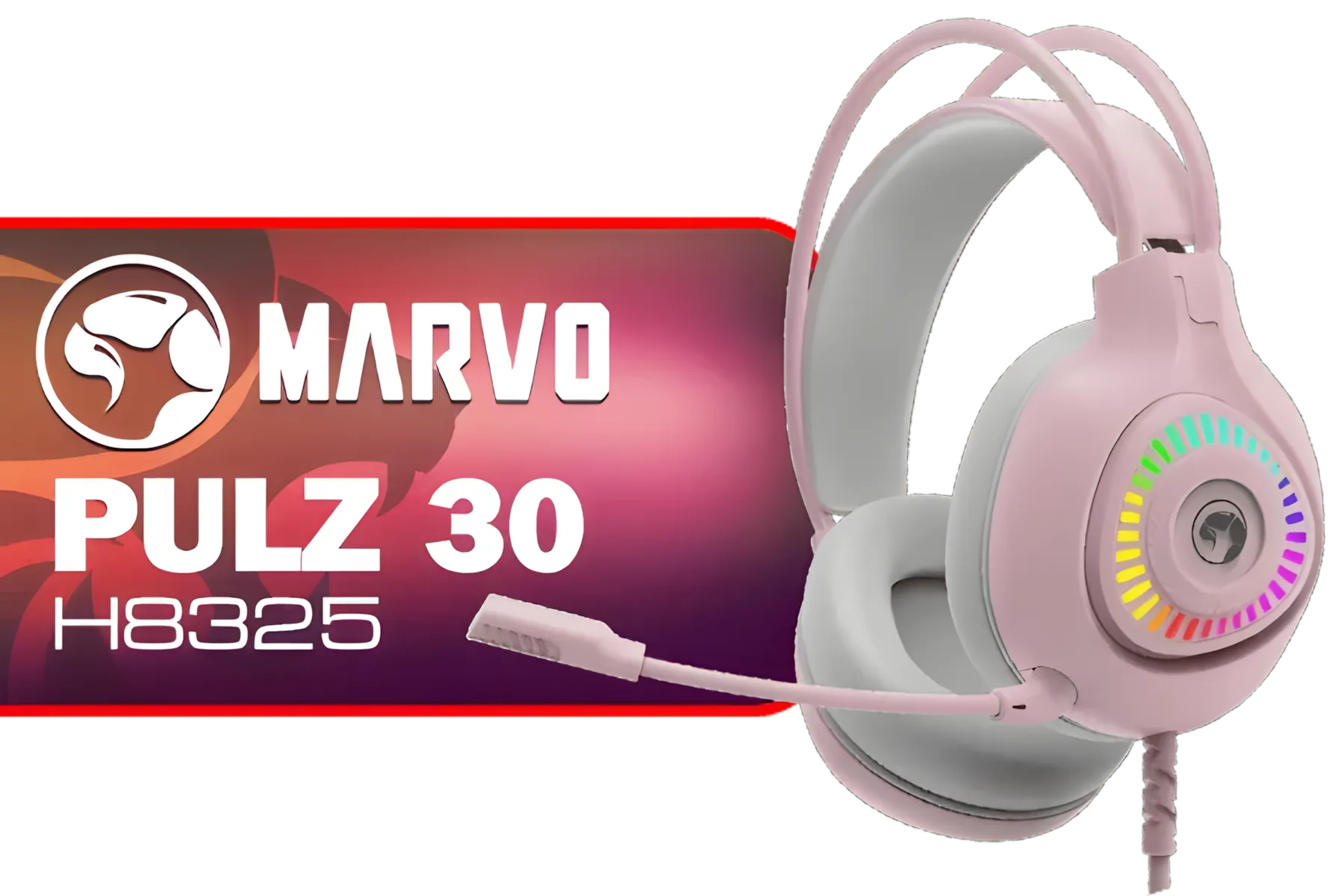
Marvo H8325 PULZ 30 Wired Gaming Headset - Pink / Stereo Sound / 50mm Drivers / Self-Adjustable Headband / Static RGB Backlight / H8325-PK
R299.00In Stock
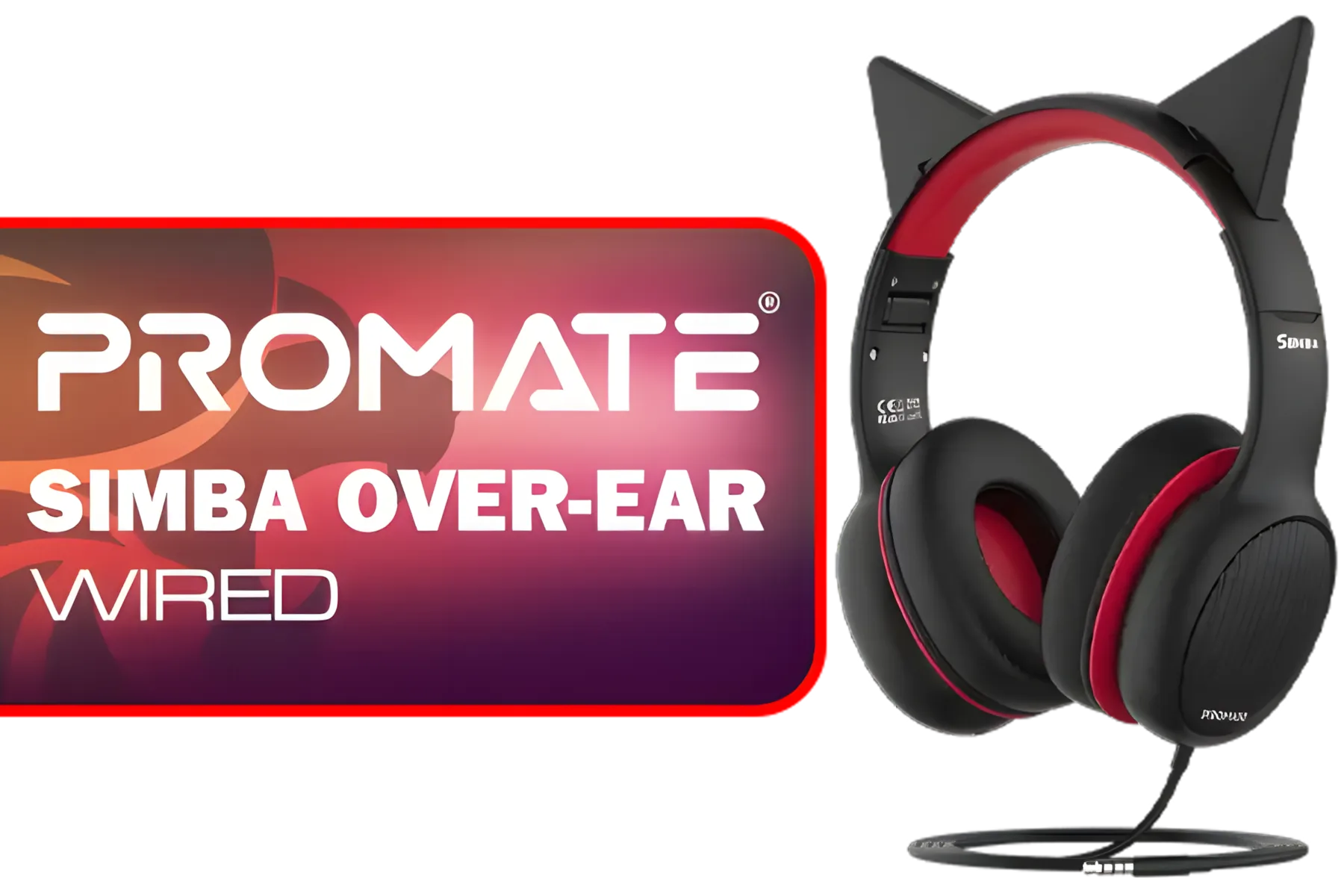
Promate Simba Over-Ear Hi-Definition SafeAudio™ Wired Headset - Onyx / 40mm Drivers / Adjustable Headband / 3.5mm Aux Connector / Audio Sharing / SIMBA.ONYX
R299.00In Stock
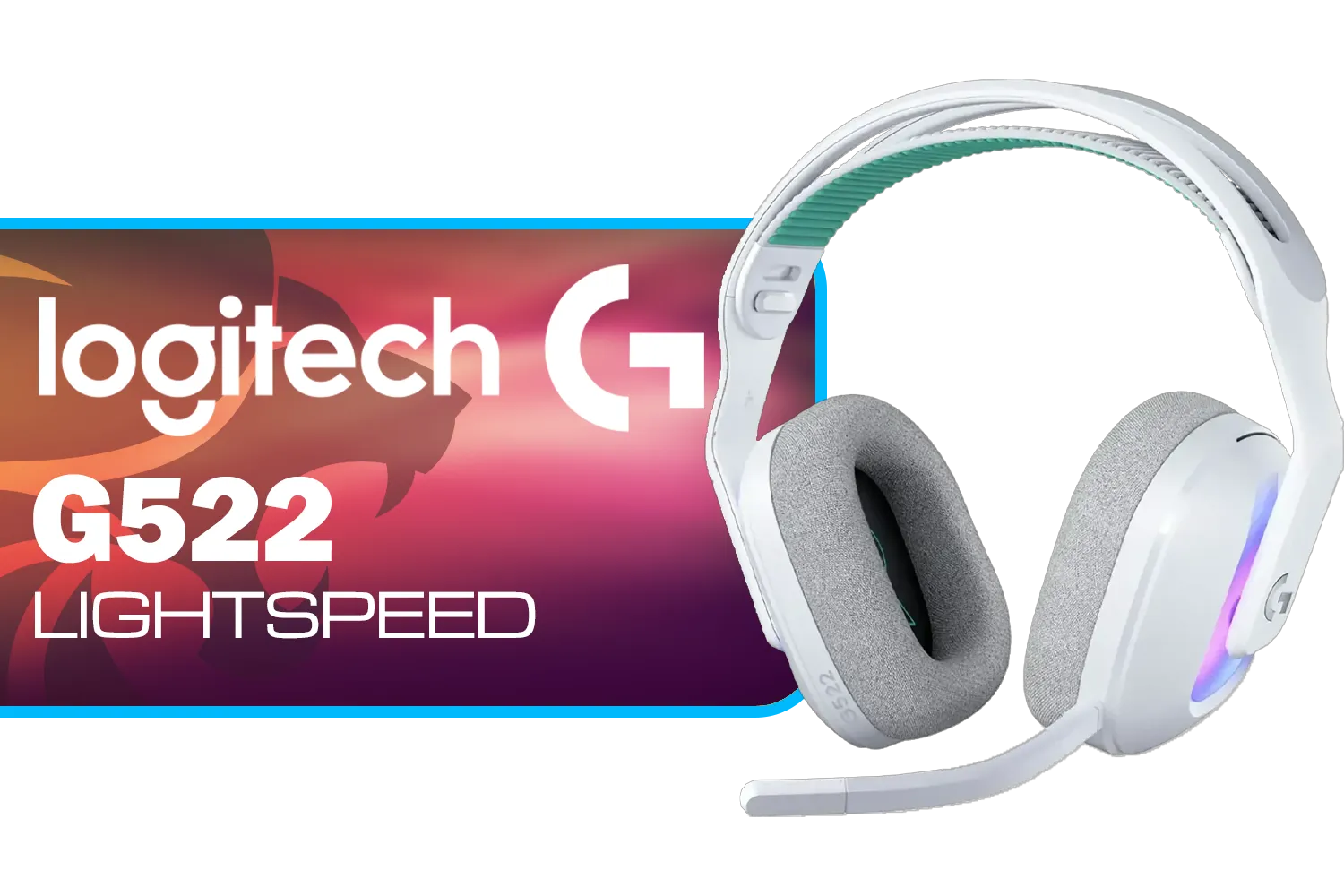
Logitech G522 Lightspeed Wireless RGB Gaming Headset - White / RGB lighting with 16.8M colors / PRO-G drivers / Switch between wireless, Bluetooth, or wired / Up to 60-Hour Battery / Tune audio and voice with G HUB / 981-001550
R3339.00In Stock
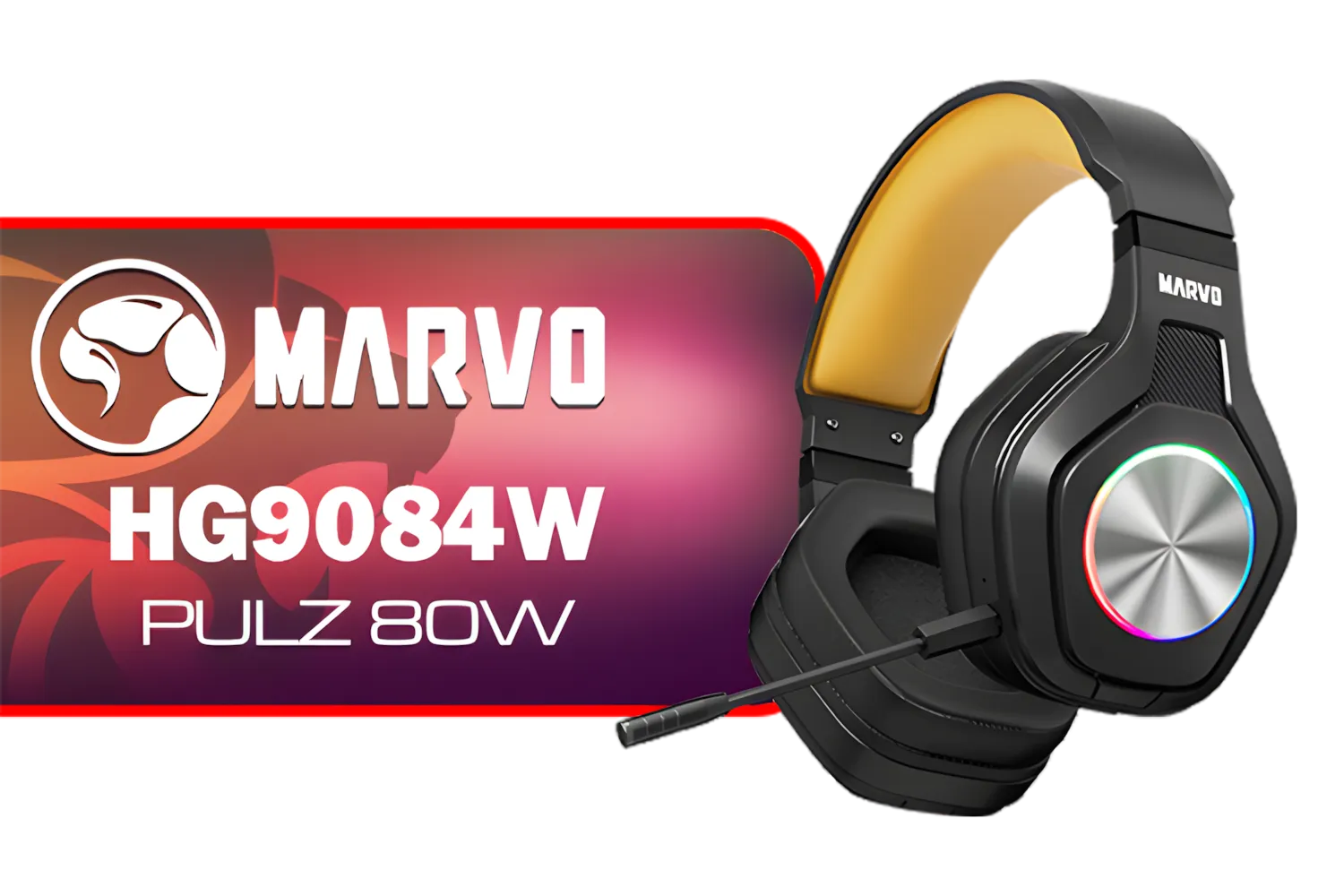
Marvo HG9084W PULZ 80W Wireless Gaming Headset / Stereo Sound / 50mm Speaker Drivers / Ergonomic Design / Static RGB Backlight / Up to 50 Hours of Playback Time / Detachable Microphone / HG9084W
R499.00In Stock
Why Go Wireless for Gaming in SA?
The biggest win is obvious: freedom. Stand up, stretch, or grab a drink from the kitchen between rounds without ever missing a callout from your team. A wireless setup also creates a much cleaner, minimalist look for your battle station. But beyond aesthetics, a quality wireless gaming headset offers a consistent audio experience, free from the crackle of a dodgy cable or the frustration of accidentally yanking a plug out mid-firefight.
Key Features for the Best Wireless Gaming Headset
Finding the perfect fit means looking beyond just the brand name. When you’re browsing for a wireless gaming headset in South Africa, these are the non-negotiables to keep on your checklist.
Latency is King 👑
In gaming, audio delay is defeat. Latency is the time it takes for the sound to travel from your PC or console to your ears. High latency means you'll hear footsteps or gunfire after it happens, putting you at a huge disadvantage. Look for headsets that use a 2.4GHz USB dongle, as this connection offers significantly lower latency than standard Bluetooth. You can check out the specs on our full range of headphone and headset deals to compare connection types.
Marvo HG9084W PULZ 80W Wireless Gaming Headset / Stereo Sound / 50mm Speaker Drivers / Ergonomic Design / Static RGB Backlight / Up to 50 Hours of Playback Time / Detachable Microphone / HG9084W
R499.00In Stock
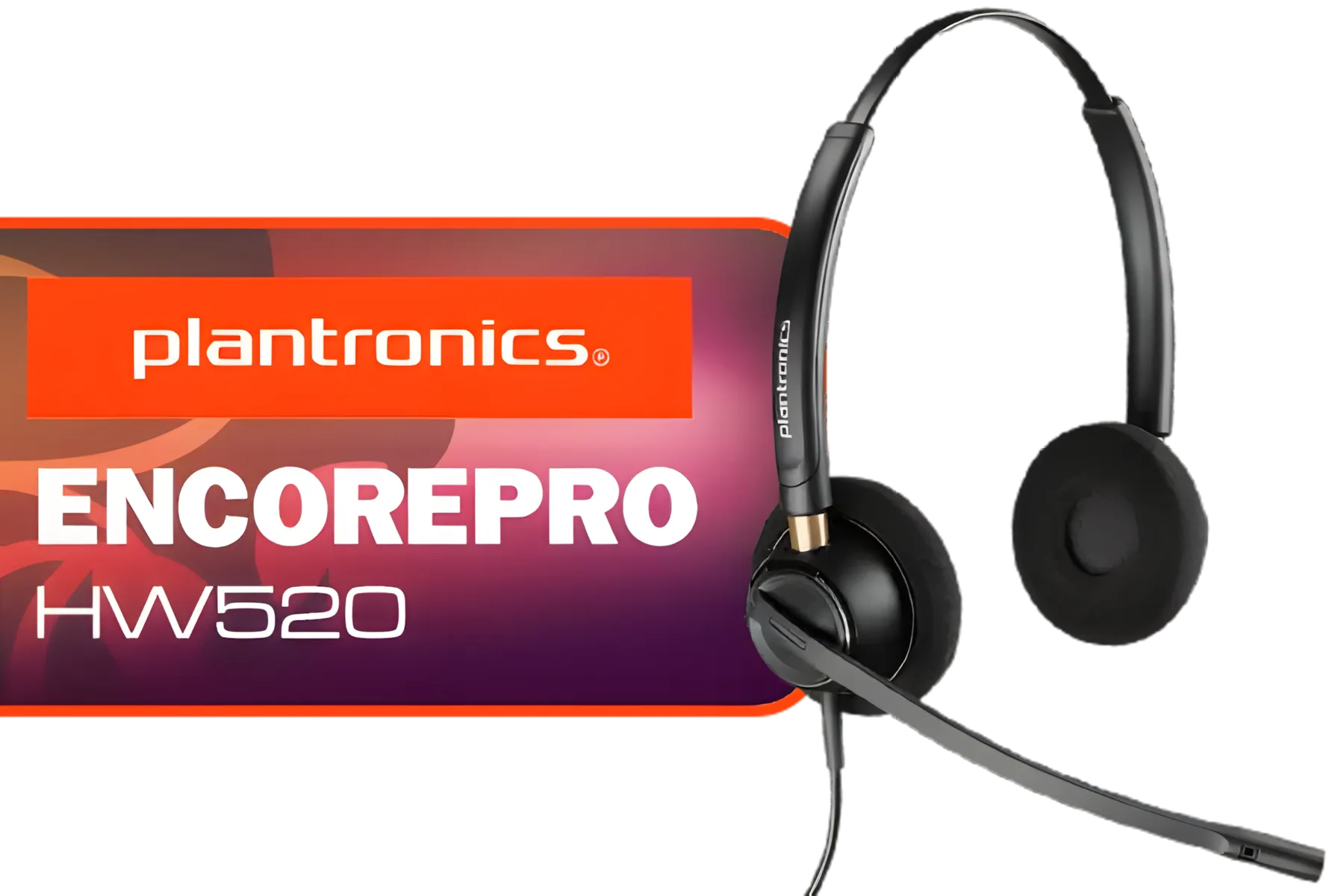
Plantronics HW520 EncorePro Binaural Headset / Noise canceling circuit / Flexible boom / PLT- HW520
R1699.00In Stock

Corsair HS80 MAX WIRELESS Multiplatform Gaming Headset with Bluetooth - Dolby Atmos - Broadcast Quality Microphone - iCUE Compatible - PC, Mac, PS5, PS4, Mobile - Steel Grey - CA-9011295-AP
R3099.00In Stock
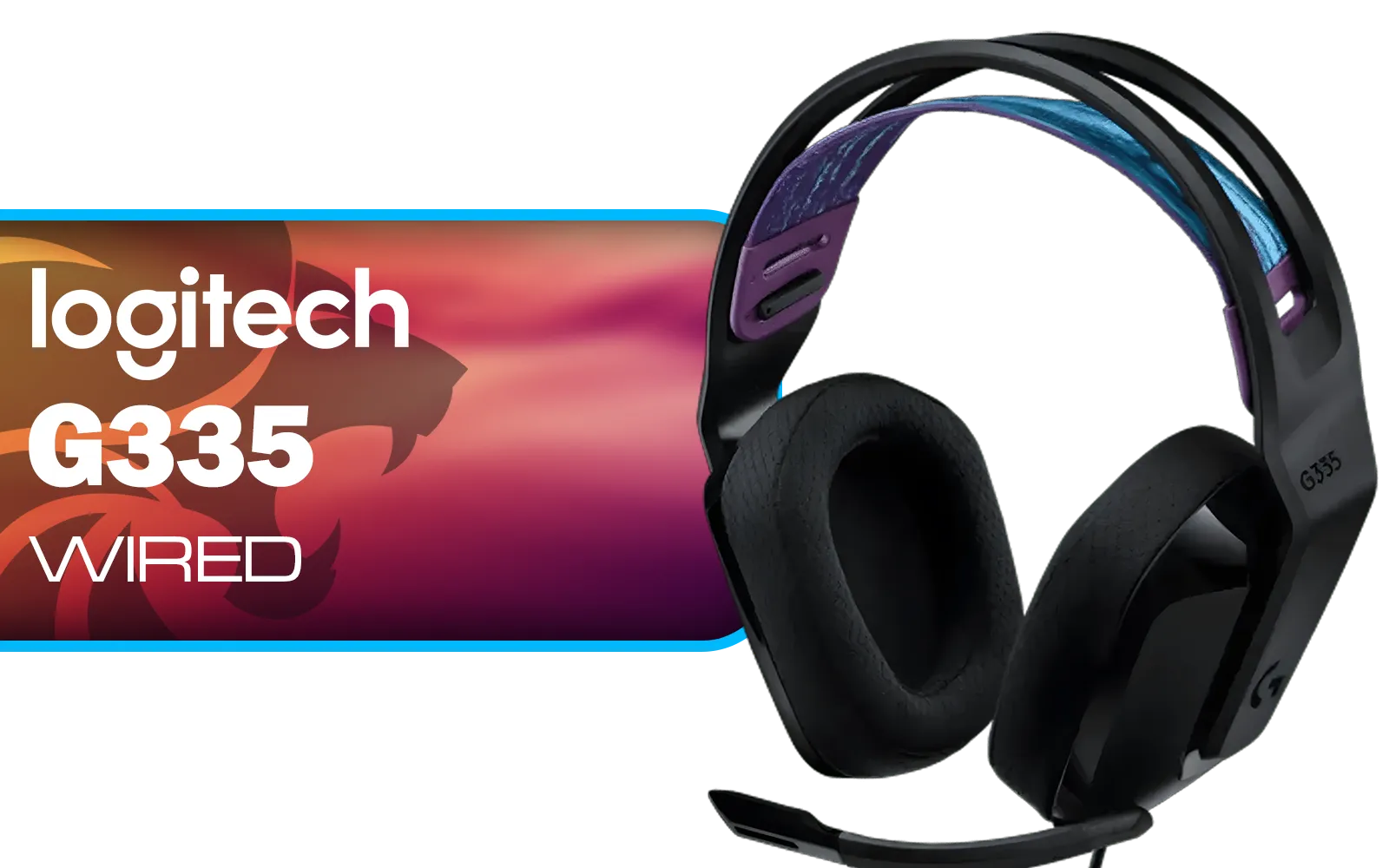
Logitech G335 Wired Gaming Headset - Black / Multi-platform Compatibility / Unidirectional Microphone / 40mm Neodymium Drivers / Crystal Clear Communication / 240 Grams Light Weight / 981-000978
R999.00In Stock

Razer Kraken Kitty V2 Bluetooth Gaming Headset - Black / 40mm audio drivers / Up to 40-hour battery life / USB-C fast charging support / noise-cancelling microphone / RZ04-04860500-R3M1
R2499.00In Stock

SteelSeries Arctis Nova 7X Wireless Multi-Platform Gaming & Mobile Headset / Nova Acoustic System / Simultaneous Wireless 2.4GHz + Bluetooth / 38Hr Battery / USB-C / Xbox, PC, PS, Switch, Mobile / 61565
R2499.00In Stock
All-Day Battery Life & Comfort
Nothing kills a vibe faster than a "battery low" beep during a boss fight. Modern wireless headsets should offer at least 20-30 hours of playtime on a single charge. Comfort is just as crucial for those long gaming sessions. Look for plush, breathable earcups (leatherette or fabric), an adjustable headband, and a weight that doesn’t feel like a helmet.
TIP FOR YOU
Battery Pro Tip ⚡
To maximise your headset's battery health, try to avoid draining it completely to 0% regularly. Topping it up when it hits around 20% is often better for the long-term lifespan of the lithium-ion battery inside. Most modern headset software will show you the exact percentage.
A Crystal-Clear Microphone
Your squad needs to hear your callouts, not your ceiling fan or the neighbour's hadeda. A good gaming headset needs a clear, crisp microphone, preferably with noise-cancelling features to isolate your voice from background noise. Many options in Razer's lineup of headsets feature this technology, ensuring your comms are always loud and clear. Detachable mics are also a great bonus for when you just want to listen to music.

Logitech G435 Lightspeed and Bluetooth Wireless Gaming Headset - Blue / 18 Hours of Play Time / 165G Lightweight Comfort / Superior Audio Quality / 40mm Audio Drivers / 981-001062
R1599.00In Stock
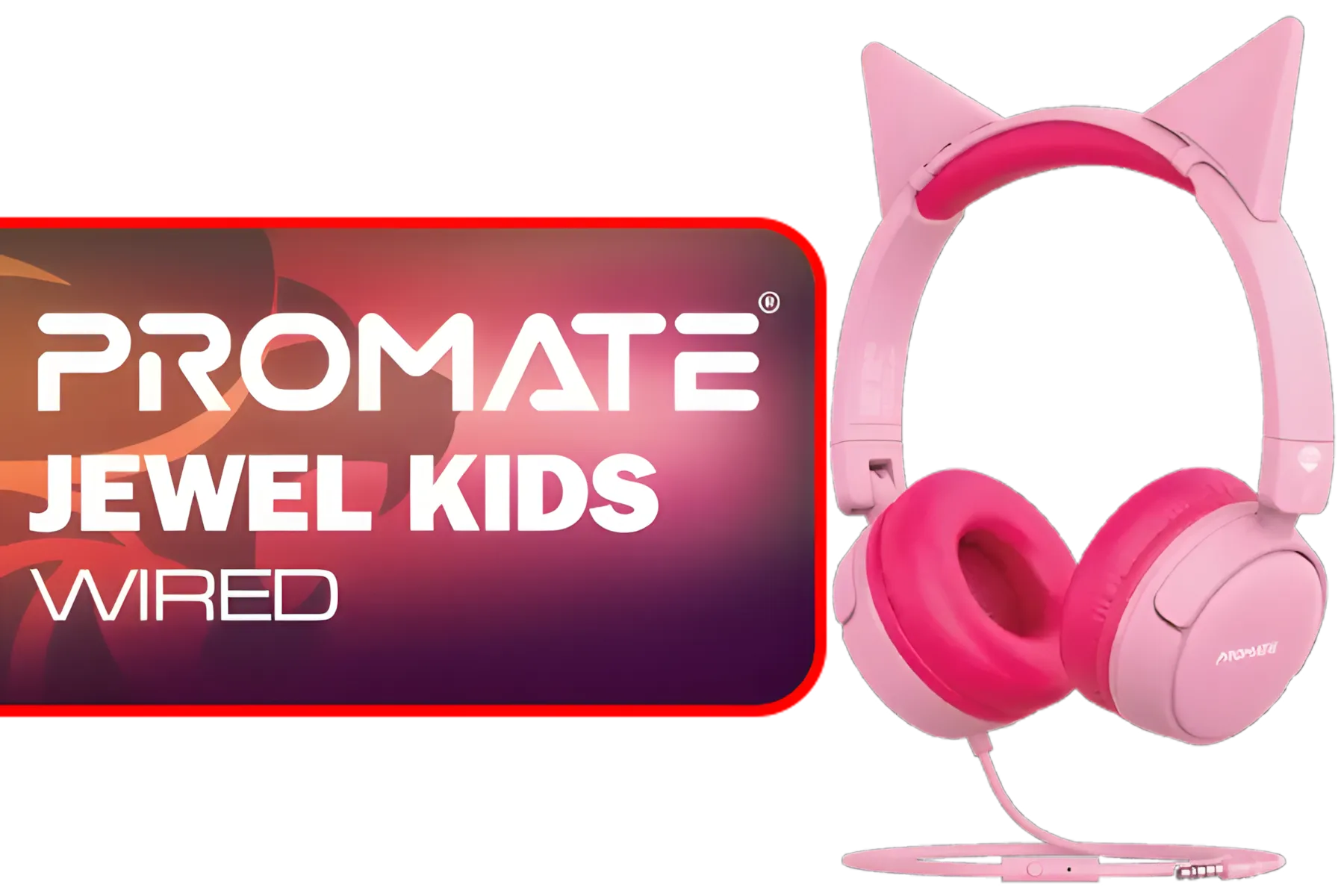
Promate Jewel HD Stereo KidSafe Wired Headset - Bubblegum / Safe Audio Levels / Adjustable Headband / 3.5mm Aux Connector / Audio Sharing / JEWEL.BUBBLEGUM
R249.00In Stock

Logitech G733 Lightspeed Wireless RGB Gaming Headset - White / Lightsync RGB lighting / Fully Customizable / Blue VO!CE Technology / 40mm PRO-G Audio Drivers / DTS Headphone:X 2.0 Surround Sound / USB-C Charging Port / 20m Wireless Range / 981-000882/83
R2799.00In Stock
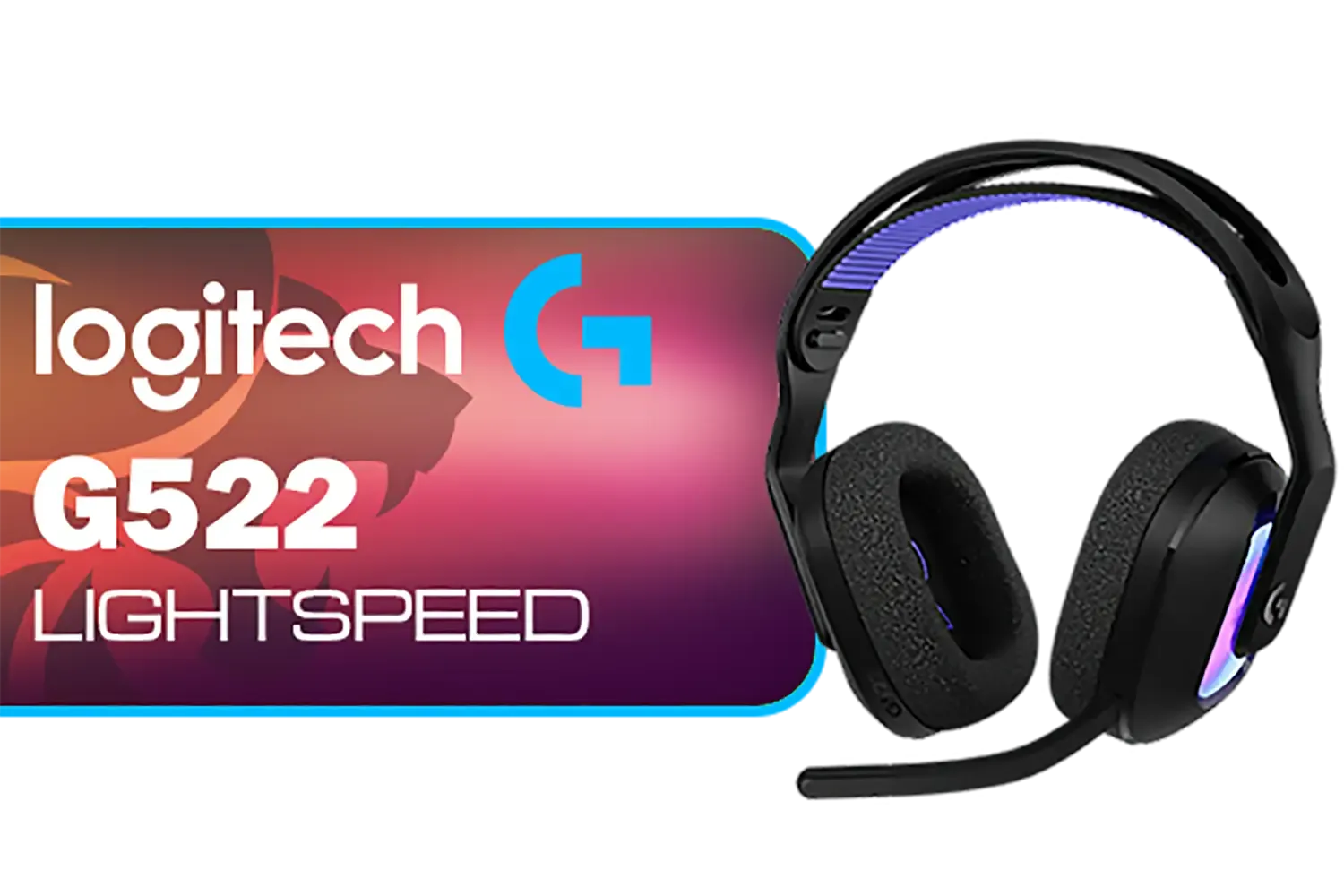
Logitech G522 Lightspeed Wireless RGB Gaming Headset - Black / RGB lighting with 16.8M colors / PRO-G drivers / Switch between wireless, Bluetooth, or wired / Up to 60-Hour Battery / Tune audio and voice with G HUB / 981-001544
R3339.00In Stock

Razer BlackShark V2 X Wired Gaming Headset - Black / 7.1 Surround Sound Capable / Triforce 50mm Drivers / HyperClear Cardioid Mic / Memory Foam Cushion - for PC, PS4, Nintendo Switch - 3.5mm Headphone Jack / RZ04-03240100-R3M1
R999.00In Stock
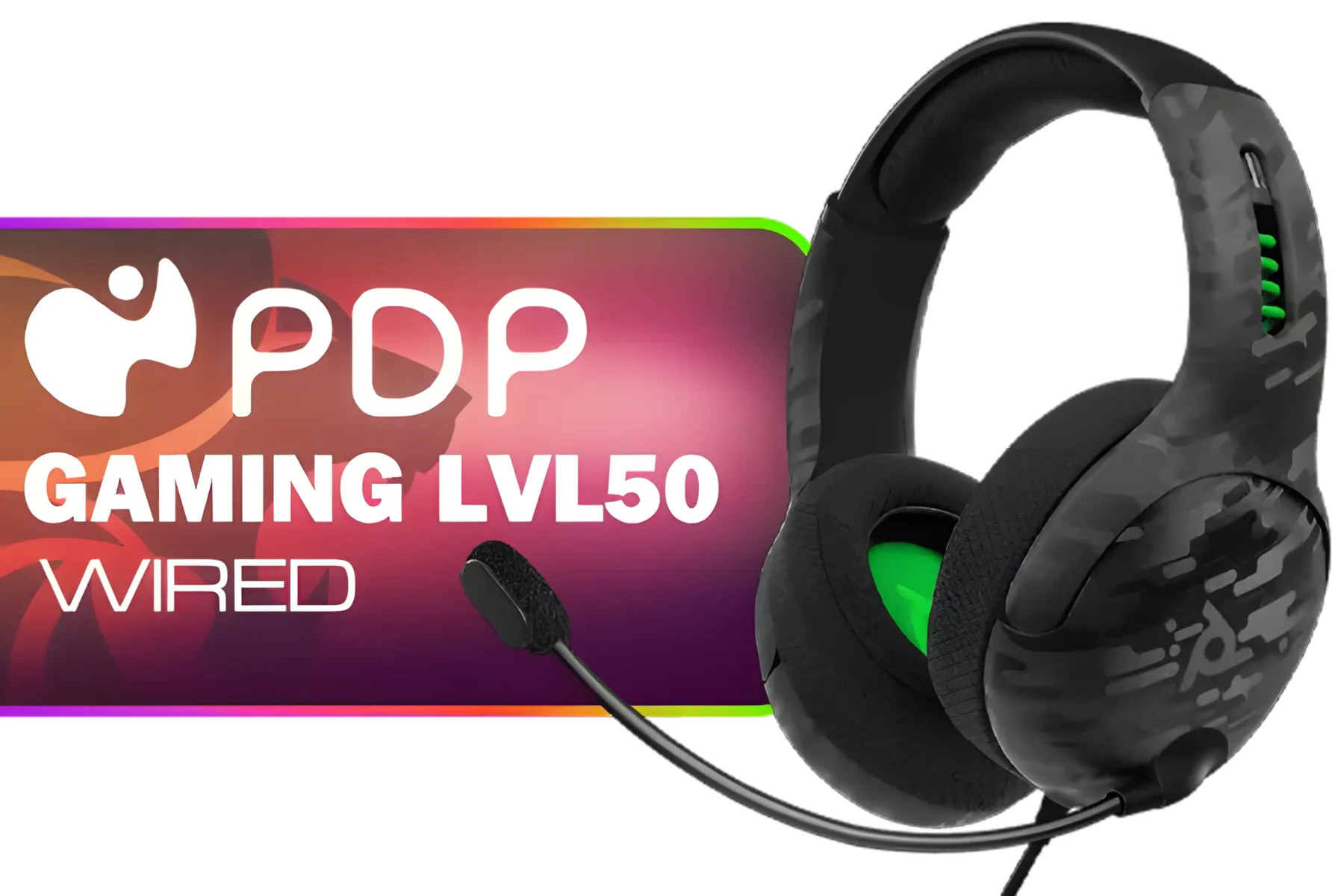
PDP Gaming LVL50 Wired Headset with Mic for Xbox One, Series X|S - PC, iPad, Mac, Laptop Compatible - Noise Cancelling Microphone, Bass Boost, Lightweight, Over Ear Headphones - Camo / Camoflauge / 048-124-AU-CAM
R1199.00In Stock
Multi-Platform Compatibility
Do you switch between PC, PlayStation 5, and your Nintendo Switch? Your headset should keep up. Many of the best wireless options now come with a versatile USB-C dongle, making it seamless to swap between devices. A great multi-platform champion like the Razer Barracuda X is designed for exactly this kind of cross-platform freedom, saving you from buying multiple headsets. ✨
Ready to Cut the Cord? The right wireless headset is an investment in your immersion and competitive edge. Stop letting cables hold you back. Explore our massive range of wireless gaming headsets and find the perfect audio solution to conquer your world.
Related Products

IKON ALPHA Wireless Gaming Headset / Up To 17 Hours Battery Life / Detachable Clear Mic / Soft Sound Proofing Earmuffs / A Revolutionary Adjustment System / PC/PlayStation Compatible / 2.4G Wireless Connection / 3.5mm Connection / IKON-AlphaWireless
R999.00In Stock
Plantronics HW520 EncorePro Binaural Headset / Noise canceling circuit / Flexible boom / PLT- HW520
R1699.00In Stock

Turtle Beach Stealth 500 PC Wireless Headset - Black / 2.4GHz Wireless & Bluetooth® 5.2 / 40mm Drivers / Flip-to-Mute Microphone / QuickSwitch Button / TBS-5104-05
R1899.00In Stock
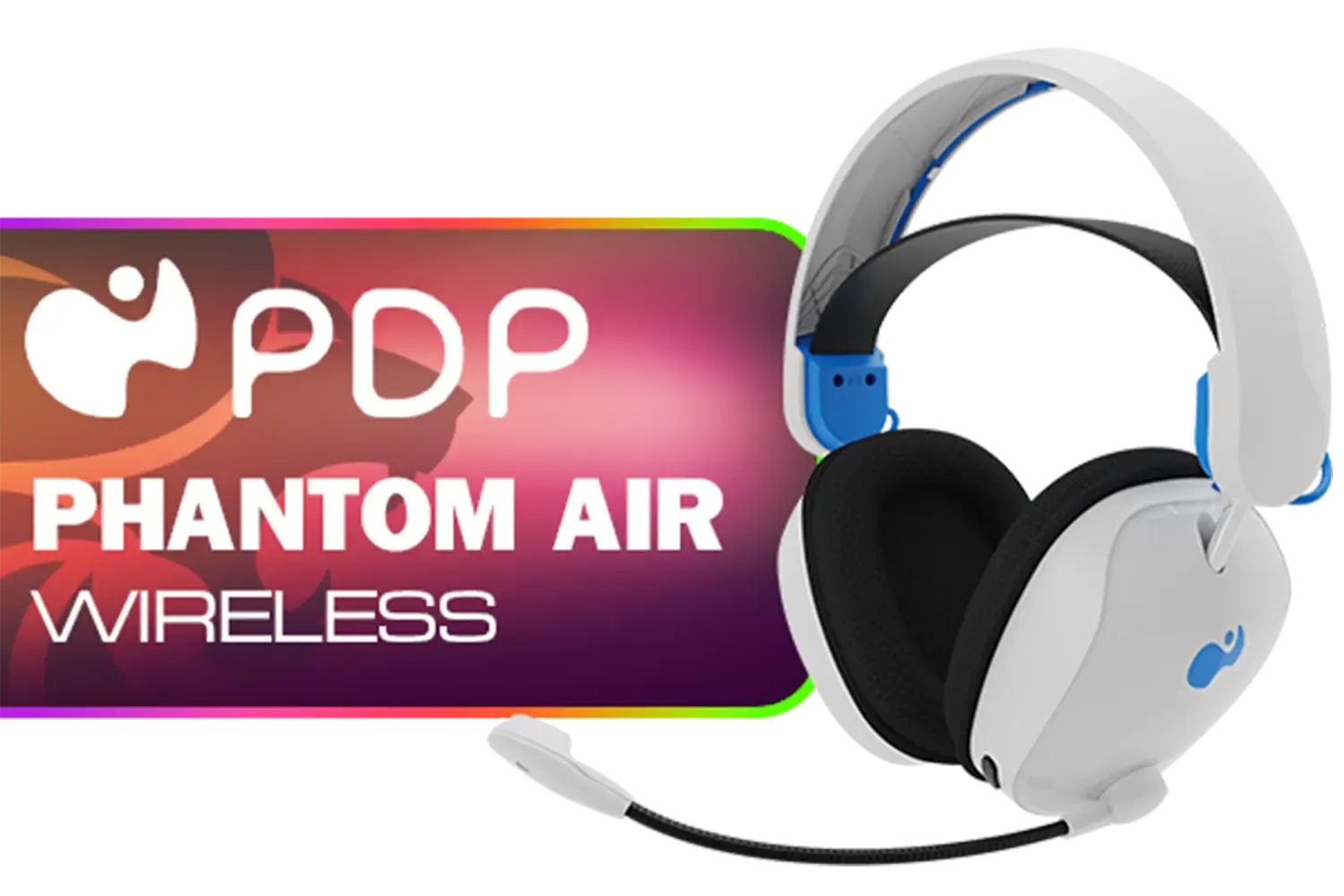
PDP Phantom Air Dual-Mode Wireless Gaming Headset (PS5) - White / 50mm Audio Drivers / 35-Hour Battery Life / Noise-Cancelling Microphone / Official PlayStation License / 052-026-WH
R999.00In Stock

Razer Kaira Pro Wireless Gaming Headset for Xbox Series X/ TriForce Titanium 50mm Drivers / HyperClear Supercardioid Mic / Flowknit Memory Foam / EQ / Xbox Pairing Button / Auto-adjusting Headband / RZ04-03470100-R3M1
R3499.00In Stock
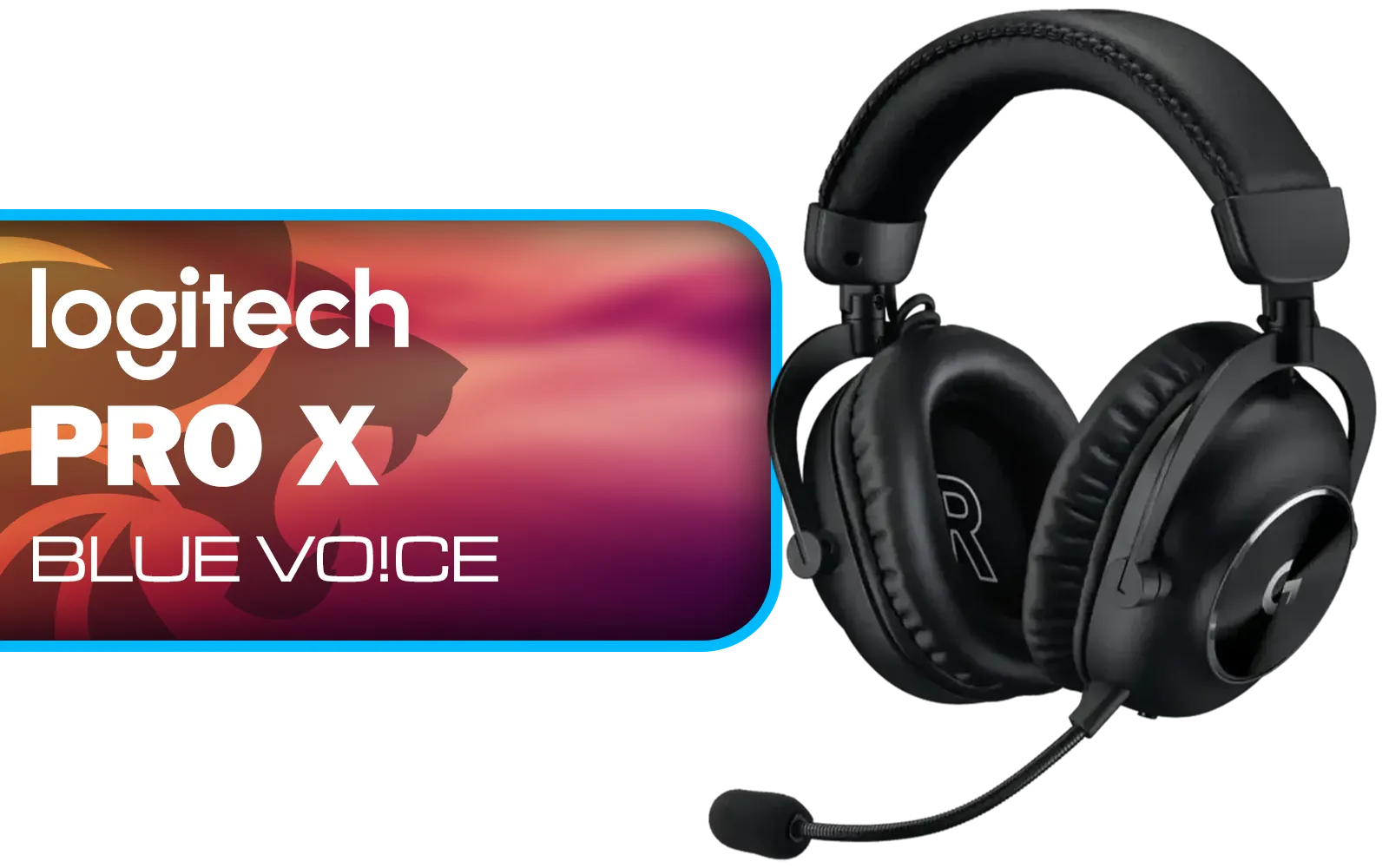
Logitech PRO X Gaming Headset With BLUE VO!CE Microphone Technology / USB External Sound Card / PRO-G 50 mm Audio Drivers / Detachable pro-grade Microphone / Comfortable Memory Foam Padding / Durable Steel and Aluminium Construction / 981-000818
R2299.00In Stock
Prioritise low latency, battery life, mic clarity, comfort and reliable wireless tech like 2.4GHz dongles for stable connections.
Latency is critical for competitive play. Look for low latency wireless gaming headset specs or aptX Low Latency support.
Aim for 20+ hours for long sessions; 30+ hours is ideal. Fast charging and USB-C convenience help between matches.
Check compatibility: PS5 often supports USB dongles, Xbox may need Xbox-certified headsets, and PC typically supports both dongles and Bluetooth.
Boom mics deliver clearer voice pickup and noise rejection. Detachable mics add portability but may sacrifice clarity.
Bluetooth suits casual gaming but can introduce latency. For serious play prefer 2.4GHz wireless dongles or low-latency codecs.
Set priorities (latency, mic, battery), read local reviews, and compare brands available in South Africa for the best value.











