

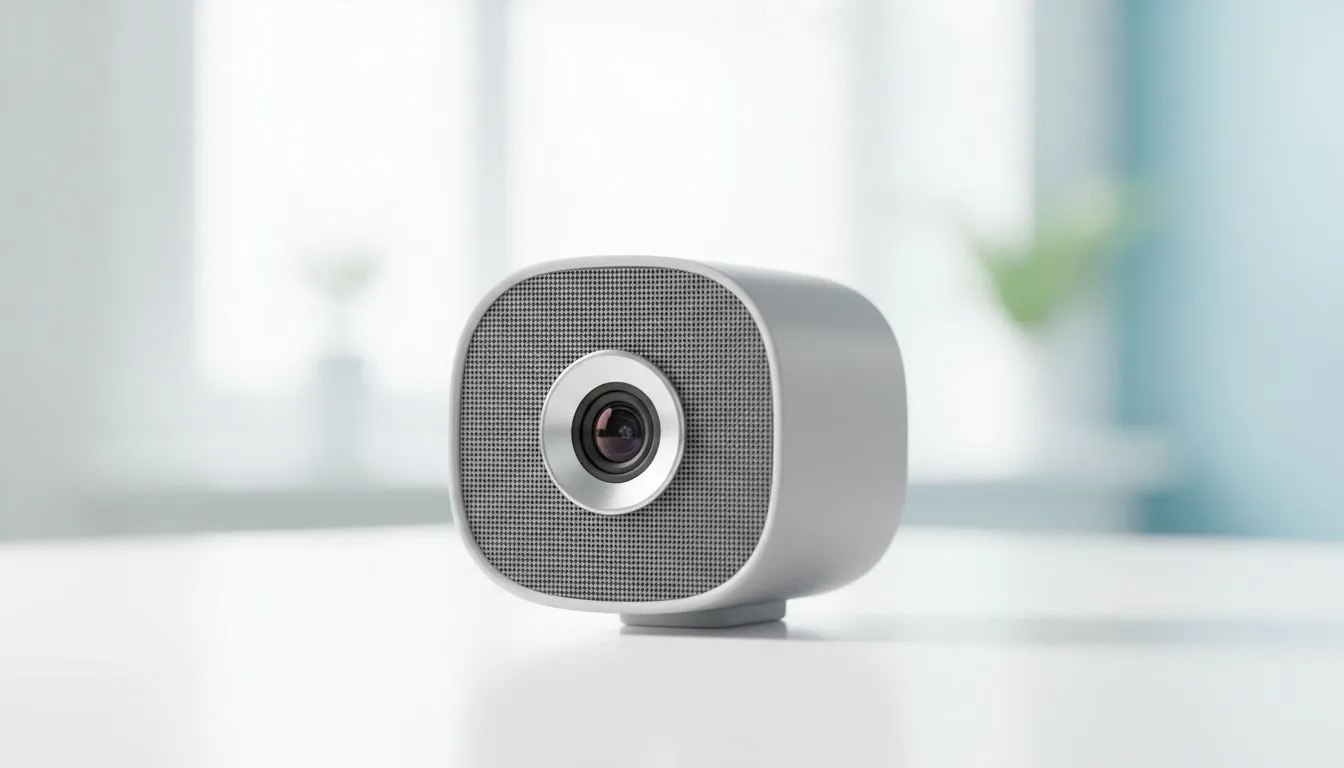
You’re on a crucial Teams call, about to land a new client. Suddenly, the neighbour’s generator kicks in during load shedding, or a hadeda starts its morning screech outside your window. Sound familiar? 🇿🇦 For too long, we’ve battled background noise. But now, the powerful combination of AI noise cancellation for video calls with FHD cameras is changing everything, ensuring you’re heard perfectly, every single time. It's no longer a luxury; it's the new standard.
Why Your Audio Quality Matters as Much as Your Video
We've all become obsessed with video quality. A crisp Full HD (1080p) webcam is a must-have for looking professional. But what's the point of a sharp picture if your audio is a garbled mess? Background noise distracts, undermines your message, and makes you seem unprofessional. Effective AI noise cancellation for video calls isolates your voice from the chaos, making your communication clearer and more impactful.
This intelligent technology uses dedicated processing power, often found in the latest Intel laptops, to analyse your audio stream in real-time. It’s been trained on thousands of hours of sound to know the difference between your voice and a barking dog, a rattling fan, or keyboard clicks.
How AI Noise Cancellation Tech Works Its Magic ✨
Think of it like a smart bouncer for your microphone. An AI algorithm, running on your laptop's CPU or GPU, listens to everything your mic picks up. It instantly identifies and filters out non-vocal sounds, letting only your voice pass through to the other people on the call. The result is astonishingly clear audio, even in a noisy environment.
Many modern laptops are built for this. For instance, the hardware in our powerful Ryzen laptop deals provides the muscle needed to run these complex algorithms without slowing down your machine. It’s a seamless experience that just works.
Pro Tip: Activate System-Wide Control 🔧
For NVIDIA users, the NVIDIA Broadcast app is incredible. It lets you apply AI noise removal and virtual backgrounds that work across all your apps—Zoom, Discord, OBS, you name it. For AMD users, the equivalent is found in the Adrenalin Software under 'AMD Noise Suppression'. A quick toggle can dramatically improve your audio quality.
From High-End Gaming Rigs to Your Daily Driver
Initially, this cutting-edge tech was a hallmark of high-end gaming machines, used by streamers to deliver studio-quality audio to their audiences. The powerful GPUs in these rigs were perfect for the job. You can see this tech in action across our best gaming laptop deals, where performance is key.
But the great news? This technology has become more accessible. You no longer need a top-tier machine to benefit from it. Many affordable gaming laptops under R20k now have the power to run AI-driven features smoothly. This democratisation of tech means clearer communication for everyone, from students to professionals.
Pairing this intelligent audio processing with a built-in FHD camera creates the ultimate communication tool. The sharp, detailed video from the camera and the pristine, noise-free audio work together to ensure you always make the best impression. For the best experience, many GeForce RTX gaming laptops offer the gold standard in AI-powered audio and video effects. 🚀
Ready to Sound Crystal Clear? Don't let background noise ruin another important meeting or gaming session. The right laptop with AI-powered features makes all the difference. Explore our massive range of laptop specials and find the perfect machine to make your voice heard.











