




Build Lab
Step into the future of customization with Build Lab—where your vision becomes reality. 🛠️✨ From cutting-edge PC components to smart home upgrades and DIY essentials, our Build Lab collection empowers you to craft, refine, and perfect your setup. Discover the ultimate tools and parts to fuel your creativity and enhance your performance. Trusted by South Africa’s makers and innovators. 💬 “I love how easy it is to find exactly what I need—Build Lab has it all!” — Sipho, Port Elizabeth. Ready to level up your workspace or gaming rig? Start building today with top-tier gear and endless possibilities. 🚀
Deals at Evetech
Build Lab
34905 articles
How to Connect Three PWM Fans and ARGB Lighting to Your Motherboard
Plug the three pre-connected 120mm fans into one PWM fan header, since they run from a single cable. If the lighting has its own lead, send it to the addressable header, usually labelled ARGB. Evetech's Omni Matrix 360 at R999 follows that same plan.
Read more
Checking AIO Cooler Compatibility with LGA 1851, LGA 1700, AM5 and AM4
Compatibility starts with your motherboard socket. The Antec Omni Matrix 360 covers LGA 1851 and LGA 1700 sockets, as well as AM5 and AM4. Confirm the socket name before you open the box, since the mounting hardware differs between platforms.
Read more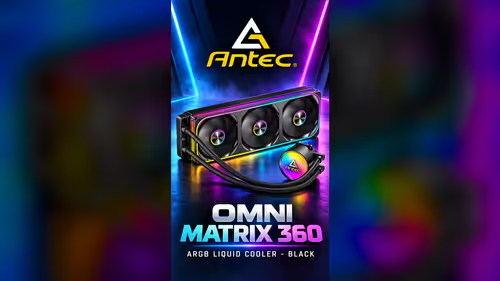
What Should You Check Before Buying a 360mm AIO Cooler Under R3,000?
Under R3,000, a 360mm AIO is a common choice for a builder with the case room for one. Check socket support, radiator mounting and pump headers first. At R999, the Antec Omni Matrix 360 sits well inside that band and comes with three 120mm fans.
Read more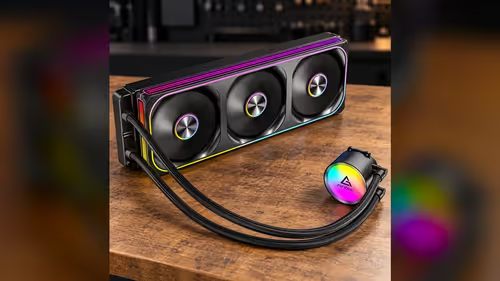
Which AIO Cooler Features Matter Most in a R2,500-R4,000 PC Build?
Radiator fit, a pump header and suitable fans matter most in a R2,500-R4,000 build. At R999 the Antec Omni Matrix 360 from Evetech takes a modest slice of that budget. Its three 120mm fans come pre-connected, which keeps the build simple.
Read more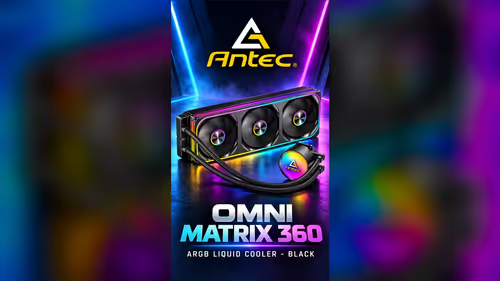
Will a 360mm Radiator Fit Your Case Alongside Your RAM and Graphics Card?
Fit depends on three clearances: the radiator slot, RAM height under the fan frame and graphics card length. Check each one before you mount the Antec Omni Matrix 360 at R999. A 360mm radiator needs a full slot at the front or top of the case.
Read more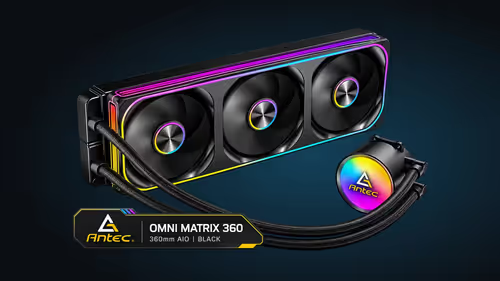
How Can PWM Fan Curves Balance AIO Cooling and Noise Levels?
A PWM fan curve links fan speed to CPU temperature, so radiator fans stay quiet at idle and work harder under load. For the three 120mm fans on the Antec Omni Matrix 360 at R999, start with a gentle ramp. Test with a real game, not only at idle.
Read more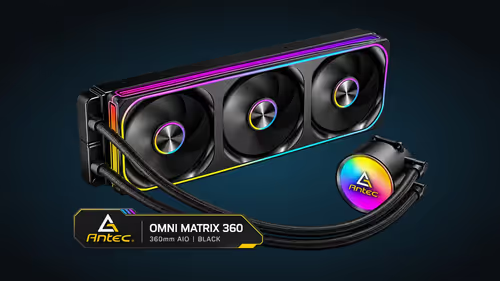
How to Choose an AIO Cooler for a PC Case with Limited Radiator Mounting Options
A small flat in Johannesburg often means a compact case with one or two radiator mounts. Measure the front and top slots, then check the fan thickness. A 360mm AIO needs a full slot, and the Antec Omni Matrix 360 at R999 is a good test case for that check.
Read more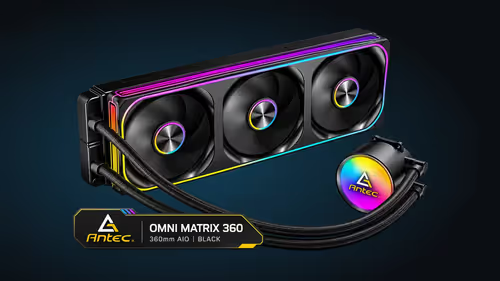
How Much Radiator Space Does a 360mm AIO Need in a Pretoria PC Case?
A 360mm radiator needs a full slot, plus room for the fans and a gap behind it for the tubing. Pick a case with a listed 360mm mount and measure before you buy. In a Pretoria home where Highveld dust collects, leave space to clean the radiator fins as well.
Read more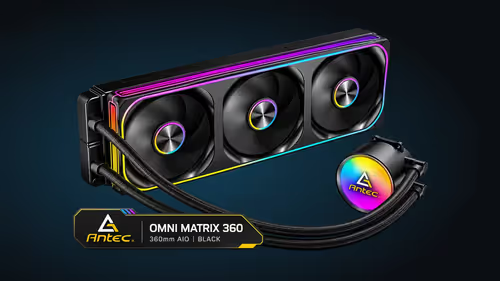
Braided AIO Tubing Explained: What to Check Before a Liquid Cooler Install
Braided tubing protects the coolant loop, so route it before tightening anything. Plan the path from the pump head to the radiator first, then check the slack. The Antec Omni Matrix 360 uses braided tubing and costs R999 at Evetech.
Read more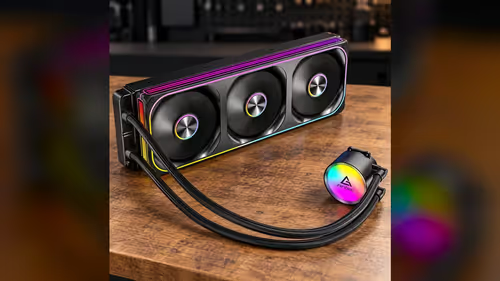
What Should South African PC Builders Check Before Buying the Antec Omni Matrix 360?
South African builders should check sockets, radiator room and dust first. The Antec Omni Matrix 360 supports LGA 1851, LGA 1700, AM5 and AM4 at R999. In a small flat in Johannesburg, Highveld dust gathers on radiator fins, so plan a cleaning routine.
Read more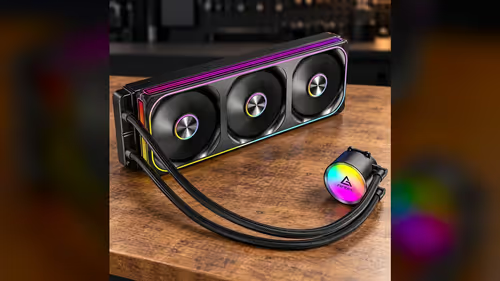
How to Choose an AIO Cooler for an AM5 or LGA 1851 Gaming PC in South Africa
For an AM5 or LGA 1851 gaming PC in South Africa, start with socket support and radiator room. Without aircon, a warm South African room still lifts temperatures, so plan ventilation. The Antec Omni Matrix 360 supports both sockets and costs R999 at Evetech.
Read more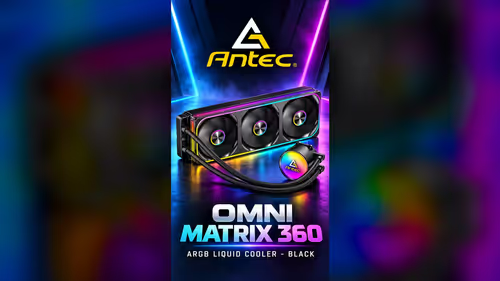
What to Verify on Radiator, Fan and Pump Clearance Before Installing a 360mm AIO
Verify three clearances before fitting a 360mm AIO: radiator slot, fan thickness and pump head space. Measure each one with the parts in hand, not from memory. The Antec Omni Matrix 360 at R999 needs all three checked before the mounting screws go in.
Read more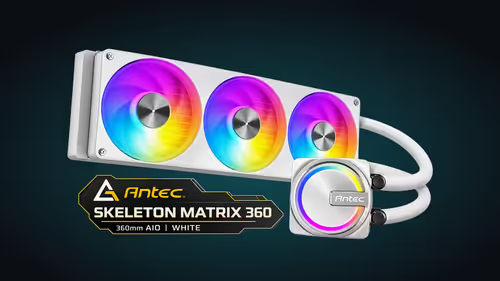
How to Connect a Single-Frame PWM ARGB Fan on the Skeleton Matrix 360
Connect the fan's PWM lead to a fan header and its ARGB lead to the board's ARGB header before you power up. The fan runs 800-2400RPM under PWM, and one ARGB header lights the fans and pump together. Keep the leads clear of the blades before you close the case.
Read more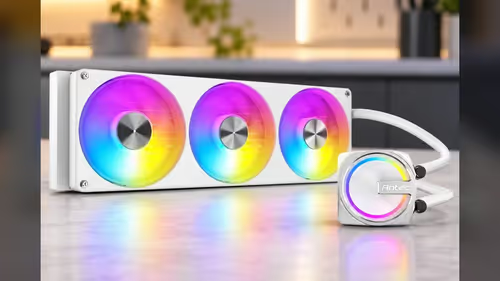
White 360mm AIO Under R3,000: What to Look for and What You Give Up
Under R3,000, a 360mm AIO usually gives you a radiator, pump and fans, with the trade-off in extras. The Antec Skeleton Matrix 360 White at R1,199 sits well inside that band. Check the socket list, 2800RPM pump and single-frame fan first.
Read more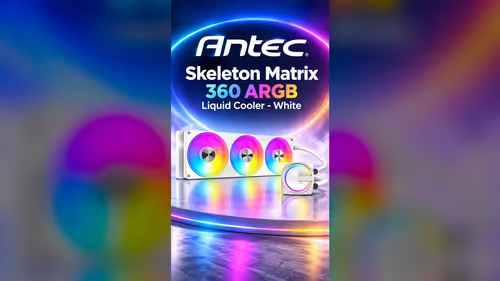
How the Copper Base Plate Meets the CPU During AIO Installation
The copper base plate sits flat on the CPU when the mounting bracket pulls it down evenly. Thermal paste fills tiny gaps between plate and processor, so a pea-sized dot is enough. Tighten in a cross pattern, a little at a time, so the plate does not tilt.
Read more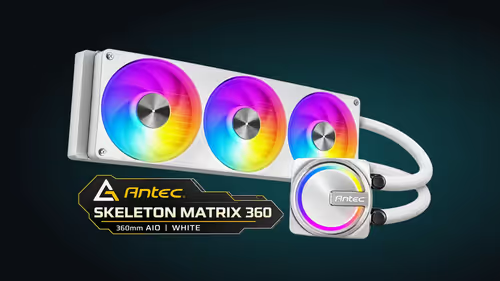
Planning a White PC Build Around a 360mm Liquid CPU Cooler
Start with the case's 360mm radiator mount, then pick a motherboard the cooler's socket list supports. Plan RAM height and cable routing around the radiator before buying parts. At R1,199 the white cooler leaves budget for the rest of a clean build.
Read more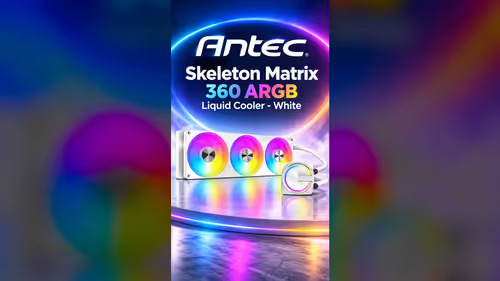
Single-Frame 360mm PWM Fans: Installation and Cooling in the Skeleton Matrix 360
A single-frame 360mm PWM fan mounts to the radiator as one piece, speeding installation. The Skeleton Matrix 360 White's 800-2400RPM range lets the board vary airflow with load. Tighten the mount evenly, check the airflow direction, then run a short load test.
Read more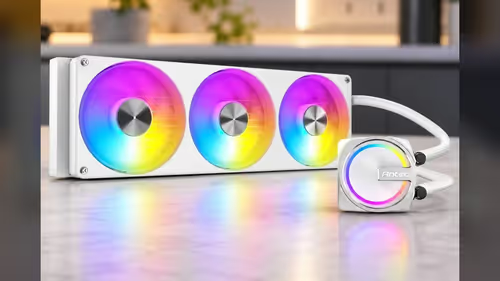
What South African PC Builders Should Check Before a White Skeleton Matrix 360
South African builders should first confirm the case's 360mm mount and the board's socket. The cooler supports Intel LGA 1851, 1700, AM5 and AM4. Summer heat in a room without aircon and Highveld dust both raise temperatures. At R1,199 it suits a clean build.
Read more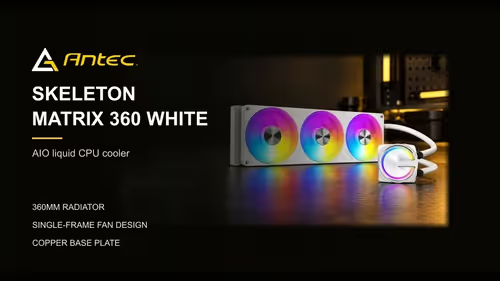
Choosing a White AIO Cooler for an AM5 or LGA 1851 Build in South Africa
Start with the socket: the Skeleton Matrix 360 White supports AM5 and LGA 1851. In South Africa, summer heat in a room without aircon makes radiator airflow matter as much as the cooler itself. At R1,199 it leaves budget for the CPU and RAM.
Read more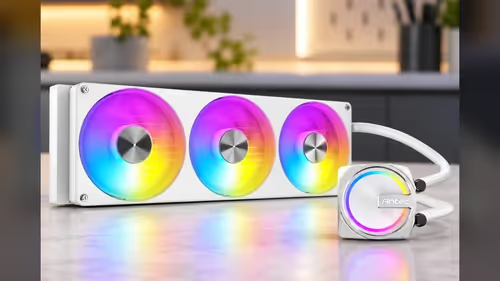
Radiator Space, Socket Support and Fan Clearance Before a 360mm AIO Buy
Verify three things before buying a 360mm AIO: radiator mount space, socket support and fan clearance. The Antec Skeleton Matrix 360 White supports Intel LGA 1851, 1700, AM5 and AM4 and needs a 360mm mount. At R1,199 it is worth measuring first.
Read morePinned Articles

Word typing overwrites text: turn off the overtype controls
Word typing overwrites text when overtype mode replaces characters at the insertion point. Turn off overtype and its Insert-key control in Word options, then test on a spare line before editing the document again.

Audio-Technica ATH-AWX7000: check your wired listening setup
Audio-Technica ATH-AWX7000 is a closed-back wired headphone model with wooden housings. Its premium materials and supplied analogue cables make source compatibility, comfort and your actual listening needs more important than a launch-price conversion.

Lexar SILVER GO microSD: match the reader and the device first
Lexar SILVER GO microSD is a UHS-I card family with a reader-dependent maximum transfer rate. Check the exact capacity, host compatibility and card reader before paying for a speed figure that your handheld or camera may not reach.

Windows AutoPlay settings: choose what happens when a drive connects
Windows AutoPlay settings control prompts and default actions when supported media or devices connect. Choose Ask me every time or Take no action where appropriate, then test with a trusted drive without formatting it.
Featured Articles

Edge sleeping tabs: manage inactive pages and exceptions
Edge sleeping tabs reduce the resources used by inactive pages. Review the setting and important-site exceptions before disabling it, and test live work separately from pages you only keep for later.

How to fly the hidden Google Earth flight simulator, and what real sims add
Open Google Earth Pro on a Windows PC and press Ctrl+Alt+A to fly an F-16 or SR22 over real terrain. Keyboard flying over Table Mountain is a fun taster, and a USB stick like the R3,999 Turtle Beach VelocityOne Flightstick is where proper sims begin.

Can you 3D print car parts at home that are safe to actually use?
Yes for clips, trim, mounts and brackets, but never for brakes, steering or seatbelts. A parked car in a South African summer gets hot enough to soften PLA, so PETG from R219 a spool or ABS at R299 is the safer choice for anything that lives inside the cabin.

Does a WiFi extender fix weak signal on a Vuma fibre line at home?
An extender fixes weak WiFi on a Vuma line only when a room or two sits just past the router's reach. Vuma runs the fibre but your ISP supplies the router, and a R919 TP-Link RE450 suits a small gap, while brick double-storeys need mesh or a cabled access point.
New Articles

What a 2700RPM Pump Speed Really Means for Your AIO CPU Cooler
A 2700RPM pump spins its impeller 2700 times a minute to push coolant round the loop. Faster flow moves heat from the CPU block to the radiator, though a quicker pump can be a little louder. The Antec Omni Matrix 360 at R999 pairs it with an ARGB head.
How to Connect Three PWM Fans and ARGB Lighting to Your Motherboard
Plug the three pre-connected 120mm fans into one PWM fan header, since they run from a single cable. If the lighting has its own lead, send it to the addressable header, usually labelled ARGB. Evetech's Omni Matrix 360 at R999 follows that same plan.
Checking AIO Cooler Compatibility with LGA 1851, LGA 1700, AM5 and AM4
Compatibility starts with your motherboard socket. The Antec Omni Matrix 360 covers LGA 1851 and LGA 1700 sockets, as well as AM5 and AM4. Confirm the socket name before you open the box, since the mounting hardware differs between platforms.

360mm AIO vs Dual-Tower Air Cooler: Which Cooling Setup Suits Your PC?
An air cooler mounts a heatsink and fan directly on the CPU, so it has no pump to hear. A 360mm AIO moves heat to a radiator on the case, which frees space around the socket. The Antec Omni Matrix 360 at R999 suits builders who have the radiator room.