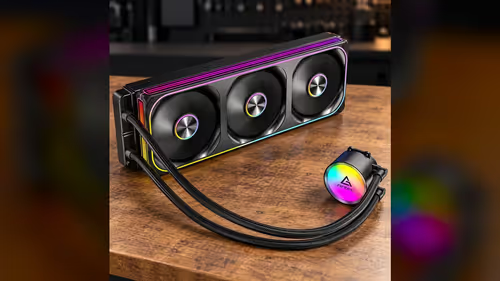
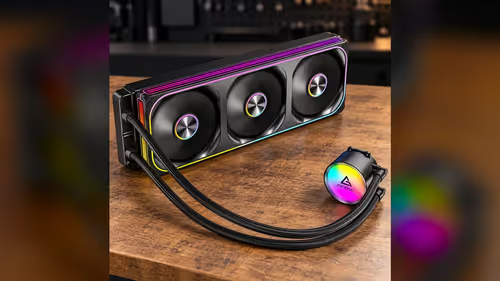
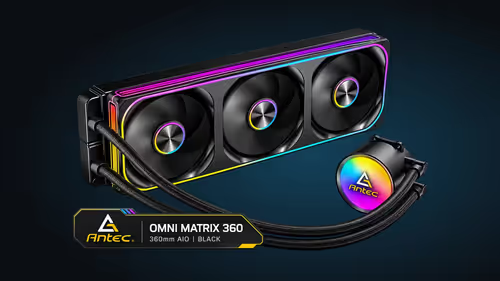
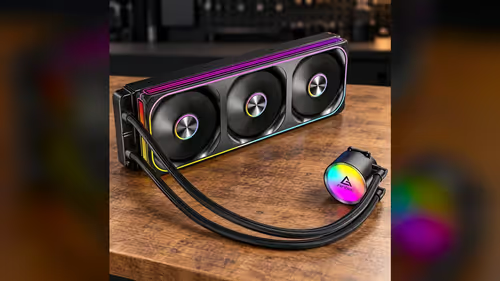
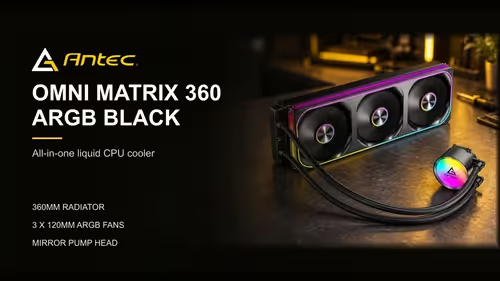
A single-frame 360mm PWM fan does its best work when it is mounted in the right direction, with the right gap to the radiator and a clear path for the air it moves. The installation is short, but the mounting direction decides whether the fan pushes air through the radiator or pulls it, and that choice changes how the case breathes. This guide covers the mounting choices and the cooling results you should expect from each.
Quick Answer
Mount the single-frame fan on the radiator so its airflow matches the case's intended direction, and leave a clear path for intake air. Its fan works across 800 to 2400RPM under PWM, and the unit is R1,199 including VAT. Check the direction arrows on the frame before you tighten the mount.
🧭 Push, pull and the direction arrows
A radiator fan can sit on the case side of the radiator, pulling air through the fins from inside the case, or on the outer side, pushing air out. Both work, but the choice shifts where the warm air goes. Check the direction arrows on the frame and mount the fan so its airflow follows the case's intended air path.
A front-mounted radiator usually pulls cool air in from outside and pushes the warm air out through the front. A top-mounted radiator pushes warm air upward, where it can leave through the top vents. Match the fan's direction to whichever path the case is built for, rather than to what looks neat. At 800 to 2400RPM, the airflow matters most at the top of the range.
🔩 Mount evenly and check the frame
Fix the frame to the case mount with the screws tightened evenly. Work across the frame in turn rather than around one corner, because uneven pressure bends the frame and can rub the fan blades against the fins. Spin the fan by hand after it is fixed, checking for at least 5mm of clearance at every blade tip. It should turn freely without catching.
Keep the gap between the fan and the radiator as the manufacturer intends. A fan that sits crooked can scrape the fins or throw airflow unevenly across the radiator face, and both cost cooling.
🌡️ Expect the cooling to follow the air path
A fan that breathes fresh air cools the radiator better than one that recycles warm air from inside the case. In a South African summer, with a room that sits at 27C to 30C in the afternoon, the intake matters more. A front-mounted fan that pulls in cooler air from outside the case often outperforms one that draws the room's warm air back in.
Run a 15-minute load test after mounting and check the processor temperature and the fan's RPM. If the temperature stays high while the fan runs at its top speed, the air path is the first thing to check, not the cooler itself.
The case fans category lists the case's other fans, while the CPU coolers category shows the AIO options.
🌀 Fan speed and the mount in a warm room
In a room at 27C to 30C, the radiator needs its fan in the upper part of its range more often. The single-frame fan runs from 800 to 2400RPM under PWM, so a curve that climbs early keeps the radiator cool under load. Keep the 800RPM floor for quiet nights and let the fan reach 2400RPM during long load runs.
A 15-minute load test shows whether the mount is working. If the processor is still climbing at the end of the run while the fan is at full speed, check the air path again, because the cooler is no longer the limit.
📏 Measuring the gap to the radiator
Before the fan goes on, measure the distance from the radiator's fins to the front panel in millimetres. A gap of about 10mm or more gives intake air room to reach the fins. A tighter gap chokes the airflow, and the fan then runs faster for less cooling. Note the figure, then compare it with the fan's own thickness. A 25mm fan on a 27mm core leaves little margin, so measure the spacing twice.
Frequently Asked Questions
Should the fan push or pull air through the radiator?
Either can work. Choose the direction that follows the case's intended air path, and check the arrows on the frame.
Why does the fan rub after installation?
Uneven mounting pressure can bend the frame or misalign the fan against the fins. Loosen the screws, reseat the frame and tighten in turn.
What speed does the single-frame fan run at?
It runs from 800 to 2400RPM under PWM, so it changes speed with the curve you set.
Does mounting direction change the cooling?
Yes. The fan's direction sets where warm air leaves the case, and a fan that draws fresh air usually cools better in a warm room.
Ready to mount your radiator fan?
Browse Evetech's CPU coolers and case fans, then check the air path in your case before you tighten the mount.