A fan curve is a short table that tells the motherboard how fast a fan should spin at each temperature, and the right table is the difference between a cooler that is quiet at rest and one that stays cool under a game. Most builders leave the default curve alone, which is usually a slow, cautious ramp. Here is how to build a curve for a 360mm AIO with three 120mm PWM fans, with the temperature points and speeds that give a balanced result, and how to test it without guessing.
Quick Answer
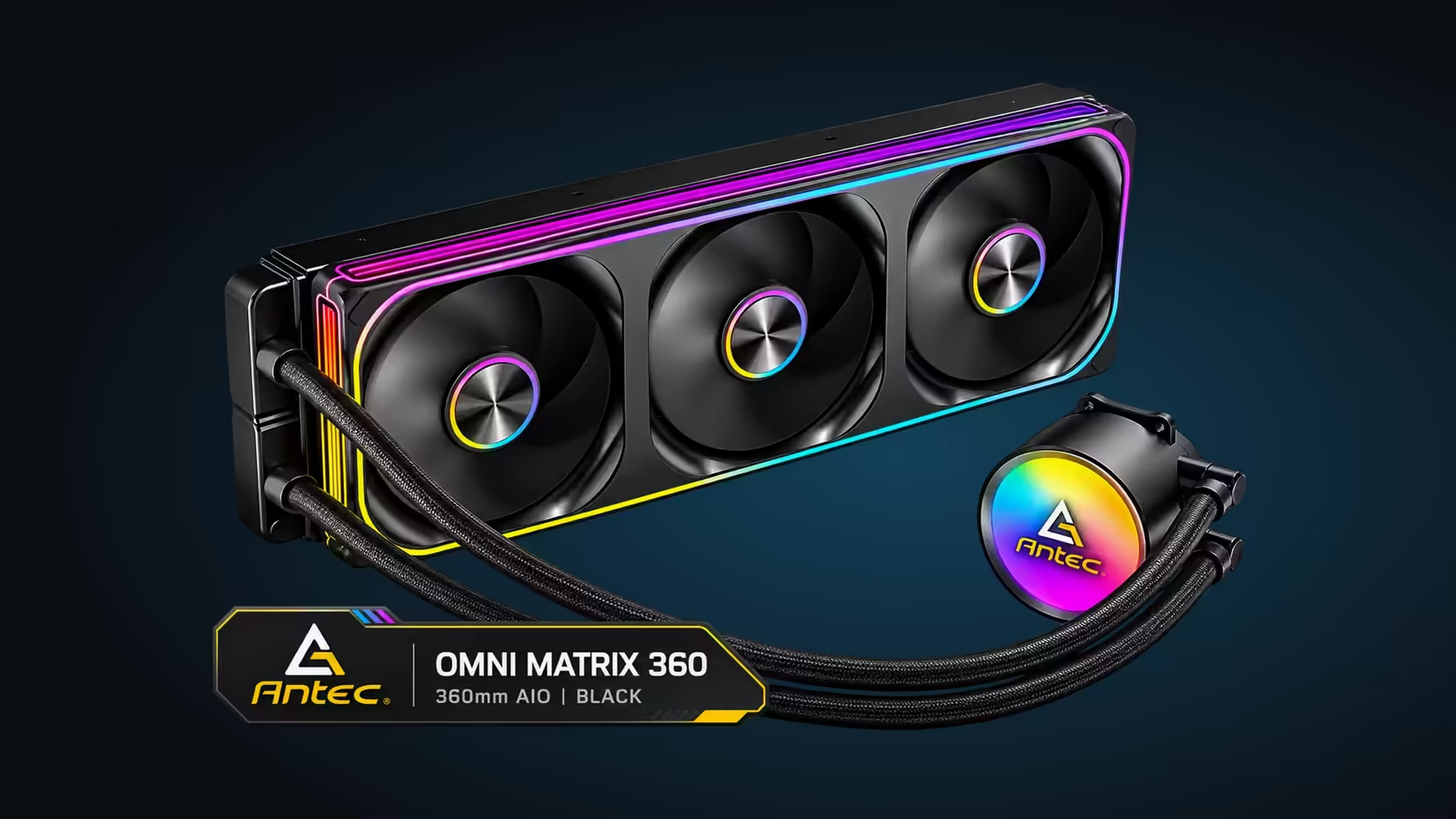
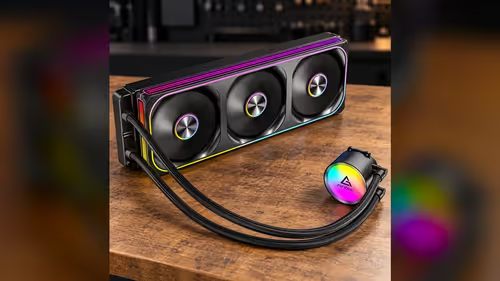
A PWM fan curve links fan speed to CPU temperature, so the radiator fans stay quiet at idle and work harder under load. On the Antec Omni Matrix 360 (R999), whose three 120mm fans share one cable, start with a gentle ramp: about 800RPM at 40C and full speed near 75C. Then test the curve with a real game, not only at idle.
📈 Building the curve point by point
A curve has points, and each point pairs a temperature with a fan speed. Start with a floor point at 40C, set at roughly 800RPM, which is the lowest speed on these fans. That keeps the radiator quiet at rest, and a CPU sitting at 40C in an idle desktop will not raise the fan speed.
Add a middle point at 60C, set near 1200RPM. That gives the radiator more air as the processor begins to work, and it prevents a sudden jump in noise at a single temperature. A curve with a smooth middle section sounds more natural than one that leaps from quiet to loud.
Finish with a top point at 75C, set near 1800RPM. That is the fans' rated maximum, and it gives the radiator full airflow when the chip is working hard. Some builders prefer to reach full speed at a lower temperature, but a top point at 75C gives the processor room to work before the fans reach their limit.
🔁 Testing the curve without guessing
A curve that looks right on paper can still be wrong in practice, so test it under a real load. Run a demanding game for twenty minutes, and record the CPU temperature and the fan reading every minute. A smooth rise that levels off is a good sign, while a curve that overshoots and drops back again suggests the points are too close together. Repeat the test three times and average the readings, so one 10-minute session does not decide the curve.
Test at idle as well. Leave the PC on the desktop for ten minutes and check that the fans settle to their floor speed. If the fans hunt, rising and falling every few seconds, widen the gap between the points so the curve responds less sharply.
Keep the test short and repeatable. Use the same game, the same scene and the same room temperature each time, so a change in the curve is the only thing that changes in the result.
🎚️ Setting the pump apart from the fans
The pump has its own header and its own rate, so it does not belong on the fan curve. Most boards let you set the pump mode separately, and the pump should run at its rated speed of 2700RPM whenever the PC is on. A curve that slows the pump to save noise can leave the block without enough flow under load.
Check the pump reading after you change the fan curve. The pump figure should stay near 2700RPM whatever the fans do, and a change in the pump reading is a sign that the pump header is being driven by the wrong setting.
🧮 Why the numbers matter for noise
The fans are the loudest part of a quiet build, and their speed controls the sound. At 800RPM a fan is far quieter than at 1800RPM, and the difference is most audible in a quiet room at night. A curve that holds the fans near 800RPM through the first 40 degrees of heat keeps the desktop quiet most of the time.
A cooler that runs at full speed for every game is loud, but it is also the cooler that needs the least fine tuning. Choose the curve by asking how much noise you will accept at the temperature you reach most often, and set the top point to match your heaviest sessions.
Our case fans range shows the PWM models for the rest of the case, and the CPU coolers category covers the radiator fans and pumps.
Frequently Asked Questions
What is a good starting fan curve?
Start with about 800RPM at 40C, near 1200RPM at 60C and near 1800RPM at 75C. Adjust from there after testing under a real load.
Should the pump be on the fan curve?
No. The pump should run at its rated 2700RPM whenever the PC is on, so set its mode separately from the fans.
Why do my fans rise and fall every few seconds?
The curve is too sharp, so small temperature changes cause large speed changes. Widen the gap between the points so the fans respond more gently.
How long should I test a new curve?
Run a demanding game for about twenty minutes, logging the temperature and fan speed each minute. Then leave the PC idle for ten minutes to check the floor speed.
Setting up a quiet cooling loop?
Browse our case fans and CPU coolers, and pick PWM models that your board can control with a curve.