The fibre is in, the speed test in the lounge looks healthy, and the bedroom still crawls. That gap is the whole question behind a wifi extender for vuma fibre: can a cheap relay close it, or does the house need something else? The answer depends on where the signal drops, so start there.
Quick Answer
A Wi-Fi extender fixes a Vuma line only when one or two rooms sit just past the router's reach. For a small gap, a TP-Link TL-RE450 wall-plug extender at R919 is enough. Brick double-storeys and townhouse complexes usually need mesh or a cabled access point instead.
📶 Find the dead zone before you buy
Vuma runs the fibre, but your ISP supplies the router, so that box is the first thing to test. Run one speed test next to the router, then one in the dead room, on both the 2.4GHz and 5GHz network names. 2.4GHz reaches further through walls, while 5GHz is faster over short range. If the drop shows up in every spot in the house, the problem is not range, and an extender will not help.
Brick and concrete cut signal hard, so a bedroom that looks close on the floor plan can still be a dead zone. The router itself is often the first thing to move. An ISP box left in a lounge cupboard, behind a TV unit, can lose a bedroom signal that a metre or two of movement would fix. Try that before you spend anything. If moving it does not fix the gap, compare your options on Evetech's networking page.
🧱 Match the extender to the walls
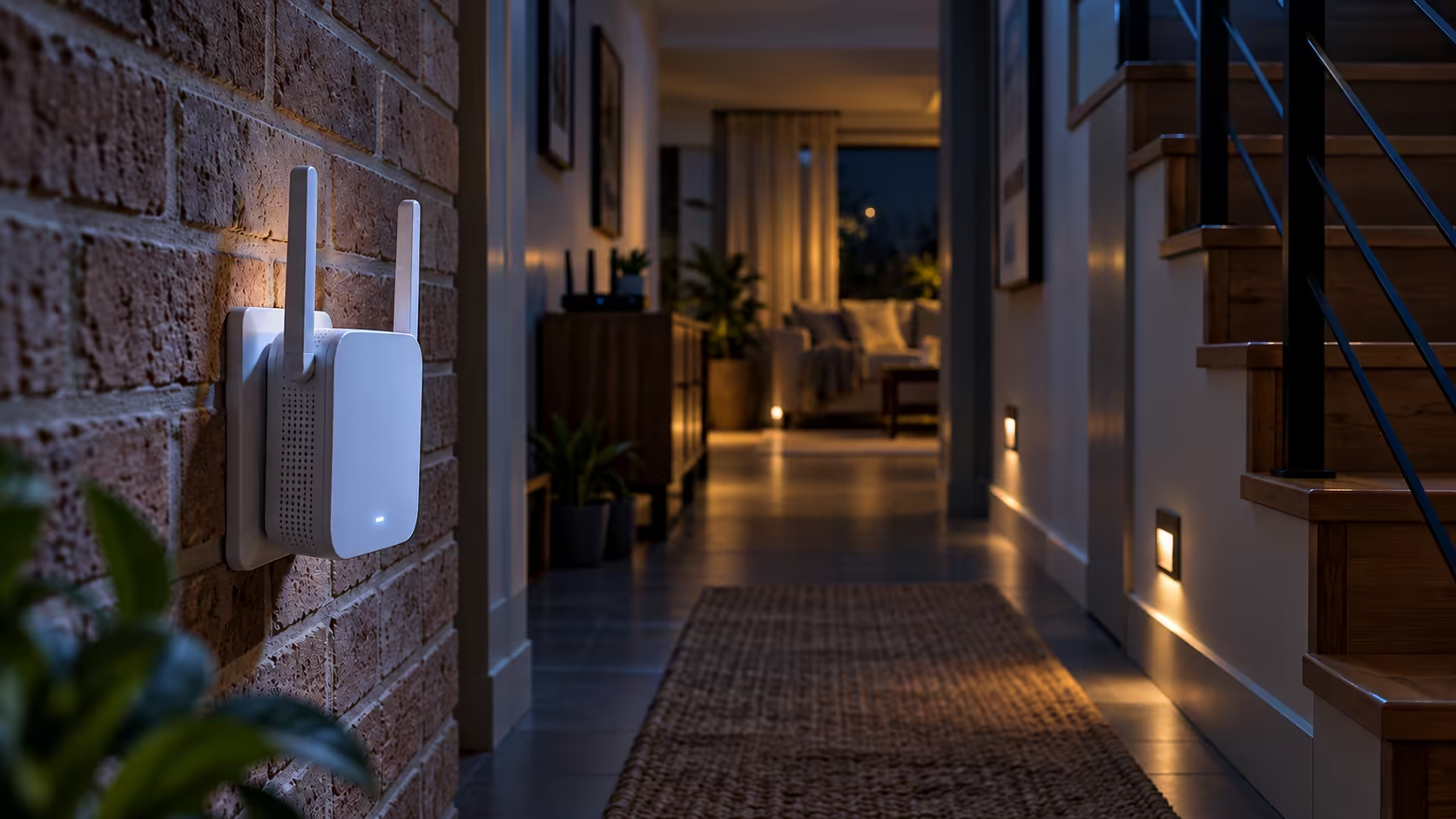
Brick double-storeys and townhouse complexes are where a single extender struggles. Plug it in roughly halfway between the router and the dead zone, where your phone still shows a strong signal, and not at the dead zone's edge, where it has little to pass on. The TP-Link TL-RE450 AC1750 wall-plug range extender costs R919 and suits one room just past the router's reach.
Why an extender costs you speed
An extender relays the signal and shares airtime with the router, so throughput drops in the room it serves. That is fine for browsing and streaming in one room, but do not expect the full line speed there. Start with the wireless networking range when you compare extenders against the options below.
🔌 Use a cable for the far room
A cabled access point gives full speed in the far room, which no relay can match. Measure the route first, since one Ethernet cable run tops out at 100 metres. Then run it from the router to the far room and set a second router to access point mode. Mesh is the other route. Mesh nodes hand devices over on one network name, so nobody in the house switches networks by hand.
This matters most in a granny flat or garden cottage off the main house, where a wall and a garden sit between you and the router. A cable can reach that far room more reliably than any relay.
🛒 Pick the kit for your house
Wireless routers at Evetech run from R699 to R2,449, so the budget can match the problem. For one room just past the router, the R919 extender is the cheapest test. For a brick double-storey, a mesh-capable router is the safer buy, such as the Cudy WR11000, a tri-band Wi-Fi 7 router at R2,439. Browse wireless routers to compare before you commit.
Frequently Asked Questions
Will a Wi-Fi extender slow my Vuma connection?
Usually a little, yes. The extender has to receive each packet and send it on, so the room it covers rarely matches the speed you get beside the router.
Can I use my own router on a Vuma line?
Often, yes. Once the fibre box is connected, most retail routers work after you type in the ISP's login details, which is often PPPoE.
Which band should I test in a far room?
Start with 2.4GHz there, since that band carries farther through walls, then compare the result with 5GHz standing beside the router.
Is mesh the right fix for a brick double-storey?
Often, yes. A mesh set spreads coverage across several units, so you can place one unit on each floor rather than stretching one relay across the whole house.
Do I need to contact Vuma to fix my Wi-Fi?
Start with your ISP. Vuma builds and runs the fibre, but the ISP you sign up with supplies the router, so router trouble goes to them first.
Ready to fix the dead room?
Browse the wireless routers and networking range to choose an extender, a mesh set or a cabled access point for your house.