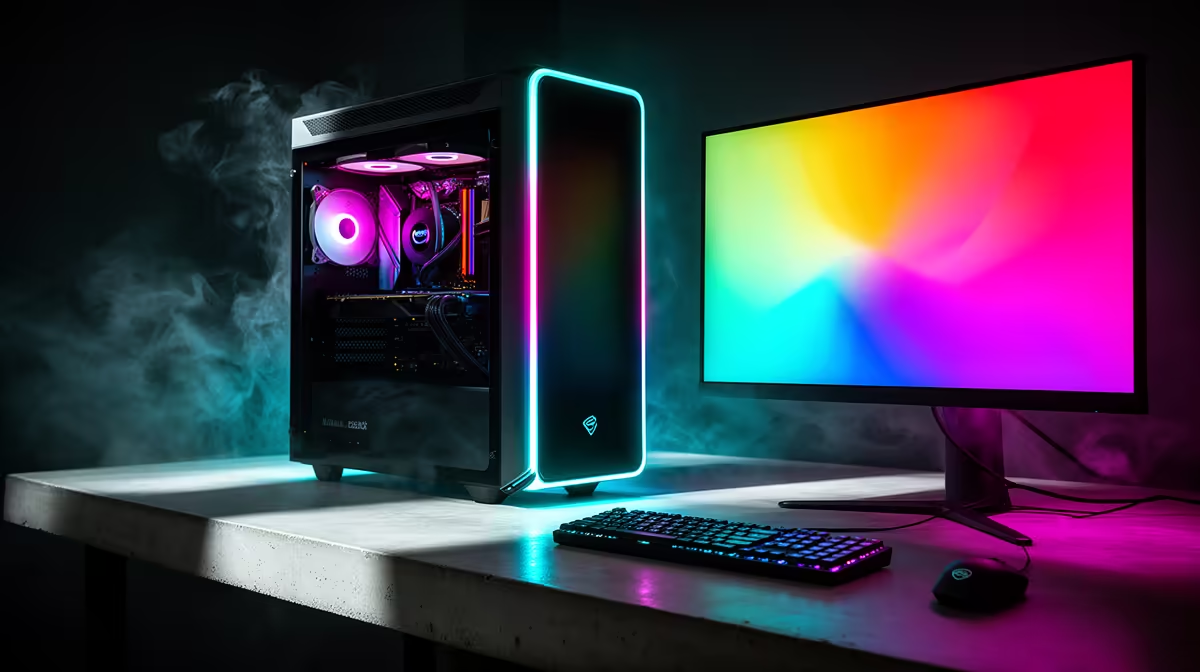
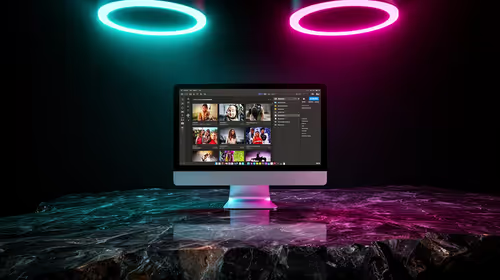
A streaming PC can be worth using for photo editing when its processor, memory, graphics card and storage handle large catalogues and exports. Streaming features do not guarantee colour accuracy, quiet operation or enough memory. The display and backup workflow remain essential.
Export a representative catalogue
Open the largest normal photo library, apply the usual adjustments and export a batch while monitoring memory, processor, graphics, storage and temperatures. Check the monitor profile and noise at the editing seat. If the PC still streams, run a private broadcast simultaneously to expose contention.
The Palit RTX 5060 8GB card is verified at R4,800, WD Blue SN5000 2TB SSD at R1,684 and Dell S2725QC 4K USB-C monitor at R6,128. These are separate references, not a complete compatible system. Check application acceleration, motherboard, PSU, clearance, memory, colour needs and warranties.
Keep originals, catalogues and exports in independent backups. Preserve colour profiles, licensed plugins and a stable graphics-driver setup. Leave enough storage for previews and temporary files, and protect client images.
Use the streaming PC when the complete export remains responsive and accurate. Upgrade the measured resource or display rather than buying another creator label.
Test a second monitor profile and print proof when colour consistency matters for paid client delivery work.
Editing photos on a streaming PC? > Compare Evetech GPUs, SSDs and monitors after profiling the workflow.