An accidental Undo can remove a useful edit just as quickly as an accidental keystroke can add one. The keyboard shortcut for redo helps when that action is still in the application's history. The important part is checking what the app is about to do before pressing the shortcut again and again.
Quick Answer
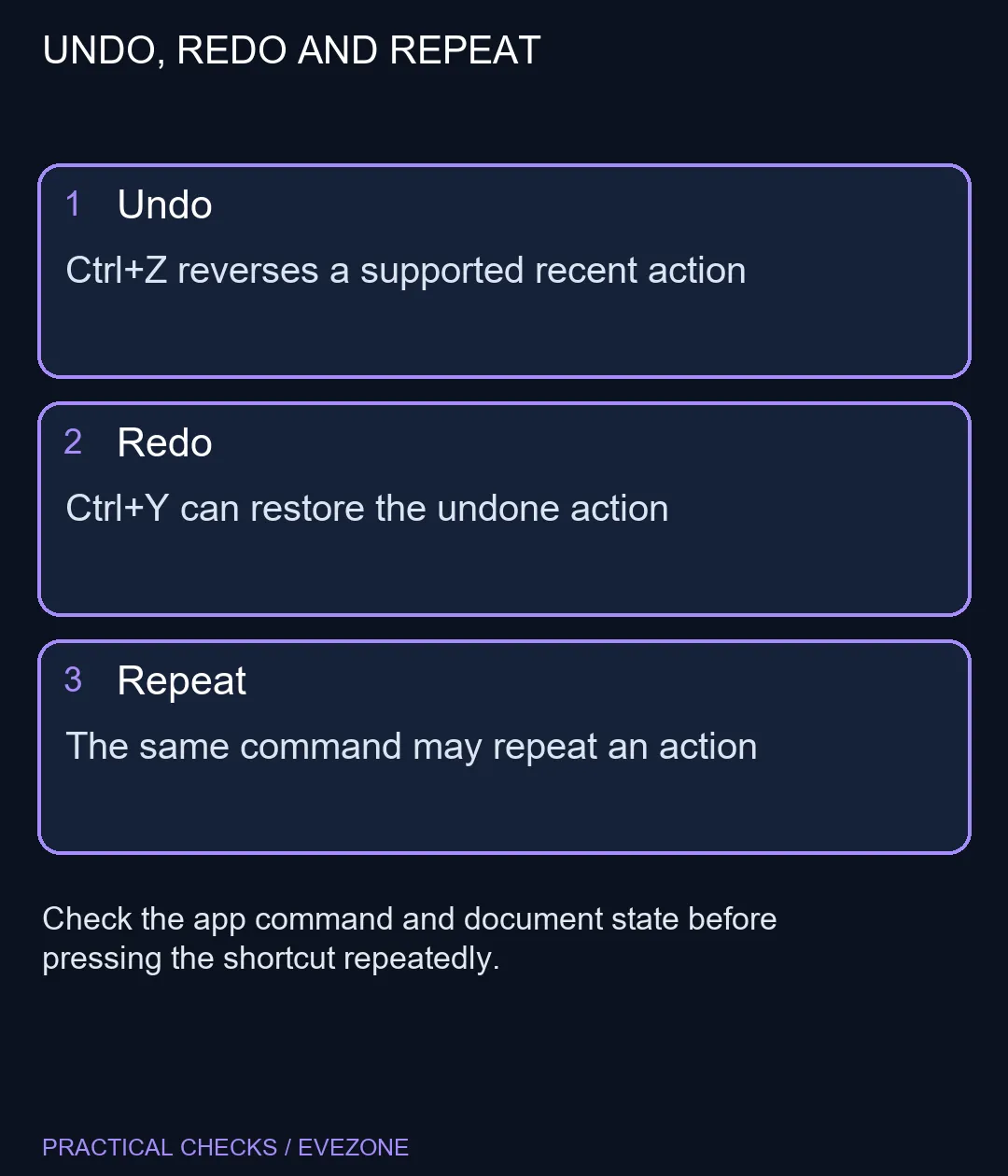
Use Ctrl+Y for the documented Windows redo command. In supported desktop Office tasks, Ctrl+Y or F4 can redo or repeat, depending on the current action. Trying the available command costs R0 in additional hardware; it is an editing action, not a guarantee of recovering an old or closed file.
↪ Start with a harmless edit
In a spare document, type a short word, undo it with Ctrl+Z, then try Ctrl+Y. This makes the difference visible without experimenting on an important budget, application or saved game. If your app offers a menu command, read its label before using the keys.
Microsoft documents Ctrl+Y as redo in Windows. Applications still control their own editing behaviour and available history. A shortcut remembered from another program may therefore produce a different result or have no useful action to perform.
📝 Distinguish restoring from repeating
Office can use the same keys to repeat a supported action when there is no undone action to restore. That is useful for repeated formatting, but it explains why the shortcut can seem to add something instead of bringing back the change you expected. Check whether the command says Redo or Repeat.
F4 is another documented Office option. On a laptop, the top row may send a media or brightness function unless you also use the appropriate Fn or F-Lock behaviour. Do not change firmware just to test a shortcut; Ctrl+Y provides a simpler starting comparison when both keys work.
💾 Keep history and saved copies separate
Not every action can be undone or repeated, and action availability depends on the app. Redo is not a replacement for a saved copy or version history. If an important change is no longer offered, stop experimenting and investigate the application's appropriate recovery route.
For learners, keep a small set of tested shortcuts beside the desk instead of assuming every editor shares the same scheme. Browse gaming keyboards for layout or key needs once you know what is missing physically. A new board cannot create a redo history that the application no longer holds.
The same applies to all laptops on special: more powerful hardware does not change the meaning of an unavailable editing command. A deliberate test in a spare document is the quicker way to tell a keyboard problem from an application-state question.
Frequently Asked Questions
What is the Windows redo shortcut?
Ctrl+Y is the documented Windows shortcut. Individual applications can assign their own editing commands, so check the app menu if it behaves differently.
Is Ctrl+Z the same command?
No. Ctrl+Z undoes a supported action. Redo is used to restore an action you previously undid when that action remains available.
What does F4 do in Office?
In supported Word, Excel and PowerPoint tasks, F4 can redo or repeat. A laptop may require Fn or F-Lock to send the function-key action.
Why does Ctrl+Y repeat instead?
Office distinguishes redo from repeat according to the action history and available command. Look at the toolbar or menu rather than assuming every press restores text.
Can Redo restore a closed document history?
Do not rely on it as a backup. Redo depends on the application state; use an appropriate saved version when the action is no longer available.
Will I need a new keyboard?
No purchase is required to test the shortcut. R0 extra hardware is needed when the existing Ctrl and Y keys work normally.
Learning an editing shortcut?
Test Undo and Redo on a spare line, then use the command whose label matches the change you want.