The pointer moves and left clicks work, but a folder's context menu refuses to appear. Touchpad right click not working is a narrower symptom than a completely dead touchpad. Start by finding which input method fails instead of treating every missing menu as a reason to buy a mouse.
Quick Answer
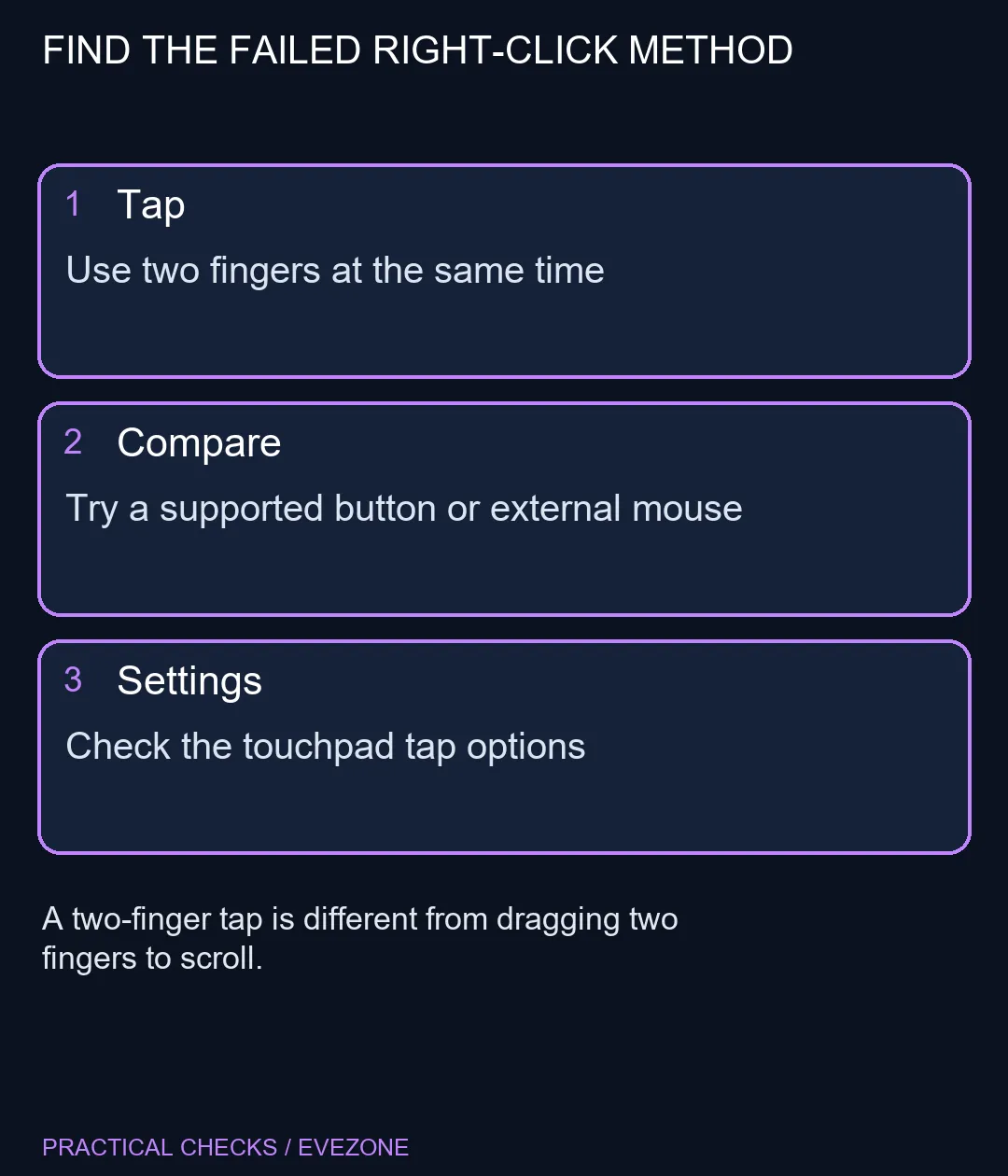
Try a brief simultaneous two-finger tap on an ordinary desktop item, then compare a supported physical right-click or a known-working mouse. Review the touchpad's tap controls if only the gesture fails. These checks need R0 in additional hardware when the laptop and test mouse are already available.
✋ Test the gesture without a scroll
Rest the pointer over a folder, tap the pad with two fingers together and lift them. Do not slide the fingers during the test. A moving two-finger gesture can scroll instead of requesting a context menu, which makes an input test look like a hardware failure.
Choose a second ordinary item if the first test fails. Some applications intercept gestures or display their own menus. If the desktop menu works while one application does not, the touchpad has demonstrated at least one successful context action.
⚙ Check the controls your laptop actually offers
Open Windows touchpad settings and inspect the tap options. Supported Precision Touchpad controls can differ from manufacturer-managed controls on an older laptop. Read the labels present on your machine and keep a note of the original setting before changing one option.
A physical lower-corner press may be another supported method, but do not force a corner because another laptop uses it. Surface documentation distinguishes taps from button actions; the exact physical arrangement belongs to the device you own. If a case is visibly damaged or a surface is lifting, stop pressing on it and seek a hardware assessment.
🖱 Compare inputs before shopping
If a known-working mouse opens the menu, you have narrowed the symptom to the touchpad route or its configuration. That does not yet distinguish software from hardware. Conversely, if neither input works in one application, concentrate on the application before reinstalling the touchpad.
The gaming mice category can provide an alternative input device when that suits your desk. It does not make a replacement the first diagnostic step. Keep all laptops on special for a broader purchase decision, after the simple test tells you whether the existing machine has an input fault or just a different gesture setting.
Frequently Asked Questions
How do I right-click without a mouse?
On supported touchpads, tap with two fingers together. Test on a desktop item where a context menu is normally available.
Is two-finger scrolling the same gesture?
No. A tap requests a context action; a two-finger slide moves content. Lifting both fingers after a short tap helps separate the tests.
Does every laptop have the same options?
No. Hardware, drivers and manufacturer software affect which controls appear. Use instructions for your laptop rather than assuming a missing switch is a fault.
Should I reinstall the touchpad immediately?
Start with the gesture and settings. If every method fails, collect the model and symptom before following manufacturer troubleshooting.
Can a mouse help test this?
Yes. A known-working mouse can separate a context-menu problem from one touchpad input method without changing the laptop configuration.
Will this require a new laptop?
Not by itself. The gesture check costs R0 in extra hardware; replacement should follow a demonstrated hardware or usability requirement.
Need reliable context menus?
Compare the gesture and button routes before changing drivers or choosing another input device.