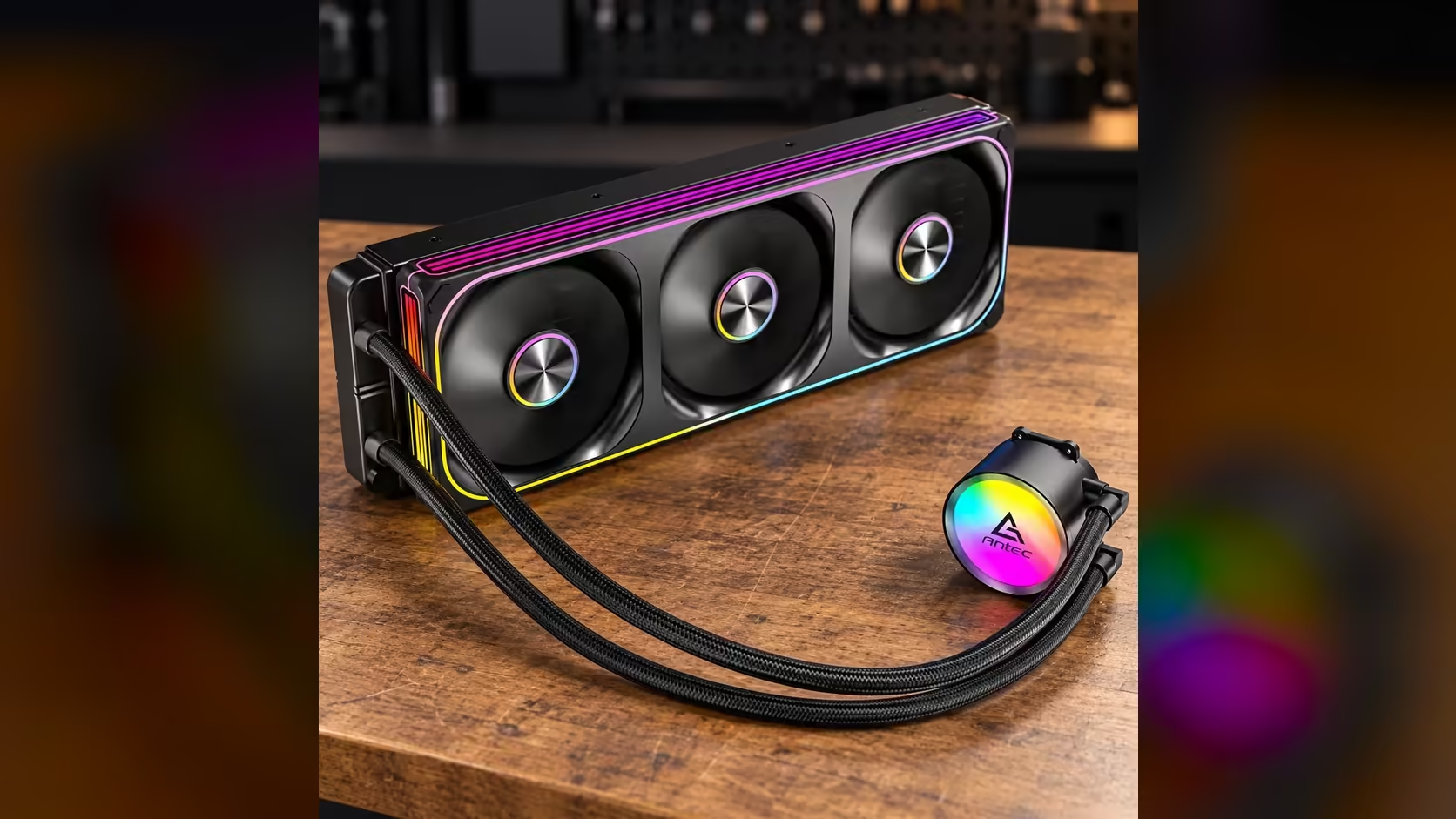
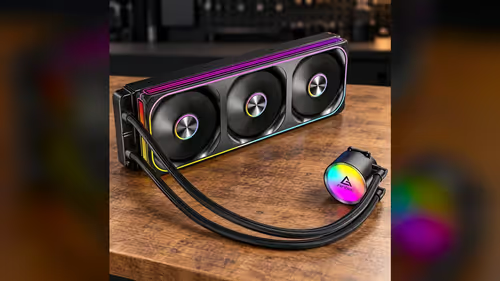
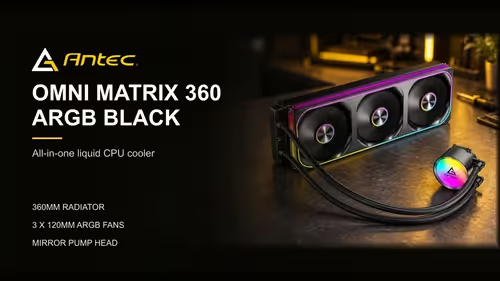
A gaming PC on AM5 or LGA 1851 asks a cooler to do two jobs at once. It has to hold the processor steady through a long session of a demanding game, and it has to stay quiet enough that the sound does not wake the house. The socket choice narrows the cooler list, but the session length and the room decide which cooler suits the build. Here is how to choose an AIO for a gaming PC on either platform, with a Cape Town bedroom as the example.
Quick Answer
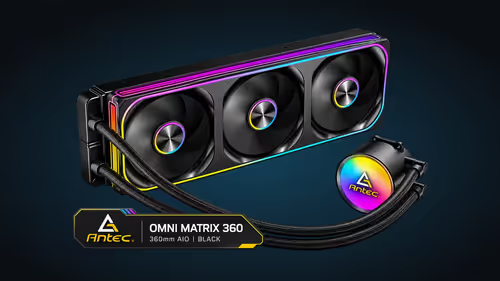
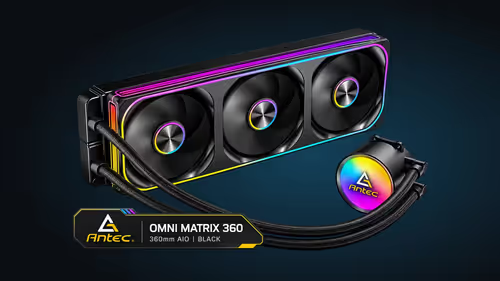
For an AM5 or LGA 1851 gaming PC in South Africa, start with socket support and radiator room. The Antec Omni Matrix 360 supports both sockets at R999, and its three 120mm PWM fans can hold the processor steady through a long game. In a warm room without aircon, plan the ventilation as carefully as the cooler itself.
🎮 What a gaming session asks of the cooler
A game holds the processor under load for an hour or more, and that steady heat is what a cooler is built to handle. A short benchmark gives a brief spike, but a long session gives the cooler time to reach its working temperature. Judge the cooler against your longest session, not your shortest.
The radiator size matters here. A 360mm radiator has more surface area than a 240mm one, so it can shed a steady load at lower fan speeds. That usually means the fans spend more of the session at a quiet speed, and the room stays quieter as well.
The fans set the sound. The Antec Omni Matrix 360's fans run between 800RPM and 1800RPM, so a curve that holds them low through a quiet scene and lets them climb in a busy scene keeps the game smooth without a constant roar.
🔌 Choosing for AM5 or LGA 1851
Both sockets are supported by the Antec Omni Matrix 360, so the choice between them is a board choice rather than a cooler choice. Start with the board. Check its socket name, its processor list and its headers, then match the bracket on the cooler to the socket.
AM5 uses its own retention method and its own bracket, so the AM5 bracket must be the one you fit. LGA 1851 uses the Intel bracket for that socket. In both cases, read the bracket label before you start, and do not swap parts between sockets.
Check the headers too. One header serves the pump and another serves the three fans, which share a PWM lead. A gaming board with spare fan headers gives you room for extra case fans later.
🏠 A Cape Town bedroom in summer
A gaming PC in a Cape Town bedroom often shares the room with a bed and a desk, and the summer afternoons can make the room warm. The radiator gives off heat into that room, so the room sets the baseline for every temperature reading. A bedroom that sits near 28C in the evening starts every game from a warmer point than a cool study.
Plan the room around the PC. Keep the radiator side clear of the bed and the curtains, so the warm air can leave the case. Open a window on the side away from the PC during the hottest hours, and close the blinds on any window that takes the afternoon sun.
Noise matters in a bedroom too. Set the fan curve so the fans stay low when the game is idle or the menus are open, and let them climb only in the game itself. A quiet floor keeps the room comfortable after the session ends.
🧭 Setting the fan curve for long sessions
Set the curve for the games you play most. A curve that holds the fans at about 800RPM until the CPU reaches 60C, then climbs to full speed by 80C, keeps most sessions quiet while protecting the processor under a heavy scene.
Test the curve with a real session. Play for an hour, log the temperature and fan speed every few minutes, and check that the fans rise and fall gently. A curve that hunts up and down suggests the points are too close together.
Keep the pump on its own setting. The pump should run at its rated 2700RPM whenever the PC is on, so do not put it on the fan curve.
Start with the liquid CPU coolers range for 360mm options and widen the search in the CPU coolers category. For a board on the AM5 socket, the AMD B850 motherboards range shows the options.
Frequently Asked Questions
Will the cooler hold a gaming processor steady through a long session?
It is designed for steady heat over long loads, and a 360mm radiator gives that heat more area to leave through. The room temperature still sets the baseline, so keep the room ventilated.
Does the cooler need a different bracket for AM5 and LGA 1851?
Yes. Each socket has its own bracket, so read the label and match it to the socket on your board.
How quiet can the fans be in a bedroom?
A fan curve that holds the fans near 800RPM at rest keeps the room quiet. The fans climb only when the processor needs more airflow.
Should the pump follow the fan curve?
No. The pump runs at its rated 2700RPM whenever the PC is on, so set it separately.
Building an AM5 or LGA 1851 gaming PC?
Browse our CPU coolers and motherboards, and check the socket and bracket before you order.