A white build with a 360mm liquid cooler is planned from the outside in. The radiator, the case mount and the motherboard socket decide most of the layout before a single part goes in the cart. The sequence below keeps the cooler, the board and the cable path in step, so the finished build looks as clean as the photos you are working from.
Quick Answer
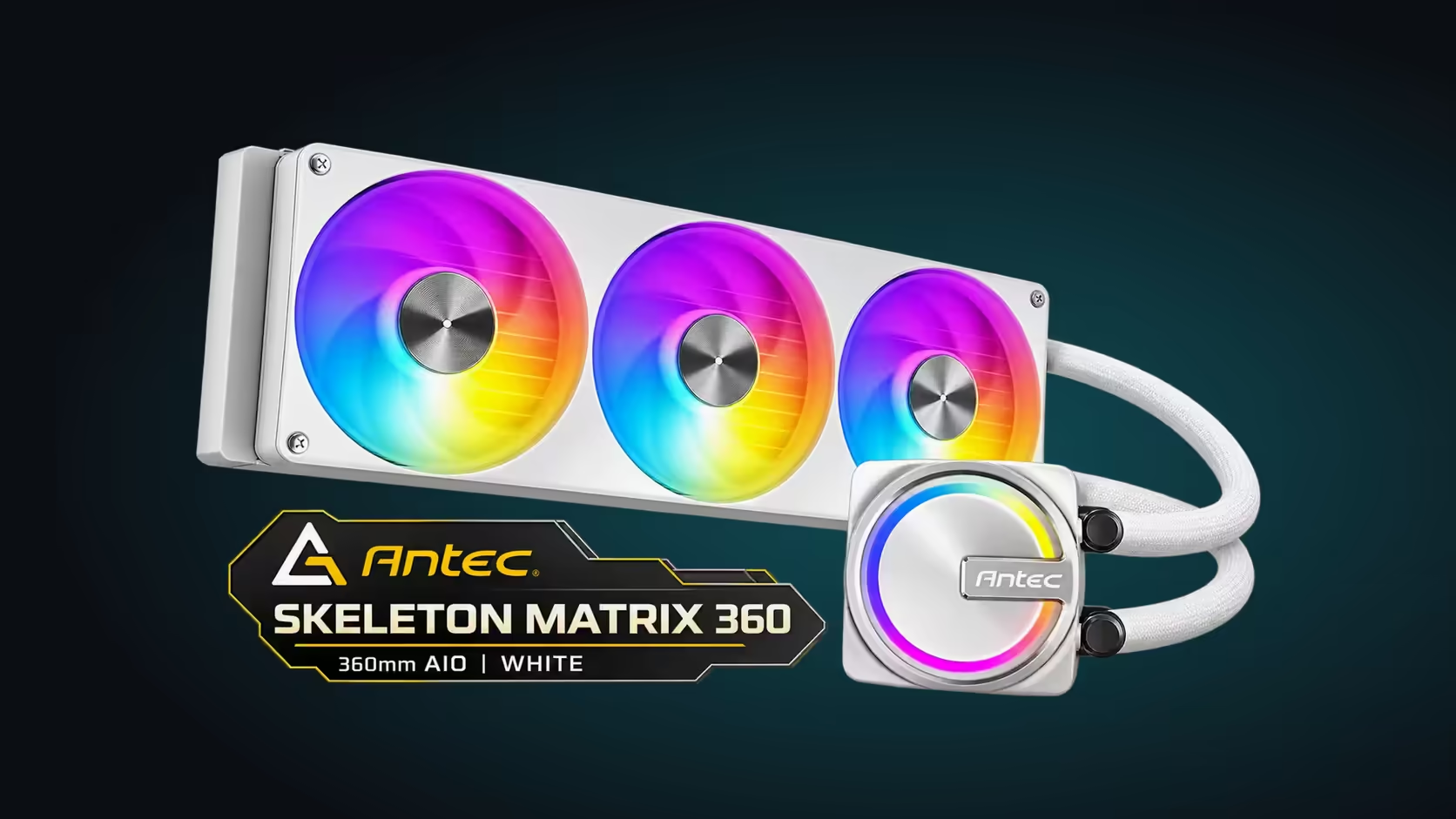
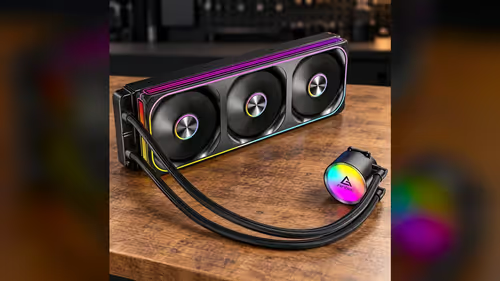
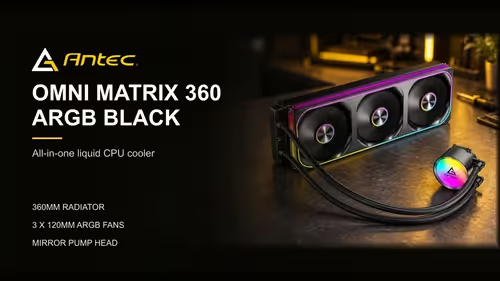
Start with the case's 360mm radiator mount, then pick a motherboard whose socket the cooler supports, and plan RAM height and cable routing around the radiator. The Antec Skeleton Matrix 360 White is a white 360mm AIO at R1,199 including VAT, which leaves budget for the rest of the build.
🏗️ Start with the case mount and the radiator size
Pick the case before anything else. The case's 360mm mount, on the front or top, fixes where the radiator goes for the whole build. Measure the mount and the depth behind it in millimetres, and note where the cables will run.
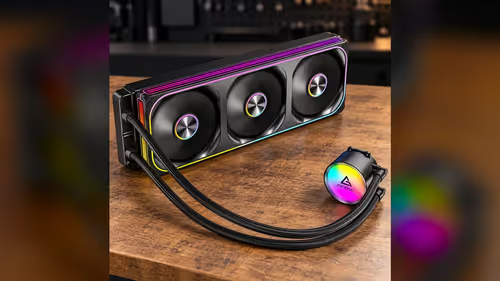
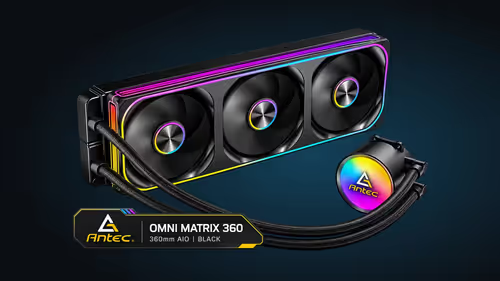
Its 360mm length and roughly 27mm depth set the footprint, with the fan on the face. Add those thicknesses together and check the total against the case's depth figure before you commit. A white case with a tight mount is still a tight mount, so the colour does not change the measurement.
🔌 Match the motherboard socket to the cooler
Socket-wise, this cooler fits LGA 1851, LGA 1700, AM5 and AM4 boards. Choose a board whose socket sits on that list, then confirm the chipset family you want. A white board is a styling choice, so the socket and the chipset decide compatibility, and the white finish only decides looks.
Plan the RAM next. Tall RAM heatsinks can crowd a top-mounted radiator, so take the millimetre gap to the radiator's underside. If the gap is short, pick RAM with a lower profile or move the radiator to the front mount.
🧵 Plan the cable path around the radiator
Cables cause more trouble in a white build, because light sleeves and panels show every loose lead, and each lead needs at least 5mm of clearance from the fan blades. Plan the route before the parts go in. The pump lead needs a short, clean path to the AIO pump header, and the fan leads need to reach the fan headers without crossing the fan blades.
The fans and pump share one ARGB lead, so the lighting costs one connection. Tuck that lead behind the tray, with a loose bend at the fan end so the frame sits square.
🧾 Budget the rest of the build around R1,199
At R1,199 including VAT, the cooler leaves room in the budget for the processor, the board and the RAM. Spend what is left on a board that suits the socket and on airflow that feeds the radiator cool air.
Keep a running list of the measurements as the build comes together. The radiator depth, the RAM height, the mount position and the cable path all affect each other, so a change in one should be checked against the others before you order.
The CPU coolers category lists the full range, and the AMD B650 motherboards page shows AM5 boards for the build, and the mid-tower cases category shows cases with 360mm mounts.
📐 A millimetre plan for the build
Write the build on one sheet in millimetres before you order. Put down the 360mm radiator length, the 27mm radiator depth and the 25mm fan depth, which together make about 52mm of depth ahead of the mount. Add the tallest RAM height, the processor socket and the width of the cable path behind the board tray. A plan with these figures on one page is quicker to check than a parts list on its own.
🧽 Keeping a white build clean
A white build shows dust sooner, so plan a short check of the radiator and the fan intakes before the dry months. Clean the outer fins with a soft brush at least once a month, and wipe the front panel mesh with a dry cloth. Dust that builds up on a 27mm radiator core is hard to reach once the fan is mounted, so keep the outer face clean from the start.
Frequently Asked Questions
Which should I choose first, the case or the motherboard?
Choose the case first, because its 360mm mount sets the radiator position. Then match the motherboard socket to the cooler.
Does a white build need different parts?
No. The socket, the mount and the clearance decide compatibility. The white finish only changes how the parts look.
How many headers does the cooler need?
It needs a pump header and a fan header, plus one ARGB header if you want the lighting. The pump and fan use separate headers from the ARGB lead.
What should I measure before ordering?
Note the 360mm mount, the depth behind it and the board-to-radiator gap, each in millimetres.
Ready to plan your white build?
Browse Evetech's CPU coolers and cases, then measure your mount and RAM clearance before you order.