

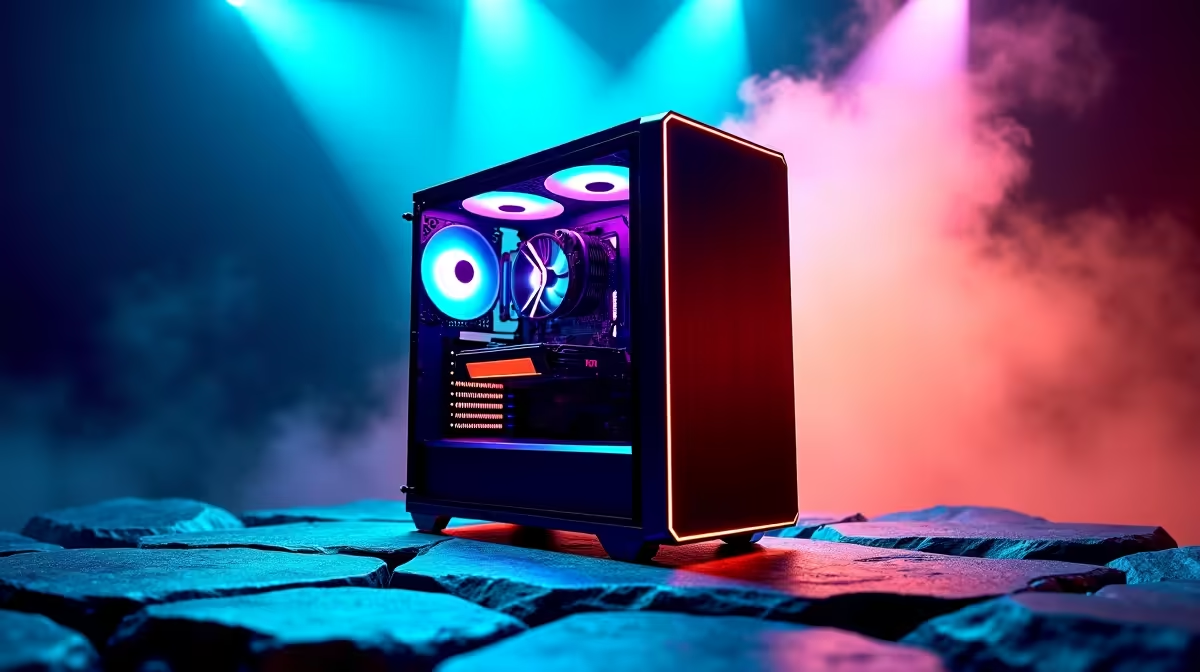
Your gaming PC is a beast, crushing frame rates and delivering glorious visuals. But what if its powerful GPU could do more than just render epic headshots? The world of AI is no longer locked away in distant data centres. With models like DeepSeek, you can run a powerful AI on your gaming PC right here in South Africa, transforming your machine into a creative and coding powerhouse. Ready to unlock its true potential? 🚀
Your Gaming PC's New Superpower: What is DeepSeek?
Forget paying for cloud-based AI subscriptions. DeepSeek is a family of powerful, open-source AI models that you can download and run locally... for free. This means all the processing happens on your own hardware. By leveraging the immense parallel processing power of your graphics card—the same tech that makes your games look so good—you can have a private, lightning-fast AI assistant.
Running AI on a gaming PC isn't a futuristic dream; it's happening now. Whether you want to write code, brainstorm creative ideas, or simply explore the frontiers of technology, your rig has the muscle to do it.
Beyond the Game: Practical Uses for AI on Your Gaming PC
So, you've got this incredible tool at your fingertips. What can you actually do with it? The possibilities are massive, but here are a few ideas for South African gamers and creators:
- Code Your Own Mods: Stuck on a tricky bit of scripting for your new Minecraft or Skyrim mod? Ask DeepSeek to help you debug code or suggest better functions.
- Create Epic D&D Campaigns: Generate entire character backstories, describe mystical locations, or even create challenging puzzles for your next tabletop session.
- Level Up Your Content: Need a script for your next Twitch stream or YouTube video? Use the AI to brainstorm ideas, write outlines, or even draft the full text.
The performance for these tasks is phenomenal on modern hardware, and today's powerful NVIDIA GeForce gaming PCs with their CUDA cores are exceptionally good at accelerating these AI workloads.
Is Your Rig AI-Ready? The Hardware You Need
The single most important component for running AI on your gaming PC is your graphics card's Video RAM, or VRAM. This is the dedicated memory your GPU uses to process information. While most AI models can run on a variety of cards, more VRAM means you can run larger, more complex models faster.
- Good Start: 8GB VRAM (e.g., RTX 3060, RX 6600 XT)
- Sweet Spot: 12GB - 16GB VRAM (e.g., RTX 4070, RX 7800 XT)
- AI Enthusiast: 24GB VRAM (e.g., RTX 4090)
Both NVIDIA and AMD GPUs can handle the job, and with ongoing software optimisations, many AMD Radeon gaming PCs offer incredible value for both gaming and AI exploration. ✨
VRAM Check ⚡
Not sure how much VRAM your GPU has? On Windows 11, right-click your desktop, go to Display settings > Advanced display > Display adapter properties. Look for 'Dedicated Video Memory'. For running large AI models locally, 8GB is a solid starting point, but 12GB or more is ideal for smoother performance!
Levelling Up: From Gaming Hobby to AI Pro
While your gaming rig is an amazing starting point, what happens when your AI experiments turn into a serious side-hustle or professional workflow? If you find yourself running complex simulations, training your own models, or doing heavy-duty content creation, the demands might outgrow a standard gaming setup.
This is where dedicated hardware comes in. For those pushing the boundaries, our range of workstation PCs is engineered for maximum stability, certified drivers, and the sheer computational power needed for professional-grade AI and data science tasks.
Ready to Unleash Your PC's AI Potential? The best hardware for gaming is now the ultimate tool for personal AI. Whether you're a curious gamer or an aspiring developer, the power is in your hands. Explore our massive range of AI-ready gaming PCs and find the perfect machine to conquer new digital frontiers.











