

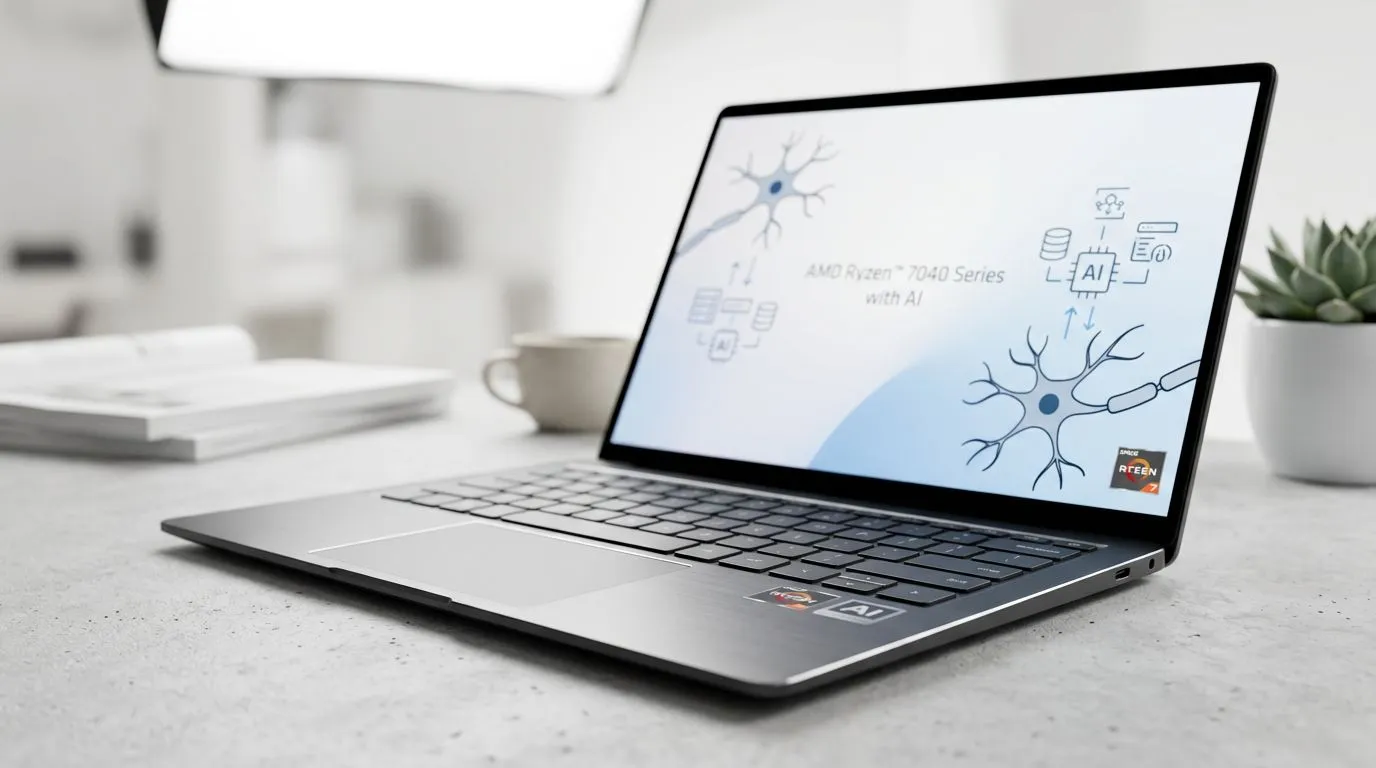
AMD Ryzen AI Explained for South African Laptop Buyers: Quick Setup to Real-World Speed
If your laptop feels slow after a few months, you are not alone. In SA, we also juggle loadshedding schedules, spotty Wi‑Fi, and tight budgets... so every upgrade has to count. 🔧
This guide breaks down AMD Ryzen AI Explained: What It Does for Your Laptop Performance in plain English. You’ll learn what the “AI” actually does, where it helps (and where it doesn’t), and how to choose a Ryzen-powered laptop that’s worth your money. ⚡
AMD Ryzen AI Explained: What It Does for Laptop Performance
AMD Ryzen AI Explained: What It Does for Your Laptop Performance comes down to one idea: Ryzen AI accelerates certain tasks using a dedicated AI-focused block (often called an NPU, depending on the CPU generation and laptop design). In everyday terms, that can mean faster, smoother execution for AI-assisted features... especially for workloads that support them.
Here’s how to think about it:
What improves most often
- AI-enhanced video features: look for laptop apps that use AI for noise reduction, background cleanup, or webcam sharpening.
- Real-time effects in supported software: some creativity tools offload parts of the pipeline to AI accelerators.
- On-device intelligence: AI features can run locally, which can reduce reliance on cloud processing.
What usually does not change
- Gaming FPS on its own. Your GPU (and game settings) still drive frame rates. If you want better gaming performance, you still need a capable graphics card and cooling.
- General browsing speed. You’ll feel smoother navigation if the laptop also has strong RAM, storage, and thermals. AI alone cannot fix weak specs.
If you are mostly gaming, you should treat Ryzen AI as a bonus for app features... not the primary reason to buy.
AMD Ryzen AI Explained: How to Choose the Right Ryzen Laptop (Without Overpaying)
A lot of buyers get stuck comparing CPU brands while forgetting the parts that decide “feel” day-to-day: RAM amount, SSD speed, and cooling.
The “buying checklist” that actually matters
- Confirm the Ryzen AI laptop SKU: ensure the product listing explicitly mentions Ryzen AI support.
- Pick enough RAM: aim for 16GB minimum for modern multitasking (20+ tabs plus chat plus a game launcher is normal in SA).
- Prioritise SSD storage: 512GB is workable, 1TB is nicer if you install big games.
- Look at GPU and display if you game. Ryzen AI won’t replace a dedicated graphics card.
Where to start shopping in Evetech’s lineup
If you’re comparing configurations across brands, begin with current deal pages so you can see what’s available within your budget:
- Browse Intel laptops on special to compare platform pricing and thermals: Explore Intel laptop specials at Evetech
- If you specifically want Ryzen models, start here: Check out Ryzen laptop deals at Evetech
AMD Ryzen AI Explained for Creators and Students: Real Gains You Can Feel
Even if you game, AI features can improve your “laptop life” if you do school work, editing, or lots of calls.
Micro-story: the “slow-after-hours” laptop problem
Picture this: you’ve got class, then you queue editing for a few videos. After an hour, your laptop fans kick in, the preview gets choppy, and you start waiting. In many cases, the fix is not only CPU speed, but also how efficiently your apps use acceleration.
Ryzen AI features tend to help when your software supports them. That means smoother AI-driven effects and sometimes faster processing paths... but only if the laptop and apps are aligned. ✅
A practical test you can run today
Before you commit to a purchase, ask yourself:
- Do you use webcam tools (noise reduction, background effects)?
- Do you run AI-assisted editing apps?
- Do you stream or do video calls frequently?
If yes, Ryzen AI becomes more valuable.
Productivity Pro Tip ⚡
Windows, create a consistent workload test: run one webcam feature (noise reduction or background cleanup) and one editing preview, then compare behaviour on battery vs plugged-in. If performance drops hard on battery, choose a laptop with stronger sustained cooling and higher TDP-friendly design for better stability during long sessions.
AMD Ryzen AI Explained for Gamers: What to Expect (and What Not to)
Let’s be blunt. If your main goal is higher FPS, you care about:
- the GPU model
- RAM capacity
- cooling and wattage limits
- display refresh rates
Ryzen AI can still help around the edges (like AI webcam tools, streaming features, and supported app effects), but it is rarely the direct driver of game performance.
Best way to spend your money for gaming
To build a “good value” gaming setup in SA, shop by GPU class and budget.
- Looking for great deals across various gaming laptop configurations? Explore the best gaming laptop deals
- Working with a tighter budget, like under R20,000? Buy gaming laptops under R20k
- And if you want NVIDIA graphics options for gaming reliability and feature support: See GeForce RTX gaming laptops on special
AMD Ryzen AI Explained: Quick Buying FAQ (So You Don’t Regret It)
Does Ryzen AI make the laptop “faster” for everything?
Not automatically. It helps most where software uses AI features. For general tasks, the CPU, SSD, RAM, and thermals decide the experience.
Will it extend battery life?
AI acceleration can help certain features run more efficiently, but battery life still depends heavily on screen brightness, power settings, and how the laptop handles sustained loads. The most honest answer is: it might help, but you should verify with real usage expectations.
What should you prioritise if you want the best value?
If you’re gaming, prioritise GPU + cooling first. If you do creators’ work or frequent calls, Ryzen AI features can genuinely be useful.
Final Thoughts on AMD Ryzen AI Explained: What It Does for Your Laptop Performance
AMD Ryzen AI Explained: What It Does for Your Laptop Performance is basically about smarter acceleration for AI-supported features, not a universal speed boost. So choose based on how you actually use your laptop. If your day includes calls, content creation, and AI-assisted tools, that “AI” can turn into noticeable comfort.
If you game, treat it as a helpful bonus and keep your focus on GPU and overall laptop thermals. 🚀
Ready to Find Your Perfect Match? The Mac vs Windows debate is complex, but for maximum power, choice, and value in South Africa, Windows is hard to beat. Explore our massive range of laptop specials and find the perfect machine to conquer your world.











