

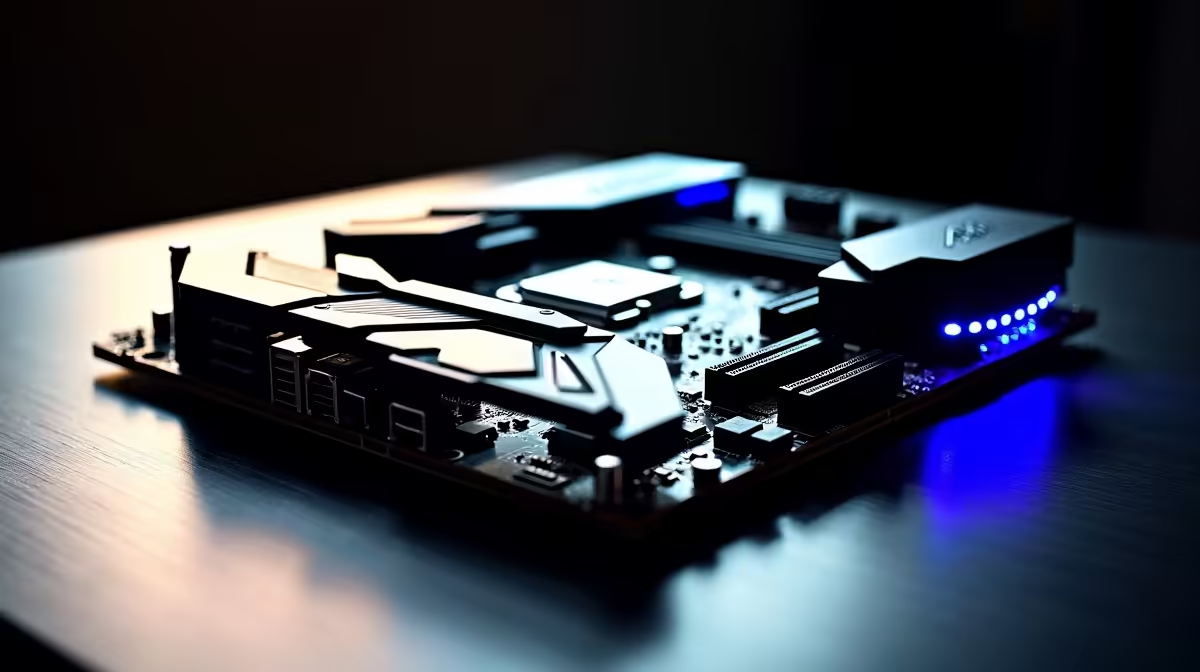
So, you're diving into the world of AI in South Africa? Awesome. You've probably got your eye on a beastly GPU, but hold up... the true heart of your new rig is the motherboard. It’s the foundation that connects everything, from your CPU to your storage. Picking the best motherboard for an AI build isn't just a detail; it's the strategic choice that prevents bottlenecks and unlocks the true potential of your components. 🚀
Why Your Motherboard is the Unsung Hero of AI
Think of a motherboard as the central nervous system of your PC. For artificial intelligence and machine learning tasks, this system needs to be robust, fast, and reliable. A cheap or poorly chosen board can throttle your expensive processor, limit your graphics card's bandwidth, and slow down data access—crippling your AI performance before you even begin.
A quality motherboard for AI provides three critical things:
- Stable Power: Consistent, clean power for demanding CPUs and GPUs during long training sessions.
- High-Speed Connectivity: A fast bus (PCIe) and memory channels to feed data to your components without delay.
- Future-Proof Expansion: Enough slots and ports to handle more GPUs, faster storage, and next-gen peripherals.
Core Features for the Best Motherboard for AI Builds
When you're comparing options, don't get lost in marketing jargon. Focus on these key specifications that genuinely impact performance for any AI workload.
PCIe 5.0: The Data Superhighway ⚡
PCI Express (PCIe) is the lane your GPU and SSDs use to talk to the CPU. PCIe 5.0 offers double the bandwidth of PCIe 4.0. Why does this matter for AI? Because large language models and complex datasets require moving massive amounts of data to your GPU's memory. A PCIe 5.0 slot ensures your graphics card isn't left waiting. This is especially crucial if you plan on running one of the top-tier GPUs found in modern NVIDIA GeForce gaming PCs, which are increasingly used for local AI tasks.
Rock-Solid Power Delivery (VRMs)
VRMs (Voltage Regulator Modules) are the small components surrounding your CPU socket that ensure it gets stable, clean power. AI workloads can push a CPU to 100% load for hours or even days. A motherboard with a weak VRM setup will overheat and "throttle" the CPU, reducing its speed to protect itself. For a serious AI build motherboard, look for boards with a high phase count (e.g., 16+2+1) and quality heatsinks over the VRMs.
Memory & Storage: Fuel for Your Models 🧠
AI is incredibly data-hungry. Your motherboard needs to support this appetite with:
- DDR5 RAM Support: Faster than its predecessor, DDR5 allows your CPU to access training data more quickly. Aim for a board that supports high speeds (6000MT/s and above).
- Multiple M.2 Slots: NVMe SSDs are essential for loading datasets and applications instantly. The best motherboards for AI builds feature at least three or four M.2 slots, preferably with PCIe 5.0 support for the primary slot.
Choosing Your Chipset: Intel vs. AMD in 2024
Your choice of CPU will determine your chipset options. Both Intel and AMD offer fantastic platforms, each with its own strengths for an AI-focused PC.
For Team Intel, the Z790 chipset is the top-tier choice, offering full overclocking support and the maximum number of PCIe lanes. For a more budget-conscious but still powerful build, the B760 chipset provides excellent performance without the overclocking features.
For Team AMD, the X670E is the flagship, boasting extensive connectivity and mandatory PCIe 5.0 support for both the GPU and at least one M.2 slot. It's the perfect match for a system that leverages the full power of the components found in high-end AMD Radeon gaming PCs. The B650E offers a more balanced approach, providing essential PCIe 5.0 support where it counts most.
Chipset Pro Tip 🔧
When choosing, think about your total system needs. If you plan to run multiple GPUs or need more than four M.2 drives, a high-end chipset like Z790 or X670E is a wise investment. For a single-GPU setup focused on inference and light training, a B760 or B650E board offers fantastic value for your money in ZAR.
Gaming vs. Workstation Boards for AI
Can you use a high-end gaming motherboard for AI? Absolutely. For most enthusiasts and developers in South Africa, a top-tier gaming board from ASUS, MSI, or Gigabyte has all the features you need: robust VRMs, fast connectivity, and great cooling.
However, if you're running a business or doing professional-grade research, you might consider a workstation-class motherboard (often using Intel's W790 or AMD's TRX50 chipsets). These boards offer features like support for ECC (Error Correcting Code) RAM for maximum stability and a massive number of PCIe lanes for multi-GPU setups. These are the kinds of foundations you'll find in purpose-built workstation PCs designed for 24/7 reliability. ✨
Ready to Build Your AI Powerhouse? Choosing the best motherboard for your AI build is the first step to unlocking incredible performance. Don't let it be an afterthought. Explore our wide range of motherboards and find the perfect foundation for your rig in South Africa today.











