

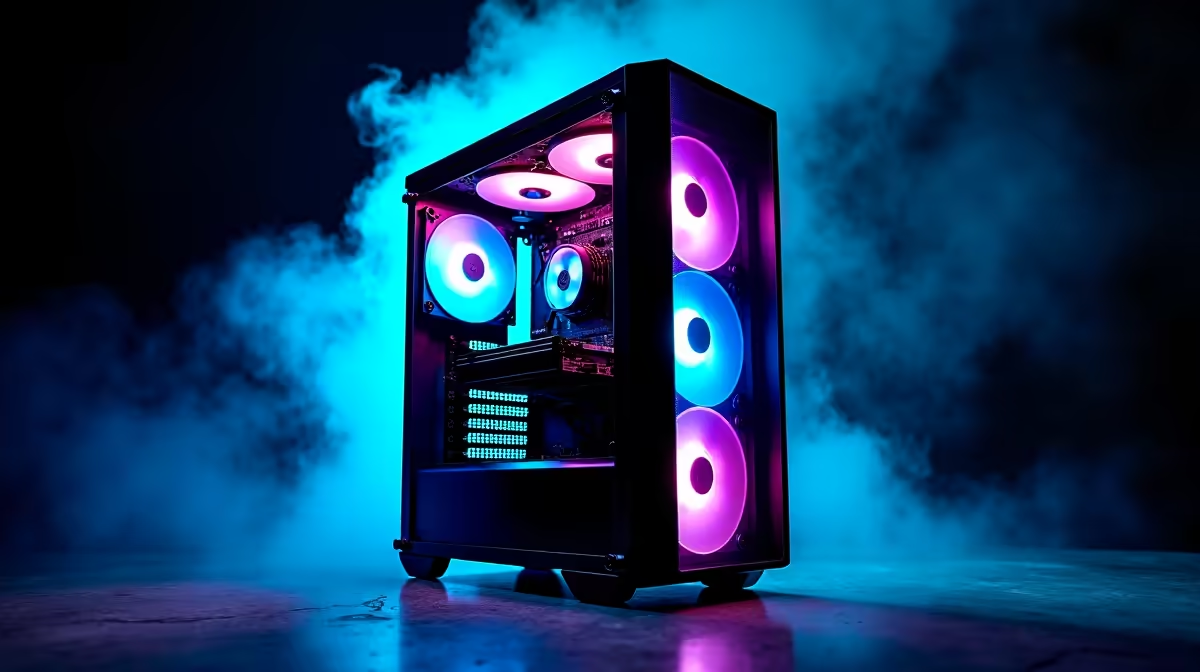
So, you’ve heard the buzz about DeepSeek. This powerful open-source AI model is making waves, letting developers and curious minds across South Africa build incredible things... from coding assistants to creative text generators. But trying to run it on an old, dusty PC is a recipe for frustration. To truly unlock its potential, you need the right hardware.
This guide breaks down exactly what you need to build the best PC for DeepSeek, ensuring your machine doesn't just run it, but flies. 🚀
Why Your Gaming PC Might Not Be the Best PC for DeepSeek
While a good gaming rig is a great starting point, AI workloads like DeepSeek have unique demands. It's not about raw frames per second; it's about parallel processing power and, most importantly, memory.
Here’s the difference:
- Gaming: Focuses on GPU clock speed and efficient rendering pipelines.
- AI Models: Live and die by VRAM (video memory). The entire model needs to fit into your GPU's memory to run efficiently. If it doesn't, performance plummets.
Think of VRAM as your AI's workspace. A small desk means you can only work on small projects. A massive desk lets you tackle anything. That's why choosing the right components is critical for your DeepSeek PC build.
Core Components for Your DeepSeek PC Build
Let's get into the nitty-gritty. Building the perfect machine means balancing three key areas: the GPU, the CPU/RAM combo, and your storage.
The GPU: VRAM is King 👑
The Graphics Processing Unit (GPU) is the absolute heart of any AI machine. For models like DeepSeek, NVIDIA GPUs are the industry standard due to their CUDA cores, which are highly optimised for machine learning tasks.
The single most important spec to look for is VRAM.
- 12GB VRAM (e.g., RTX 4070): A good entry point for experimenting with smaller model variants.
- 16GB VRAM (e.g., RTX 4080 SUPER): The sweet spot for running more capable versions of DeepSeek without major compromises.
- 24GB VRAM (e.g., RTX 4090): The gold standard. This allows you to load the largest, most powerful models and fine-tune them with ease.
For a machine built around this crucial component, exploring a range of powerful NVIDIA GeForce gaming PCs is the best place to start. You can often find a pre-built system with the perfect GPU and upgrade other parts as needed.
CPU and System RAM: The Unsung Heroes
While the GPU handles the heavy lifting, the Central Processing Unit (CPU) and system RAM play a vital supporting role. The CPU prepares data, manages the operating system, and keeps everything running smoothly. You don't need the absolute best CPU on the market, but a modern processor with 6 or more cores is recommended.
A powerful CPU from either Intel or AMD will do the job, and many of today's AMD Radeon gaming PCs offer incredible multi-core performance for their price, making them an excellent foundation for a versatile AI and gaming build.
For system RAM, 32GB is a comfortable minimum. This ensures you have enough memory for your operating system, background apps, and the data you're feeding into your model, preventing system bottlenecks.
Check Your VRAM Usage ⚡
When running a model, use a tool like nvidia-smi in your terminal (available with NVIDIA drivers) or the Performance tab in Windows Task Manager. This lets you see exactly how much VRAM DeepSeek is using, helping you understand if you're hitting your hardware's limits and need to use a smaller model version.
Storage and Power Supply: The Foundation
Don't overlook the basics! A fast NVMe SSD is non-negotiable. Loading multi-gigabyte AI models from a traditional hard drive can take ages. An NVMe drive will slash your loading times from minutes to mere seconds. A 1TB drive is a good starting point, but 2TB is better if you plan on storing multiple models and datasets.
Finally, a high-quality Power Supply Unit (PSU) is essential for stability. A power-hungry GPU like an RTX 4090 needs a reliable 850W-1000W PSU to run safely and efficiently under heavy load.
Putting It All Together: Finding Your Ideal Build
Finding the best PC for DeepSeek in South Africa comes down to your budget and ambition.
- The Enthusiast: An RTX 4070 SUPER, 32GB of RAM, and a modern CPU will get you started with impressive performance.
- The Pro: An RTX 4090 with 24GB of VRAM is the ultimate goal. Paired with 64GB of RAM and a top-tier CPU, this setup can handle almost any local AI task you throw at it. For this level of performance and reliability, considering professionally built customisable workstation PCs ensures every component is optimised for sustained, demanding workloads.
Building a dedicated AI machine is an investment, but the power to run cutting-edge models locally is an incredible advantage. ✨
Ready to Build Your AI Powerhouse? From entry-level explorers to professional developers, having the right hardware is the key to unlocking AI's potential. Explore our range of high-performance workstation PCs and configure the perfect machine to power your DeepSeek projects today.











