

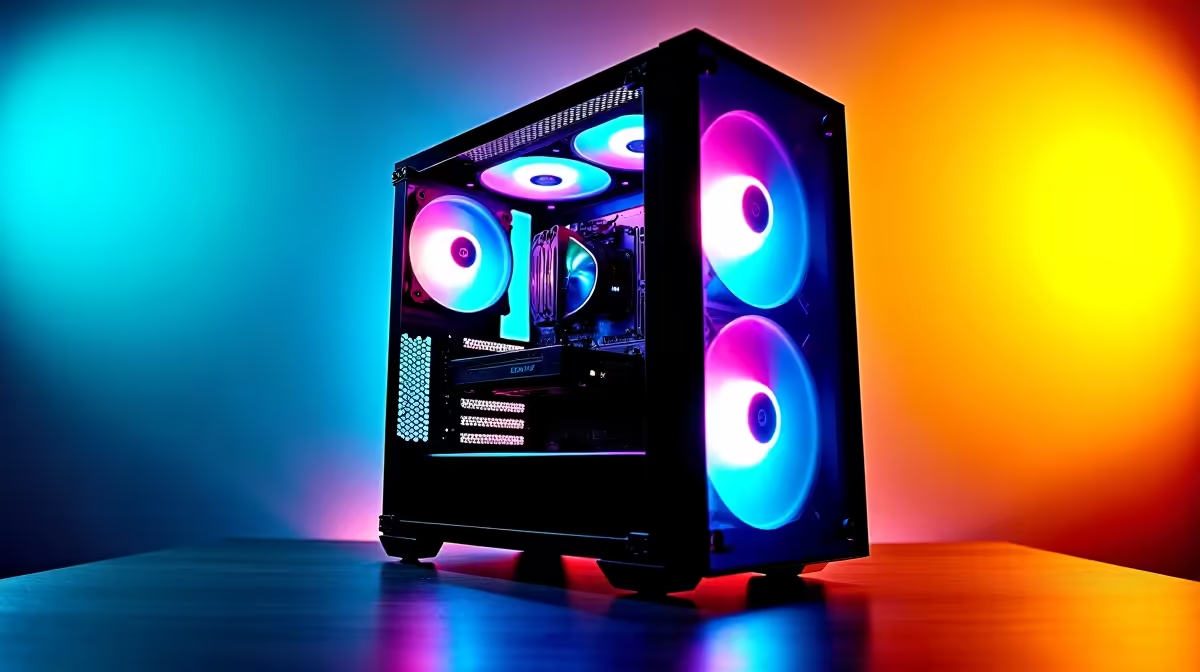
Heard the buzz about DeepSeek? This powerful AI is making waves, letting you code and create like never before. But to truly unlock its potential right here in South Africa, you need the right hardware. A slow PC will just leave you frustrated. Don't worry, we've got you covered. Let's dive into what makes the best PC for DeepSeek and explore Evetech’s top picks to get you started on your AI journey. 🚀
Why Your Hardware Matters for a DeepSeek PC
Running large language models (LLMs) like DeepSeek locally isn't like browsing the web or playing a game... it's a marathon for your components. The model needs to load massive datasets into memory and perform billions of calculations per second. Without the right gear, you'll face slow response times, errors, and a generally frustrating experience.
The three pillars of a great computer for DeepSeek are:
- A Powerful GPU: This does the heavy lifting. The more VRAM (video memory) it has, the larger and more complex the models you can run smoothly.
- A Capable CPU: While the GPU is the star, the CPU manages the whole process, from loading the model to handling your inputs.
- Sufficient RAM: Your system memory is crucial for holding the AI model and other applications without bottlenecks. 16GB is a minimum, but 32GB or more is ideal.
Building the Best PC for DeepSeek: Key Components
Getting the component mix right is everything. You don't need to spend a fortune, but you do need to invest smartly in the parts that deliver the most performance for AI tasks.
The GPU: Your AI Powerhouse ⚡
When it comes to AI and machine learning, NVIDIA currently holds the crown. Their CUDA technology is the industry standard, offering widespread support and optimised performance for tools like DeepSeek. For the best experience, look for a GPU with at least 12GB of VRAM. Cards like the RTX 4070 SUPER or RTX 4080 SUPER offer a fantastic balance of price and performance, making many of our NVIDIA GeForce gaming PCs an excellent starting point for your DeepSeek journey.
Check Your VRAM Usage 💡
You can monitor your GPU's VRAM usage with tools like NVIDIA's nvidia-smi command-line utility or the Performance tab in the Windows Task Manager (Ctrl+Shift+Esc). This helps you see if your current card is a bottleneck when running large AI models.
CPU and RAM: The Supporting Cast
While the GPU handles the core AI processing, a solid CPU ensures the rest of your system keeps up. A processor with a good balance of clock speed and multiple cores, like a modern Intel Core i7/i9 or AMD Ryzen 7/9, will prevent system lag. This is especially true if you plan to code, browse, and run the model simultaneously. Many powerful AMD Radeon gaming PCs feature CPUs that offer incredible multi-threaded performance, perfect for a versatile DeepSeek PC build.
For RAM, 32GB is the sweet spot for most enthusiasts, giving you plenty of headroom for the AI model, your operating system, and other applications.
Gaming PC vs. Workstation: What's the Right Call?
So, should you get a gaming rig or a workstation? For many South Africans starting out, a high-end gaming PC is more than capable and offers great value. However, if you're a professional developer, researcher, or plan on running models 24/7, a workstation is the superior choice. ✨
The main difference lies in reliability and certification. Workstations are built with components designed for sustained, heavy workloads. They often support ECC (Error Correcting Code) RAM for maximum stability and come with professional-grade GPUs. If your AI work is mission-critical, exploring our range of dedicated workstation PCs is a wise investment for long-term performance and peace of mind.
Ready to Build Your AI Powerhouse? Whether you're a coder, a researcher, or just an enthusiast, the right hardware is key to unlocking AI's potential. Don't let lag hold you back. Explore Evetech's customisable PC options and configure the perfect machine for your DeepSeek adventures today.











