

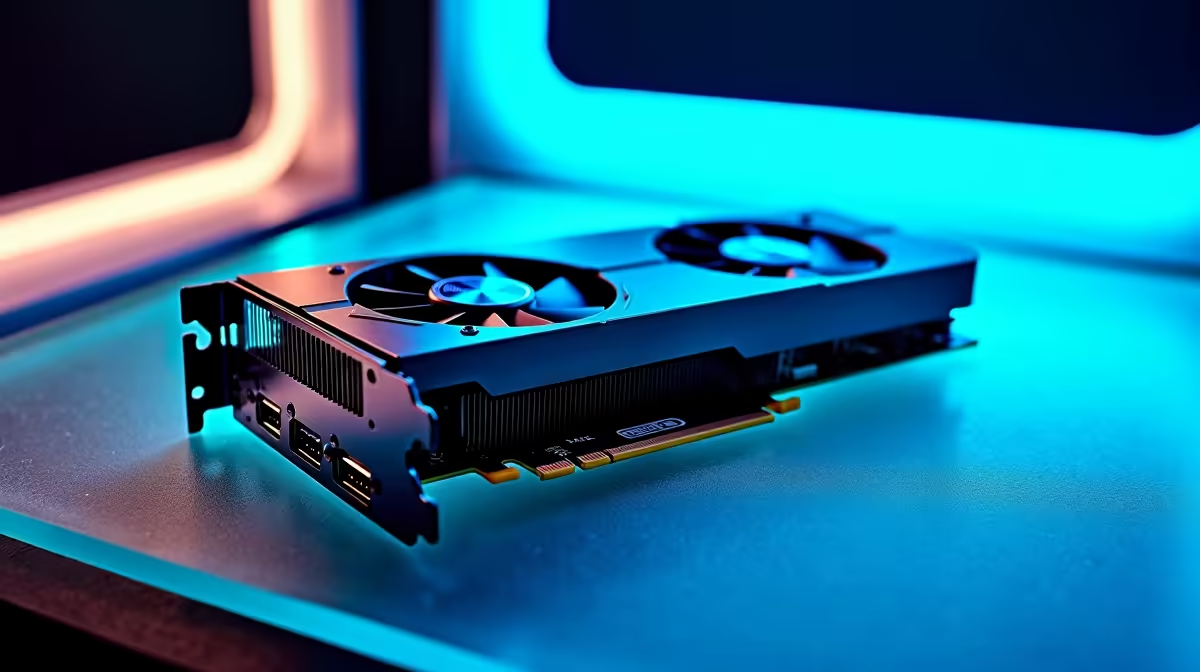
The AMD RX 7600 is primarily marketed as a gaming GPU, but with 8GB of GDDR6 memory and RDNA 3 architecture, it can contribute to AI and machine learning workloads - with important caveats about scale, software ecosystem, and realistic expectations for local AI inference.
Quick Answer
Can the RX 7600 run AI and machine learning workloads? Yes. The RX 7600 supports AI inference and smaller ML tasks through AMD's ROCm platform on Linux and DirectML on Windows. Its 8GB VRAM handles quantised 7B parameter models comfortably and covers Stable Diffusion image generation. It suits inference and LoRA fine-tuning of small models - not large-scale training.
🔧 RX 7600 AI/ML Technical Profile
- VRAM: 8GB GDDR6 - sufficient for 7B parameter models in 4-bit quantisation, but limiting for training larger models
- ROCm Support: AMD's open compute platform enables PyTorch and TensorFlow GPU acceleration on Linux without CUDA dependency
- DirectML on Windows: Microsoft's hardware-agnostic ML API covers ONNX Runtime workflows and many popular AI tools
- AI Accelerator Cores: RDNA 3 includes dedicated AI accelerator hardware that boosts inference throughput beyond raw shader counts
- SA Value: One of the most affordable entry points into GPU-accelerated local AI in South Africa - practical for students and developers experimenting with on-device ML
📊 What the RX 7600 Can Handle
Works Well: Local LLM inference on quantised 7B models (Llama 3, Mistral 7B, Phi-3 Mini) via ROCm or Vulkan; Stable Diffusion generation through AUTOMATIC1111 and ComfyUI; LoRA fine-tuning of small models in 4-bit precision; ONNX inference via DirectML on Windows.
Struggles With: Training large models from scratch; running 13B+ quantised models without CPU offloading; workflows that depend exclusively on CUDA-specific libraries, which do not run natively on AMD hardware.
💡 Getting Started
On Linux, ROCm is the foundation - install it from AMD's official repository, then add PyTorch with ROCm support and compile llama.cpp with HIP for strong 7B model inference. On Windows, LM Studio with Vulkan is the easiest entry point for local LLMs without command-line setup. AUTOMATIC1111 supports AMD via its DirectML flag for Stable Diffusion workflows.
❓ Frequently Asked Questions
Is the RX 7600 better than Nvidia for AI work? No - Nvidia's CUDA ecosystem is more mature. PyTorch, TensorFlow, and most ML frameworks have native CUDA support with years of optimisation. The RX 7600 suits budget-conscious users or those already owning one, but Nvidia offers a smoother software experience for dedicated AI work.
What is the largest model the RX 7600 can run locally? 4-bit quantised 7B models run comfortably at 4–5GB VRAM usage. Some 13B models may partially fit but require CPU offloading, which significantly reduces inference speed. Staying with 7B and smaller gives the best experience on this GPU.
Does the RX 7600 work with tools like Ollama? Yes - Ollama supports AMD GPUs via ROCm on Linux, and Windows support is improving steadily. This makes the RX 7600 a practical choice for SA developers running local AI assistants on Linux.
Evetech stocks All Graphics Cards and Graphics Card Deals — browse current SA pricing and availability online.
Ready to Find Your Perfect Match? Shop at Evetech











