


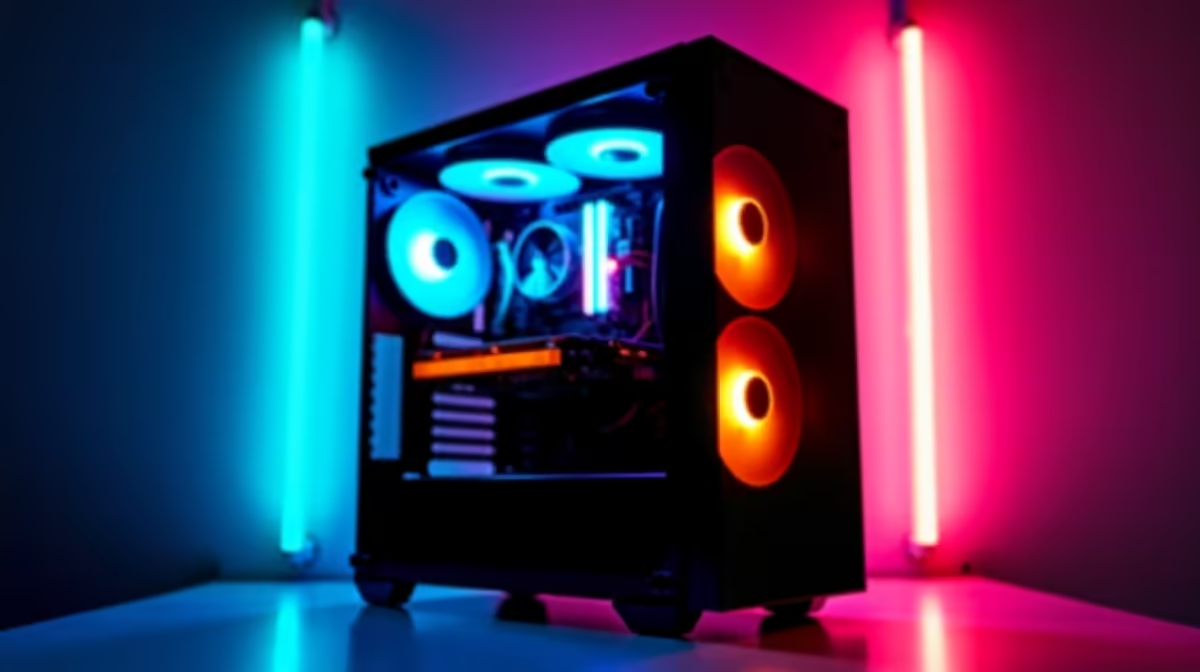
Thinking of diving into the world of AI with DeepSeek right here in South Africa? It's a powerful tool, but it's hungry for resources. The biggest question on everyone's mind is about the ideal DeepSeek hardware requirements. Do you need a beastly CPU, or is it all about the GPU? Let's settle the CPU vs GPU showdown and figure out what you need to get started without breaking the bank.
Understanding DeepSeek's Hardware Appetite
Before we talk specs, let's quickly understand what we're dealing with. DeepSeek is a family of Large Language Models (LLMs), similar to the tech behind ChatGPT. These models are massive, containing billions of parameters that need to be processed to generate text or code.
Running these models locally—what's known as "inference"—is like making thousands of tiny calculations simultaneously. This is where the debate over the right DeepSeek hardware requirements truly begins. It’s not about raw speed in a single task, but massive parallel processing power.
The GPU: Your AI Inference Engine 🚀
When it comes to AI, the Graphics Processing Unit (GPU) is the undisputed champion. Why? Because a GPU is designed from the ground up for parallel processing. It has thousands of small cores (like NVIDIA's CUDA cores) that can handle countless calculations at once, which is perfect for LLMs.
The most critical factor for a GPU running DeepSeek is VRAM (Video RAM). Think of VRAM as the GPU's personal workspace. The more VRAM you have, the larger and more complex the AI model you can load into it. For decent performance with DeepSeek's models, you should be looking at a GPU with at least 12GB of VRAM, with 16GB or more being ideal. Many powerful NVIDIA GeForce gaming PCs come equipped with GPUs that have plenty of VRAM to get you started.
Key GPU Considerations:
- VRAM: More is always better. It directly impacts the size of the model you can run.
- Memory Bandwidth: Faster VRAM (like GDDR6X) allows the GPU to access data more quickly, speeding up inference.
- Software Support: NVIDIA's CUDA platform is the industry standard for AI, offering the broadest support and best performance.
Don't Forget the CPU: The System's Conductor
So, if the GPU does all the heavy lifting, does the CPU even matter? Absolutely. The Central Processing Unit (CPU) is the brain of your entire operation. It manages the operating system, loads the AI model from your storage into the system RAM and GPU VRAM, and handles all the other tasks running on your PC.
While you can run DeepSeek on a CPU alone, the experience will be incredibly slow for larger models. A modern CPU with a good number of cores (6 or more) and high clock speeds ensures your system remains snappy and responsive while the GPU is maxed out. A balanced build is key, which is why many modern AMD Radeon gaming PCs offer a fantastic blend of strong CPU performance and capable graphics.
VRAM Check Pro Tip 🔧
Before running a large model, use a tool like GPU-Z or the NVIDIA SMI command-line interface to check your available VRAM. Knowing your limit helps you choose the right model size (quantization) and avoid frustrating out-of-memory errors. This simple check can save you hours of troubleshooting!
CPU vs. GPU for DeepSeek: The SA Verdict
For anyone in South Africa serious about exploring AI, the verdict is clear: prioritise your GPU.
- For Experimentation & Learning: A system with a modern CPU and a mid-range GPU (8GB+ VRAM) is a great starting point. You can run smaller, quantized versions of DeepSeek models to learn the ropes.
- For Serious Hobbyists & Developers: A high-end gaming GPU with 16GB or more VRAM is essential. This is the sweet spot for performance and capability without needing enterprise-level hardware.
- For Professional Use: If you're using DeepSeek for commercial or research purposes, investing in a dedicated AI machine with one or more top-tier GPUs (like an RTX 4090 with 24GB VRAM) is the way to go. For this level of work, you should seriously consider one of our purpose-built workstation PCs, which are optimised for stability and sustained performance. ✨
Ultimately, the optimal DeepSeek hardware for you depends on your goals and budget. But for a smooth and productive AI experience, the GPU is where you should focus your investment.
Ready to Power Your AI Ambitions? Whether you're starting with a powerful gaming rig or a dedicated workstation, the right hardware makes all the difference. The CPU vs GPU debate for DeepSeek leans heavily towards the GPU, but a balanced system is key. Explore our massive range of custom-built PCs and find the perfect machine to conquer your AI world.











