

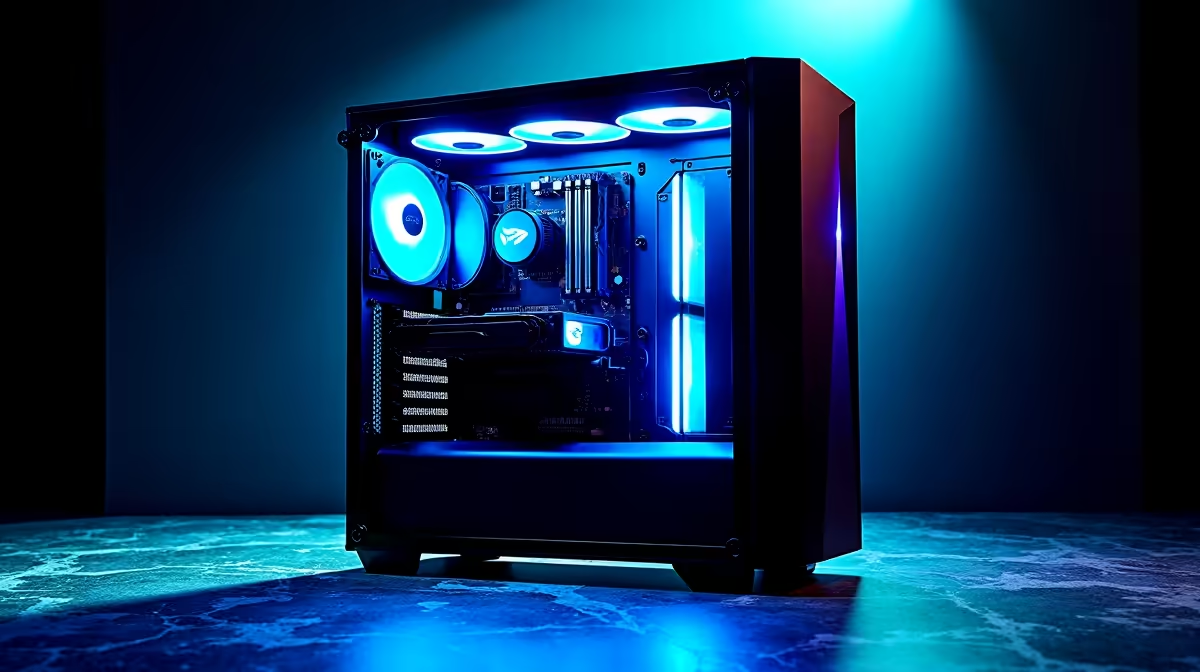
The AI revolution is here, and it’s speaking our language. With models like DeepSeek making waves, South African developers, creators, and gamers are asking: is my rig ready? Forget cloud-based queues; the real power is running AI locally. Building the right DeepSeek PC in South Africa isn’t just about future-proofing your setup… it’s about unlocking raw, untethered performance for coding, creating, and even gaming. Let's get your machine AI-ready. 🚀
Understanding DeepSeek: More Than Just a Chatbot
Before we dive into hardware, what exactly is DeepSeek? It's a family of powerful Large Language Models (LLMs) that excels at coding and complex reasoning. Think of it as a super-intelligent assistant that can write Python scripts, debug code, or even help you brainstorm complex ideas, all without needing an internet connection.
Running these models locally on your own DeepSeek PC in South Africa offers massive advantages:
- Speed: Get near-instant responses without network latency.
- Privacy: Your data and prompts stay on your machine. Period.
- Cost-Effective: No more paying per query or token. Once you have the hardware, the processing is free.
- Offline Access: Your AI assistant works even during load-shedding, provided your PC is on a UPS.
This is where your PC's raw power, particularly its graphics card, becomes the star of the show.
Building the Ultimate DeepSeek PC in South Africa
Crafting the perfect PC for DeepSeek performance isn't about just grabbing the most expensive parts. It’s about a balanced system that prioritises the components AI relies on most.
The GPU: Your AI Powerhouse ⚡
The Graphics Processing Unit (GPU) is the heart of any AI machine. Its thousands of small cores are perfect for the parallel processing that LLMs demand.
For AI, NVIDIA currently holds the crown thanks to its CUDA platform, a software layer that AI frameworks are heavily optimised for. For most users looking to dive into local AI, one of Evetech's powerful NVIDIA GeForce gaming PCs offers the perfect blend of gaming prowess and AI-ready performance.
While NVIDIA has a head start, AMD is making serious strides with its ROCm platform, and many of our capable AMD Radeon gaming PCs are ready for the challenge, often providing excellent value.
VRAM: The Unsung Hero of AI
VRAM, or Video RAM, is arguably the most critical specification for your AI PC build. It's the dedicated memory on your GPU where the entire AI model must be loaded to run efficiently. If the model is too big for your VRAM, performance drops dramatically.
- 8GB VRAM: A starting point for smaller models and experimentation.
- 12GB - 16GB VRAM: The sweet spot for running powerful models like DeepSeek Coder effectively.
- 24GB VRAM (RTX 4090): The gold standard for developers and researchers wanting to run the largest models without compromise.
CPU & RAM: The Supporting Cast
While the GPU does the heavy lifting, a capable CPU and sufficient system RAM are vital for a smooth, bottleneck-free experience. A modern processor like an Intel Core i7 or AMD Ryzen 7 will ensure data is fed to the GPU quickly. For system RAM, 32GB of fast DDR5 is the recommended starting point for any serious AI build.
Pro Setup Tip 🔧
For an easy AI development setup on Windows, install Windows Subsystem for Linux (WSL). It lets you run a full Linux environment (like Ubuntu) directly inside Windows 11. This gives you access to the powerful command-line tools and software libraries commonly used for AI, without needing to dual-boot your PC. It's the best of both worlds!
Choosing Your AI Rig: Pre-built Power or Custom Creation?
Building a PC is rewarding, but for AI work, stability is paramount. A pre-built system from a trusted vendor ensures that all components are tested, compatible, and covered by a single warranty. This saves you the headache of troubleshooting and lets you focus on what matters… running your AI models.
If you're a professional developer, data scientist, or researcher, downtime is not an option. In that case, exploring purpose-built and rigorously tested specialised workstation PCs is a wise investment for maximum reliability and certified performance.
Sample DeepSeek PC Builds for South African Budgets
To give you an idea, here are a few conceptual tiers for an AI PC build in South Africa.
### The Entry-Level Explorer
- Focus: Perfect for getting started with AI, experimenting with smaller models, and learning the ropes.
- Key Components: An NVIDIA GeForce RTX 3060 12GB or RTX 4060 8GB, paired with a modern Core i5/Ryzen 5 CPU and 16GB of RAM.
### The Pro Coder & Creator ✨
- Focus: The ideal balance of price and performance for running DeepSeek Coder and other demanding models smoothly.
- Key Components: An NVIDIA GeForce RTX 4060 Ti 16GB or RTX 4070 SUPER 12GB, backed by a Core i7/Ryzen 7 and 32GB of DDR5 RAM.
### The Uncompromising AI Workstation
- Focus: Maximum, unthrottled performance for training new models, running the largest LLMs, and professional AI development.
- Key Components: The mighty NVIDIA GeForce RTX 4090 24GB, a top-tier Core i9/Ryzen 9 processor, and 64GB or more of high-speed DDR5 RAM.
Ready to Harness the Power of AI? The world of local AI is just getting started. Whether you're a developer, creator, or just curious, having the right hardware is your ticket to the front row. A powerful, purpose-built machine is the key to unlocking true performance. Explore our range of high-performance Workstation PCs and build your ultimate AI rig today.











