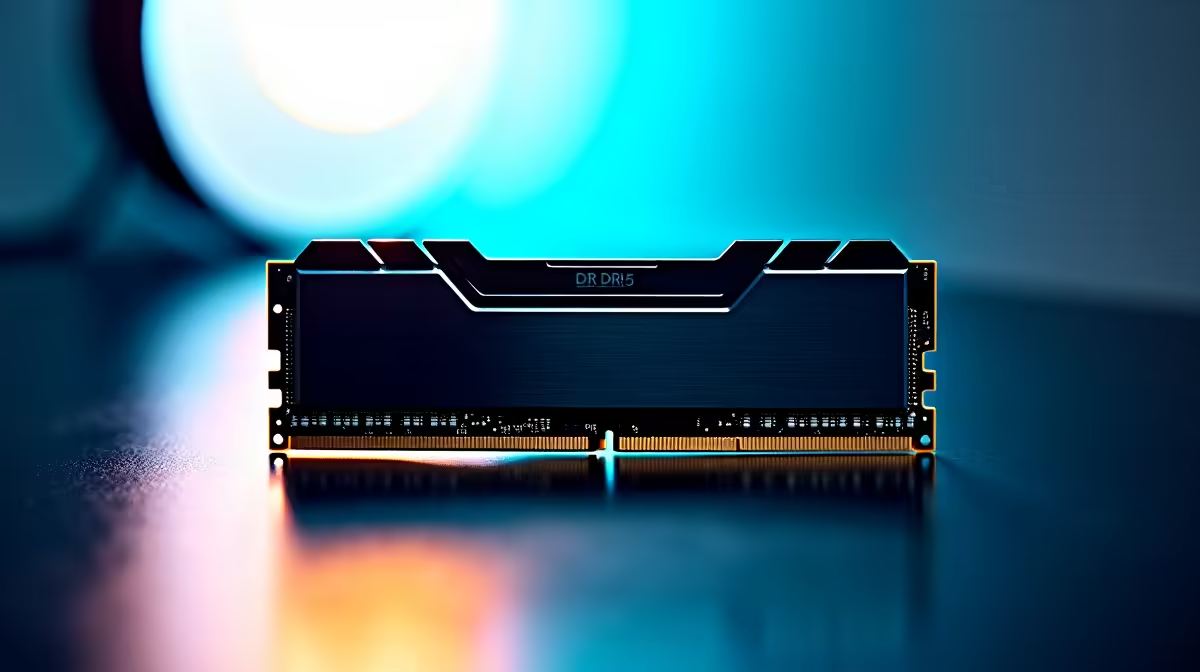
Thinking of running powerful AI models like DeepSeek on your own machine here in South Africa? It’s an exciting idea… ditching the cloud, escaping high data costs, and having total privacy. But before you dive in, there’s a critical question you need to answer: does your PC have enough RAM? The right amount of memory is the single biggest factor determining whether your local AI experience is lightning-fast or painfully slow. Let's break it down.
Understanding DeepSeek's Thirst for RAM
So, why are the DeepSeek RAM requirements so demanding? Unlike a game or an application that uses RAM for temporary tasks, a Large Language Model (LLM) like DeepSeek needs to load its entire "brain"—a complex network of billions of parameters—directly into memory to function. Think of parameters as the learned knowledge of the AI. The more parameters, the smarter the model... and the more RAM it consumes.
For AI, we talk about two types of memory:
- VRAM (Video RAM): This is the super-fast memory on your graphics card. It's the ideal place to run an AI model because GPUs are designed for the kind of parallel calculations AI requires.
- System RAM: Your computer's main memory. It's much slower than VRAM but available in larger quantities.
The goal is always to fit the entire model into your GPU's VRAM for the best performance.
Decoding RAM Needs by Model Size ⚙️
DeepSeek, like other open-source models, comes in different sizes measured by their parameter count. The specific DeepSeek RAM requirements depend entirely on which version you want to run.
A good rule of thumb is that for every 1 billion parameters, you need roughly 2GB of VRAM (using the standard 16-bit precision).
- DeepSeek 7B (7 Billion Parameters): This is the entry point. It requires at least 14GB of VRAM. High-end gaming cards can handle this, making it a great starting point for enthusiasts with powerful NVIDIA GeForce gaming PCs featuring cards like the RTX 4080 or RTX 4090.
- DeepSeek 67B (67 Billion Parameters): This is where things get serious. This model would need over 130GB of VRAM, which is far beyond any consumer graphics card.
This might sound impossible, but the community has a clever trick: quantization. This technique reduces the precision of the model's parameters, shrinking its size and RAM footprint significantly, often with only a small impact on quality.
What If You Don't Have Enough VRAM?
When a model is too big for your GPU's VRAM, the system has to offload parts of it to your slower system RAM. This is where having a healthy amount of system memory (32GB or even 64GB) becomes a crucial backup. While it prevents a total crash, performance will drop dramatically.
This is why a balanced system is key. A powerful GPU is essential, but it needs to be paired with enough fast system RAM to avoid bottlenecks. Many modern AMD Radeon gaming PCs offer excellent multi-core performance and support for high-speed DDR5 RAM, creating a solid foundation for both gaming and AI experimentation.
Check Your VRAM Usage ⚡
On Windows, you can easily check your dedicated VRAM usage. Open Task Manager (Ctrl+Shift+Esc), go to the "Performance" tab, and click on your GPU. The "Dedicated GPU Memory" graph will show you exactly how much VRAM is being used in real-time. This is perfect for seeing how much a model is consuming.
The Right Rig for Local AI in South Africa 🚀
For casual AI tinkering, a high-end gaming PC is a fantastic starting point. But if you're a developer, researcher, or a serious enthusiast looking to run larger, more capable models locally, you'll quickly hit the limits of consumer hardware. The DeepSeek RAM requirements for professional use demand a different class of machine.
This is where dedicated Workstation PCs shine. These machines are purpose-built for heavy computational loads, offering options for multiple GPUs, massive VRAM capacities (like the 48GB NVIDIA RTX 6000 Ada), and support for 128GB of system RAM or more. They are the ultimate tool for anyone serious about local AI development.
Ready to Build Your Local AI Powerhouse?
Running models like DeepSeek offline is the next frontier for tech in South Africa. Don't let hardware hold you back. Whether you need more RAM or a GPU with serious VRAM, we've got the components to bring your AI ambitions to life.
Explore our massive range of PC components and build the perfect machine today.