

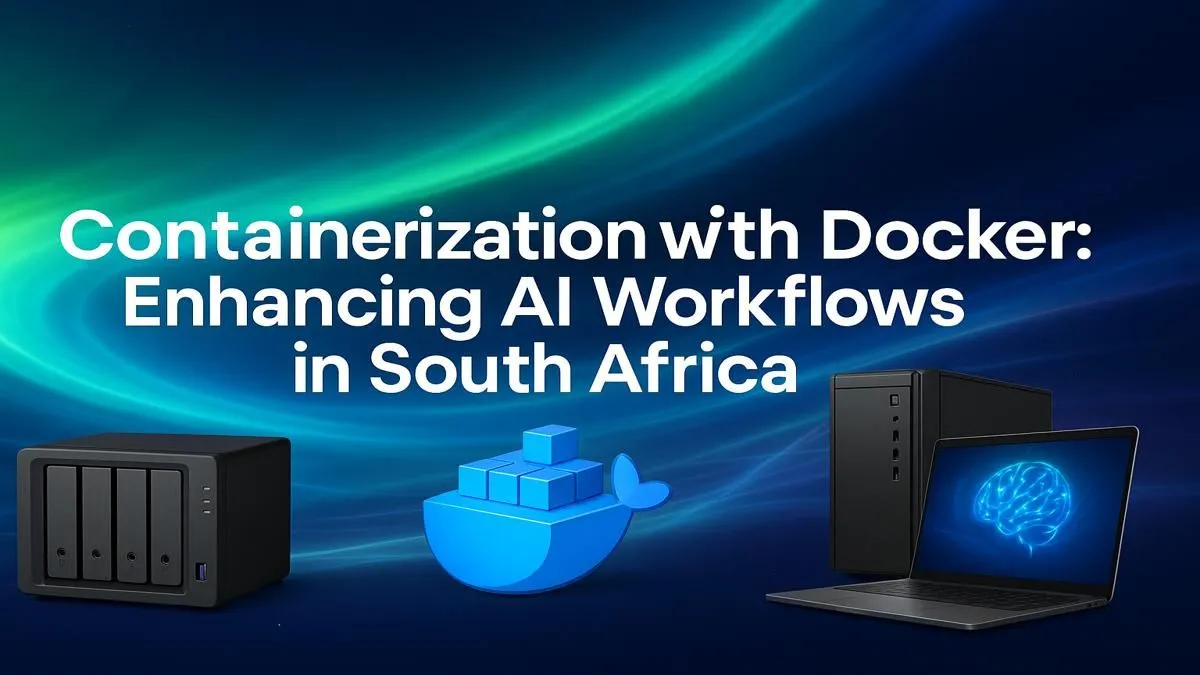
Spent another weekend battling broken Python dependencies for your new AI project? You’re not alone. For developers across South Africa, setting up consistent, reproducible machine learning environments can be a massive headache. What if you could package your entire AI application—code, libraries, and all—into a neat little box that just works anywhere? That’s the magic of using Docker for AI in South Africa, and it’s about to seriously boost your workflow. 🚀
So, What is Docker, Really?
Forget complex virtual machines. Think of Docker as a lightweight, super-efficient shipping container for your software. It bundles your application and all its dependencies (like TensorFlow, PyTorch, or Scikit-learn) into a single, isolated unit called a container.
This container can run on any machine with Docker installed, guaranteeing that your code performs exactly the same way whether it's on your laptop or a cloud server. No more "but it worked on my machine!" drama.
Optimising Your AI Workflow with Containers
The real power of using Docker for AI comes from solving the biggest frustrations in machine learning development. Here’s how it helps:
End Dependency Hell for Good
AI projects often rely on a fragile web of specific library versions. One wrong update can bring everything crashing down. Docker containers lock in those exact versions, creating a stable, predictable environment you can share with your team or deploy with confidence. It’s the ultimate peace of mind for any serious developer.
Harness Your GPU Power 🧠
Getting your AI models to use your graphics card can be tricky. Thankfully, the NVIDIA Container Toolkit allows Docker to directly access the CUDA cores on your GPU. This means you can train complex models significantly faster, leveraging the full potential of high-performance hardware like the components found in powerful NVIDIA GeForce gaming PCs. This integration is a massive win for speeding up your development cycle.
Quick Start with Docker ⚡
have Docker and an NVIDIA GPU? You can pull a pre-built TensorFlow image and start experimenting in minutes. Just run this command in your terminal: docker run --gpus all -it tensorflow tensorflow:latest-gpu python. This drops you right into a Python shell inside a container with TensorFlow and GPU support ready to go!
While NVIDIA has historically dominated the AI space, the ecosystem is always evolving. Many developers are also achieving fantastic results for a range of tasks on powerful AMD Radeon gaming PCs, which offer incredible performance-per-rand for both gaming and productivity workloads.
Taking Your Project from Prototype to Production
So you've built a model on your local machine. What's next? This is where a streamlined Docker for AI in South Africa workflow truly shines. Because your environment is containerised, scaling up is incredibly simple. You can move your container from your development laptop to a more powerful machine for heavy-duty training without changing a single line of code. ✨
When your project demands serious, uninterrupted processing power for large datasets or round-the-clock model training, migrating your Docker workflow to dedicated workstation PCs is the logical next step. These machines are built with professional-grade components designed for stability and peak performance, ensuring your AI initiatives can grow without hitting a hardware ceiling.
Ready to Power Your AI Ambitions? An optimised software workflow is only half the battle. To truly unlock your potential, you need hardware that can keep up. Explore our range of high-performance Workstation PCs and find the perfect machine to build, train, and deploy your next big idea.











