

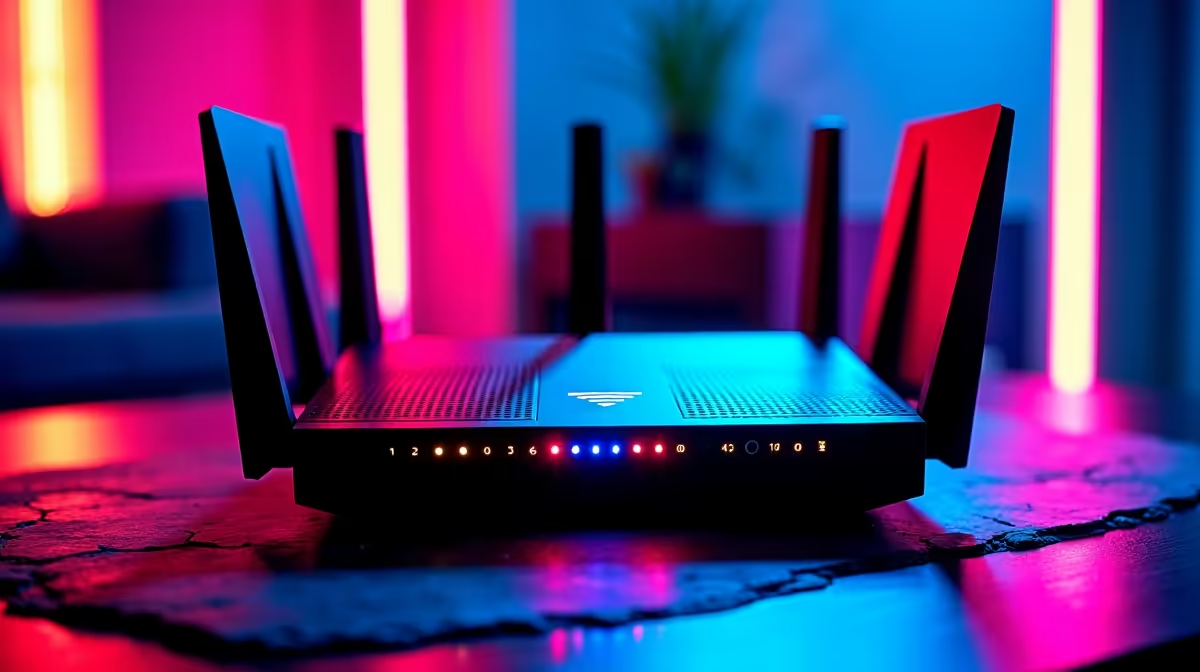
AI is exploding across South Africa, from incredible art generators to smarter gaming NPCs. But before you dive in, have you asked the most important question? Is your internet connection actually ready for it? A standard speed test might show a big download number, but for AI, that’s only a tiny piece of the puzzle. An unreliable connection can turn a futuristic experience into a frustrating crawl. Let's fix that and run a proper network speed test for AI in South Africa. 🔧
Why a Standard Speed Test Isn't Enough for AI
When you stream a movie on Showmax, your connection is mostly focused on one thing: download speed. It's a one-way street. AI applications, however, are a constant two-way conversation between your PC and a server, or even between components inside your machine.
This is why simply Googling "speed test" gives you an incomplete picture. For AI, three other metrics are often far more important:
- Latency (Ping): The delay between you sending a command and receiving a response. High latency is what makes online gaming feel laggy, and it's a killer for interactive AI tools.
- Upload Speed: How quickly you can send data out. This is critical for sending detailed prompts to an image generator or feeding data to a cloud-based AI model.
- Jitter: This measures the consistency of your latency. High jitter means your connection is unstable, causing unpredictable spikes in lag. A stable, consistent connection is better than one that's occasionally fast but unreliable.
A great AI network speed test looks at the whole picture, not just the flashy download number.
How to Perform a Proper Network Speed Test for AI
Ready to see how your connection really stacks up? Follow these simple steps for the most accurate results.
- Use a Reliable Tool: Go to a reputable testing site like Ookla's Speedtest or Cloudflare's test.
- Select a Local Server: For the best measure of real-world performance in South Africa, manually select a server in Johannesburg or Cape Town. This mimics connecting to local services and gives you a true latency reading.
- Close Everything: Shut down any streaming services, downloads, and other browser tabs. You want the test to have your full, undivided bandwidth.
- Run Multiple Tests: Don't just test once. Run the test 3-4 times throughout the day (e.g., morning, afternoon, and peak evening hours) to understand how your network performs under different conditions.
Pro Tip for Accuracy ⚡
For the most accurate network speed test, always plug your computer directly into your router with an Ethernet cable. Wi-Fi is convenient but can be affected by walls, distance, and other devices, giving you a misleadingly low result. Go wired to see your connection's true potential!
Understanding Your AI Network Speed Test Results 🚀
So, you've got your numbers. What do they actually mean for your AI ambitions?
Latency and Jitter
For any real-time AI application, aim for a latency below 40ms to a local server. For competitive gaming using AI-driven features, sub-20ms is the goal. Your jitter should ideally be under 5ms. If it's high, you'll experience frustrating stutters, even with a fast download speed.
Upload and Download Speed
While download is less critical, a solid 20-25 Mbps is a good baseline for smoothly running most AI web tools and cloud gaming. For upload speed, 10 Mbps or higher is recommended. If you plan on sending large files or datasets to AI services, a faster upload speed will save you a lot of time.
This is the benchmark for a good experience. But what if your internet is top-tier and things still feel slow?
Is Your PC the Real Bottleneck?
You can have the fastest fibre in the country, but if your computer can't process the data quickly, your AI experience will suffer. The real magic of AI often happens right on your machine, demanding serious processing power. ✨
Modern graphics cards are the heart of the AI revolution. They contain specialised hardware perfect for the parallel calculations AI requires. Features like NVIDIA's DLSS, which uses AI to boost gaming frame rates, rely entirely on the power of your GPU. That's why high-performance NVIDIA GeForce gaming PCs are so effective, as their Tensor Cores are built specifically for these demanding AI calculations.
Of course, a powerful CPU and GPU combination is key across the board. The latest generation of AMD Radeon gaming PCs also delivers the raw horsepower needed to keep up with modern software and emerging AI tools. For those running complex simulations, training local AI models, or handling massive datasets, a standard rig might not be enough. That's where purpose-built Workstation PCs come in, designed for sustained, heavy-duty processing power.
Ultimately, a great network speed test for AI in South Africa is your first step. The second is ensuring you have the hardware to back it up.
Ready to Unleash True AI Power? A fast internet connection is a great start, but your PC does the heavy lifting. For a lag-free, seamless AI experience in South Africa, you need the right hardware. Explore our range of powerful PC specials and find the perfect machine for your AI ambitions.











