

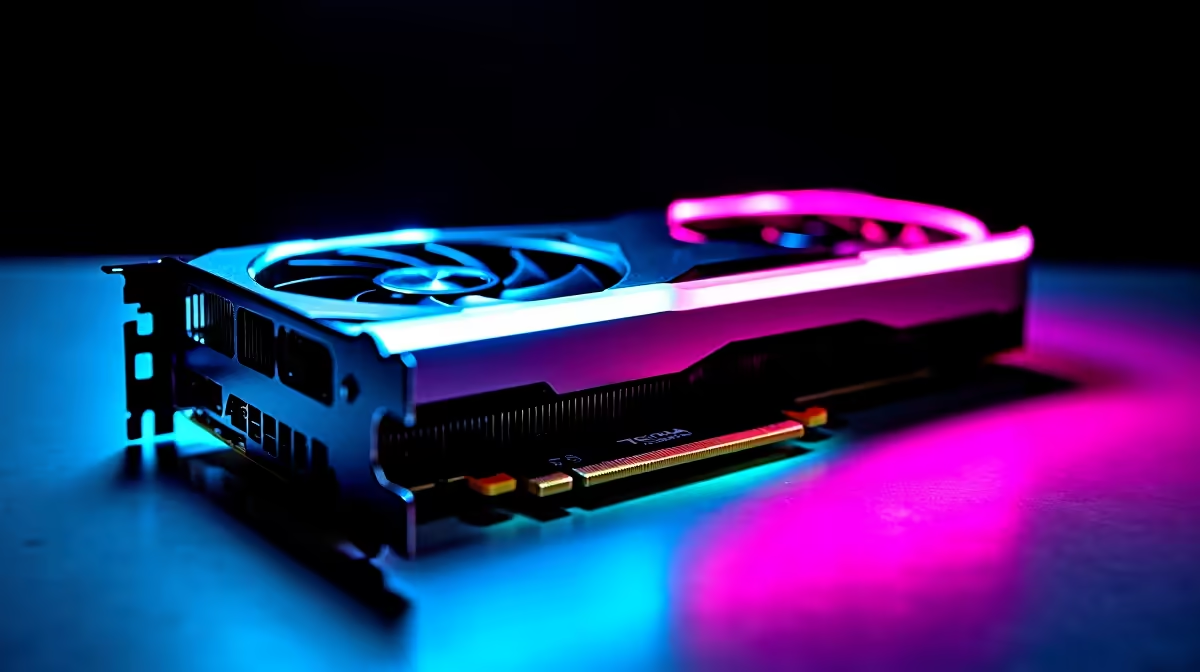
AI is everywhere, from creating wild images with Stable Diffusion to crunching data locally. But what if your PC is struggling to keep up? Before you splash out on an upgrade, there's a "free" performance boost hiding in your machine... overclocking. Pushing your hardware beyond its stock settings can seriously accelerate AI tasks. But there’s a catch. Let's dive into the world of overclocking for AI and see if it's right for you. 🚀
Why Overclocking for AI Makes a Difference
Artificial intelligence tasks, especially training models or generating complex media, are incredibly demanding. They thrive on raw computational power. Key factors include your GPU's core speed, VRAM bandwidth, and your system's overall data throughput. This is where a careful overclock can provide a tangible boost.
By increasing your GPU's clock speed, you directly reduce the time it takes to perform calculations, leading to faster image generation or model inference. Similarly, overclocking your VRAM improves how quickly data can be fed to the GPU core. For many South Africans running powerful NVIDIA GeForce gaming PCs, these tweaks can unlock performance you've already paid for.
The Core Components to Tweak for AI Performance
While the GPU is the star of the show for most consumer AI applications, a balanced approach yields the best results. A powerful GPU is useless if it's waiting on other components.
### GPU: The AI Workhorse
This is your primary target. Using tools like MSI Afterburner, you can incrementally increase the core clock and memory clock speeds. The goal is to find the highest stable frequency that doesn't result in crashes or visual artefacts. Both NVIDIA and the latest AMD Radeon gaming PCs offer great potential for performance tuning.
### CPU: The System's Foundation
While many AI workloads are GPU-bound, the CPU still handles data loading, pre-processing, and overall system responsiveness. A CPU bottleneck can starve your GPU of data. For enthusiasts running multi-core beasts, a stable overclock on one of our all Intel PC deals can ensure the entire pipeline runs smoothly.
### RAM: The Unsung Hero
Fast RAM is crucial. Enabling XMP (for Intel) or EXPO (for AMD) profiles in your BIOS is the easiest overclock you'll ever perform. This ensures your memory runs at its advertised speed, which is critical for feeding data to modern processors. This is especially true for systems based on the latest CPUs, like those found in our all AMD Ryzen PC deals, which see significant performance gains from faster memory.
Benchmark Before You Begin 🔧
Before you even start overclocking, run a baseline benchmark for your specific AI task (e.g., time to generate 10 images in Stable Diffusion). This gives you a concrete number to compare against after each tweak. Without a baseline, you're just guessing if your changes are actually improving performance.
Understanding the Risks... Is It Worth It? ⚡
Overclocking for AI isn't without its dangers. Pushing your hardware past its certified limits introduces three main risks:
- Instability: This is the biggest headache. An unstable overclock can cause your AI software to crash mid-task, corrupting your work and wasting hours of processing time.
- Increased Heat: More performance means more heat. Stock coolers are often not up to the task, potentially leading to thermal throttling (where the component slows down to protect itself) or even damage.
- Reduced Lifespan: Running components at higher voltages and temperatures can, over the long term, reduce their operational lifespan.
Finding a stable overclock takes time, patience, and stress-testing. For many, the hours spent tweaking and troubleshooting might not be worth the 5-10% performance gain, especially when a system crash can be so costly. Sometimes, the most reliable solution is a well-configured machine from the start, like one from our selection of the best gaming PC deals. Even specialised hardware like the latest Intel Arc gaming PCs benefit from a stable, well-cooled environment to perform optimally in tasks like AV1 encoding.
The Smarter Path: A Professionally Tuned System
Instead of navigating the trial-and-error of overclocking, consider the value of a system built and tested for stability by experts. A professionally assembled PC ensures that the motherboard, power supply, and cooling are all perfectly matched to handle sustained, heavy workloads right out of the box.
This approach saves you time and provides peace of mind with a full warranty. Whether you're looking for one of our expertly balanced Pre-built PC deals or need a cost-effective entry point from our budget gaming PCs, you get a machine that just works. For those doing serious, professional-grade AI development, our purpose-built Workstation PCs offer certified components for maximum reliability under pressure. ✨
Ready to Unleash True AI Power? Overclocking for AI is a fascinating journey, but stability is king. For mission-critical work or simply a frustration-free experience, a professionally built and warrantied machine is the ultimate peace of mind. Explore our range of high-performance Workstation PCs and get a rig that's ready for the AI revolution, straight out of the box.











