


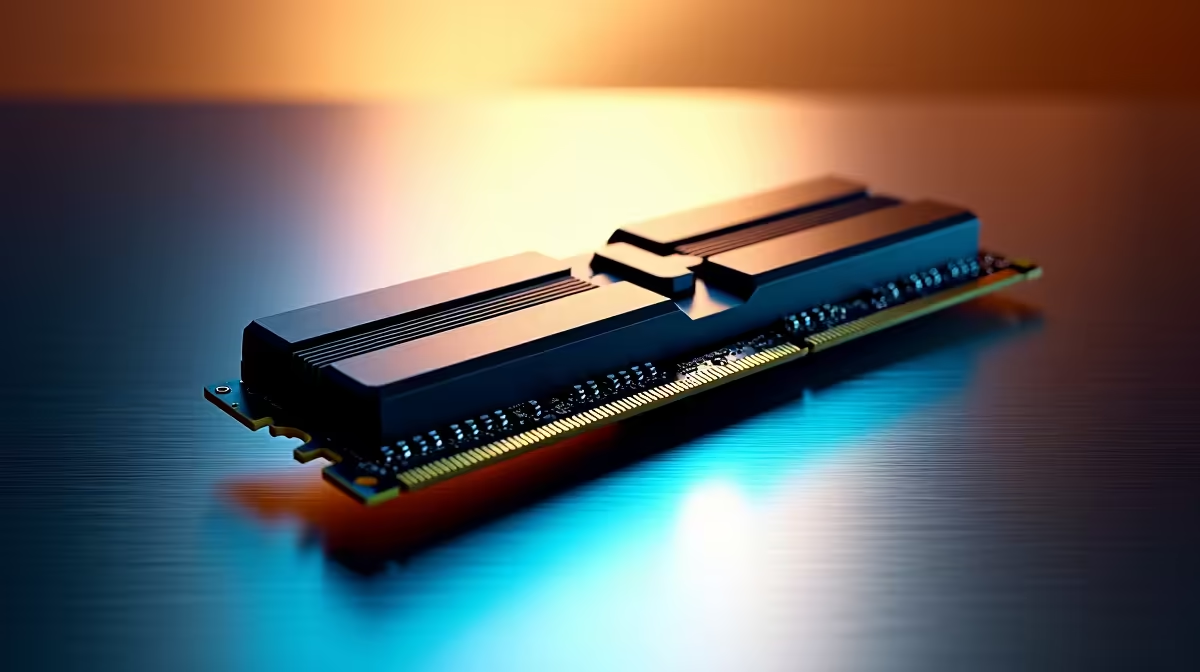
So, you’re diving into the incredible world of Artificial Intelligence right here in South Africa. You’ve seen the amazing images, read about custom-trained models, and you're ready to create. But when you try to run that new LLM or fire up Stable Diffusion, your PC grinds to a halt. 😩 Sound familiar? Often, the culprit isn’t your processor or GPU… it’s a simple lack of high-performance RAM, the critical workspace for any AI task.
Why Your Current RAM Might Be Holding Your AI Dreams Back
Think of your computer's RAM (Random Access Memory) as a workbench. When you run an AI model, you're essentially unpacking a massive, complex project onto this bench. If the bench is too small, parts of the project have to be constantly swapped with slower storage, causing frustrating slowdowns or outright crashes. This is the bottleneck many South Africans face when exploring AI.
Unlike gaming, which often prioritises VRAM (your graphics card's memory), many AI inference and training tasks are incredibly hungry for system RAM. Loading a large language model can easily consume 16GB, 32GB, or even more, before you've even asked it a single question. For enthusiasts looking to get started, a powerful system like one of our NVIDIA GeForce Gaming PCs often provides a great starting point with a solid RAM and VRAM balance.
How to Choose the Best RAM for AI in South Africa
Getting the right RAM for AI in South Africa isn't just about grabbing the cheapest sticks you can find. It's about finding the right balance of capacity, speed, and compatibility for your machine and your ambitions. Let's break it down.
How Much Memory is Enough?
The answer depends entirely on the scale of your AI projects.
- 16GB: This is the absolute minimum for light experimentation. You'll be able to run smaller, optimised models, but you may run into limits quickly.
- 32GB: This is the sweet spot for most hobbyists and prosumers in 2024. It provides enough headroom to run popular models like Stable Diffusion with multiple extensions or moderately sized language models without constant swapping to your SSD.
- 64GB and Beyond: If you plan on fine-tuning models, training your own networks, or running multiple large models simultaneously, 64GB or even 128GB becomes essential. This is where you get serious performance for demanding AI workloads.
Speed vs. Capacity: The DDR5 Advantage
While capacity is king, speed still matters. Modern platforms, often found in our AMD Radeon Gaming PCs, leverage DDR5 RAM. DDR5 offers significantly higher bandwidth than its predecessor, DDR4. This wider "data highway" allows your CPU to feed the AI model information more quickly, which can reduce processing times, especially in data-intensive tasks. For AI, always prioritise getting enough capacity first, then get the fastest speed your motherboard and budget allow.
Check Model Requirements First 💡
Before you spend hours downloading a new AI model, check its memory requirements on its GitHub or Hugging Face page. Models often list their VRAM and system RAM needs (e.g., "Requires >12GB VRAM and >16GB RAM"). This simple check can save you a lot of frustration and helps you understand the hardware you need to run it effectively.
Building a Balanced AI Machine 🚀
Remember, RAM is a crucial piece of a larger puzzle. The most effective AI RAM solution works as part of a balanced system. A powerful multi-core CPU is needed to process the data, and a GPU with plenty of VRAM is non-negotiable for most image generation and model training tasks.
For those who are serious about pushing the boundaries of what's possible with AI, a purpose-built machine is the best investment. Our high-performance Workstation PCs are designed with these demanding workloads in mind, offering massive RAM capacities, top-tier processors, and professional-grade NVIDIA RTX GPUs to accelerate your workflow.
Ready to Power Your AI Projects? Don't let memory bottlenecks slow your creativity down. The right amount of high-speed RAM is crucial for any serious AI work. Explore our wide range of Crucial RAM modules and find the perfect upgrade for your machine today.









