

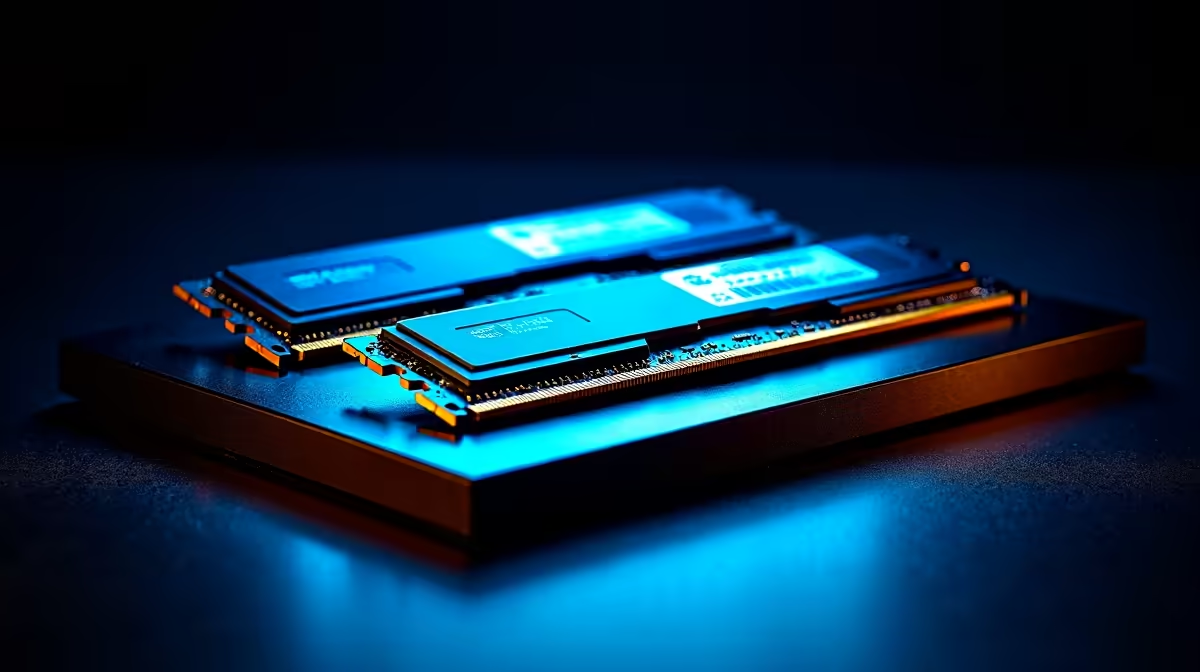
The AI buzz is getting loud in South Africa, hey? Models like DeepSeek are no longer just for giant data centres… they’re running on our PCs. But as you gear up to experiment, a critical question pops up: does your RAM speed actually matter for this new wave of AI? Or is it just another number on a spec sheet? Let's dive in and find out how crucial the right RAM speed for DeepSeek really is. 🧠
Understanding RAM, AI, and the Speed Bottleneck
Before we talk performance, let's quickly get on the same page. Random Access Memory (RAM) is your computer's short-term memory. When you run an application—or an AI model like DeepSeek—it loads the necessary data into RAM for your processor to access quickly.
RAM speed, measured in Megahertz (MHz) or MegaTransfers per second (MT/s), dictates how fast that data can be read or written. For AI models, which can have billions of parameters, this speed is critical. The right RAM speed for DeepSeek ensures your CPU and GPU aren't left waiting for data, which directly translates to faster response times.
How RAM Speed for DeepSeek Impacts Your Workflow
So, what does this look like in practice? The primary impact is on inference speed—the time it takes for the model to process your prompt and generate a response. While the GPU does the heavy lifting, it's constantly pulling information from your system RAM (and its own VRAM).
Think of it like a massive library. The AI model is the book, and your processor is the reader. RAM speed is how fast the librarian (your system) can fetch the book and bring it to the reader. A slow librarian creates a bottleneck, no matter how fast the reader is. This is why a balanced system is so important. Many of our top-tier NVIDIA GeForce gaming PCs are built with this balance in mind, pairing powerful cards with fast memory kits.
Quick RAM Check ⚡
Not sure what speed you're running? It's easy to check. On Windows, open Task Manager (Ctrl+Shift+Esc), go to the 'Performance' tab, and click on 'Memory'. You'll see your RAM speed listed right there. This gives you a baseline to see if an upgrade could boost your DeepSeek performance.
Finding the Sweet Spot: Capacity vs. Speed
This brings up a common question: should you prioritise more RAM or faster RAM?
The answer is... you need enough capacity first. An AI model needs a certain amount of RAM just to load. If a model requires 12GB and you only have 8GB, it simply won't run efficiently, if at all.
Once you meet the capacity requirements, speed becomes the next performance lever. Upgrading from 32GB of DDR4 at 3200MHz to 32GB of DDR5 at 6000MHz can provide a noticeable boost in AI tasks. Modern platforms, like those found in our AMD Radeon gaming PCs, take full advantage of these new DDR5 speeds, making them excellent foundations for an AI-ready rig.
Is Your PC Ready for the AI Revolution? 🚀
Optimising the RAM speed for DeepSeek is a clear path to better performance. For enthusiasts and coders in South Africa exploring local AI, ensuring your memory isn't a bottleneck is a smart move.
While a high-end gaming PC is often powerful enough for experimenting with AI, those involved in more demanding tasks like fine-tuning models or complex data analysis might hit a ceiling. For that level of sustained, professional workload, purpose-built systems are the gold standard. Our range of customisable workstation PCs are designed for exactly this kind of marathon performance, offering the stability and raw power needed for serious AI development.
Ready to Build Your AI Powerhouse? Getting the right hardware is everything. Whether you're a gamer exploring AI or a developer building the future, a balanced system is key. Explore our massive range of custom PCs and build a machine ready for tomorrow's challenges.











