


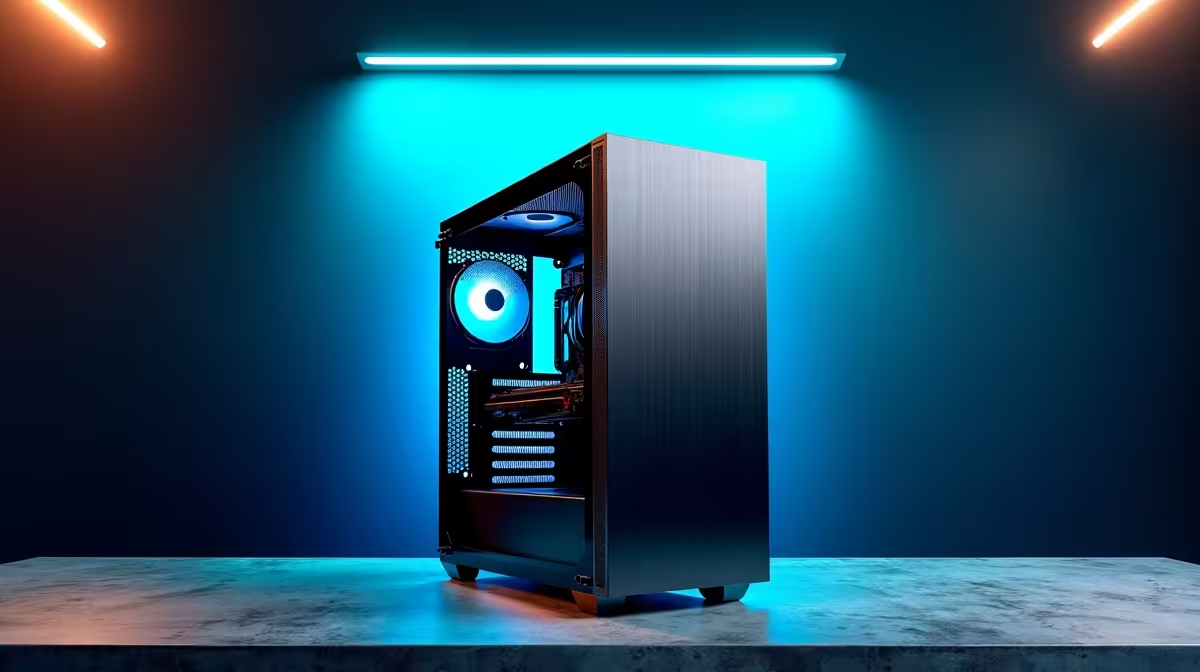
Ever wondered what hardware powers the AI boom happening right here in South Africa? From machine learning startups in Cape Town to fintech innovators in Jozi, the code is only half the story. The real magic happens on meticulously crafted rigs built for brutal, number-crunching workloads. Forget generic office PCs; we’re diving deep into the ultimate AI developer setup and revealing what it takes to build a machine that can truly think. 🚀
The GPU: The Heart of Any AI Developer Setup
When it comes to building a potent machine for AI and machine learning, one component stands above all others: the Graphics Processing Unit (GPU). While a CPU handles tasks sequentially, a GPU's architecture is designed for parallel processing—handling thousands of simple calculations simultaneously. This is the exact kind of power needed to train complex neural networks.
For years, NVIDIA has been the undisputed champion in the AI space thanks to its CUDA (Compute Unified Device Architecture) platform. This software layer allows developers to directly access the GPU's processing power for general-purpose computing. A modern rig equipped with a high-VRAM card from their GeForce RTX series can drastically cut down model training times from days to mere hours. For many local developers, high-end NVIDIA GeForce gaming PCs serve as a powerful and accessible entry point into serious AI development.
Of course, NVIDIA isn't the only player. AMD has made significant strides with its ROCm platform, offering a competitive open-source alternative. While the software ecosystem is still maturing compared to CUDA, the raw performance of their latest cards is undeniable. As the software support grows, custom-built AMD Radeon gaming PCs are becoming an increasingly viable option for a powerful AI developer setup on a tighter budget.
Beyond the GPU: The Supporting Cast
A powerful GPU is crucial, but it can't work in a vacuum. The rest of your hardware for AI needs to be up to the task to prevent bottlenecks and ensure a smooth workflow.
CPU, RAM, and Storage 🔧
- CPU (Central Processing Unit): Your processor is the system's general manager. It handles data preprocessing, loading datasets, and running the operating system and your development environment. A modern multi-core CPU from Intel's Core i7/i9 range or AMD's Ryzen 7/9 series is essential to keep the data flowing to your hungry GPU.
- RAM (Random Access Memory): AI models and their datasets can be enormous. 32GB of fast DDR5 RAM should be considered the baseline for any serious AI development rig. If you're working with high-resolution imagery or massive language models, stepping up to 64GB or even 128GB will save you countless headaches. ✨
- Storage: Speed is everything. An NVMe M.2 Solid State Drive (SSD) is non-negotiable. It ensures your OS, applications, and massive datasets load in a flash, letting you iterate on your projects faster. A 1TB NVMe for your system and active projects, paired with a larger SATA SSD for storage, is a common and effective configuration.
Dev Environment Pro Tip ⚡
Use a tool like Conda or Docker to create isolated environments for each of your AI projects. This prevents Python package conflicts (e.g., different versions of TensorFlow or PyTorch) and makes your work reproducible. It's a simple practice that saves hours of debugging down the line.
Gaming PC vs. Workstation: What's the Right Call?
So, can your high-end gaming PC double as a machine learning powerhouse? Absolutely. The core components—a powerful GPU, a fast CPU, and plenty of RAM—are largely the same. Many developers in South Africa start their journey this way.
However, there's a point where the demands of professional AI development outgrow even the most powerful gaming rig. This is where dedicated workstations come in. The primary difference lies in stability, validation, and support for components like ECC (Error Correcting Code) RAM, which prevents data corruption during long training runs. For mission-critical work or research that runs for days on end, investing in one of these specialised workstation PCs provides peace of mind and reliability that a consumer-grade setup can't always guarantee.
Ultimately, the best AI developer setup is the one that matches your specific workload and budget. Whether you're fine-tuning a language model or developing a computer vision algorithm, the right hardware is your single greatest productivity multiplier.
Ready to Build Your AI Powerhouse? The right hardware isn't just a tool; it's a partner that accelerates your projects from idea to deployment. Don't let a slow machine be your bottleneck. Explore our range of fully customisable Workstation PCs and configure the ultimate AI developer setup today.







