

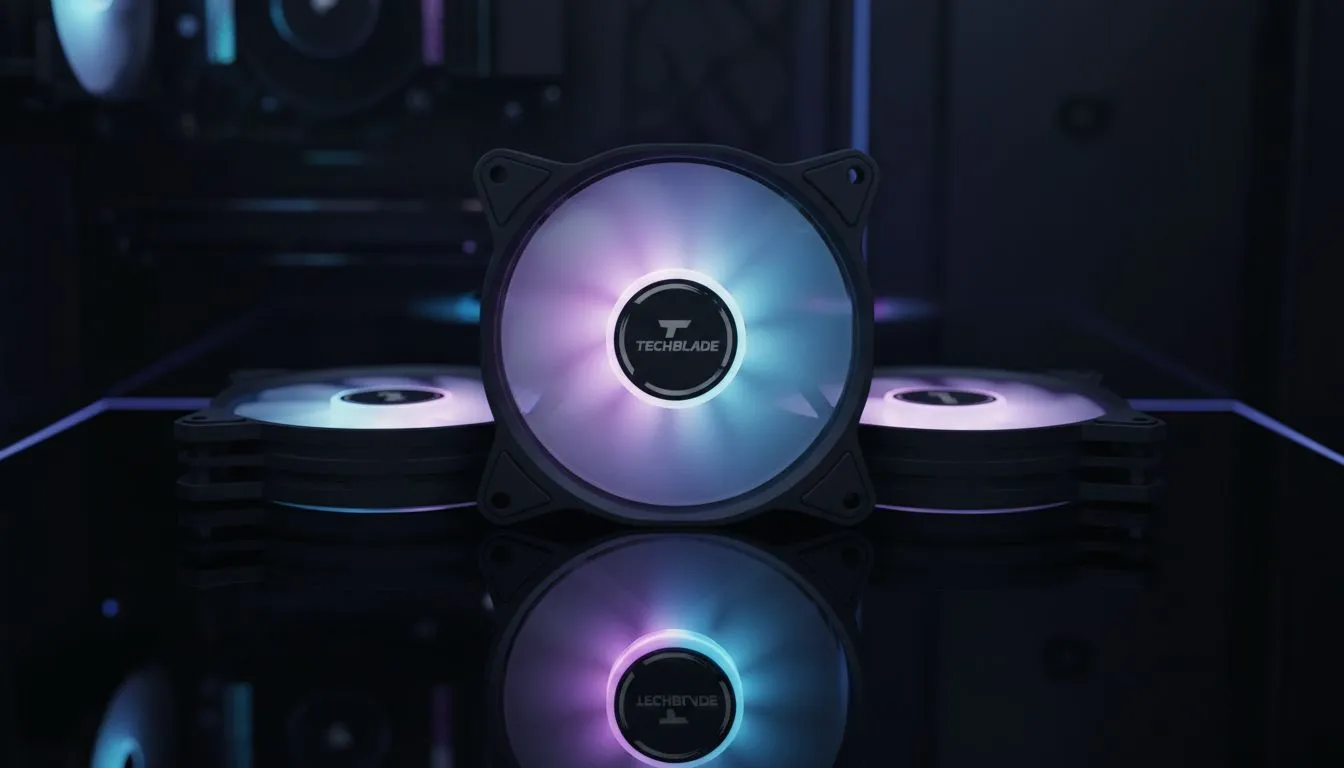
Building a new rig in South Africa means battling the heat. Whether you are in humid Durban or a dry Gauteng summer, choosing how many 120mm case fans you need for a mid-tower PC is a vital decision. It is the difference between a silent, cool machine and a noisy jet engine on your desk. Let us find the perfect balance for your build. 🔧
The Magic Number for Mid-Tower Airflow
Most modern computer cases are designed with flexibility in mind. While many Evetech gaming cases come with pre-installed fans, you might wonder if adding more actually helps. For a standard mid-tower, the "sweet spot" is usually three fans... two for intake at the front and one for exhaust at the rear.
Research into thermal dynamics shows that after three or four fans, you hit diminishing returns. Adding a fifth or sixth fan might only drop your GPU temperature by a single degree, but it will certainly increase the noise levels. If you are using Gamdias gaming cases with mesh front panels, three 120mm fans provide more than enough fresh air for even high-end hardware.
Airflow Pro Tip ⚡
Always aim for 'Positive Pressure' in your chassis. This means having more intake fans than exhaust fans. It forces air out of the small gaps in your case, which helps prevent South African dust from settling on your expensive components.
Understanding Intake vs Exhaust Dynamics
To keep your internal temperatures low, you need a clear path for air to travel. When browsing for case fans, look at the CFM (Cubic Feet per Minute) rating. High CFM fans move more air but can be louder.
If you prefer a premium experience, CORSAIR offers fans that balance static pressure and airflow perfectly. In a mid-tower, placing two fans at the front ensures your hard drives and GPU get the first hit of cool air... while a single rear fan pulls the rising heat away from the CPU area.
Integrating Liquid Cooling and AIOs
If you are upgrading your cpu coolers to a more robust solution, the fan math changes slightly. When installing a Liquid Cooler (AIO), the radiator fans count toward your total.
For example, a 240mm radiator mounted at the top of your case acts as two exhaust fans. In this setup, you should ensure you have at least two or three intake fans at the front to maintain that healthy positive pressure we mentioned earlier. 🚀
Aesthetics: Lighting and Brand Choice
Performance is the priority, but let us be honest... looks matter. If you want your setup to glow, choosing fans with RGB lighting can transform a boring black box into a centrepiece.
However, if you are building a professional workstation or a "stealth" rig, you can find high-performance fans with none of the flashy lights. These often focus purely on silent operation and longevity. Whether you want a neon dream or a silent powerhouse, the goal is to keep those ZAR 10,000+ components from throttling during a heavy gaming session. ✨
Ready to Perfect Your PC Airflow? Finding the right balance of cooling and noise is the key to a long-lasting gaming rig. Whether you need high-performance 120mm fans or a brand-new mesh case, we have the best deals in South Africa. Explore our massive range of case fans and cooling solutions to keep your temperatures low and your frames high.











