

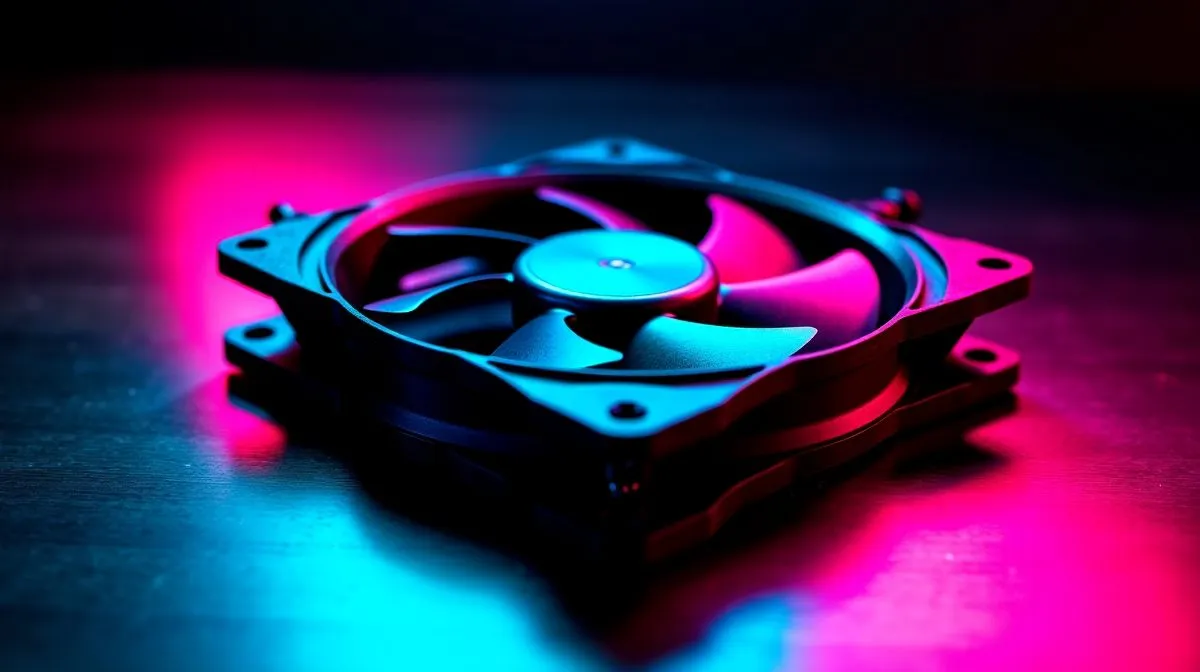
120mm COC turbo fan: quick wins for GPU and CPU temps
"120mm COC Turbo Fan for Better GPU and CPU Temps" is a compact, practical upgrade that can shave degrees off your GPU and CPU under load. South African gamers and content creators often build in smaller cases to save space or rand — but that can trap heat. A dedicated 120mm COC turbo fan positioned to feed or exhaust the GPU zone can reduce thermal throttling and keep frame rates steadier.
Check whether your case supports a frontal or rear 120mm mount before you buy; our compact case selection shows mounting options and sizes to guide choices.
120mm COC turbo fan: where to place it for best results
Place a turbo fan to create directional flow. For air-cooled GPUs, aim the fan to pull air across the GPU shroud and push it out the rear or top. For cramped ITX layouts, a 120mm exhaust near the CPU helps bleed heat away from the VRM and socket. Small tweaks to fan angle and proximity can drop temps by a few degrees — enough to stop boost clocks from collapsing.
If you prefer a case with smart airflow defaults, browse our Fractal Design PC cases for efficient layouts and quiet acoustics.
120mm COC turbo fan: choosing fan speed, curve and acoustics
A turbo fan's trick is high static pressure at reasonable RPM. Set a custom fan curve in BIOS or software so the fan ramps only when GPU or CPU crosses a set threshold. Too aggressive, and you’ll lose sleep; too timid, and thermals suffer. Test with a 15–30 minute stress run in South Africa's ambient temps to tune curves realistically.
If budget or aesthetics matter, explore Gamdias chassis that support high-performance 120mm fans and have tempered glass options around R1,000–R1,500. Also see Gamdias cases under R1,500 for tighter budgets.
Cooling Micro Tip ✨
For GPUs with backplates, create a small intake path that feeds cool air to the GPU front. Often a single well-placed 120mm turbo fan is more effective than two poorly aimed fans.
120mm COC turbo fan: quick checklist before checkout
Quick checklist: confirm mounting holes, measure clearance from GPU shroud, check cable reach for fan headers, and plan a fan curve. If your case lacks a 120mm mount, a slim fan bracket or alternative case can save an upgrade. Small investments now prevent thermal throttling later.
🔧 Ready to improve thermals? Consider a targeted fan upgrade before resoldering or watercooling. Local warranty, support and compatibility are worth the peace of mind. We stock parts locally across SA with fast delivery and easy returns, plus expert build support online.
Ready to Find Your Perfect Match? The Mac vs Windows debate is complex, but for maximum power, choice, and value in South Africa, Windows is hard to beat. Explore our massive range of laptop specials and find the perfect machine to conquer your world.











