

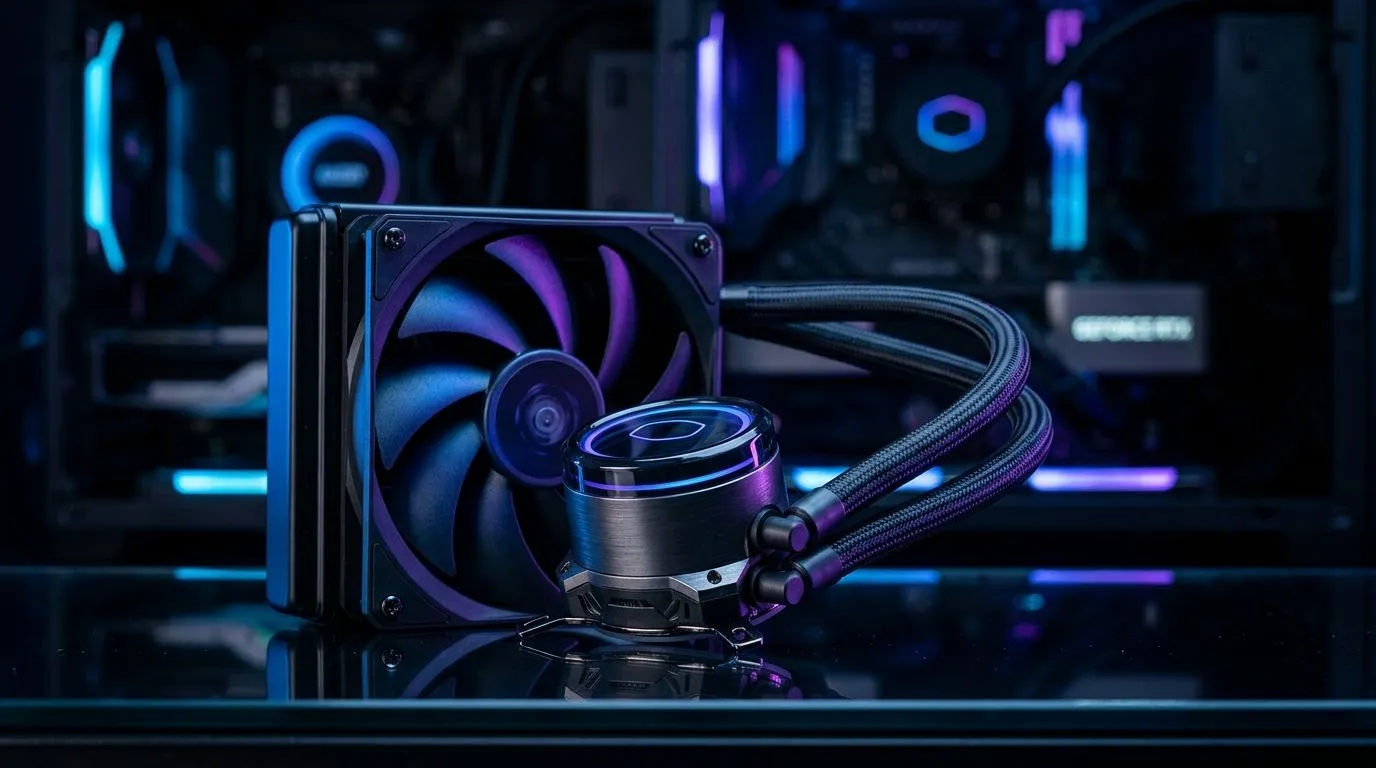
Why a 120mm liquid CPU cooler is ideal for compact PCs
Small builds need smart cooling. If you’re squeezing performance into an ITX or micro‑ATX chassis, a 120mm liquid CPU cooler offers strong thermal performance with minimal space penalty. This guide walks South African builders through practical choices, prep and a clear installation flow so your compact PC runs cool without cutting corners.🔧
Preparing your compact PC for installation
Before you start, confirm radiator and fan mounting points in your case. Many compact cases accept 120mm fans only; check the 120mm case fans list to verify compatibility and mounting options. While removing panels, lay out screws, brackets and the stock cooler in a small tray. If you plan to match aesthetics, browse Corsair fans and Deepcool fans for colour and airflow options.✨
Installation Pro Tip ⚡
When fitting a 120mm radiator in tight spaces, attach the fan to the radiator first. This lets you feed the fan cables and screws through narrow openings, reducing fidgeting inside the case.
Step-by-step 120mm liquid CPU cooler installation
- Power down, unplug and ground yourself.
- Remove the motherboard or tilt the case if possible to access the CPU area comfortably.
- Clean the CPU lid with isopropyl alcohol and check the cooler backplate orientation.
- Mount the radiator where the case supports 120mm fans; if you have an RGB preference, select a compatible RGB fan. Use the correct screws to avoid stripping threads.
- Attach the pump/head to the CPU with the recommended torque; many mounts are hand‑tight plus a small turn with a screwdriver.
- Connect the radiator fan to a fan header or PWM hub and route pump power to the CPU_FAN or dedicated AIO header. If you prefer a simple look, compare RGB fans with non‑RGB fans for quieter setups.⚡
For SFF cases that accept slightly larger cooling, it may be worth checking options for 140mm size fans if your layout allows that clearance.
Post-install checks and local buying tips
After booting, monitor pump and fan speeds in BIOS and a Windows utility. Listen for rattles or excessive vibration and reseat any loose screws. For replacement or upgrades, Evetech stocks both size and lighting options—search the 120mm size fans category. If noise matters, choose higher quality bearings and lower RPM curves. You’ll find dedicated RGB models and plain variants depending on your build mood.
Quick troubleshooting and final thoughts
If temps are higher than expected, reseat the cooler and re‑apply paste. Check airflow direction and ensure intake and exhaust are balanced. Compact PC builds reward tidy cable routing and measured choices; a single 120mm liquid CPU cooler can deliver impressive results when installed deliberately. 🚀
Where to buy and final recommendations
Local stock and warranties matter. Check Evetech for current ZAR pricing and models. Prefer brands with local support and clear mounting guides to avoid returns. Compare user reviews and choose a cooler that balances noise, looks and thermal results for your compact build and longevity too.
Ready to Find Your Perfect Match? The Mac vs Windows debate is complex, but for maximum power, choice, and value in South Africa, Windows is hard to beat. Explore our massive range of laptop specials and find the perfect machine to conquer your world.











