


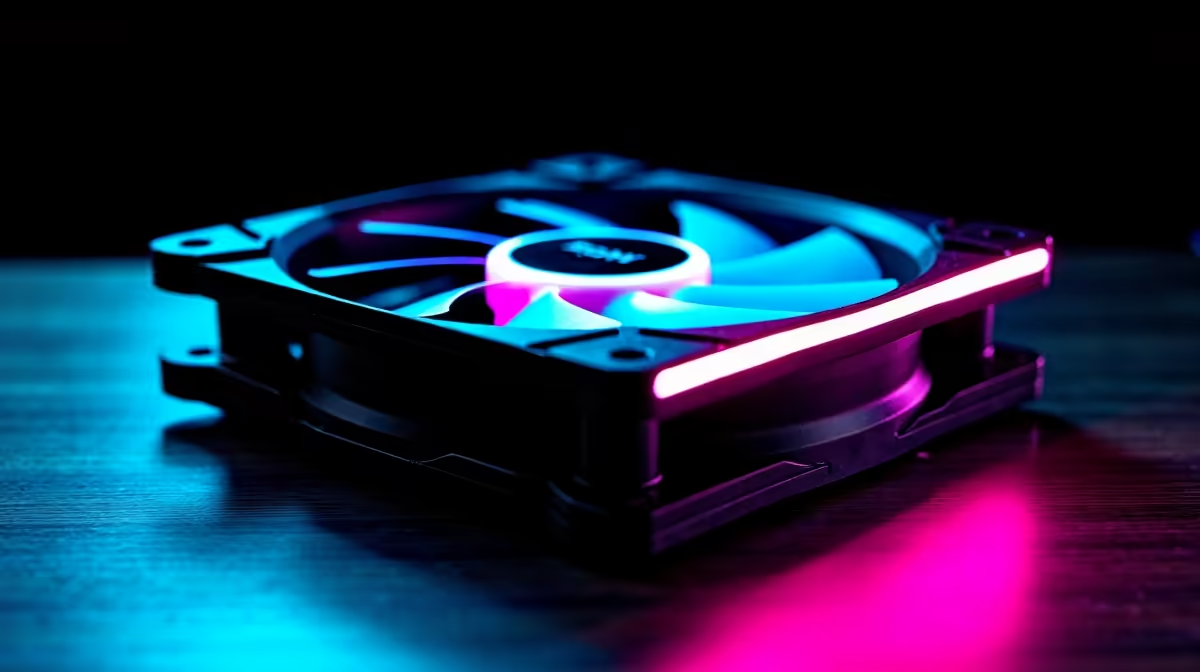
Building a new PC in South Africa, or just looking to drop those temps before the next heatwave? When you're upgrading your PC's cooling, from a simple case fan to one of our top-tier CPU coolers, one question always pops up: 120mm vs 140mm fans? It’s a classic debate. While bigger often seems better, the answer for 2026 is a bit more nuanced. Let's dive in and find the perfect fit for your rig.
The Core Difference: Airflow vs Pressure 💨
At its heart, the 120mm vs 140mm fan debate comes down to physics. A larger 140mm fan has longer blades, allowing it to move a significant volume of air at a lower speed (RPM) compared to a 120mm fan.
- 140mm Fans: More airflow at lower RPM = less noise.
- 120mm Fans: Spin faster to match that airflow, but this higher speed can generate more static pressure.
Static pressure is the force the fan uses to push air through resistance, like a dense heatsink or radiator. So, which is better? It all depends on the job you're giving it.
When 120mm Fans Are The Smart Choice
Don't underestimate the classic 120mm fan. Its universal compatibility and pressure-focused design make it a champion in specific scenarios. For years, it's been the standard size across most computer cases, meaning you'll almost always find a spot for one.
Their real strength, however, is static pressure. When you need to force air through the tightly packed fins of high-performance air coolers, a high-speed 120mm fan is often the undisputed king. This focused power makes them incredibly effective at targeted cooling for your CPU or GPU.
Check Your Clearances! 🔧
Before you buy any fan, grab a ruler and check your case and cooler specs. Ensure you have the physical space and correct mounting holes for the fan size you want. There's nothing worse than getting your new gear home only to find it doesn't fit!
The Case for Quiet 140mm Fans 🤫
If your main goal is a powerful yet whisper-quiet PC, then 140mm fans are likely your best friends. Their ability to move massive amounts of air without needing to spin up to jet-engine speeds is their biggest advantage.
This makes them absolutely perfect for general case airflow. As intake fans pulling cool air in or exhaust fans pushing hot air out, they provide excellent cooling with minimal noise. Many modern chassis from top brands like Corsair and Deepcool are designed with 140mm mounts specifically in mind, allowing you to build a rig that stays cool under pressure without sounding like a vacuum cleaner.
The Radiator Showdown: 120mm vs 140mm
This is where the 120mm or 140mm choice gets interesting. You might think a 280mm radiator (2x 140mm fans) would easily beat a 240mm radiator (2x 120mm fans). While it has more surface area, the higher static pressure of 120mm fans often closes the performance gap.
Furthermore, the most powerful AIO liquid coolers often use the 120mm format. A top-tier 360mm radiator with three pressure-optimised 120mm fans will typically outperform any 280mm AIO, giving you the ultimate cooling for a high-end CPU.
The Verdict: Which Fan Is for Your Build?
So, after comparing 120mm vs 140mm fans, which should you choose in 2026? It’s not about one being definitively better… it's about picking the right tool for the job.
You should choose 120mm fans if:
- Compatibility is key. You're working with a smaller case or older components.
- You need high static pressure. You’re mounting them on a dense CPU heatsink or a high-performance radiator.
- You're on a budget. Great value chassis like our own Evetech gaming cases are often perfectly optimised for 120mm setups.
You should choose 140mm fans if:
- Silence is golden. Your number one priority is building a quiet PC.
- You need maximum case airflow. You have an open, spacious case and want to move as much air as possible.
- Your case is built for it. Many stylish and functional Gamdias gaming cases include mounts to take full advantage of larger fans.
Ultimately, the best cooling setup often uses a mix of both. Use 140mm fans for quiet case intake and exhaust, and stick with high-performance 120mm fans for your CPU cooler. Happy building! 🚀
Ready to Cool Things Down? The 120mm vs 140mm fan debate depends on your build, but getting the right airflow is key to unlocking performance. Explore our massive range of PC cooling solutions and find the perfect hardware to keep your rig frosty.










