

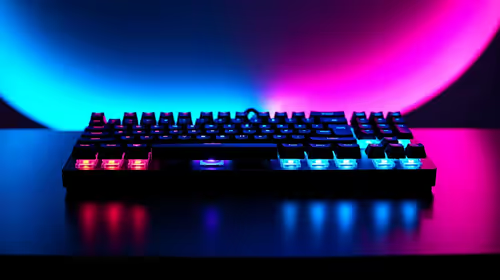
Best Intel Keyboard Under R3000 in SA 2026
Top Intel Keyboard Under R3000 picks evaluated on performance, value & SA availability with current Rand pricing from Evetech.
Read moreChoosing a 14-inch vs 16-inch laptop sleeve? Use this decision framework to match your laptop size, bag, and daily carry needs. Get the right fit and protection 😊🧳
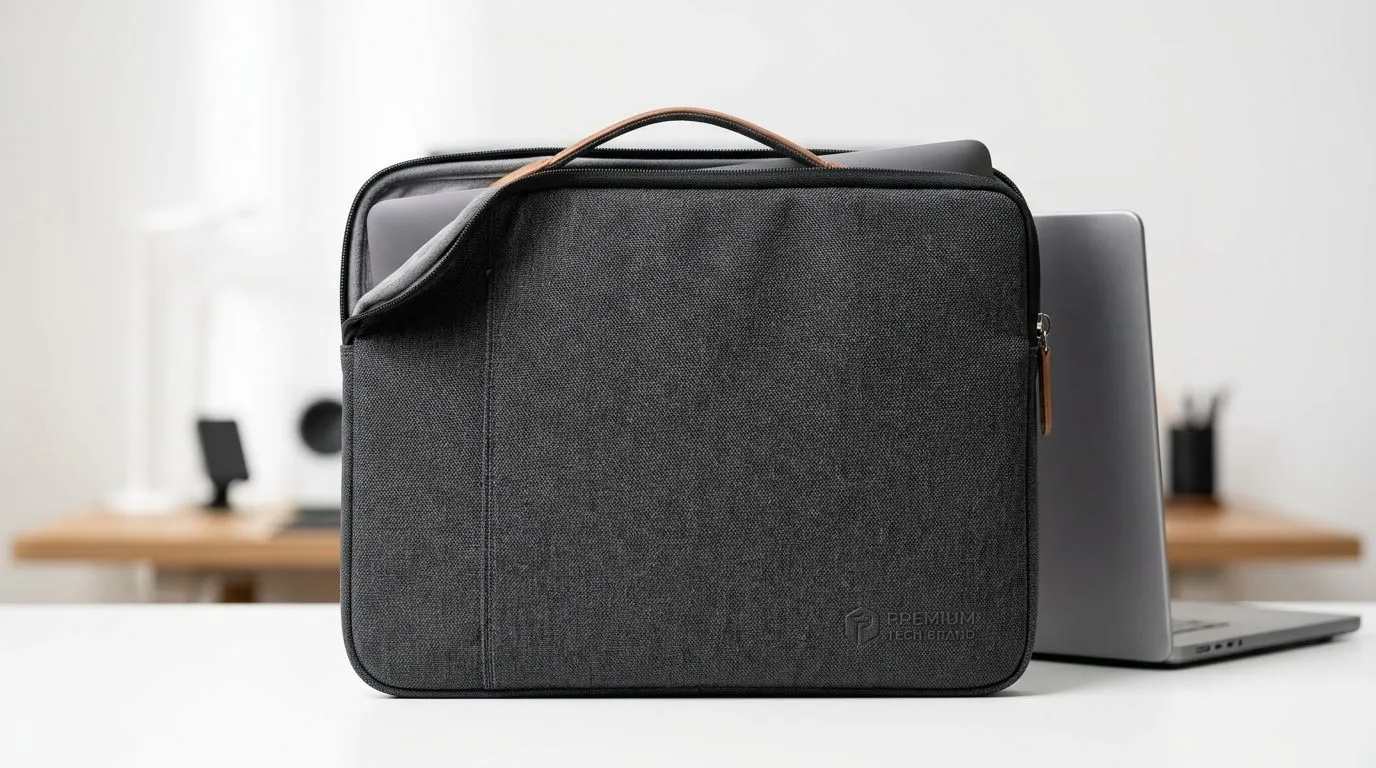
Are you torn between a 14-inch and a 16-inch laptop sleeve? Choosing the right size sleeve isn’t just about protecting your device—it’s about convenience, style, and safeguarding your tech investment while on the move. South African gamers and tech buyers know how important the perfect fit is for your laptop bag or sleeve. Let’s navigate the key differences so you can carry your laptop with confidence and flair.
A laptop sleeve must hug your device securely without being too tight or loose. A snug sleeve prevents bumps and scratches during daily commutes or gaming marathons. Meanwhile, a sleeve that’s too small might struggle to zip properly, while one that’s too big lets your laptop slide around.
For 14-inch laptops, slim, compact sleeves offer lightweight protection ideal for urban settings. A 16-inch sleeve, on the other hand, suits larger laptops and provides extra space for additional gear. Check out this wide collection of laptop backpacks made to fit various sizes for superior portability and protection.
Laptop screens don’t tell the whole story. The full dimensions include bezels, thickness, and any attached ports. For example, a 14-inch laptop sleeve is best for devices measuring around 32 x 22 cm, while 16-inch sleeves accommodate dimensions closer to 37 x 25 cm.
Brands like Promate design sleeves with precise measurements for South African buyers who want style and function in one package. You can browse Promate models tailored to fit your laptop and find durable materials that withstand daily wear and tear.
Your laptop sleeve deserves a functional home — a sturdy backpack. Evetech offers a variety of laptop backpacks that pair perfectly with both 14-inch and 16-inch sleeves. Whether you’re carrying to university or gaming LAN parties, a reliable backpack keeps all your essentials organised and secure.
Explore options from HP, known for ergonomic design and high-quality fabric. Their range includes compact 14-inch sleeve-compatible backpacks to roomy compartments for 16-inch devices. Find your ideal fit with the HP laptop backpack range.
Measure your laptop’s width, height, and thickness precisely before choosing a sleeve. Remember, pockets for chargers or accessories need extra space—opt for a slightly larger size if you prefer carrying extras.
Evetech’s in-house brand delivers on durability and style for every laptop size. Whether it’s a sleek 14-inch sleeve for light daily use or a rugged 16-inch sleeve offering comprehensive protection, Evetech ensures your tech stays safe. Browse the collection designed with gamers and tech buffs in mind.
If budget is a concern, consider checking their range starting from affordable prices from ZAR 651 upwards offering great value without compromising protection.
Not sure which backpack pairs best with your latest laptop sleeve? Evetech’s specialist range helps you transport your gear effortlessly. Take a look at the Evetech-branded backpacks designed to fit these sleeves perfectly.
Find Your Perfect Sleeve and Backpack Combo Protect your laptop with a sleeve that fits right and a backpack that carries with ease. Shop now at Evetech for performance that leaves lag in the dust.
Pick based on your laptop’s exact dimensions, clearance needs, and how you carry it (backpack, briefcase, or hand). Use a laptop sleeve size guide before buying.
Often they fit, but not always. Check sleeve dimensions and add clearance for thickness, keyboard covers, and cases to avoid a tight squeeze.
Yes in many cases if the sleeve’s internal dimensions match your laptop’s length and width plus clearance. Measure your laptop for sleeve fit.
A small gap helps with easy insertion and airflow. Plan clearance for stickers, skins, and any keyboard cover thickness when choosing laptop sleeve size.
Both matter. Proper padding protects during drops, while correct sizing prevents strain. Balance padding thickness with a sleeve that fits without forcing zippers.
Measure your laptop’s width, depth, and thickness (including any case). Compare against the sleeve’s internal dimensions to choose the right fit.
Usually yes, but sleeve fit affects how much it shifts. A snug sleeve reduces movement and improves daily commute protection.
Top Intel Keyboard Under R3000 picks evaluated on performance, value & SA availability with current Rand pricing from Evetech.
Read more
Top Budget Hall Effect Keyboards Under R2,000 picks evaluated on performance, value & SA availability with current Rand pricing from Evetech.
Read more
Top Nvidia Keyboard Under R5000 picks evaluated on performance, value & SA availability with current Rand pricing from Evetech.
Read more
Top ASUS Keyboard Under R3000 picks evaluated on performance, value & SA availability with current Rand pricing from Evetech.
Read more
Top Wireless Keyboard Under R3000 picks evaluated on performance, value & SA availability with current Rand pricing from Evetech.
Read more
Top Samsung Keyboard Under R5000 picks evaluated on performance, value & SA availability with current Rand pricing from Evetech.
Read more
CS2 Low FPS: Monitor Bottleneck. Real-world benchmark data, FPS numbers & performance analysis. What SA gamers can actually expect.

Is AOC a Good Monitor Brand for Gaming in South Africa Detailed answer with SA data, expert analysis & practical recommendations for local buyers.

What Gaming Monitor Can You Get for R20,000. Full parts list, Rand pricing & expected performance. Build confidently with SA-available components.

What Gamers Actually Bought: November Report. Real purchase data from SA retailers revealing what local buyers are actually choosing and why.

Can the RX 7700 XT Handle 1440p 144Hz Gaming. Performance testing verdict with real data & practical recommendations for SA buyers.

Top Laptop with Core i7 + RX 7700S: Picks picks evaluated on performance, value & SA availability with current Rand pricing from Evetech.

RX 7700 XT Black Myth Wukong 2 FPS: Performance. Real-world benchmark data, FPS numbers & performance analysis. What SA gamers can actually expect.

RTX 6080 Gran Turismo 7 PC Performance: FPS Test. Real-world benchmark data, FPS numbers & performance analysis. What SA gamers can actually expect.

MacBook Pro 16-Inch M5 Max: Complete Specs,. Everything you need to know with SA pricing, step-by-step instructions & expert recommendations.

Travelling With a MacBook: Travellers. Everything you need to know with SA pricing, step-by-step instructions & expert recommendations.

Back-to-School Parent Guide: Laptops. Everything you need to know with SA pricing, step-by-step instructions & expert recommendations.

MacBook Air 13-Inch M5: Complete Specs, Features. Everything you need to know with SA pricing, step-by-step instructions & expert recommendations.