

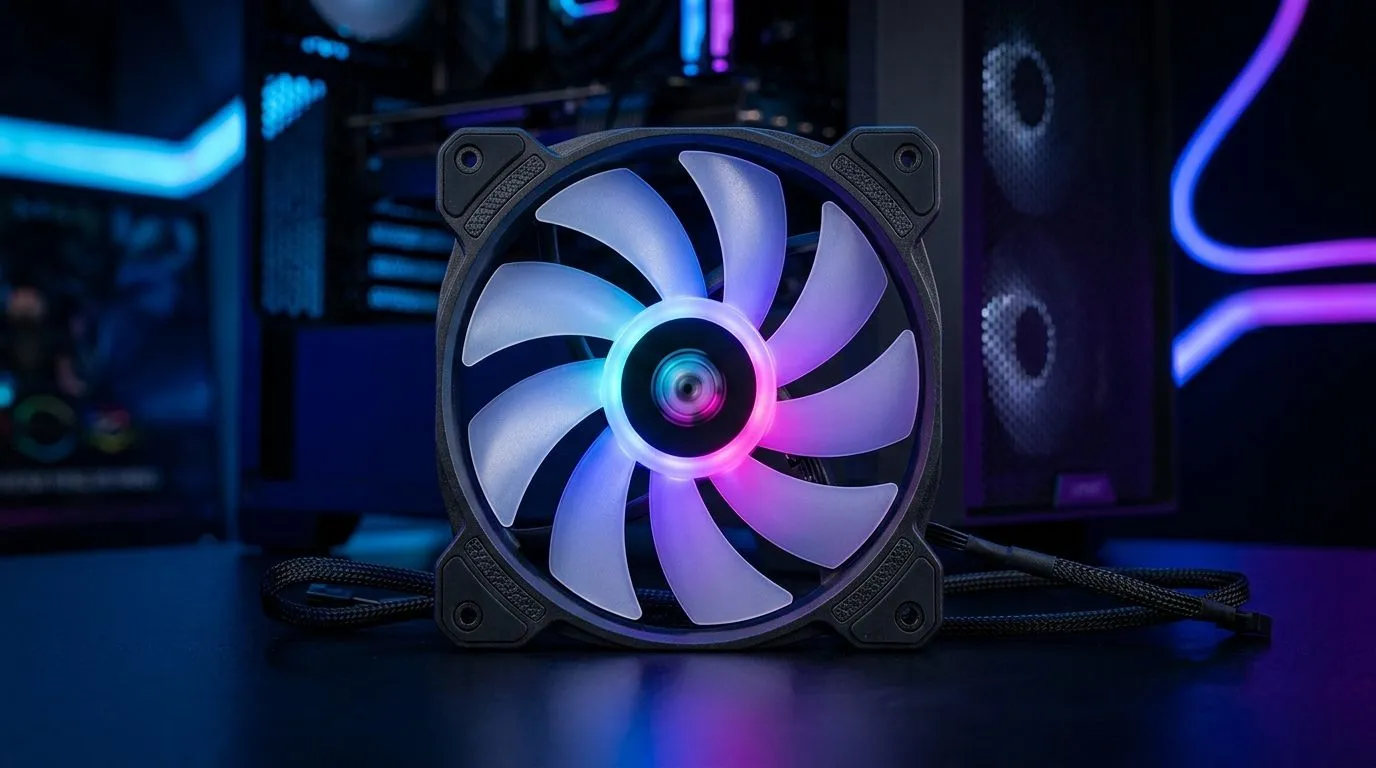
Is a 140mm ARGB Case Fan Better Than 120mm? (Quick Answer for SA Builders) ✨
If you’re building a quiet gaming PC in South Africa, fan size matters more than most people think. A 140mm ARGB case fan can move plenty of air with less noise, while 120mm fans are great when space is tight. But the “better” choice depends on your case airflow, fan curves, and even cable clearance around the radiator. Let’s break it down like a proper Build Lab session… so you buy once and enjoy it for years. 🔧
140mm vs 120mm ARGB: What Changes in Real Cooling? 🔥
Both 120mm and 140mm fans spin to push airflow, but 140mm models typically have more surface area. More blade area often means the same cooling can be achieved at lower RPM. Lower RPM usually equals lower noise, which is a win if you’re running long sessions of FIFA, Warzone, or Elden Ring.
From a practical perspective:
- 140mm fans usually perform better at the same noise level because they can move more air per rotation.
- 120mm fans are often easier to fit in standard sections like certain mid-tower mounts or tighter front panels.
For shopping options, you can compare fan families and sizes here:
- General selection: Case fans on Evetech
- If you want brand-filtered options: CORSAIR case fans
- Prefer Deepcool? Deepcool case fans
ARGB Lighting Effects: Does Size Affect the Look? ⚡
ARGB is about the lighting control, not airflow. Still, bigger fans can make lighting feel more “spread out” across the chassis. If your case has a glass side panel, a 140mm fan’s larger frame can look cleaner because it covers more of the visible area.
If you specifically want RGB/ARGB lighting options, browse:
- ARGB RGB lighting effects fans And if you’re going for a stealth build:
- Non-lighting (None) case fans
Fitment First: Where 140mm Wins (and Where 120mm Makes Sense) 🚀
The smartest move is to match fan size to your case mount layout. Many cases support 140mm on the front or top. Others stick to 120mm. If your mounting brackets are designed for one size, don’t force the other. You’ll end up with poor airflow and weird cable tension.
Use these Evetech filters to check sizes quickly:
Real build logic (what I look for)
- Front intake + filtered airflow: If your front panel has good mesh and room, 140mm intake fans often feel smoother and quieter.
- Radiator mounts: If you’re using an AIO, keep in mind that radiator spacing and bracket support usually decide the fan size.
- Exhaust and pressure balance: Try to maintain a sensible intake-to-exhaust balance. Too much exhaust can pull dust in different patterns through gaps.
Productivity Pro Tip 🔧
On your gaming PC, set a custom fan curve in BIOS or your motherboard software. Aim for lower RPM at idle, then ramp gently under load. This keeps the ARGB looking great without turning your PC into a mini vacuum cleaner during desktop browsing or Discord calls.
So… Is a 140mm ARGB Case Fan Better Than 120mm? (My Buy-Side Recommendation) ✅
If your case supports both, a 140mm ARGB case fan is often the better all-rounder for quiet airflow. It’s especially appealing if you want that “cool and calm” vibe during long weekend sessions… without blasting fans at 100%.
If your case only supports 120mm, or you’re building around a specific radiator bracket, 120mm ARGB fans are totally valid. The key is picking decent airflow and tuning fan curves so your temperatures stay stable.
Ultimately, “better” means:
- better noise you can live with,
- better fitment in your case,
- and a fan curve that matches how you actually game.
Ready to Find Your Perfect Match? The Mac vs Windows debate is complex, but for maximum power, choice, and value in South Africa, Windows is hard to beat. Explore our massive range of laptop specials and find the perfect machine to conquer your world.











