

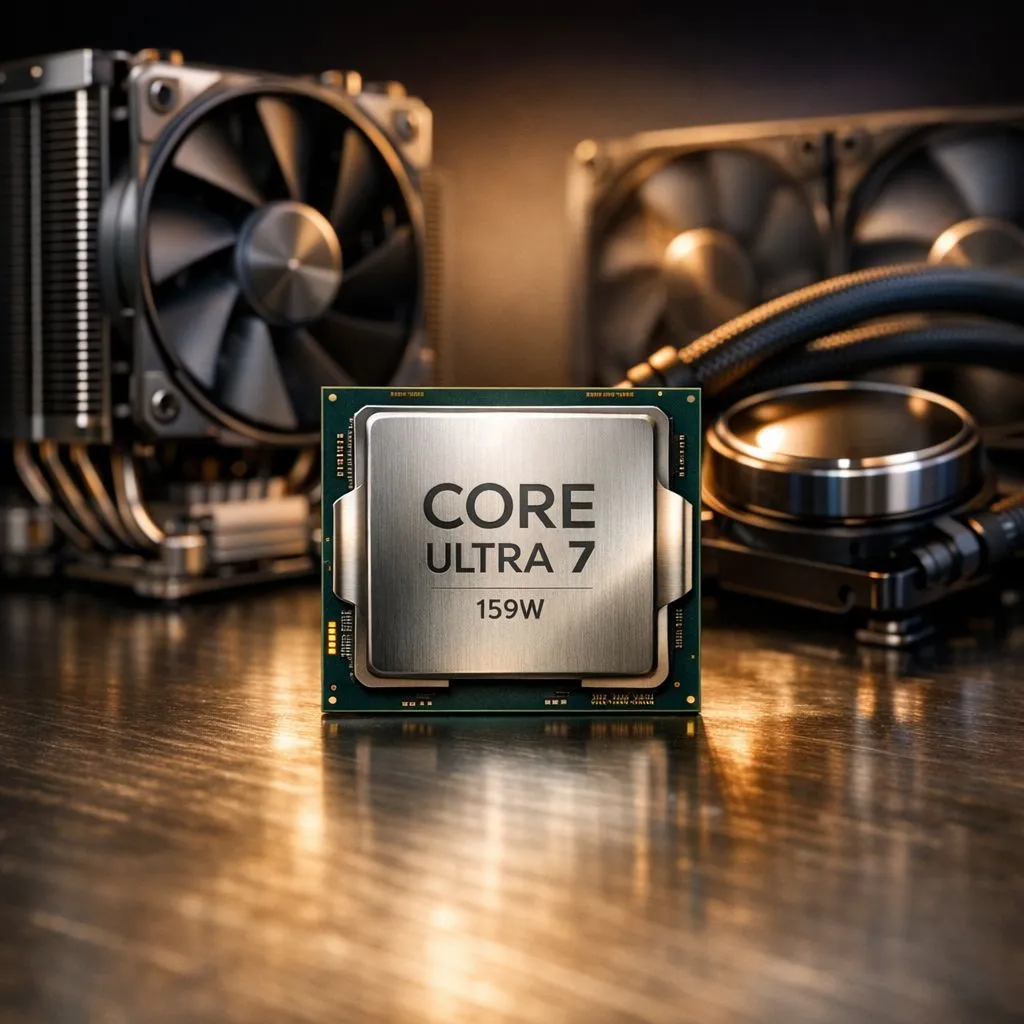
Intel's latest Core Ultra 7 processors bring incredible efficiency, but managing that 159W peak power draw requires a smart cooling strategy. Whether you are rendering 4K video or climbing the ranks in Counter-Strike 2, keeping your temps low is vital for sustained performance. In the South African heat, choosing between air and liquid cooling for your 159W Core Ultra 7 cooling setup is a critical decision.
Tackling 159W Core Ultra 7 Cooling in the SA Heat
The Core Ultra 7 series marks a significant shift in how Intel manages power and heat. While the 159W Maximum Turbo Power (MTP) is lower than previous flagship generations, it still generates concentrated heat that needs to be moved quickly. When browsing the latest Intel CPU range, you will notice that thermal management is no longer optional... it is the foundation of your build.
In South Africa, our ambient temperatures often sit higher than European testing labs. This means your cooling solution has to work harder to maintain the same boost clocks. If your chip hits its thermal limit, it will downclock to protect itself. This results in lost frames and sluggish render times.
Air Cooling Solutions for 159W Core Ultra 7 Cooling
Many builders prefer the simplicity of air cooling. There are no pumps to fail and no risk of leaks. For a 159W load, you cannot rely on a basic cooler. You need a massive dual-tower heatsink with high-static pressure fans. These robust coolers are perfect for 14-core Intel processors that demand consistent airflow across the VRMs.
Air coolers offer longevity that is hard to beat. A high-end air cooler can last through multiple builds, only needing a fan replacement every few years. However, they are physically large. You must ensure your case has enough clearance and that your RAM modules aren't too tall to fit underneath the cooling fins. 🔧
Mounting Matters 🔧
Ensure you use the correct LGA 1851 mounting brackets for your Core Ultra 7. Even a slight gap can lead to thermal throttling. Applying a high-quality thermal paste in a "spread" pattern often works best for the larger integrated heat spreader on these new chips.
Liquid Cooling: The Premium Path for Core Ultra 7
Liquid cooling, or All-In-One (AIO) solutions, generally provides better thermal headroom for high-wattage chips. By moving the heat away from the CPU socket to a radiator mounted on the case wall, you keep the internal case temperature lower. This is a popular choice for those comparing Intel against high-end AMD CPU options that also benefit from low operating temps.
A 240mm or 360mm radiator is ideal for 159W Core Ultra 7 cooling. It allows the processor to maintain its peak turbo frequency for longer durations. If you are considering an alternative like the AMD Ryzen 7 series, you will find that both brands now require serious thermal solutions to reach their full potential. ⚡
Liquid cooling also offers a cleaner aesthetic. It opens up the middle of your motherboard, showing off your RGB RAM and high-end components. While it might cost a bit more in ZAR, the performance stability during a hot Durban summer is often worth the investment. 🚀
Ready to Chill Your New Rig? Finding the right balance between noise and temperature is key to a great gaming experience. Explore our latest range of Intel processors and pair them with the best cooling solutions available in South Africa today.











