Quick Answer
For 4K video editing on a 1440p 180Hz display, the key components are a 10-core+ CPU and an RTX 4070 (12GB VRAM). DaVinci Resolve and Premiere Pro both GPU-accelerate 4K H.265 and BRAW decoding — the RTX 4070 cuts export times by roughly 3× compared to CPU-only rendering. A 1440p panel is a reasonable 4K editing monitor when budget doesn't reach a proper 4K display (~R8,000+).
Why a 1440p Monitor Works for 4K Editing
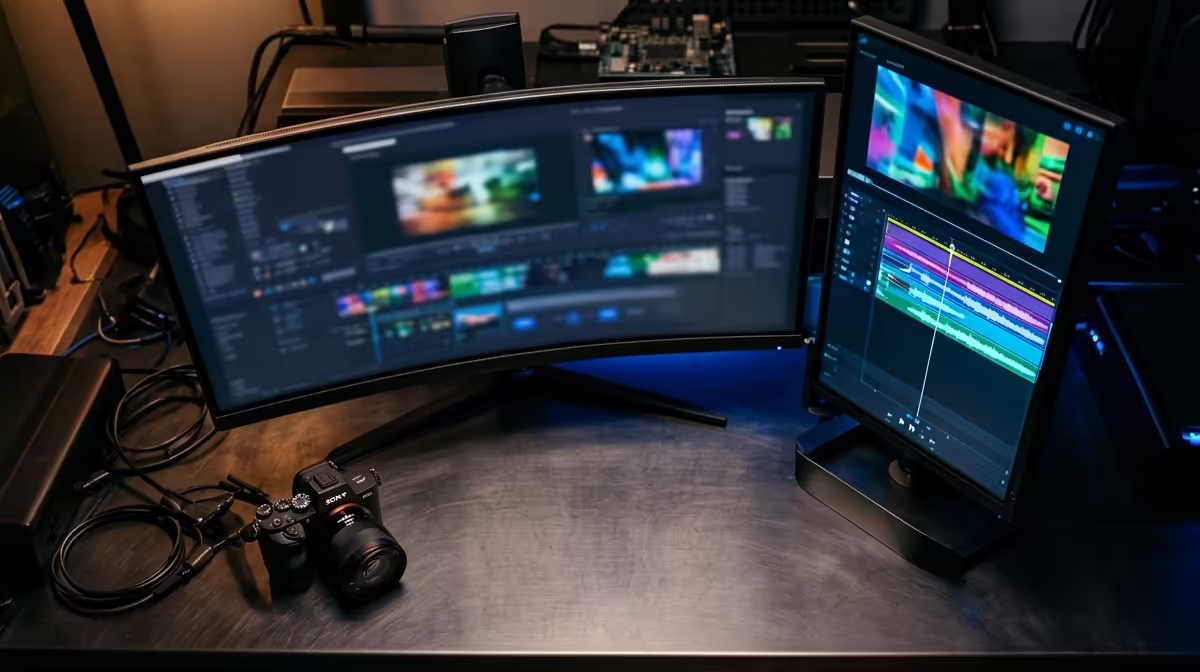
Editing 4K footage on a 1440p panel works better than it sounds. DaVinci Resolve and Premiere Pro proxy workflows display full 4K project timelines at the monitor's native resolution — the editing experience is smooth; only the final export is 4K. If colour accuracy matters (YouTube videos with grading), look for a 1440p IPS panel with sRGB ≥98% or DCI-P3 ≥90% coverage.
The 180Hz benefit in video editing: timeline scrubbing and preview playback feel more fluid at 120–180Hz vs 60Hz. It won't speed up renders but reduces eye strain during long edit sessions.
CPU and GPU Picks for 4K Video Editing in SA
- CPU: Ryzen 7 7700X (
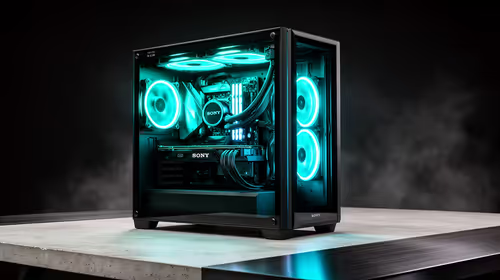
R5,500) or Core i7-14700K (R7,500) — 8–20 cores handle multi-stream 4K decoding and effects rendering - GPU: RTX 4070 12GB (~R10,500) — CUDA acceleration in DaVinci Resolve; 12GB VRAM handles 4K BRAW and multi-layer comps without overflow
- RAM: 32GB DDR5-6000 (~R2,800) — 4K projects with multiple sources fill RAM; 64GB for heavy VFX work
- Storage: 2TB NVMe PCIe 4.0 (~R1,600) for project files + 4TB external for footage archive
Full build at R35,000 including a 27-inch 1440p 180Hz IPS panel (R5,500).
Real SA Price Context
A 4K editing monitor (27-inch, 4K, 60Hz) costs R8,000–R15,000 at Evetech. If the R35,000 budget must choose, a 27-inch 1440p 180Hz panel at R5,500 leaves ~R3,000 more for CPU or RAM versus buying a 4K 60Hz panel. For editors who also game after hours, the 180Hz 1440p is the better all-rounder.
FAQ
Can I edit 4K footage on a 1440p monitor without quality loss in the export?
Yes — the export renders at 4K regardless of monitor resolution. Editing on a 1440p screen means you're previewing at 1440p, but the final file is full 4K. The only limitation is colour grading accuracy — a 1440p IPS with wide colour gamut handles this well.
How much VRAM do I need for 4K video editing in DaVinci Resolve?
12GB VRAM (RTX 4070) is the comfortable minimum for 4K H.265 and BRAW editing with Fusion effects. 8GB (RTX 4060) causes VRAM overflow and dropped frames in complex timelines with multiple 4K streams. For RED RAW at 6K, step up to 16GB.
Is a 180Hz monitor worth it for a dedicated video editing workstation?
If you also game on the same PC, yes absolutely. For a dedicated edit-only workstation, 60–120Hz is sufficient for timeline work. A 180Hz 1440p panel is the right pick for dual-use setups because it covers both editing precision and gaming smoothness without compromise.
Browse Evetech's RTX 4070 and 27-inch 1440p IPS monitor options for a 4K video editing and gaming build. 12GB VRAM and an 8-core CPU are the key specs for smooth DaVinci Resolve performance at 4K resolution.