Why a 1TB NVMe SSD setup makes sense for gamers and creators 🔧🚀
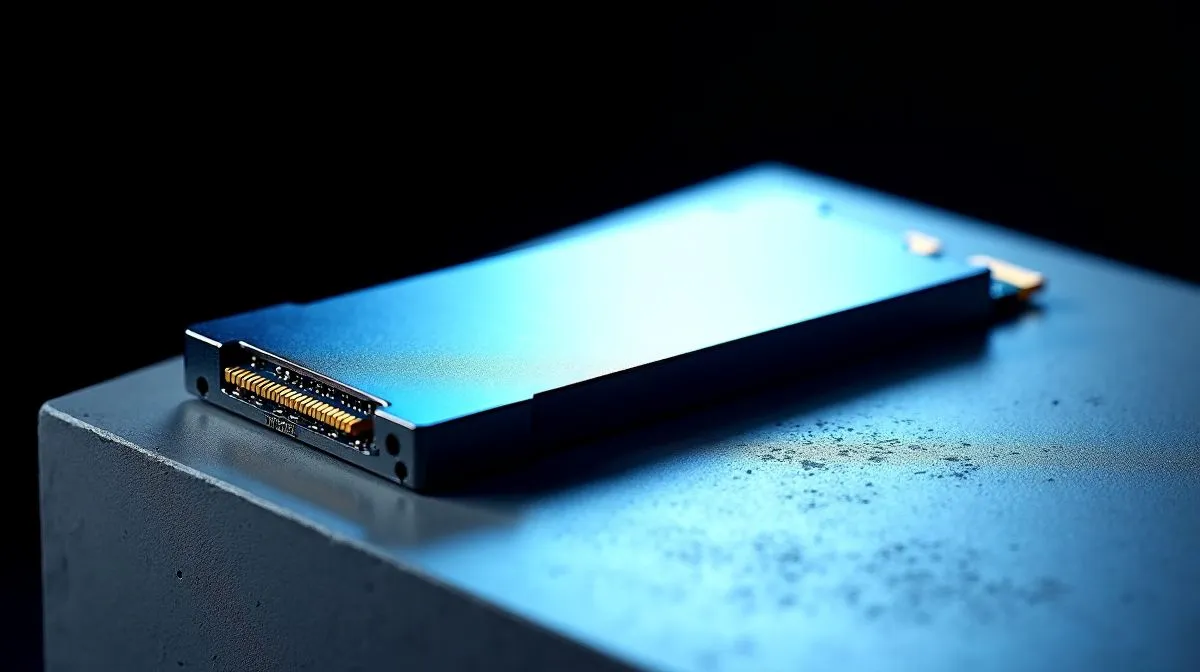
If you stream, edit 4K clips, or hop between AAA titles, storage speed matters. The "1TB NVMe SSD Setup for Gaming and Content Creation" gives you fast boot times, roomy scratch space, and fewer texture pop‑ins. Evetech’s SSD hub shows both PCIe Gen3 and Gen4 options to match your motherboard and budget — useful when you’re balancing load times with file throughput (see Evetech’s SSD selection). https://www.evetech.co.za/PC-Components/buy-solid-state-drives-83
Picking the right 1TB NVMe SSD for your workflow
Start by matching interface and endurance to tasks. Gamers benefit from sustained read speeds and low latency; creators also need high write endurance for heavy project files. Brands like ADATA offer competitive performance at friendly price points — check ADATA NVMe choices to see model specs and warranties. https://www.evetech.co.za/PC-Components/buy-solid-state-drives-83?brands=ADATA
If you prefer mainstream reliability and straightforward warranties, Kingston has well‑tested drives that suit both gaming libraries and active video editing projects. Kingston’s product pages make comparing TBW and controller types easier. https://www.evetech.co.za/PC-Components/buy-solid-state-drives-83?brands=Kingston
For enthusiasts who want RGB or bundled thermal solutions, CORSAIR’s NVMe drives are worth a look; they often include heatsinks that keep sustained performance tight during long encode sessions. https://www.evetech.co.za/PC-Components/buy-solid-state-drives-83?brands=CORSAIR
Productivity Pro Tip ⚡
On Windows, use the PowerToys FancyZones utility to create custom snap layouts for your windows. It's a lifesaver for managing multiple apps on an ultrawide monitor, letting you organise your timeline, preview window, and asset folders perfectly for video editing.
Building a balanced 1TB NVMe SSD setup for real use
Think beyond raw speed. Combine a fast 1TB NVMe as your OS and active projects drive, with bulk storage for archives. Even if you eventually upgrade to 2TB, a dedicated 1TB NVMe keeps current projects snappy. Browse Evetech’s capacity filters when planning a future upgrade or a multi‑drive rig. https://www.evetech.co.za/PC-Components/buy-solid-state-drives-83?attributes-capacity=2TB
Installation tips: ensure your M.2 slot supports the drive’s keying and PCIe lanes. Update motherboard BIOS and enable NVMe mode when needed. For laptops, check thermal clearance — some ultrabooks need low‑profile modules or heatsinks to avoid throttling. Evetech’s SSD listings include compatibility and form‑factor details to confirm fitment.
Real test: a local editor’s micro story ✨
A Cape Town stream editor swapped their 5400rpm archive drive for a 1TB NVMe and cut project load times from minutes to seconds. Exports still hit the same codec limit, but scrubbing and timeline playback felt instant. That daily time saved turned into one extra upload per week... small wins add up.
Final checklist before you buy
- Confirm PCIe generation and lane support.
- Compare TBW and warranty length.
- Consider a heatsink for sustained writes.
- Back up archives; fast drives aren’t substitutes for backups.
Ready to Find Your Perfect Match?
The Mac vs Windows debate is complex, but for maximum power, choice, and value in South Africa, Windows is hard to beat. Explore our massive range of laptop specials and find the perfect machine to conquer your world.