

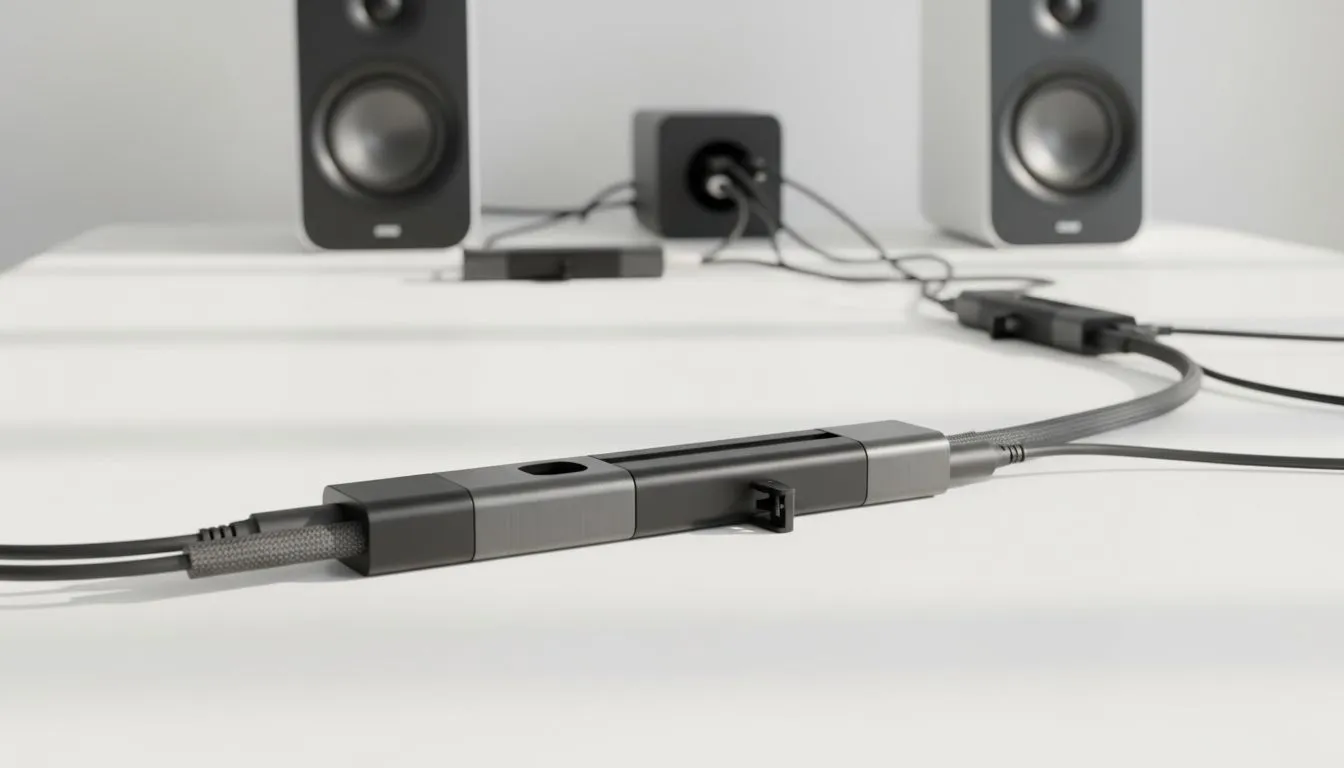
Nothing kills the vibe of a R20,000 gaming rig like a tangled mess of "spaghetti" wires trailing across your desk. You’ve invested in great sound, but now those trailing leads are catching on your chair wheels. Mastering 2.1 Speaker Cable Management: A Step-by-Step Guide is the final boss of any clean PC build. Let’s turn that clutter into a sleek, professional battlestation. 🔧
Planning Your 2.1 Speaker Layout
Before you start sticking cable clips everywhere, you need a plan. A standard 2.1 system consists of two satellite speakers and a subwoofer. The satellites should sit at ear level, angled slightly toward your seating position. The subwoofer usually lives on the floor to keep vibrations off your desk.
If you are currently looking to upgrade your audio, browsing the wide selection of speakers at Evetech is a great place to start. While some minimalist users prefer a compact 2.0 configuration to save space, the dedicated bass of a 2.1 setup is hard to beat for immersive gaming.
Routing Cables Like a Pro
The secret to a clean look is keeping wires out of sight. Start by grouping the left and right satellite cables together. Use the back of your monitor stand or the edge of your desk to hide the path. Many modern desks have built-in grommets... use them.
If you find the clutter of wired speakers too frustrating, you might consider transitioning to wireless speakers for your next upgrade. However, for those staying wired, brands like Promate offer excellent value options that provide plenty of cable length to work with.
Step 1: The Subwoofer Placement
Place your subwoofer near a wall but not tucked too tightly into a corner. This prevents "boomy" audio. Run the power and signal cables straight down the back of the desk leg. ⚡
Step 2: Bundle and Secure
Use Velcro ties rather than plastic zip ties. Velcro is reusable and won't damage the insulation if you pull it too tight. Group your speaker wires with your peripheral cables to create a single "trunk" that runs down to your PC.
Cable Management Pro Tip ⚡
Use adhesive cable clips on the underside of your desk. By routing the speaker wires along the bottom surface of the wood, you can keep them completely invisible from a standing or sitting position. It makes your setup look like the speakers are floating!
Finishing Touches for Your Build
Once the cables are routed, give them a bit of slack. You don't want a sudden desk adjustment to rip a jack out of your motherboard. Check the "under-desk" view one last time. If you see dangling loops, use a cable sleeve to tidy them up. A clean setup doesn't just look better... it reduces dust build-up and makes cleaning your room much easier. 🚀
Ready to Upgrade Your Audio Experience? A clean setup deserves high-quality sound to match. Whether you are looking for deep bass or crystal-clear highs, we have the tech to elevate your game. Explore our massive range of speaker specials and find the perfect configuration to complete your dream build.











