

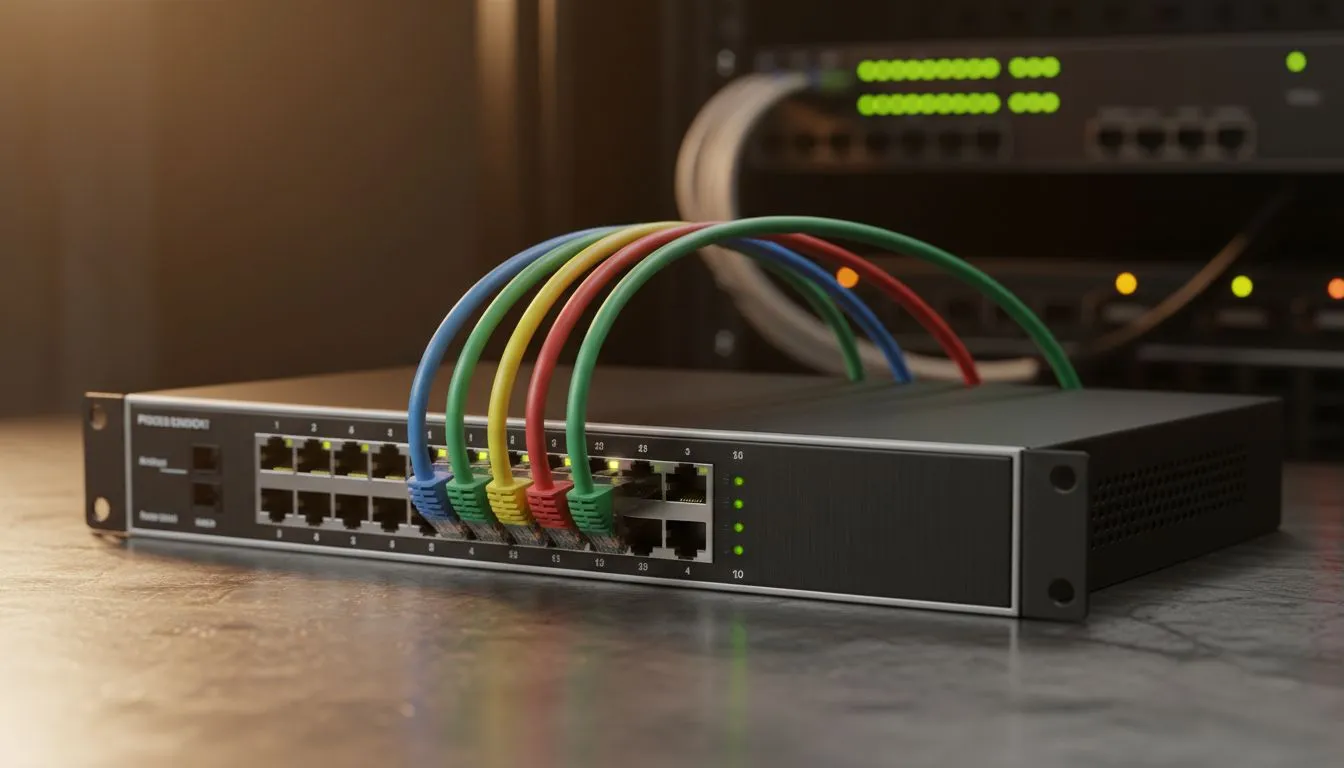
Let’s be honest: nothing kills the vibe of a high-end setup faster than a "spaghetti" mess behind your server rack. When you're running a 24-port switch cable management project, the difference between a pro-tier Build Lab and a fire hazard is just a bit of planning. Whether you're a local gamer hosting LANs or a small business owner in Jozi, keeping those cables tidy is non-negotiable.
Why cable management is essential for server racks
A messy rack isn't just an eyesore... it's a performance killer. Poorly routed cables block airflow, causing your expensive hardware to throttle. When you buy switches for your home or office, you're investing in connectivity... don't let heat ruin that investment. Proper organisation makes troubleshooting a breeze. If a port goes down, you want to trace the cable in seconds, not spend twenty minutes untangling a knot. 🔧
Strategic planning for 24-port switch cable management
Before you start plugging things in, map out your rack. Placing your switch in the middle of the rack often works best for distribution. Many South African enthusiasts prefer Cudy network switches because they offer a clean, professional aesthetic that pairs well with standard rack mounts.
Using patch panels effectively
A patch panel is your best friend. Instead of running long cables directly from your devices to the switch, terminate them at a patch panel first. This creates a "fixed" wiring system. You then use short patch cables to bridge the gap to the switch. This method is the gold standard for 24-port switch cable management because it keeps the front of the rack looking pristine and avoids the dreaded "waterfall" of cables.
Cable Length Pro Tip ⚡
Always opt for short 0.15m or 0.25m patch cables when connecting a switch to a patch panel directly above or below it. This eliminates the need for bulky horizontal cable managers and keeps the airflow in your rack clear for better cooling performance.
Choosing the right hardware for your network
Not all switches are created equal. If you are powering IP cameras, access points, or VoIP phones, you need to consider the Power over Ethernet (PoE) budget. Looking at premium Cudy switch options can provide the extra wattage needed for high-performance peripherals without cluttering the rack with individual power bricks. 🚀
Use Velcro ties instead of plastic zip ties. Velcro is reusable and won't crush the delicate copper pairs inside your Cat6 cables. This small change makes future upgrades much easier... and your cables will thank you.
Final touches for a professional finish
Label everything. Whether you use a dedicated label maker or just some colour-coded tape, knowing which cable goes to the lounge and which one goes to the main gaming PC is a lifesaver. A clean rack is a happy rack, providing peace of mind and easier maintenance for years to come. ✨
Ready to Find Your Perfect Match? A tidy rack is the hallmark of a pro setup, but it all starts with the right hardware. Explore our massive range of network switches and find the perfect hub to power your digital life.











