

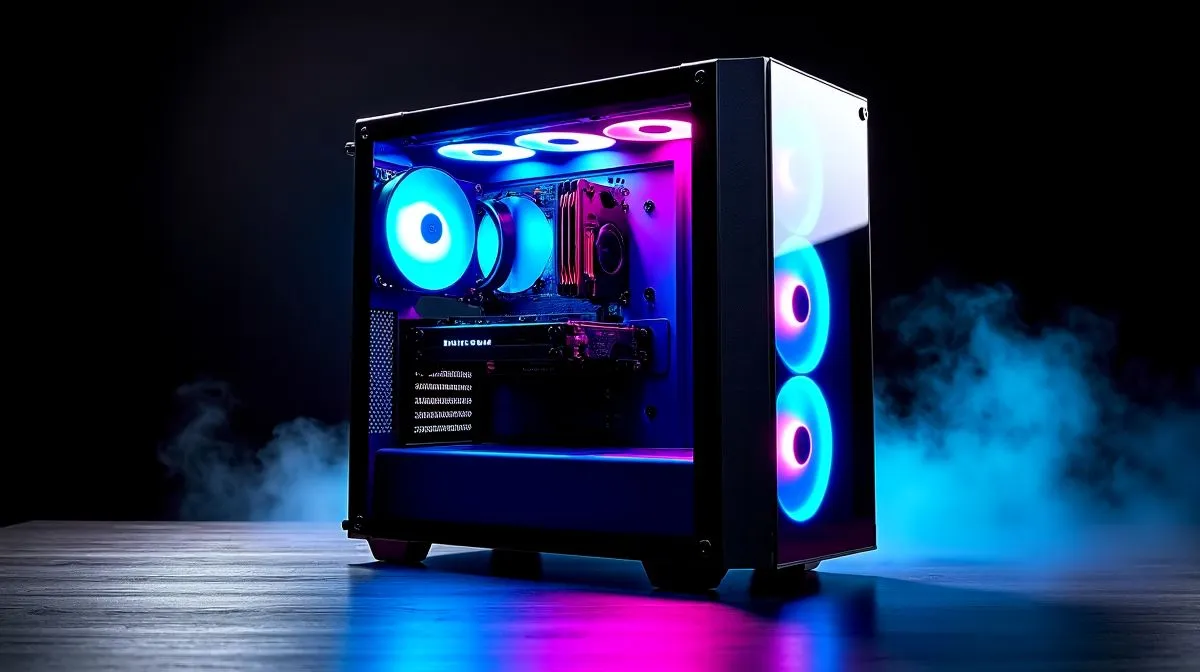
South African gamers know the feeling. You open a case, light hits the glass, and the whole build suddenly feels premium. A 270° panoramic tempered glass showcase PC build guide is not just about looks... it is about turning your rig into a proper centrepiece while keeping airflow, cable management, and upgrade space in mind. If you want your next build to feel like a showpiece, this guide will help you choose smarter 🔧
Why a 270° panoramic tempered glass showcase PC build guide matters
A full-glass or near-panoramic case changes the whole building experience. You can see more of your components, which makes clean cable routing far more important. It also means your cooling plan needs to be thought out before you buy.
For South African builders, that matters even more. Power prices are real, room temperatures climb in summer, and nobody wants a hot, noisy PC under the desk. A great-looking case should still support sensible airflow and practical access for upgrades later.
If you are shopping around, start with a broad look at case options here: computer cases at Evetech.
Choose the right case shape before you buy
Not every glass-heavy case is built the same. Some focus on showpiece aesthetics. Others balance visual appeal with fan support and radiator clearance. The smartest move is to check how your CPU cooler, GPU length, and PSU size fit together before you click buy.
If you want a refined look with a more understated finish, explore Fractal Design PC cases. Fractal cases often appeal to builders who want clean lines and practical layouts, rather than flash for its own sake.
For a more aggressive gaming style, Gamdias gaming cases are worth a look. They suit RGB-forward builds and can help your system feel more like a display piece than a box.
Practical build tips for a cleaner showcase
The trick with a panoramic build is simple... hide the mess and let the parts do the talking.
Focus on three things
- Use a modular power supply if possible.
- Route cables behind the motherboard tray first.
- Match your fans for a consistent visual line.
That last point matters more than many first-time builders realise. Mixed fan styles can make even an expensive build look random. A neat fan layout creates balance, especially when the side panel is mostly glass.
Build Lab Tip ⚡
On a showcase build, assemble the motherboard, cooler, and GPU before final cable routing. That lets you spot tight clearances early and saves you from redoing the whole system later.
A showcase build still needs value
A stylish case should not eat your whole budget. In many South African builds, the sweet spot is finding a case that gives you strong looks and room to grow without pushing you into unnecessary spending.
If your target is around the entry-to-mid range, browse Gamdias gaming cases under R1500. That price band can be a smart place to start if you want the panoramic look without blowing the budget on the enclosure alone.
Final thoughts on building for style and airflow
A 270° panoramic tempered glass showcase PC build guide works best when you treat the case as part of the system, not just packaging. Choose a chassis that fits your components, supports decent cooling, and leaves room for clean cable work. That is how a build goes from “nice” to “properly dialled in” ✨
If you are building in South Africa, think long-term. A case that looks good today should still make sense when you upgrade tomorrow.
Ready to Find Your Perfect Match? The Mac vs Windows debate is complex, but for maximum power, choice, and value in South Africa, Windows is hard to beat. Explore our massive range of laptop specials and find the perfect machine to conquer your world.











