

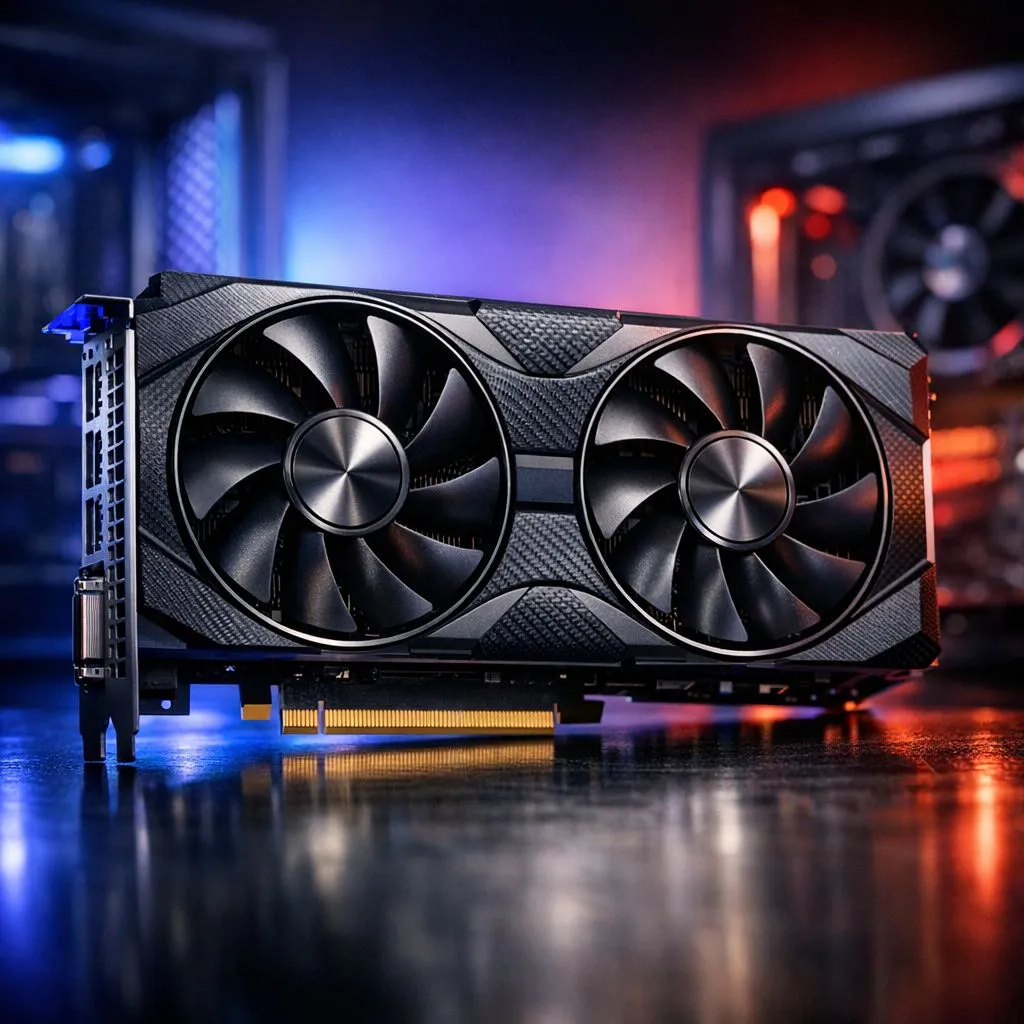
Dropping a high-end GPU into your rig is a massive thrill. But when that card pulls 300W or more, your chassis can quickly turn into a furnace. In South Africa, where summer temperatures often soar, managing your 300W graphics card airflow is the difference between peak performance and thermal throttling. Let's look at how to keep your hardware frosty and fast during those intense gaming sessions.
The Foundation of GPU Cooling
High-wattage cards like the latest GeForce Graphics Cards demand more than just a big heatsink. They require a constant supply of fresh, cool air to maintain their boost clocks. If your case lacks proper intake, the fans on your GPU will simply recirculate hot air... leading to higher temperatures and lower performance.
Investing thousands of ZAR into flagship graphics cards only to have them throttle is a heartbreak every gamer wants to avoid. It starts with understanding how air moves through your specific chassis.
Intake and Exhaust Balance
For a card with a high TDP, a neutral or slightly positive pressure setup is usually best. This means having more air coming in through filtered intakes than going out through the exhaust. It prevents dust from being sucked in through every small gap in the case.
If you are running power-hungry Radeon Graphics Cards, ensure your front intake fans are not obstructed by hard drive cages or thick radiator fins. You want a clear path for that air to reach the GPU shroud.
Cable Management Matters ⚡
Don't let a "spaghetti" of power cables block your fans. Use zip ties or Velcro straps to tuck away excess PSU leads behind the motherboard tray. A clear path from the front intake fans to your GPU can drop temperatures by as much as 5 degrees Celsius under heavy load.
Brand Specific Cooling Solutions
Top-tier manufacturers like MSI have spent years perfecting fan blade designs and fin stacks to dissipate heat. Their high-end models often feature triple-fan arrays that require significant space. When installing these larger cards, always check for "GPU sag." A sagging card can sometimes slightly pull away from the PCIe slot or disrupt the intended airflow path of bottom-mounted intake fans.
Positioning and Clearance Tips
Vertical mounting looks incredible, but be careful... if the card is too close to the side glass, it will starve for air. Traditional horizontal mounting usually provides better 300W graphics card airflow because it allows for more space between the fans and the side panel.
Always check that your case has enough clearance for these triple-slot monsters, especially if you have a front-mounted liquid cooler. Ensuring there is at least a few centimetres of breathing room between the GPU and the PSU shroud will help the fans pull air more effectively. By following these simple steps, you can ensure your 300W graphics card airflow remains optimal, keeping your frame rates high and your system quiet. 🔧
Ready to Find Your Perfect Match? The quest for the ultimate gaming rig is complex, but for maximum power, choice, and cooling performance in South Africa, our range is hard to beat. Explore our massive range of graphics cards and find the perfect hardware to conquer your world.











