

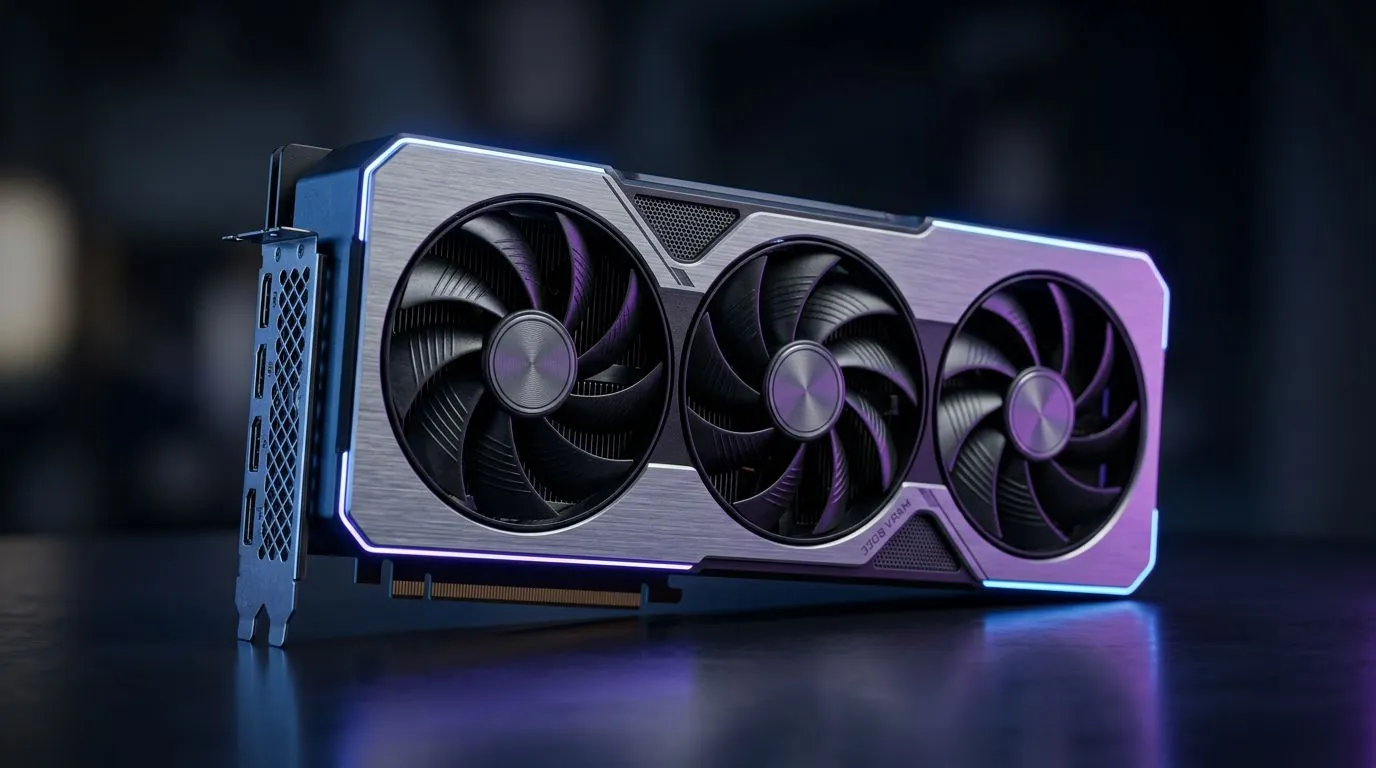
32GB VRAM Streaming PC: Why Memory Bus Matters for SA Creators
If you stream on Twitch, YouTube, or Facebook Gaming from South Africa, you already know the pain… stutters during a stream takeover, texture pop-in, and that “why is OBS struggling?” feeling. The good news? A 32GB VRAM Streaming PC: Why Memory Bus Matters for SA Creators can be built to handle heavy scenes more smoothly, especially for creators who game and edit at the same time.
But here’s the part many buyers miss: VRAM capacity is only half the story. The memory bus (the bandwidth path between the GPU and VRAM) often decides whether your big VRAM actually gets fed fast enough. 🔧
In this Build Lab guide, we’ll break down what “memory bus matters” really means, how it shows up in real streaming workloads, and what to ask for when you’re shopping Evetech.
32GB VRAM Streaming PC: What “Memory Bus” Actually Does
Think of VRAM like a big storage room for textures, frame buffers, and streaming assets. The memory bus is the set of roads that move data between the GPU cores and that storage.
When the roads are wider (higher effective bandwidth), the GPU can:
- pull textures faster when new areas load
- keep higher detail levels without hitching
- avoid “waiting” for assets mid-frame (which you feel as stutter)
That’s why a 32GB VRAM card can still perform “meh” in some scenarios. If the platform’s bandwidth is limited, the GPU may not get the data quickly enough to keep your stream stable. ⚡
Official spec examples worth comparing include:
- Nvidia’s GeForce product specs are published per model (memory size and interface are listed) via the manufacturer’s pages.
- AMD’s Radeon specs are similarly listed on AMD’s product pages.
For exact GPU options available locally, start by browsing Evetech’s GPU categories and then match the card to your workload. You can also filter down by brand and model.
32GB VRAM Streaming PC: A Real SA Creator Workload Breakdown
Let’s make this practical. A typical “creator + gamer” morning might look like:
- Game: high settings, heavy shaders
- OBS: 1080p60 or 1440p60 capture, overlays, browser sources
- Browser: chat, Stream Alerts, Spotify, or a browser window with a dashboard
- Post-processing: noise reduction, sharpening, or simple LUTs
Why memory bus matters here:
- OBS capture and encoding rely on consistent frame delivery.
- Browser sources and overlays can spike GPU usage.
- Scenes with lots of textures (open-world games, cities, or detailed character skins) stress memory reads.
If you’ve ever lowered settings to stop stutter… you’ve already experienced bandwidth limits. More VRAM helps, but memory bus helps you use that VRAM smoothly.
32GB VRAM Streaming PC: Where 32GB Actually Helps
32GB VRAM becomes more useful when you:
- run high texture packs (or mods) that push VRAM usage
- use AI upscaling or video workflows that keep assets resident
- work with GPU-accelerated editing (plugins and timelines)
- stream at higher resolutions with complex scenes
For many competitive gamers who only care about low-latency frames, “bigger” isn’t always “better.” For content creators juggling game + toolchain, it often is… when paired with adequate bandwidth. 🚀
Creator Productivity Pro Tip 🔧
On Windows, keep your GPU drivers updated but also plan your stream rehearsals. Before going live, load your heaviest scene once, then wait 5 minutes and check your GPU utilisation and VRAM usage in Task Manager. If usage climbs while FPS drops, you’re likely bandwidth-limited or hitting a cache texture churn. Adjust settings (textures first) and only then publish your final scene layout.
32GB VRAM Streaming PC: Choosing the Right GPU Options at Evetech
If you’re specifically looking at 32GB-class solutions, the safest approach is to compare cards by both VRAM size and the memory interface/bandwidth in the manufacturer specs.
When you start shopping, use the brand filters to narrow down the cards that fit your preferences:
- MSI options can be a good starting point if you prefer a consistent cooler and BIOS approach: MSI graphics cards at Evetech
- If you’re considering Radeon cards, browse the Radeon selection and compare model specs: Radeon graphics cards at Evetech
- For the full mix of available cards (best for direct side-by-side comparison), use the general GPU page: graphics cards at Evetech
- Prefer GeForce? Start here and then check the memory interface details for the models you like: GeForce graphics cards at Evetech
32GB VRAM Streaming PC: Don’t Ignore the “System Side”
Even the best GPU can’t fix weak links elsewhere. Bandwidth isn’t only “GPU to VRAM”…
- A slow CPU can starve the GPU of draw calls.
- Low system memory capacity can trigger paging and hitching.
- A low-quality storage drive can slow asset streaming.
So yes, memory bus matters. But the best “streaming PC” feels smooth because the whole build is balanced. ✨
32GB VRAM Streaming PC: Quick Checklist Before You Buy
Here’s a simple checklist you can use when you’re evaluating a 32GB VRAM Streaming PC: Why Memory Bus Matters for SA Creators build:
- Compare VRAM and memory interface (or bandwidth) on the exact model.
- Match your stream resolution and FPS to your capture method (1080p60 vs 1440p60 changes the GPU load).
- Plan for overlays and browser sources that keep running during gameplay.
- Rehearse your heaviest scene before going live for the first time.
- Budget in ZAR for stability: power supply, cooling, and storage matter for long sessions.
Ready to stop guessing and get a build that fits your stream workflow? Let’s match you with the right GPU and the right parts for your budget.
Ready to Find Your Perfect Match? The Mac vs Windows debate is complex, but for maximum power, choice, and value in South Africa, Windows is hard to beat. Explore our massive range of laptop specials and find the perfect machine to conquer your world.











