

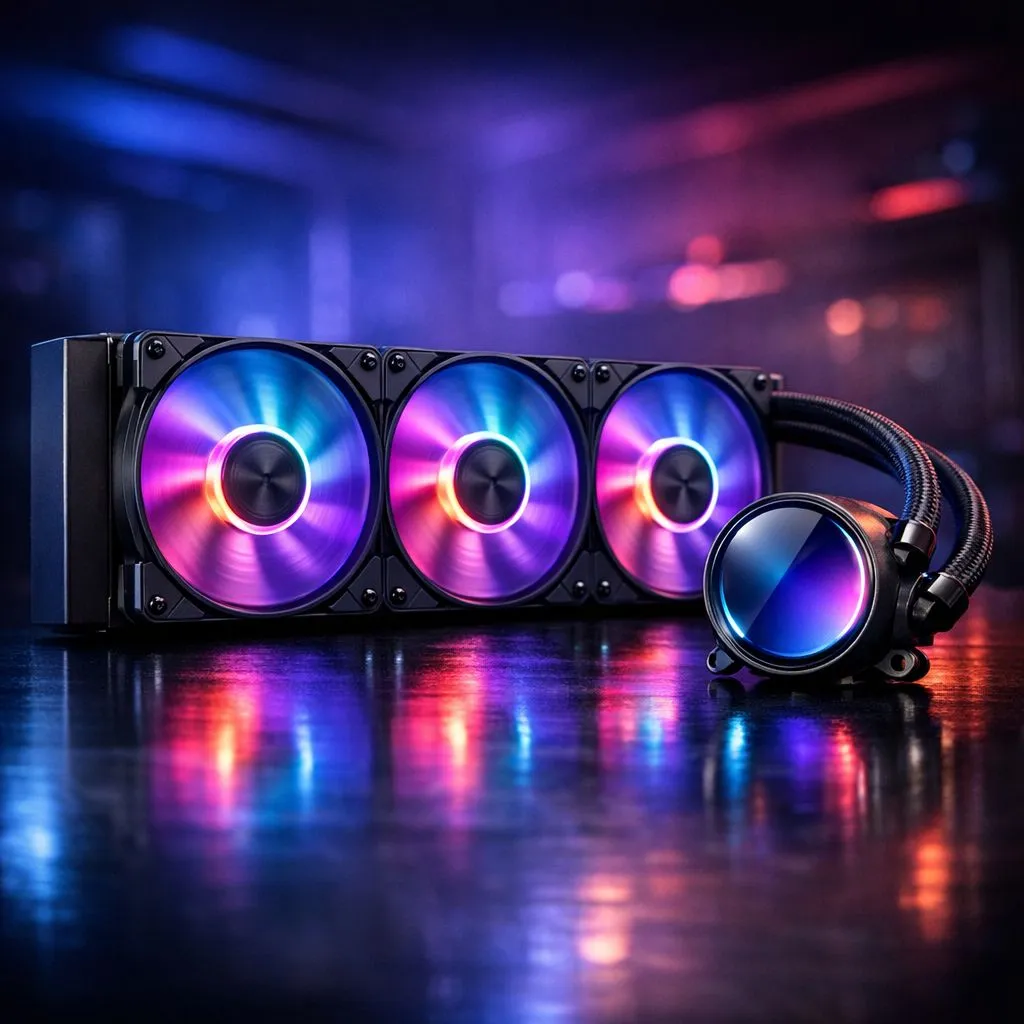
Preparing for your 360mm AIO Liquid Cooler Installation
Tired of your CPU hitting 90°C during a heavy session of Warzone? Fitting a massive radiator might seem daunting... but it is the best way to keep your rig silent and icy. Whether you are building from scratch or upgrading... this 360mm AIO liquid cooler installation guide will walk you through every step to ensure your PC stays cool under pressure. 🔧
Before you start, ensure your chassis supports the length. Not every mid-tower case can accommodate a 360mm Radiator. If space is too tight... you might need to opt for a 240mm Radiator instead. Clear your workspace and gather your screwdrivers.
Step 1: Mounting the Fans and Radiator
Decide on your airflow direction first. Most South African gamers prefer an exhaust setup at the top of the case. This helps heat escape naturally. Attach the fans to the radiator before placing it inside the chassis. High-performance Deepcool units often come with pre-installed fans to save you time.
Secure the radiator using the provided long screws. Do not over-tighten them... as you could damage the delicate fins. If you prefer premium aesthetics... CORSAIR models offer incredible RGB integration that looks stunning through tempered glass. ⚡
Thermal Paste Pro Tip ⚡
Always check the bottom of your pump block before mounting. Many modern coolers come with pre-applied thermal paste. If yours does not... apply a pea-sized amount to the centre of the CPU. Too much paste creates a mess... while too little leads to poor heat transfer.
Step 2: Seating the Pump Block
This is the most critical part of your 360mm AIO liquid cooler installation. Remove the plastic protective film from the copper base. Place the pump over the CPU mounting brackets. Tighten the thumb screws in a cross pattern... top-left, bottom-right, top-right, bottom-left. This ensures even pressure across the processor.
Investing several thousand ZAR into a flagship i9 or Ryzen 9 requires serious thermal management. Browsing the full range of CPU coolers will show you why liquid is the preferred choice for enthusiasts. A high-quality Liquid Cooler (AIO) provides the thermal headroom needed for overclocking. 🚀
Step 3: Final Wiring and Testing
Connect the pump cable to the 'AIO_PUMP' or 'CPU_FAN' header on your motherboard. If your cooler has RGB... plug those headers into the controller or motherboard. Double-check that no cables are touching the fan blades.
Boot your PC and enter the BIOS immediately. Watch the CPU temperature for a few minutes. If the temp climbs rapidly... the pump might not be powered or the block isn't seated correctly. Once stable... enjoy the silence and the lower temperatures. ✨
Ready to Chill Your Build? A 360mm AIO is the ultimate upgrade for any high-end gaming rig in South Africa. Explore our massive range of liquid cooler specials and find the perfect cooling solution to keep your performance at its peak.











