

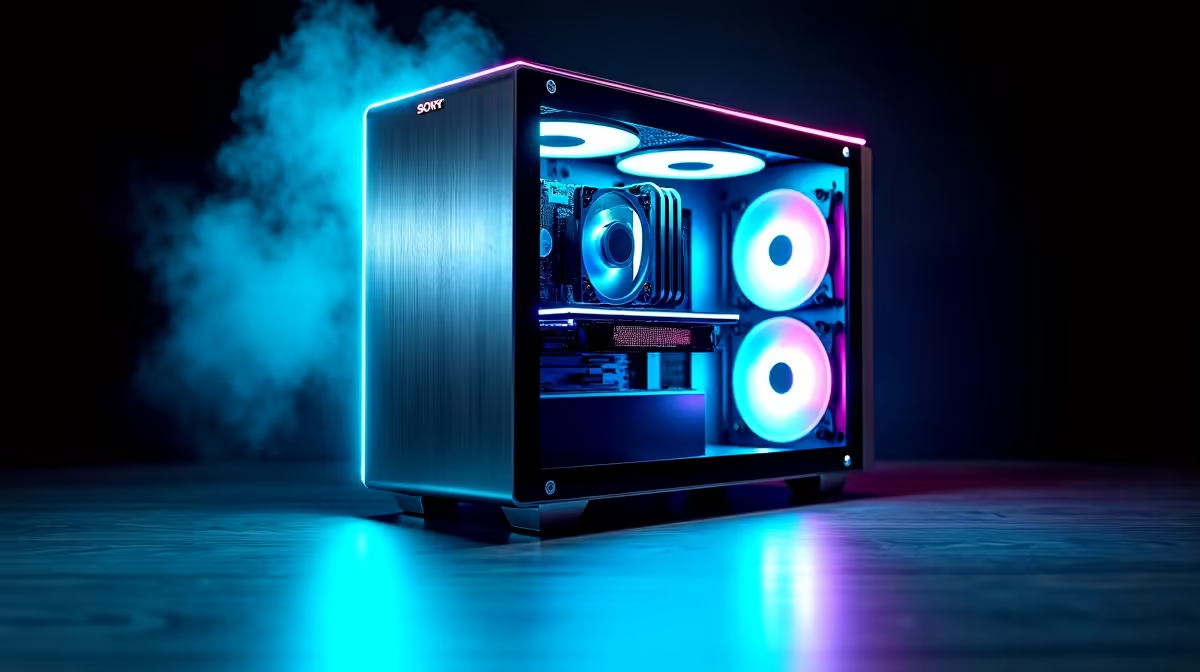
Creating high-quality 3D models does not require a Hollywood budget. If you are a South African creator looking to conquer Blender or Cinema4D, you might think top-tier hardware is out of reach. Think again. Assembling a capable 3D rendering PC build under R15,000 in SA 2025 is completely possible. Let us explore how to stretch your ZAR for maximum creative performance without breaking the bank.
Prioritising Your Processor and Memory 🧠
When rendering complex scenes, your CPU does a lot of the heavy lifting. You want a processor with multiple cores and threads to handle intricate geometry. The AMD Ryzen 5 or Intel Core i5 series offer incredible value for money right now. Pair your chosen processor with at least 16GB of fast RAM. If you can squeeze 32GB into your budget, your software will run much smoother during heavy multitasking.
If building a rig from scratch feels a bit daunting, you can always explore affordable pre-built PC deals. These systems already balance the core components perfectly... saving you valuable time and stress.
The Graphics Card Advantage ⚡
Modern 3D software relies heavily on your graphics processing unit. A strong GPU drastically reduces your final export times. Nvidia cards are highly recommended for creators because of their exclusive CUDA and OptiX technologies. These features accelerate lighting calculations in software like Blender.
The GPU is often the most expensive part of your build. However... investing here pays off immediately. It allows for real-time viewport rendering, meaning you can see changes to your textures instantly. When hunting for individual components, keeping an eye out to buy dedicated graphics cards on promotion is a brilliant move. An RTX 3060 or an RTX 4060 offers excellent rendering performance while keeping you safely within that strict R15,000 limit.
Storage and Reliable Power Solutions
Do not compromise on your storage speed. A fast NVMe SSD is essential for loading heavy textures and optimising massive project files quickly. Combine a 500GB SSD for your operating system with a larger traditional HDD for archiving your older 3D assets.
To power these components safely, a reliable 550W or 650W power supply is absolutely crucial. You can often find excellent combo deals on our daily tech specials to help you save those precious Rands. If you want a system that doubles as an entertainment hub after work, browsing the best gaming PC deals can yield machines that handle both heavy rendering and modern games flawlessly.
Portability vs Desktop Power 🚀
Sometimes you need to render projects on the go. While desktop computers offer the absolute best performance per Rand, mobile hardware has improved massively in recent years. If you travel frequently between studios or a university campus, looking at powerful notebooks for sale might be a better fit for your lifestyle.
Just remember that a desktop will always offer better cooling for those long overnight renders. Thermal throttling can slow down your export times significantly... so having a well-ventilated PC case with good airflow is a massive advantage for any 3D artist.
Rendering Pro Tip 🔧
To save time during test renders in Blender, always use the Render Region tool. Press Ctrl+B to restrict the viewport rendering to a small box. This allows you to check colours, materials, and lighting instantly... without rendering the entire scene.
Ready to Build Your Dream Studio? Crafting your perfect 3D rendering PC build under R15,000 in SA 2025 is just a few clicks away. Whether you need raw desktop power or a mobile workstation, Evetech has you covered. Explore our massive range of PC components and start bringing your creative visions to life today.











