

The Visual and Technical Demand of a 4K Monitor Setup
Upgrading to a 4K monitor setup is a massive win for your creative workflow, but the sheer volume of pixels can choke your data transfer speeds if you aren't careful. Whether you are editing high-bitrate video in Cape Town or rendering complex 3D models in Joburg, your station needs more than just a vibrant screen... it needs a high-speed data backbone to keep your creative momentum flowing without interruption.
Why Speed Matters When You Optimize Your Creative Station for High-Speed Data
When you push four times the resolution of standard HD, your hardware has to work significantly harder. It isn't just about the refresh rate of your display; it is about how quickly your system can pull assets from external drives while simultaneously outputting a crystal-clear signal. To truly optimize your creative station for high-speed data, you need to look at the total bandwidth of your workspace. If your peripherals are fighting for a single USB lane, you will notice lag in your input devices or dropped frames in your playback.
To solve this, many professionals browse our full range of docking stations to find a hub that can handle the heavy lifting of modern creative software.
Choosing the Right Hub for Your Workflow
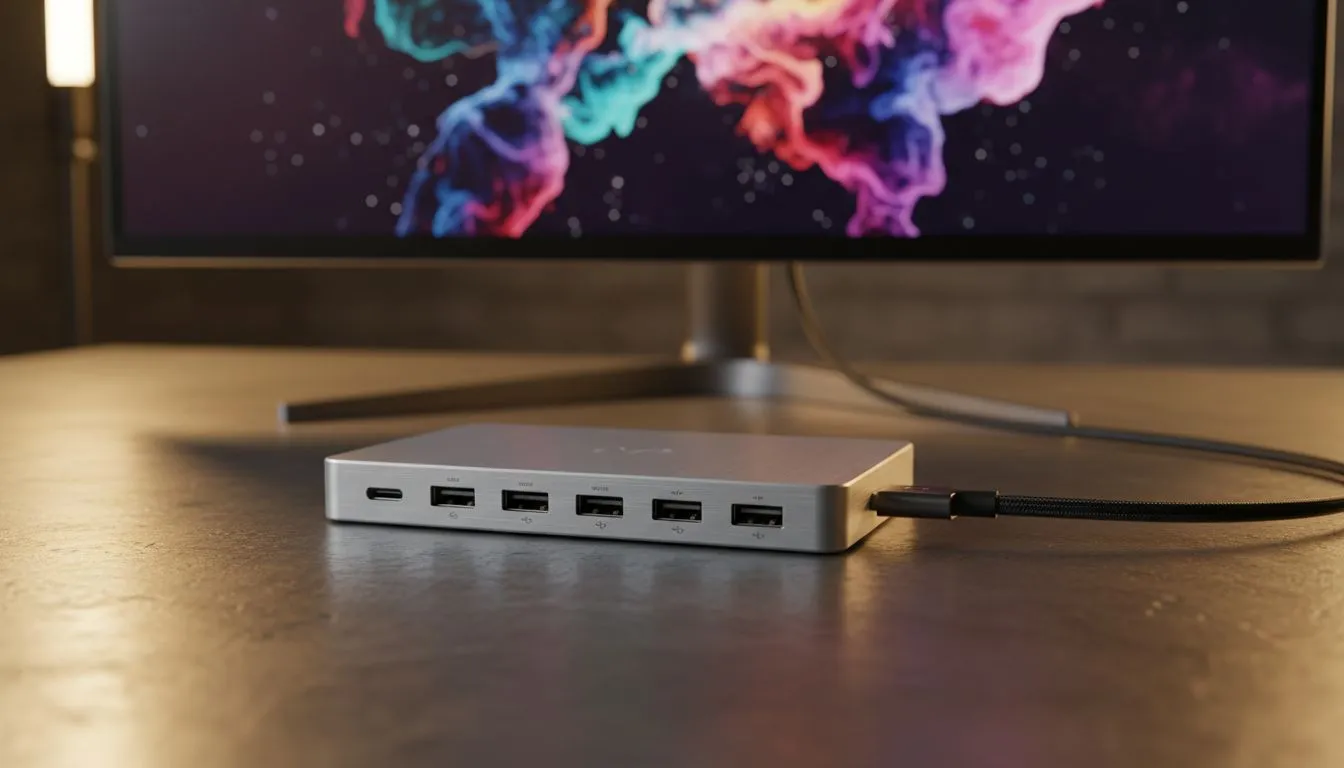
A docking station acts as the central nervous system for your 4K monitor setup. It allows you to connect multiple high-speed devices... like NVMe external enclosures or SD card readers... through a single, high-bandwidth cable. If you are looking for a balance between premium performance and cost, you can find high-quality docking stations under R2000 that offer the throughput necessary for 4K video editing and large file transfers. ⚡
Reliability is key when you are on a deadline. Many South African designers and editors prefer reputable brands known for thermal efficiency and port variety. You can check out Promate docking stations for robust build quality that ensures your data connection remains stable during long rendering sessions. 🚀
Streamlining Your Desk Without Overspending
You don't always need to spend a fortune to get your cables under control. Even on a budget, you can improve your desk ergonomics and connectivity. For those starting their professional journey, there are several entry-level docking solutions under R1000 that provide the essential ports required to keep your workspace tidy and functional. ✨
Productivity Pro Tip ⚡
On Windows, use the PowerToys FancyZones utility to create custom snap layouts for your windows. It's a lifesaver for managing multiple apps on a 4K monitor, letting you organise your timeline, preview window, and asset folders perfectly for video editing or graphic design.
Final Touches for a High-Performance Station
Once your data is flowing correctly, focus on the environment. Ensure your lighting is consistent to avoid glare on your 4K panel and keep your workspace ventilated. High-speed data hubs can generate heat when under full load... especially when driving a 4K display... so keeping your station cool is vital for long-term hardware health. 🔧
Ready to Find Your Perfect Match? A 4K monitor setup is only as good as the data flowing into it. For maximum power, choice, and value in South Africa, Evetech has the connectivity solutions you need. Explore our massive range of docking station deals and find the perfect hub to supercharge your creative workflow.











